Microsoft 365 at Currys

Discover the Microsoft range

Discover the Microsoft range

Microsoft 365

Microsoft 365
Imagine. Create.
Accomplish.
With Copilot in Microsoft 365
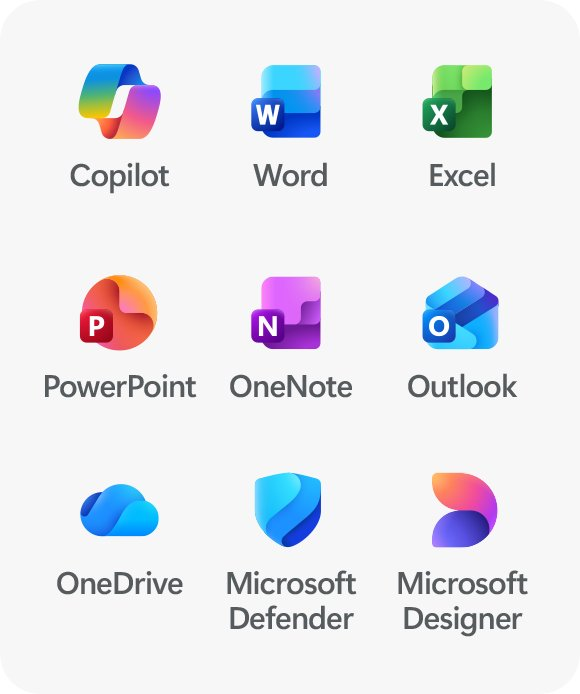
Microsoft 365 apps
Achieve new personal bests all in one plan. Get powerful apps, seamless cloud storage, advanced security and innovative AI 1 with Microsoft 365.
Powerful productivity apps and creativity tools
Microsoft 365 has everything you need to help you achieve your unique goals.
Be more productive
No matter where the day takes you, seamlessly stay on track with powerful productivity apps and Copilot 1 in Microsoft 365. Easily draft documents and emails, 4 rewrite sentences, summarise long email threads, analyse data, and more.
No matter where the day takes
you, seamlessly stay on track with powerful productivity apps and Copilot 1 in Microsoft 365. Easily draft documents and emails, 4 rewrite sentences, summarise long email threads, analyse data,
and more.
Rewrite and shorten this sentence
Design and edit with AI
Create, design and edit where and when you need it with Microsoft Designer and the power of generative AI. 1 Make eye-catching images using only your words, craft next-level designs that pop, and even edit photos like an expert.
Microsoft 365 works across your devices
Whether you're at your desk, on the go, or working from home, Microsoft 365 ensures your documents, emails and apps are always up-to-date and accessible across all your devices. Stay connected and efficient, no matter where you are.
Boost your peace of mind
Turn prompts into possibilities with Copilot 1 in Microsoft 365
Turn prompts into possibilities with Copilot 1
in Microsoft 365
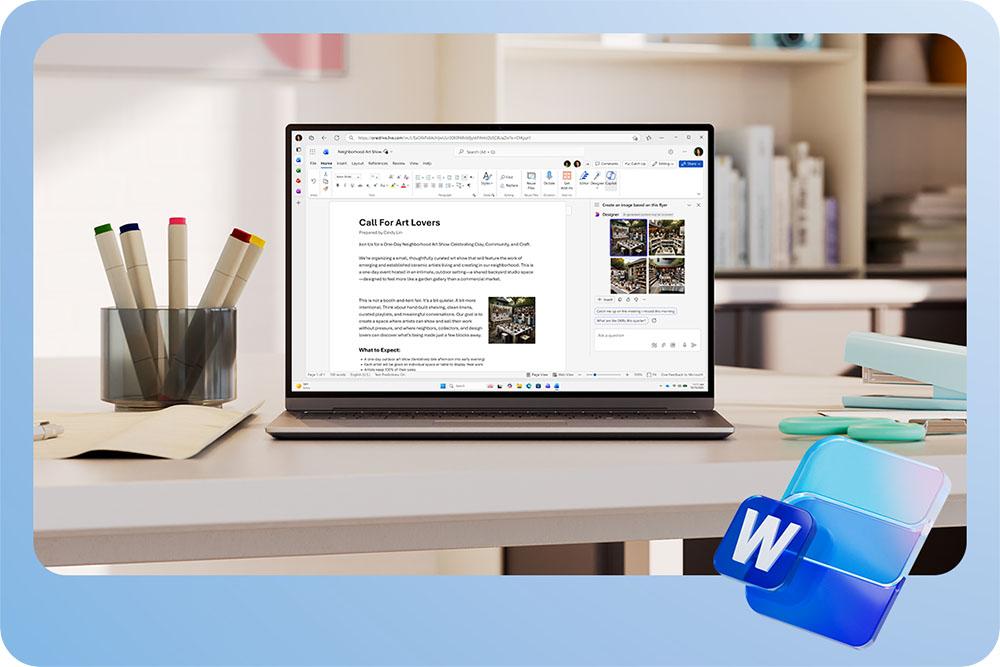
Microsoft Word Microsoft Word
Faster outlines. Stronger edits.
Faster outlines.
Stronger edits.
Use Copilot directly in your Word app to help overcome writer's block and share your thoughts and ideas with confidence.
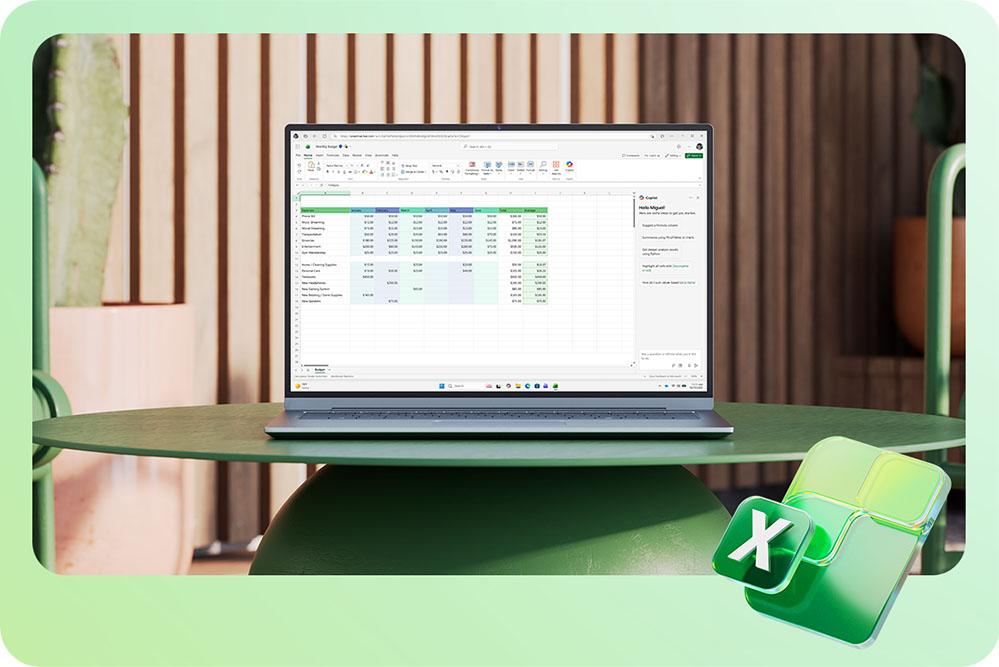
Microsoft Excell Microsoft Excell
Spreadsheets, simplified
Copilot 2 recommends formulas, creates charts and helps you see the story in your data.
Microsoft Power Point Microsoft Power Point
From ideas to slides in a snap
With a simple prompt, Copilot in PowerPoint can create slides, generate visuals and even add speaker notes.
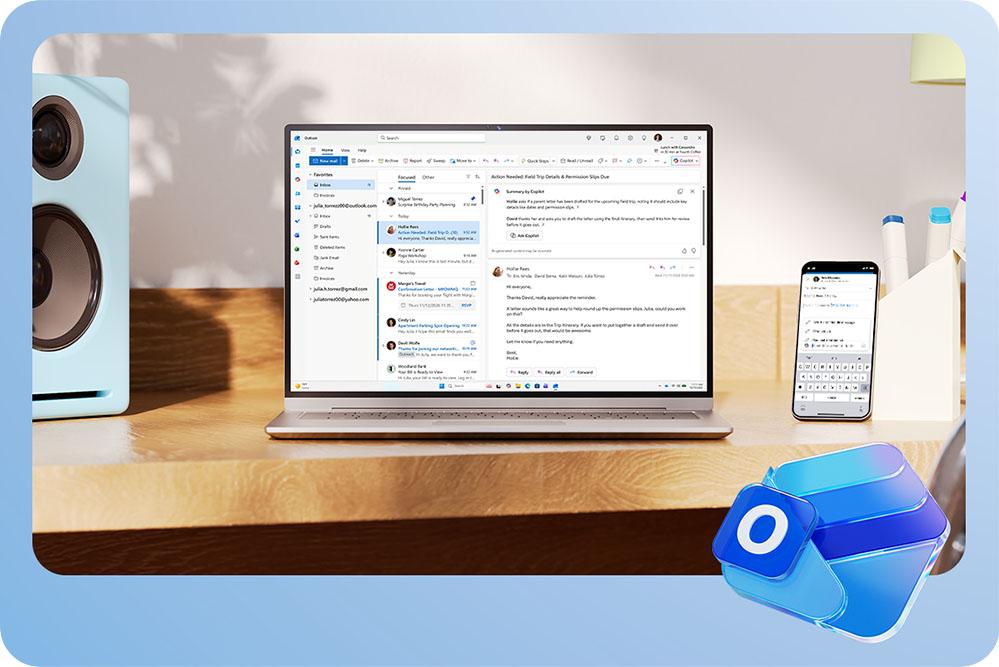
Microsoft Outlook Microsoft Outlook
Breeze through your inbox
Breeze through
your inbox
Use Copilot to summarise long email chains 4 and help you draft and rewrite emails.
Use Copilot to summarise long email chains 4 and help you draft and
rewrite emails.
Power your self-expression
Power your
self-expression
Stay safer online—Trusted security for your phones, tablets, computers, and personal information 3
Stay safer online—Trusted security for your phones, tablets, computers,
and personal information 3
Protect what's important
Keep photos, documents, email, 4 personal data and devices 3 more secure with easy-to-use security apps and trusted features in Microsoft 365.
Choose the right plan for you
Choose the right
plan for you
microsoft apps
Get powerful apps, innovative AI, 1 digital security and spacious cloud storage—all in one plan with Microsoft 365.
family plan
Shop now A subscription for one to six people to share on up to 5 devices each
personal plan
Shop now A subscription for one person to use on up to 5 devices simultaneously
create with confidence
Create with confidence
Easily create content and stay organized with classic desktop apps in Office 2024.
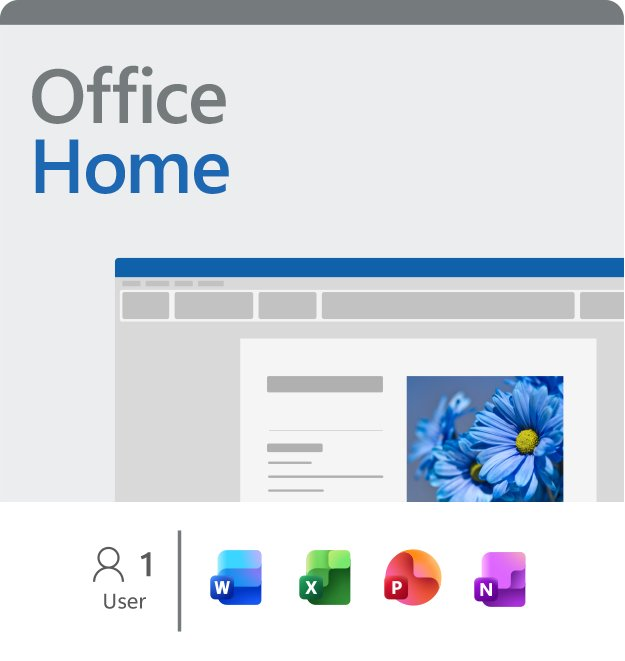
office home
Shop now One-time purchase for PC or Mac
office home and business
Shop now One-time purchase for PC or Mac
Screens simulated. Features and app availability may vary by region.
[1] AI usage limits apply. Learn more.
App availability varies by device/language. Features vary by platform. Minimum age limits may apply to use of AI features. Details.
[2] Copilot in Excel requires AutoSave to be enabled, meaning the file must be saved to OneDrive; it doesn't function with unsaved files.
[3] Microsoft 365 Personal, Family, or Premium subscription required.
[4] Copilot features in Outlook apply to accounts with @outlook.com, @hotmail.com, @live.com, or @msn.com email addresses.

Screens simulated. Features and app availability may vary by region.

[1] AI usage limits apply. Learn more.

App availability varies by device/language. Features vary by platform. Minimum age limits may apply to use of AI features.
Details.

[2] Copilot in Excel requires AutoSave to be enabled, meaning the file must be saved to OneDrive; it doesn't function with
unsaved files.

[3] Microsoft 365 Personal, Family, or Premium subscription required.

[4] Copilot features in Outlook apply
to accounts with @outlook.com, @hotmail.com, @live.com, or @msn.com email addresses.
undefined