

Looking for the SIM card number on your Android phone? You’ll need this number for lots of reasons. Whether you’re activating a new SIM card or contacting your mobile network for support, having your SIM card number to hand will save you lots of time and hassle.
It’s not obvious where to look for your SIM card number. If you don’t know, you don’t know. So let us guide you through the simple steps to find those magic numbers!
What is a SIM card number?
A SIM card number, also known as ICCID (Integrated Circuit Card Identifier), is a unique identification number assigned to every SIM card. It's like a fingerprint for your SIM card, letting networks identify and authenticate it on their systems.
Why do you need to know your SIM card number?
Knowing your SIM card number is essential for doing lots of things. For one, you’ll need it for activating your SIM card and setting up your mobile device on a network. You might also need it when you’re troubleshooting issues with your mobile network, or transferring your number to a new SIM card.
SIM card jargon buster
Are you up-to-speed on mobile terms. If not, here’s a simple glossary to help make sense of it all…
ICCID (Integrated Circuit Card Identifier)
A unique number assigned to every SIM card. It identifies the card internationally and includes information about the country, network, and issuer.
IMEI (International Mobile Equipment Identity)
A unique number used to identify a mobile device, not the SIM card. It’s useful for tracking or blocking a lost or stolen phone.
eSIM (Embedded SIM)
A digital SIM built into your device. It performs the same function as a physical SIM but doesn’t require a physical card. You can activate it remotely via your network provider.
SIM tray
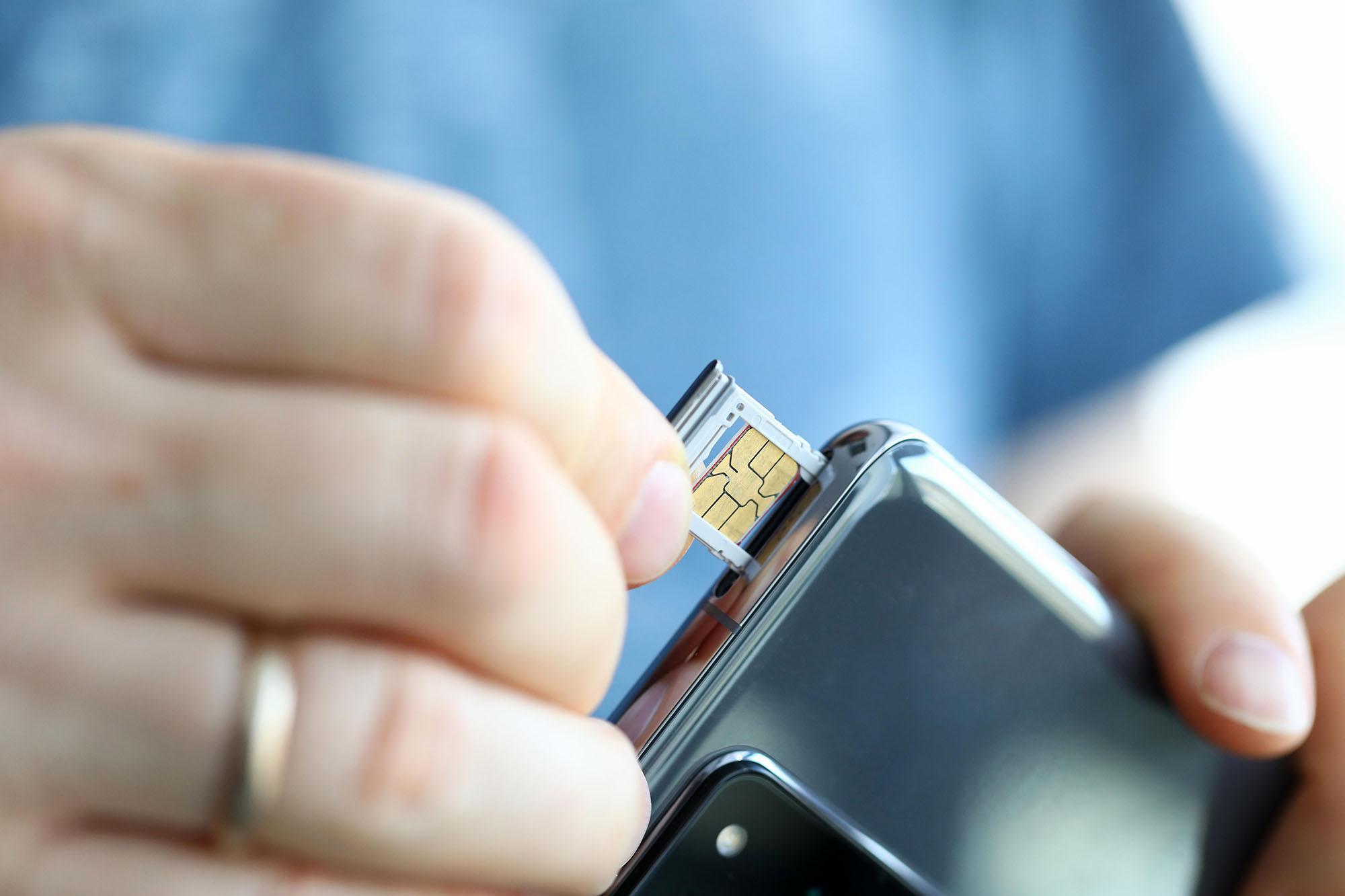
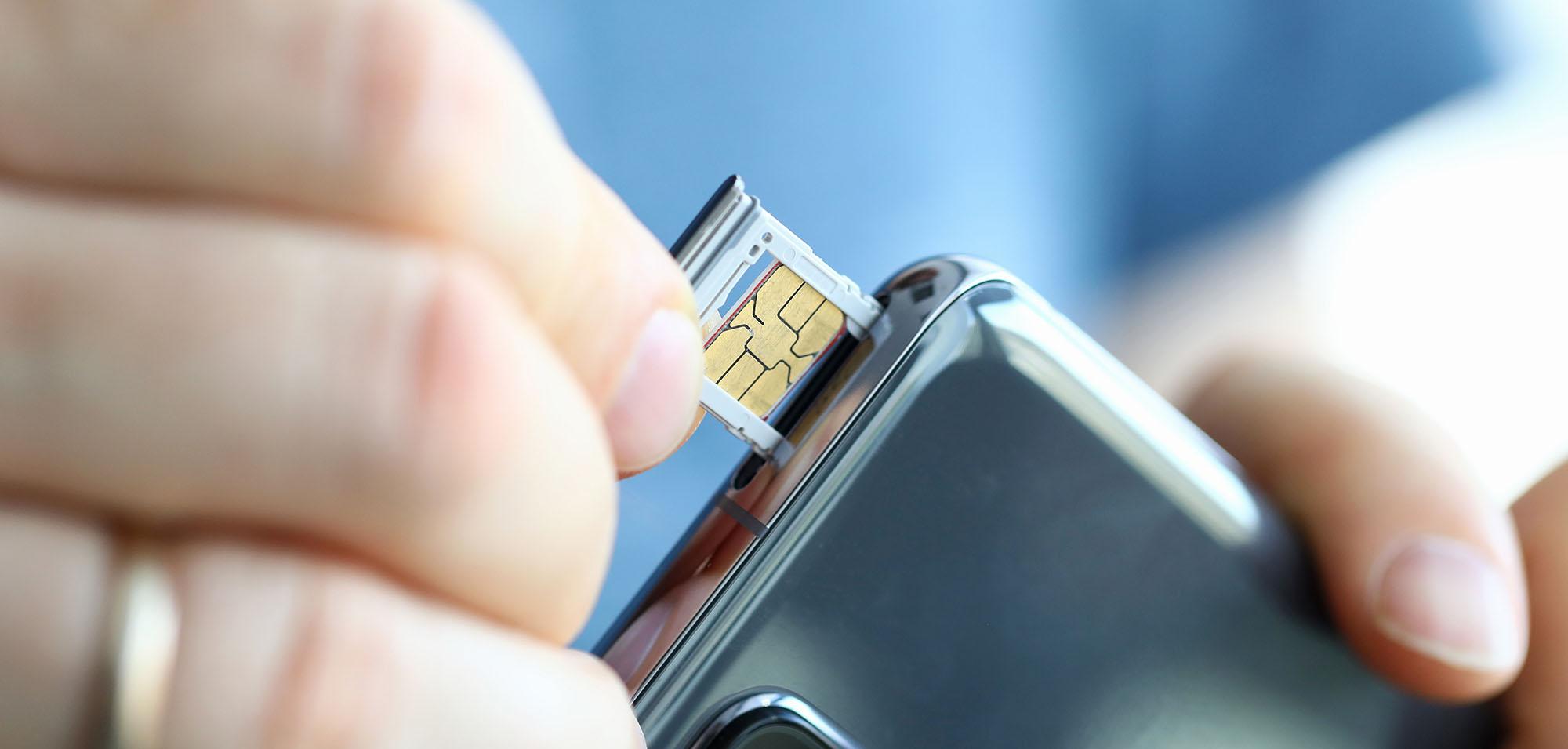
The small slot or drawer in your phone where the physical SIM card is inserted. It’s usually accessed using a SIM ejector tool or a paperclip.
SIM status
A section in your phone’s settings that shows information about your SIM card, such as the network name, signal strength, and ICCID.
SIM card number
Another name for the ICCID. It’s the long number printed on the SIM card and used for network identification.

How to find your SIM card number
There are a few different ways of finding out your SIM card number, from locating it on the SIM card itself to diving into your Android phone settings. Let’s run through the most common methods:
Find your SIM number on the card
To find your SIM card number, simply remove the SIM card from your device. The number is typically printed on the SIM card itself, usually on one of its sides. It's a long string of numbers in tiny writing, so make sure you have good lighting - maybe even a magnifying glass.
Find your SIM number in settings
Go to your Android phone's settings menu, then select ‘About phone’ or ‘About device’. From there, choose ‘Status’ or ‘Phone status’, and you should see an option for ‘SIM status’ or ‘SIM card status’. Your SIM card number will be listed there, and you can simply copy it or write it down for reference.
Contact your mobile network
Still having issues finding your SIM card number? Then your best option might be to contact your mobile network directly. They should quickly be able to find your number.
We’ve listed the contact details for some of the major UK networks below, to make it easy for you to get in touch and find your SIM card number.
EE: 150 from your network SIM or 0800 956 600.
iD Mobile: 7777 from your network SIM or 0333 003 7777.
O2: 202 from your network SIM or 0800 081 0255.
Talkmobile: 5888 from your network SIM or 0333 304 8064.
Three: 333 from your network SIM or 0333 338 1001.
Virgin Mobile: 150 from your network SIM or 0345 454 1111.
Vodafone: 191 from your network SIM or 0808 060 0802.
Tips for keeping your SIM card number safe
Now that you’ve got your SIM card number, you’ll need to keep it safe and secure. Here are some tips for doing just that.
Store it safely. Write down your SIM card number and keep it in a safe spot, like a purse, wallet or locked drawer.
Password manager. Use a trusted password manager for secure and encrypted storage of your SIM card number.
Digital storage. Secure note-taking apps or encrypted cloud storage are other good options for keeping your SIM card number super secure.
Updates and backups. Keeping your phone's software up-to-date, and regularly backing up data helps protect your SIM card number.
Two-factor authentication. Add an extra layer of security to your accounts with two-factor authentication, which asks you to provide two different types of verification to access your accounts.
FAQs

How can I find the number of an eSIM?
An eSIM is a new SIM card standard that does away with the need for physical, real-life SIM cards. It can’t be physically accessed or removed, but you can still easily find its number.
So, if you’ve got an eSIM on your Android, simply open your phone dialler, type in *#06# and it should appear. It’ll also be under ‘IMEI information’ somewhere in your phone’s settings.
What is an ICCID number?
ICCID is another name for the SIM card number. It stands for Integrated Circuit Card Identification Number and contains info about a SIM card’s country and network settings.
What should I do if my SIM card is lost or stolen?
If your SIM card is lost or damaged, contact your mobile network as soon as possible. They’ll be able to help you get a replacement, and they’ll usually deactivate the old SIM card and activate the new one with the same phone number. It’s also a good idea to report the loss or theft of your SIM card, to prevent any unauthorized use of your account.
Can I transfer data from one SIM card to another?
No, it's not possible to directly transfer data from one SIM card to another. However, you can manually transfer your contacts and other data from your old SIM card to your new one, or to the phone's internal memory or cloud storage.
What to do if SIM status doesn’t show the number
If your Android phone’s SIM status section doesn’t display the SIM card number (ICCID), try the following steps:
Restart your phone
A simple reboot can refresh your phone’s connection to the SIM card.Check physical placement
Remove and reinsert the SIM card to ensure it’s seated correctly in the tray.*Try the #06# code
Open your phone dialler and type*#06#. This often displays both the IMEI and ICCID numbers.Use a SIM reader app
Some apps on the Play Store can read SIM details more deeply than the default settings menu.Test the SIM in another device
Insert the SIM card into a different phone to see if the number appears there. If it does, the issue may be with your original device.Contact your mobile network
If all else fails, your network provider can confirm your SIM number and check for any issues.
How to check if your SIM is active or faulty
To check whether your SIM card is active or faulty:
Look for signal bars
If your phone shows signal bars and the network name, your SIM is likely active.Try making a call or sending a text
If you can make calls or send texts, your SIM is working.Check for error messages
Messages like “No SIM,” “SIM not provisioned,” or “Emergency calls only” may indicate a problem.Use SIM status in settings
Go to Settings > About Phone > SIM Status. Look for:Network: Should show your provider’s name.
Service state: Should say “In service.”
Signal strength: Should show a value (not zero or unknown).
Try the SIM in another phone
If it works in another device, your SIM is fine — the issue may be with your phone.Contact your network provider
They can check if your SIM is active, suspended, or needs replacing.
Need any more help?
For more help getting started with a new SIM on your mobile phone, here’s how to activate a new SIM card. If you’re thinking of going SIM only and want more information, check out our SIM only or pay monthly article to find out the benefits of each type of contract.