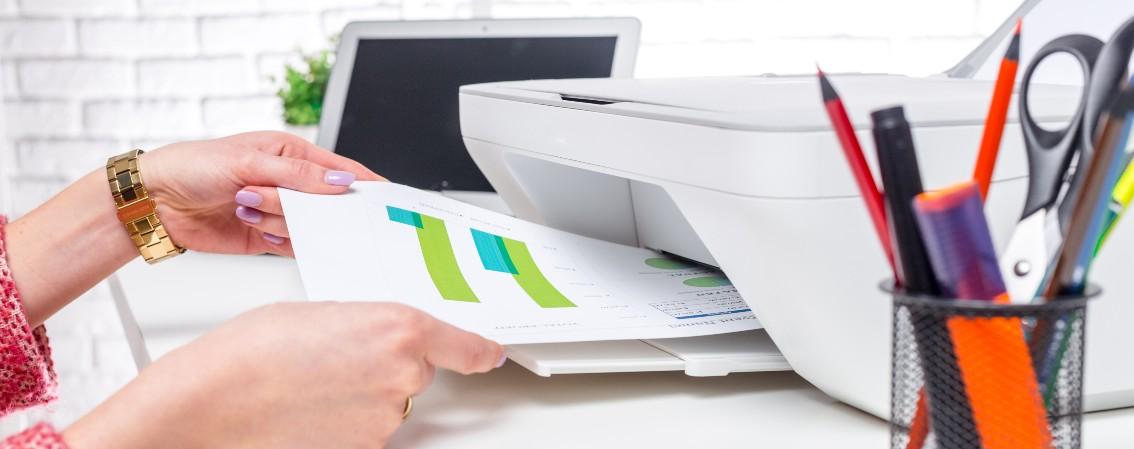


With more of us working from home, it's useful to have a printer within arm's reach for everything from important documents to the inevitable online shopping return label. In fact, 40% of remote workers prefer having a dedicated printer at home for things like contracts and tax documents.
But printers aren't just for work. From concert tickets to family photos, a home printer is a handy device for all sorts of everyday tasks. So we've rounded up the best home printers for every need and budget to help you find the one that’s right for you.

How to choose a printer for your home
Before you pick a printer, here's some key features to think about:
Printer type – Most home printers fall into three categories: inkjet, laser and photo printers.
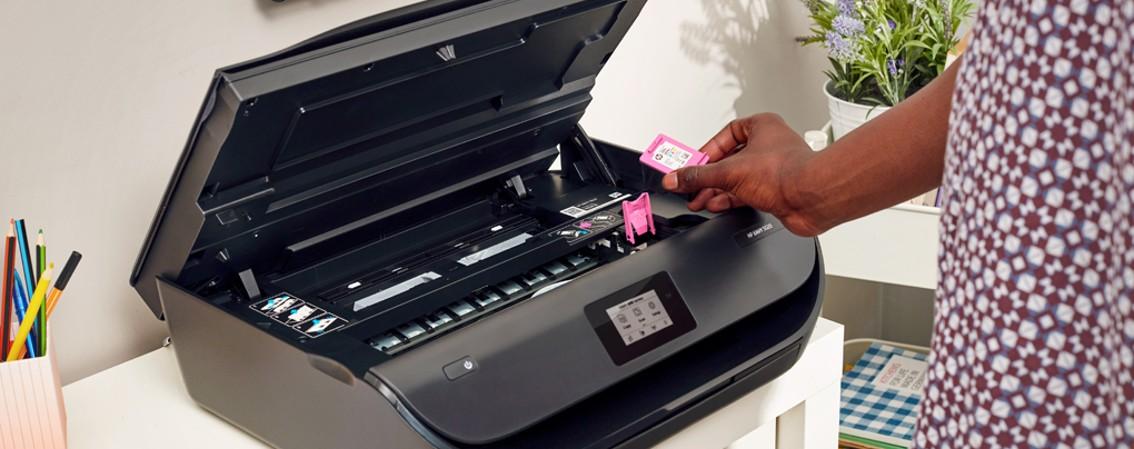
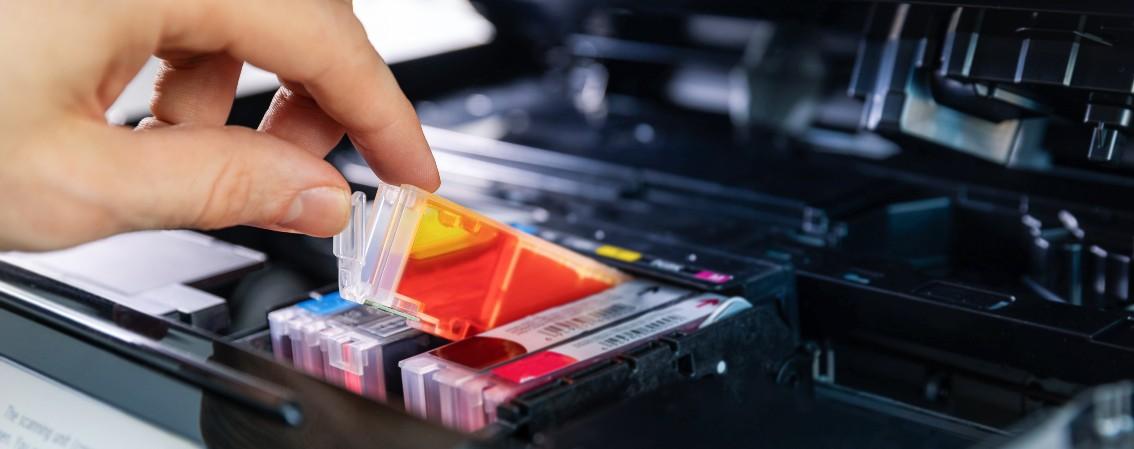
Inkjet printers are the most common type of home printer, using liquid ink cartridges to produce vibrant colours and detailed photo prints.
Laser printers use toner instead of ink and are designed for fast, efficient document printing.
Photo printers are designed specifically for high-quality photo prints.
Print frequency – If you print regularly, an ink tank printer can help keep running costs down, as it uses refillable ink bottles instead of traditional cartridges.
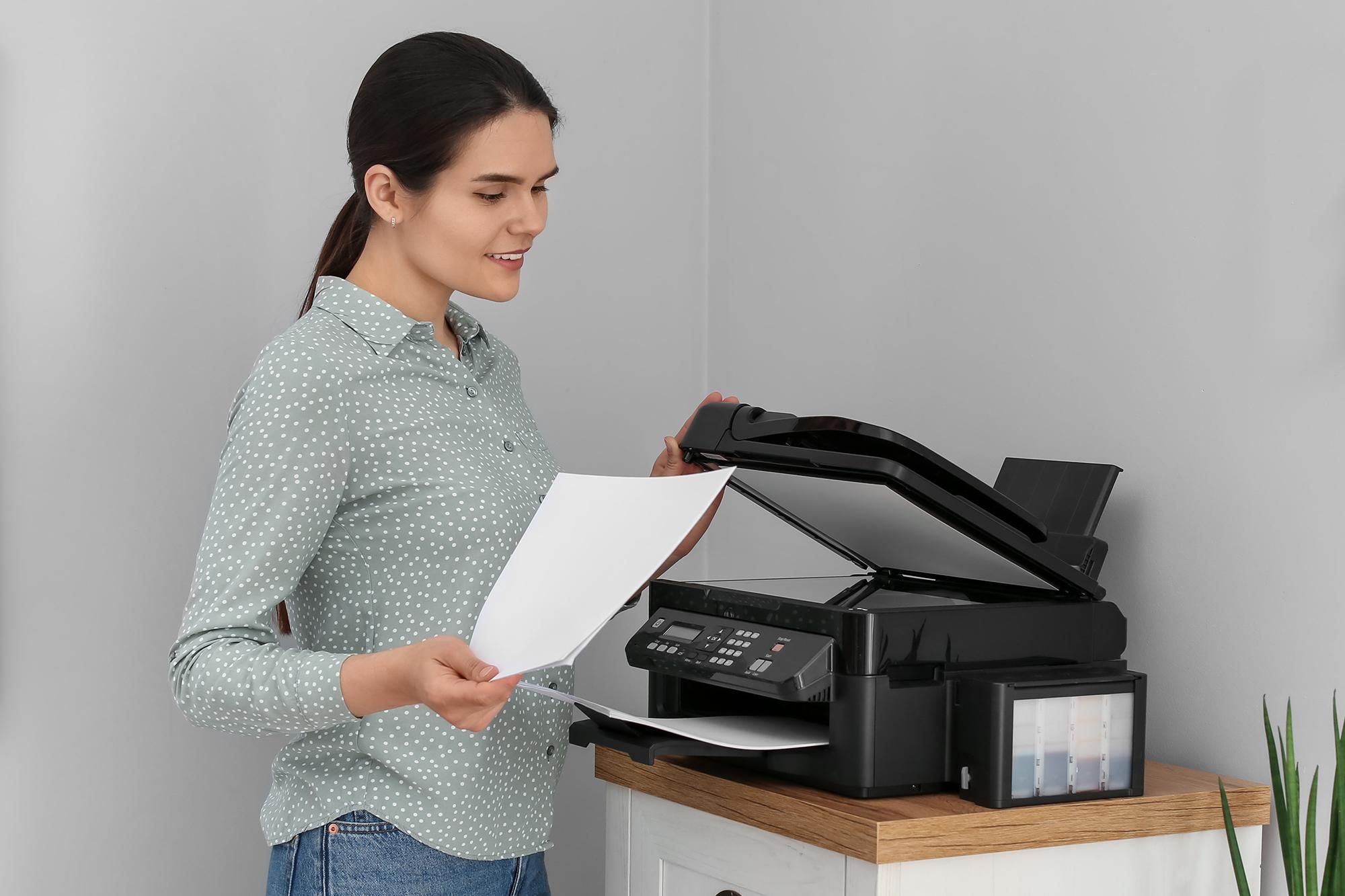
All-in-one features – Need to scan or copy documents as well as print? An all-in-one printer can do all three, making it really handy for students and remote workers.
Connectivity – Wi-Fi, Bluetooth and mobile app support let you print wirelessly from compatible devices, without the need for extra cables.
Paper capacity – Most home printers hold between 60 and 250 sheets. The larger the tray, the less often you'll need to refill paper.
Automatic document feeder (ADF) – An ADF automatically feeds pages into the scanner, so you can scan or copy multi-page documents without placing each sheet on the scanner one at a time.
Size – If you're short on space, check the printer's dimensions before you buy. Compact models are a great fit for smaller desks and student accommodation.
Budget – A cheaper printer isn't always the cheapest to run. Be sure to factor in the cost of replacement ink or toner, especially if you print a lot.
Not sure what you need? Check out our printer buying guide for more info.
Best home printers at a glance
Here’s how our top picks stack up.
| Best for | Model | Type | Top feature |
|---|---|---|---|
| Overall | HP Envy 6530e | All-in-one inkjet | Automatic double-sided printing |
| Laser printing | Brother EcoPro DCP-L2627DWE | Monochrome all-in-one laser | Prints up to 32 pages per minute |
| Budget buyers | Canon PIXMA TS3750i | All-in-one inkjet | Compatible with PIXMA Print Plan |
| Photos | Canon SELPHY CP1500 | Photo printer | Dye-sublimation printing technology |
| Home office | Epson EcoTank ET-4950 | All-in-one ink tank | Refillable EcoTank system |
| Compact spaces | HP DeskJet 2910 | All-in-one inkjet | 3-in-1 functionality |
Best home printer overall
Model: HP Envy 6530e all-in-one inkjet printer with fax
Top feature: Automatic double-sided printing.
The HP Envy 6530e is a great all-in-one printer for busy households. It can print, scan and copy, making it ideal for work and everyday admin. Built-in WiFi, Apple AirPrint and smartphone scanning via the HP app make it easy to get documents printed and shared when you’re away from your desk.
Automatic double-sided printing means you can leave it to print longer documents without flipping the pages yourself. And with print speeds of up to 17 pages per minute, it can handle bigger jobs when you're in a hurry.
Best laser printer for home
Model: Brother EcoPro DCP-L2627DWE monochrome all-in-one wireless laser printer
Top feature: Prints up to 32 pages per minute.
The Brother EcoPro DCP-L2627DWE is a great laser printer if you mainly print documents. It delivers sharp, easy-to-read text that’s ideal for everything from CVs to revision notes. Plus it can be more cost-effective than many inkjet models if you print a lot.
With speeds of up to 32 pages per minute, it's ideal when you’re in a rush. From printing last minute school projects to long work reports, it can handle bigger print jobs quickly and easily. And if you don’t have time to switch on your laptop, WiFi and Apple AirPrint support means you can wirelessly print from your phone.

Best budget home printer
Model: Canon PIXMA TS3750i all-in-one wireless inkjet printer
Top feature: Compatible with PIXMA Print Plan.
The Canon PIXMA TS3750i proves you don't need to spend a fortune to get a reliable home printer. It can print, scan and copy, so you get all the essentials in one compact device. That makes it a great choice for students or anyone who only prints occasionally and doesn't want to pay for features they won't use.
It's also compatible with Canon's PIXMA Print Plan, which can automatically deliver replacement ink when levels run low. So you’re less likely to be caught short when you need to print something important.
Best home photo printer
Model: Canon Selphy CP1500 wireless photo printer
Top feature: Dye-sublimation photo printing.
The Canon Selphy CP1500 is a photo printer that makes it easy to get high-quality prints without going to a studio. Its dye-sublimation printing technology creates vibrant colours and sharp detail, helping your favourite photos look professional. Perfect for turning family memories into frame-worthy prints or photo album keepsakes.
You can also print directly from your phone or tablet thanks to wireless connectivity. So if you've just captured a cute pet pic, you can turn it straight into a print.
Best home office printer
Model: Epson EcoTank ET-4950 all-in-one wireless inkjet printer
Top feature: High-yield EcoTank system.
The Epson EcoTank ET-4950 is a great choice if your workday involves lots of printing. Its refillable EcoTank system comes with enough ink to print up to 6,000 black and 5,900 colour pages, so you're not constantly topping it up.
A 30-page automatic document feeder makes it easy to scan or copy multi-page paperwork in one go. Plus, automatic double-sided printing saves you having to watch over it when printing invoices, contracts or customer documents.

Best compact printer for home
Model: HP DeskJet 2910 all-in-one wireless inkjet printer
Top feature: Easy wireless setup.
Short on space? The HP DeskJet 2910 packs printing, scanning and copying into one compact device. This makes it a great fit for smaller desks or student accommodation. And despite its space-saving design, its paper tray can hold 60 sheets, so you won't need to constantly top it up. Built-in WiFi also helps keep cable clutter to a minimum.

Tech tip: Inkjet printers work best when they’re used regularly. Printing a colour page every week or two can help prevent blocked nozzles and wasted ink.
Need more help?
Whether you're printing family photos, work documents or the occasional boarding pass, the right printer can make those everyday jobs easier. Still weighing up your options? Our printer buying guide has more info to help you choose. Or if you're ready to shop, check out our full range of printers.
FAQs
What is the best wireless laser printer for home use?
A wireless laser printer is a great choice if you regularly print documents. Look for features like WiFi connectivity and automatic double-sided printing, which make everyday printing quicker and more convenient.
What is the most economical home printer?
Ink tank printers can help keep printing costs down if you print a lot. They use refillable ink bottles instead of traditional cartridges, helping to keep the cost per page down. Laser printers can also be a cost-effective choice if you mainly print black-and-white documents.
What is the best home inkjet printer?
A good home inkjet printer should be easy to use and capable of handling everything from documents to photo prints. An all-in-one model that can print, scan and copy is a great choice for families, students and home workers alike.
What laser printers are compatible with Mac?
Most modern laser printers are compatible with Mac devices. For the simplest setup, look for a model with Apple AirPrint support, which lets you print wirelessly from your Mac, iPhone or iPad without downloading additional software.