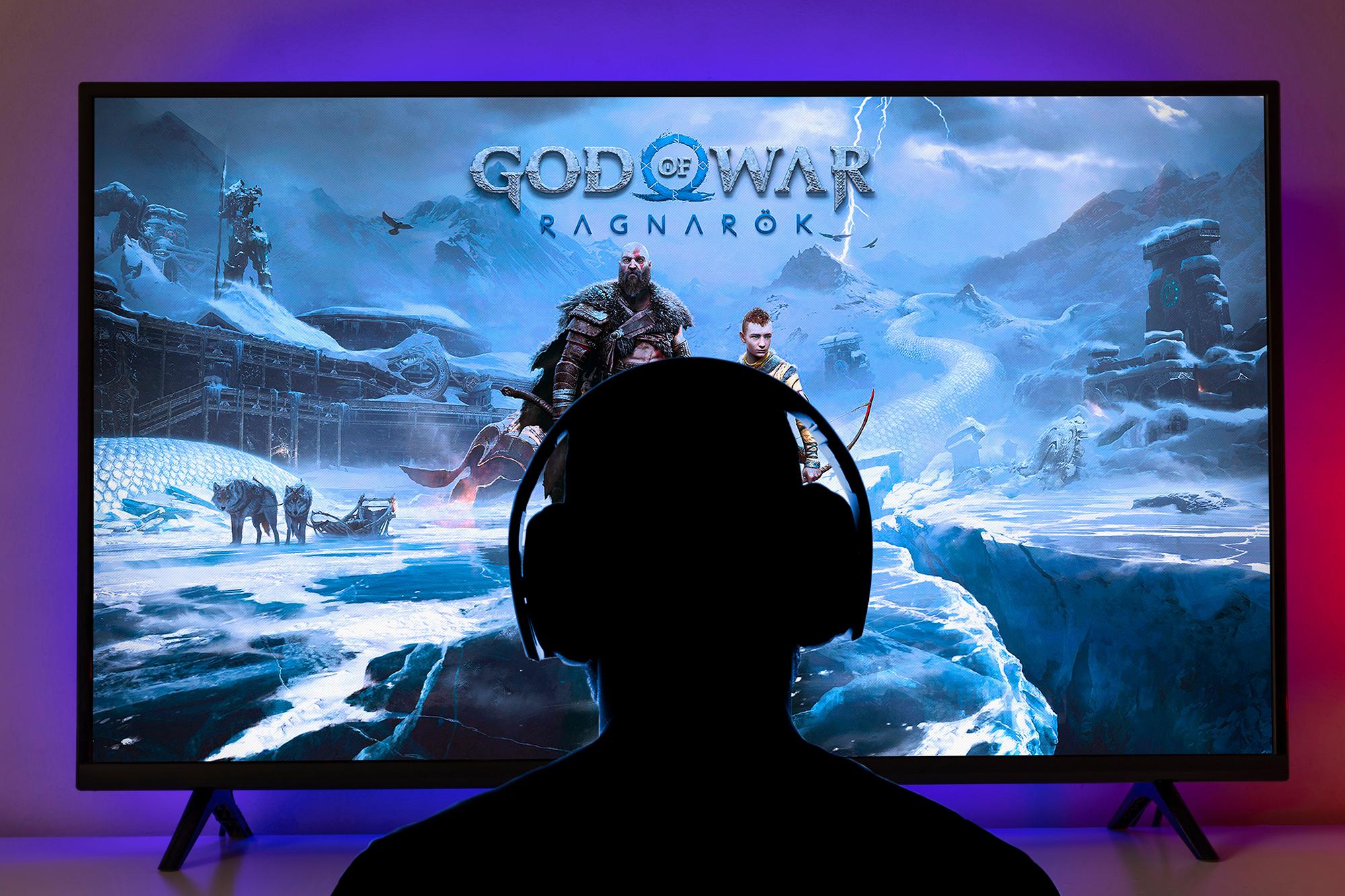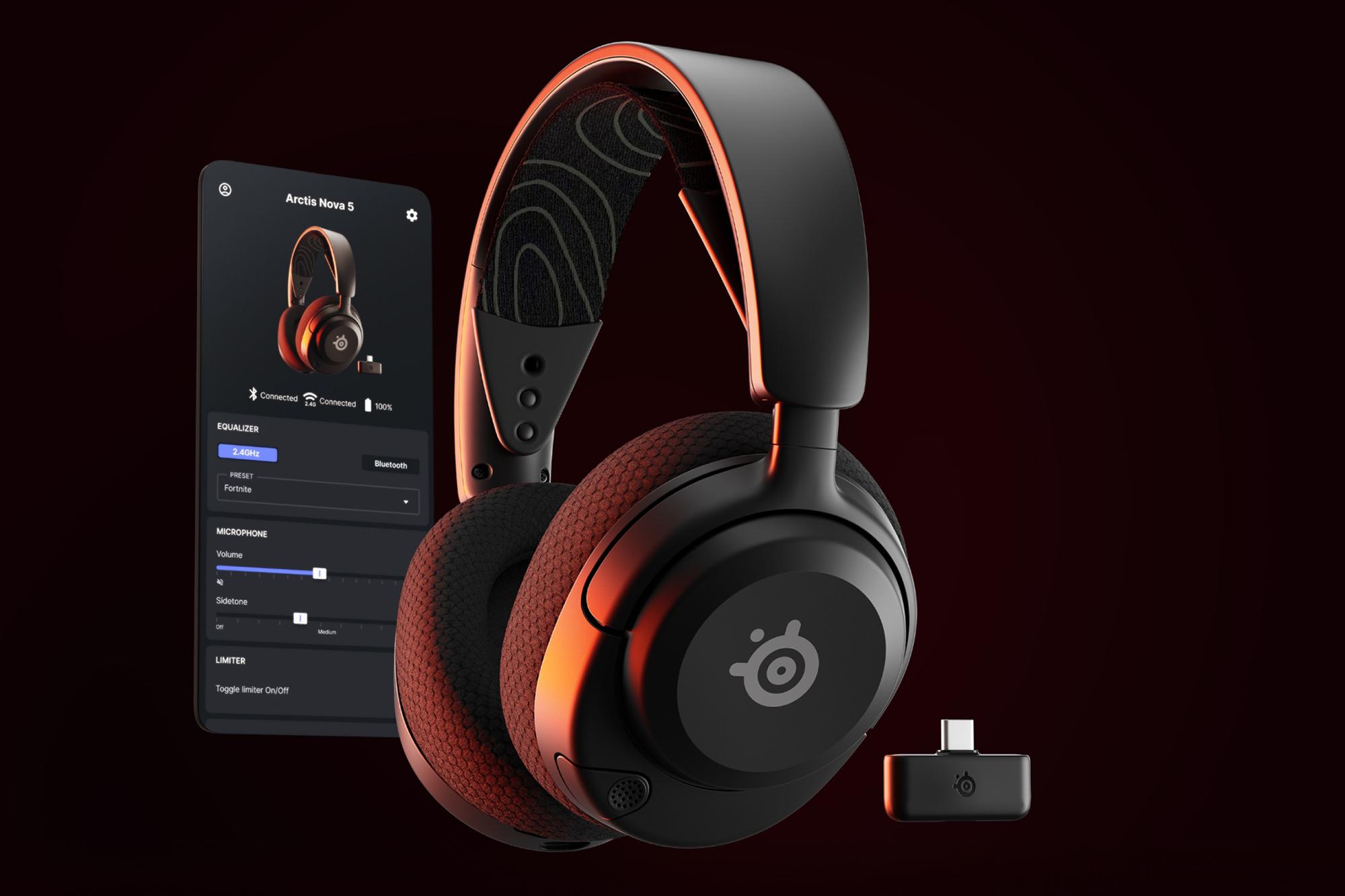
Modern gaming isn’t just about stunning visuals. It’s about sound that pulls you right into the action. Whether you’re sneaking through enemy territory or vibing in a cosy RPG, the right headset really puts your head in the game. Crisp audio, clear chat and comfort for those marathon sessions? Non-negotiable.
This guide covers the best gaming headsets for PS5, Xbox, and PC, explains what features matter most and helps you pick the perfect option for your budget. Because if you end up with a headset that really doesn’t do the job, you’ll soon know about it. So, let’s get it right first time.
We’ll also answer FAQs, share setup tips and bust common myths.
All ears?


Why choosing the right gaming headset matters
Sound isn’t just a backdrop - it’s a tactical advantage. A great headset lets you:
Hear every detail – Footsteps, reloads and environmental cues give you the edge when you’re playing online. If you can’t hear the footsteps of fellow Fortniters, you’re at a huge disadvantage.
Immerse yourself – Spatial audio makes worlds feel alive. Games are meticulously designed so that the audio supports what’s happening. If you’re only relying on some monitor speakers for sound, you’re really missing out.
Communicate clearly – No more “What did you say?” moments in multiplayer. If you’re playing with mates, you want to be able to keep up with the chat and not miss a moment. Because gaming with mates is quality time.
For competitive gamers, audio quality can mean the difference between victory and defeat. And for casual players? It’s about forgetting your day and getting lost in the moment.
Key features to look for in a gaming headset
Here’s what to check before you buy:
Surround sound tech – Look for Dolby Atmos, Tempest 3D AudioTech or THX Spatial Audio for pinpoint accuracy.
Wired vs wireless – Wired = zero latency. Wireless = freedom. Modern wireless headsets use 2.4GHz low-latency tech, so lag is minimal. But as long as you aren’t causing a trip hazard, there’s nothing wrong with a wired option.
Mic clarity – Noise-cancelling mics keep your voice sharp and background noise at bay. Super helpful if you game in a busy house.
Battery life – For wireless, aim for 30+ hours. All you’ll have to do is to pop in back on recharge every other session. If that’s not good enough, some premium models hit 80 hours or even offer hot-swappable batteries.
Comfort – Memory foam pads, adjustable headbands and lightweight designs really matter for long sessions. Over ear headphones are awesome, but if they’re uncomfortable for you, you’ll soon know about it.
You can now skip straight to our full range of gaming headsets. Or you can stay here a bit longer and check out these recommendations.
Best gaming headsets for PS5
Sony INZONE H9 – Tempest 3D AudioTech for PS5 immersion, ANC for distraction-free gaming.
SteelSeries Arctis Nova Pro – Hi-Res Audio, OLED Base Station, hot-swappable batteries.
Razer BlackShark V3 Pro – THX Spatial Audio and ultra-low latency wireless.
Check out more PS5 headsets.
Best gaming headsets for Xbox
Turtle Beach Stealth 700 Gen 3 – Xbox Wireless protocol, Dolby Atmos, 80-hour battery life.
Logitech G Astro A50 X – Dolby Atmos, HDMI 2.1 passthrough, PlaySync multi-platform switching.
Browse all Xbox headsets.
Best gaming headsets for PC
SteelSeries Arctis Nova Elite – Hi-Res Wireless audio, ANC, OLED GameHub.
Audeze Maxwell – Planar magnetic drivers, Dolby Atmos, 80-hour battery life.
Corsair Virtuoso Max – Dolby Atmos, RGB lighting, Sonarworks SoundID.
Explore PC gaming headsets.


Gaming headsets by budget
Under £50: HyperX Cloud Stinger 2 – DTS Headphone:X Spatial Audio, lightweight design.
£50–£150: Corsair HS80 MAX – Dolby Atmos, 65-hour battery life, RGB lighting.
£150+: Premium picks like SteelSeries Arctis Nova Elite and Audeze Maxwell for luxury features.
Gaming headset compatibility explained
Can one headset work across PS5, Xbox, and PC? Yes, many premium models offer multi-platform support via wireless dongles or Bluetooth. Just check for:
USB-C or 3.5mm options for wired fallback.
Console-specific wireless protocols (Xbox Wireless vs PS5 Tempest 3D AudioTech).
Gaming headsets vs regular headphones – what’s the difference?
Gaming headsets are built for positional audio, low latency, and mic clarity. Regular headphones? Great for music, but they lack features like surround sound and noise-cancelling mics.
How to set up your gaming headset for the best sound
PS5: Enable Tempest 3D Audio in settings.
Xbox: Activate Dolby Atmos via the Dolby Access app.
PC: Use EQ software for custom sound profiles.
Common gaming headset mistakes to avoid
Ignoring compatibility – Not all wireless headsets work on every console.
Overlooking comfort – Heavy headsets = neck strain.
Using generic Bluetooth headphones – High latency ruins gaming.
FAQs
1. Do wireless gaming headsets have lag?
Latency is the slight delay between audio being transmitted and heard. In gaming, low latency is crucial because even a small delay can affect reaction times. Modern wireless headsets use low-latency technologies like 2.4 GHz wireless or Bluetooth LE, which significantly reduce lag compared to older Bluetooth standards. Premium models are designed for competitive play and typically keep latency under 20 ms, making the delay virtually unnoticeable.
2. Can you use Bluetooth headsets on PS5 or Xbox?
No, PS5 and Xbox do not support standard Bluetooth audio for gaming. This is mainly due to latency issues and compatibility concerns that could disrupt gameplay. Instead, consoles use proprietary wireless protocols or USB dongles for low-latency audio. The best way to connect is by using an officially supported wireless headset or one that comes with a dedicated dongle.
3. Are gaming headsets good for music?
Gaming headsets can play music, but they’re optimized for positional audio and in-game sound cues rather than pure music fidelity.
If you want better music performance, look for premium models with Hi-Res audio support, such as the SteelSeries Arctis Nova Pro or similar high-end options. However, dedicated audiophile headphones usually outperform gaming headsets for music quality.
4. How long should a gaming headset last?
On average, a gaming headset lasts 2–5 years, depending on build quality and usage habits. Factors that affect longevity include battery health, ear cushion wear, and cable durability. To extend lifespan, store the headset properly, avoid overcharging, and replace worn-out cushions when needed.
5. What’s the difference between wired and wireless gaming headsets?
Wired headsets: Zero latency, no need for charging, often more affordable. For competitive gaming, wired is still preferred for absolute zero lag.
Wireless headsets: Greater freedom of movement, modern low-latency tech, but require battery management. Wireless headsets today rarely compromise audio quality, especially premium models using 2.4 GHz connections.
Final thoughts
In 2026, the best gaming headset isn’t just about sound - it’s about comfort, compatibility and cutting-edge features. Whether you’re on PS5, Xbox, or PC, there’s a perfect option for every gamer and every budget. Ready to upgrade? Explore the full range of wireless gaming headsets at Currys. Aletrnatively, get some more help shopping with our Gaming accessories buying guide.