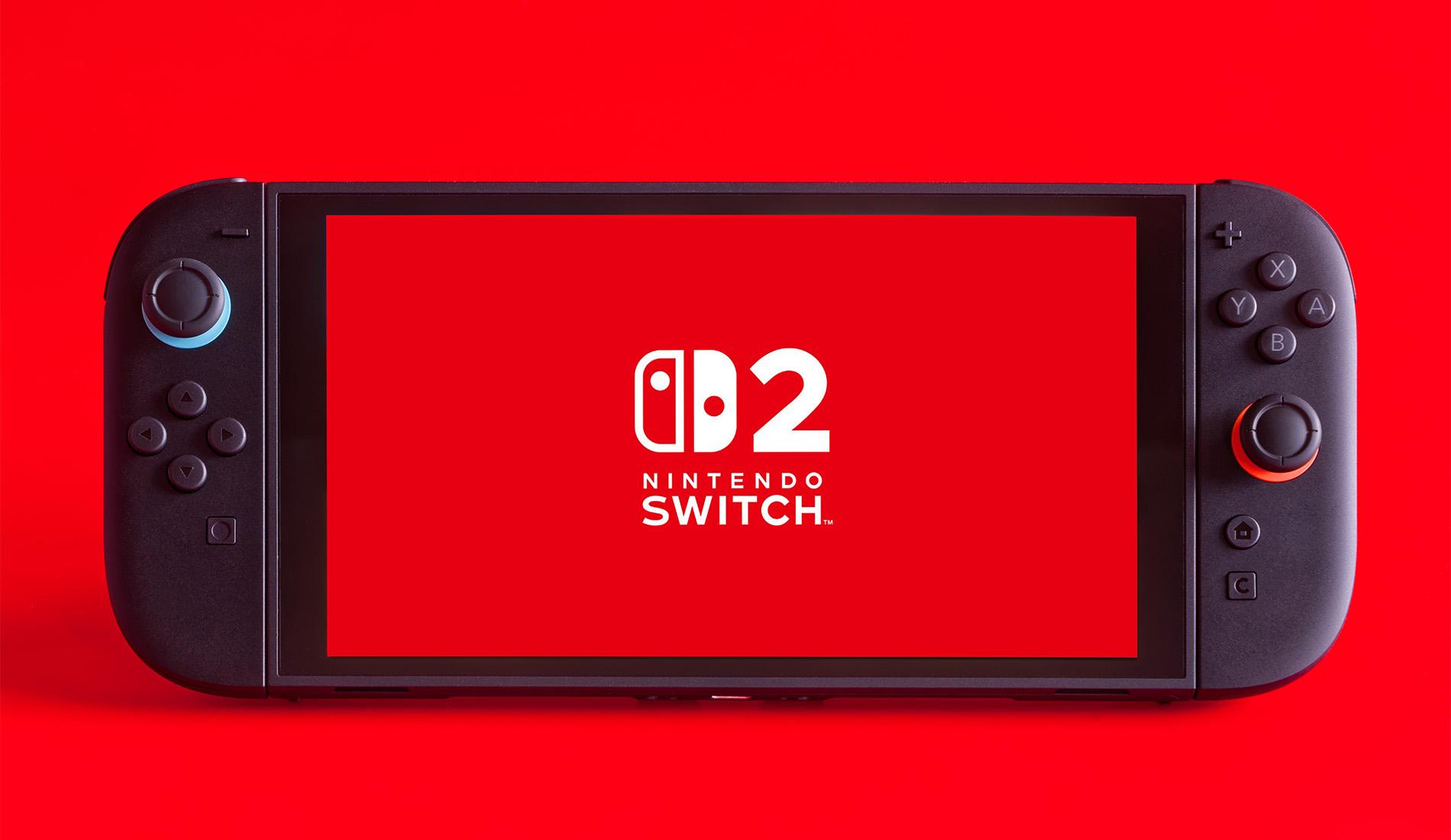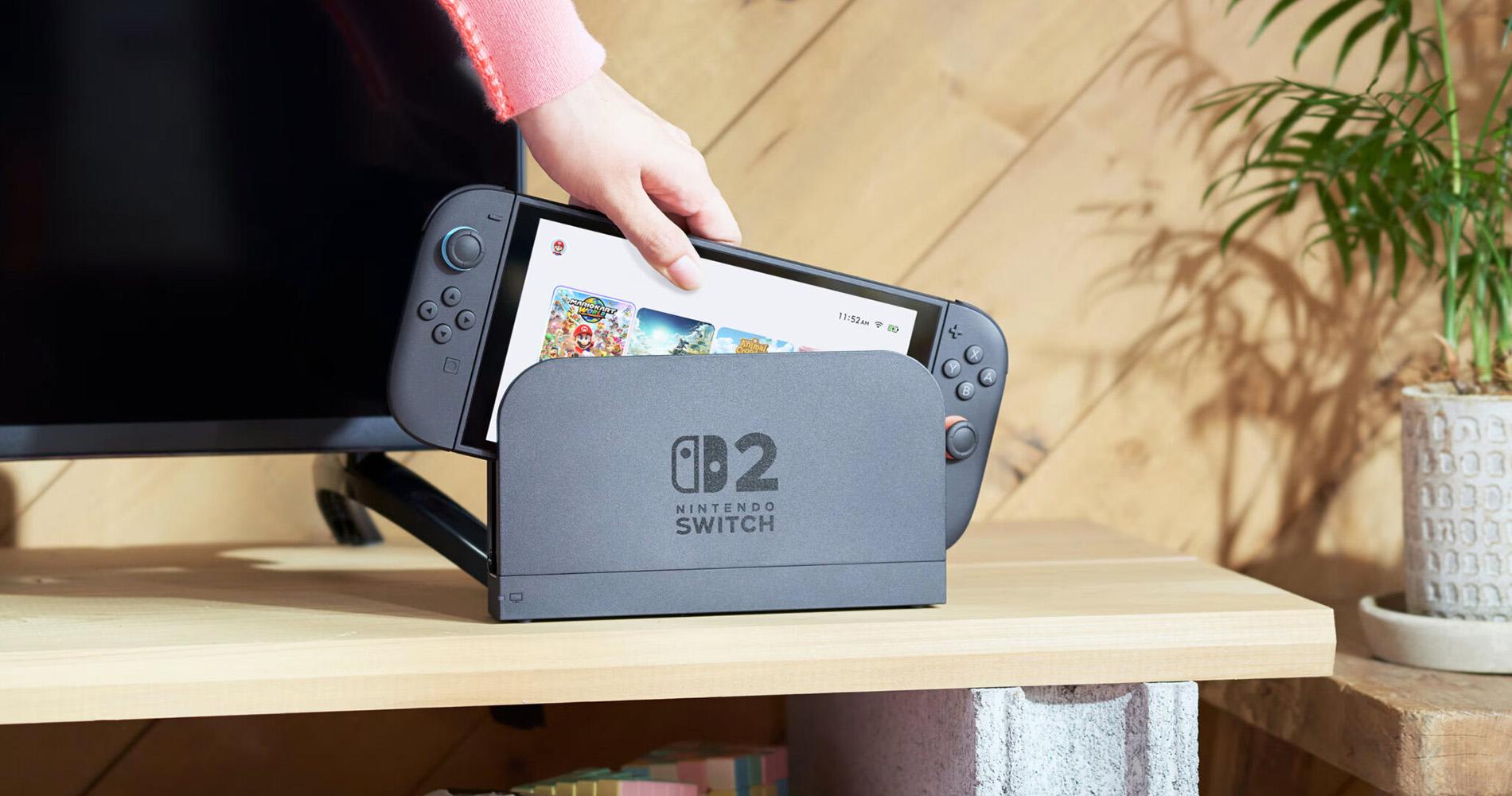
The Switch 2 landed in June and smashed records as Nintendo’s fastest-selling console ever — and it’s easy to see why. It’s got a wider Full HD display that supports up to 120fps and HDR for smoother, richer visuals than the OG Switch. You and your friends can talk and share screens while playing with GameChat. And there are plenty more next-gen features which you can learn all about here.
That means that right out of the box, you’ve got loads to be excited about. But there are some awesome gaming accessories which can really unlock your Nintendo Switch 2’s full potential. From pro-level controllers and headsets to high-speed memory cards, charging docks, and travel-ready cases.
In this guide, we’ll walk you through the best Nintendo Switch 2 accessories you can buy in 2025 (and beyond). Ready to level up?
Overview:

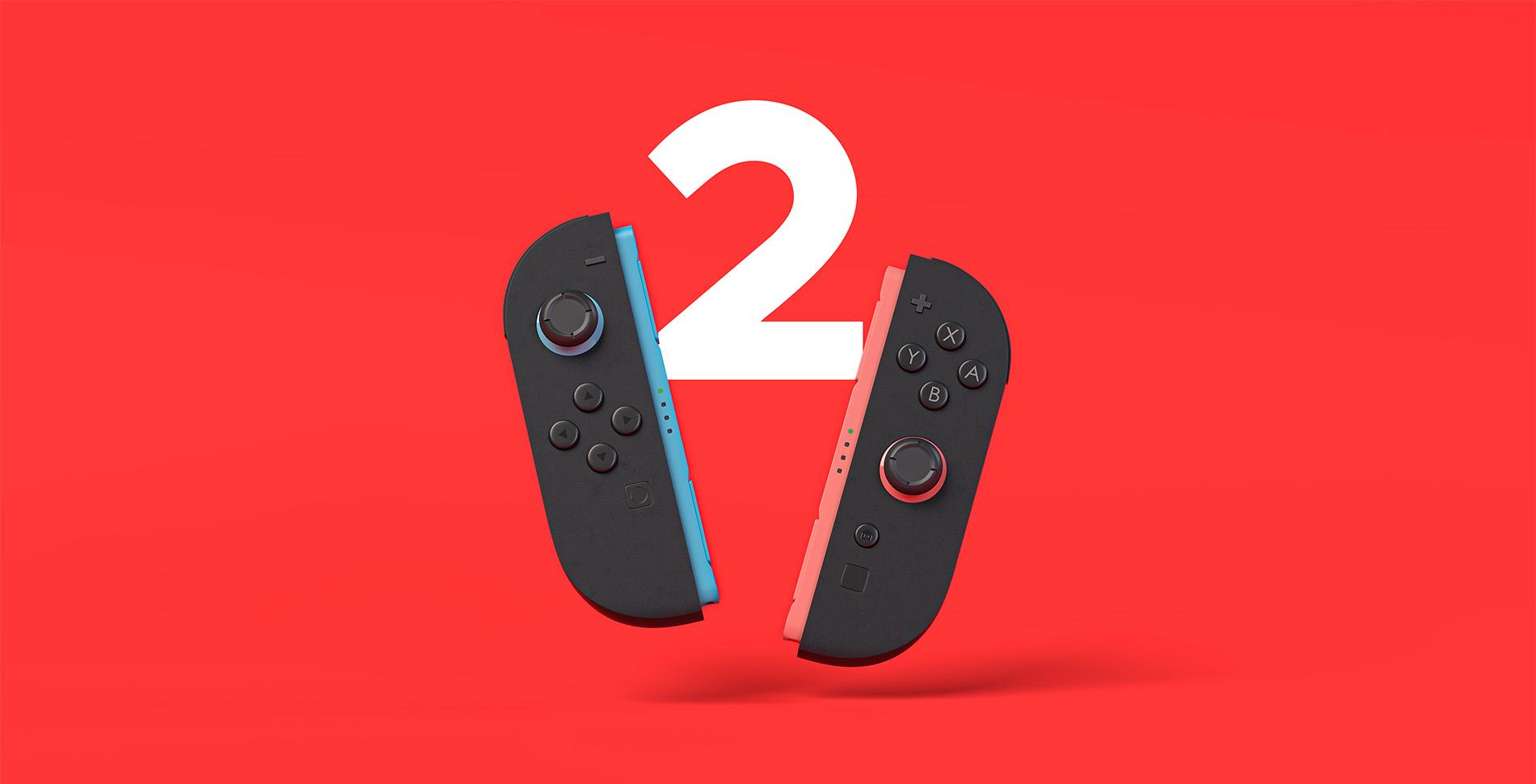
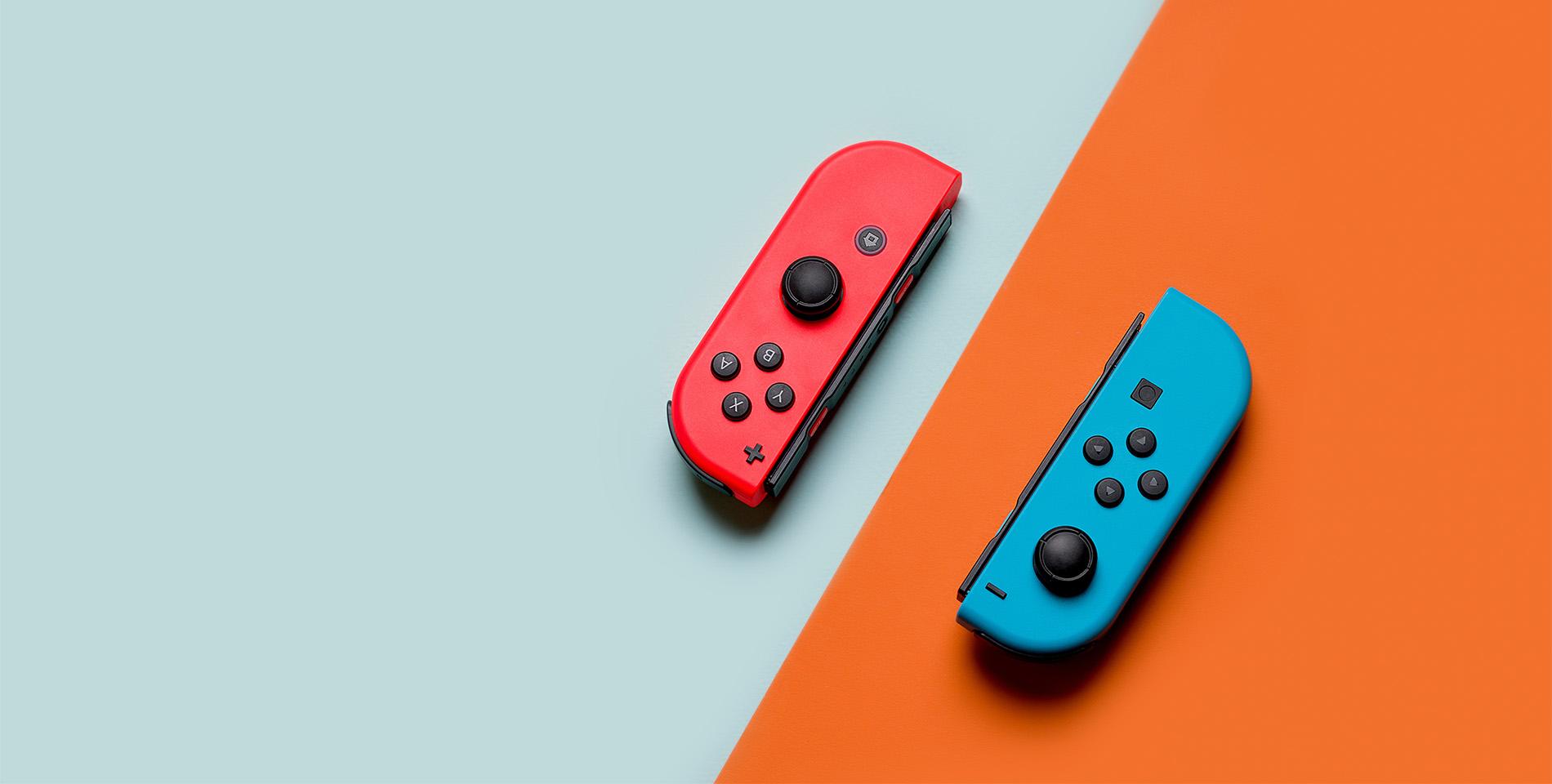
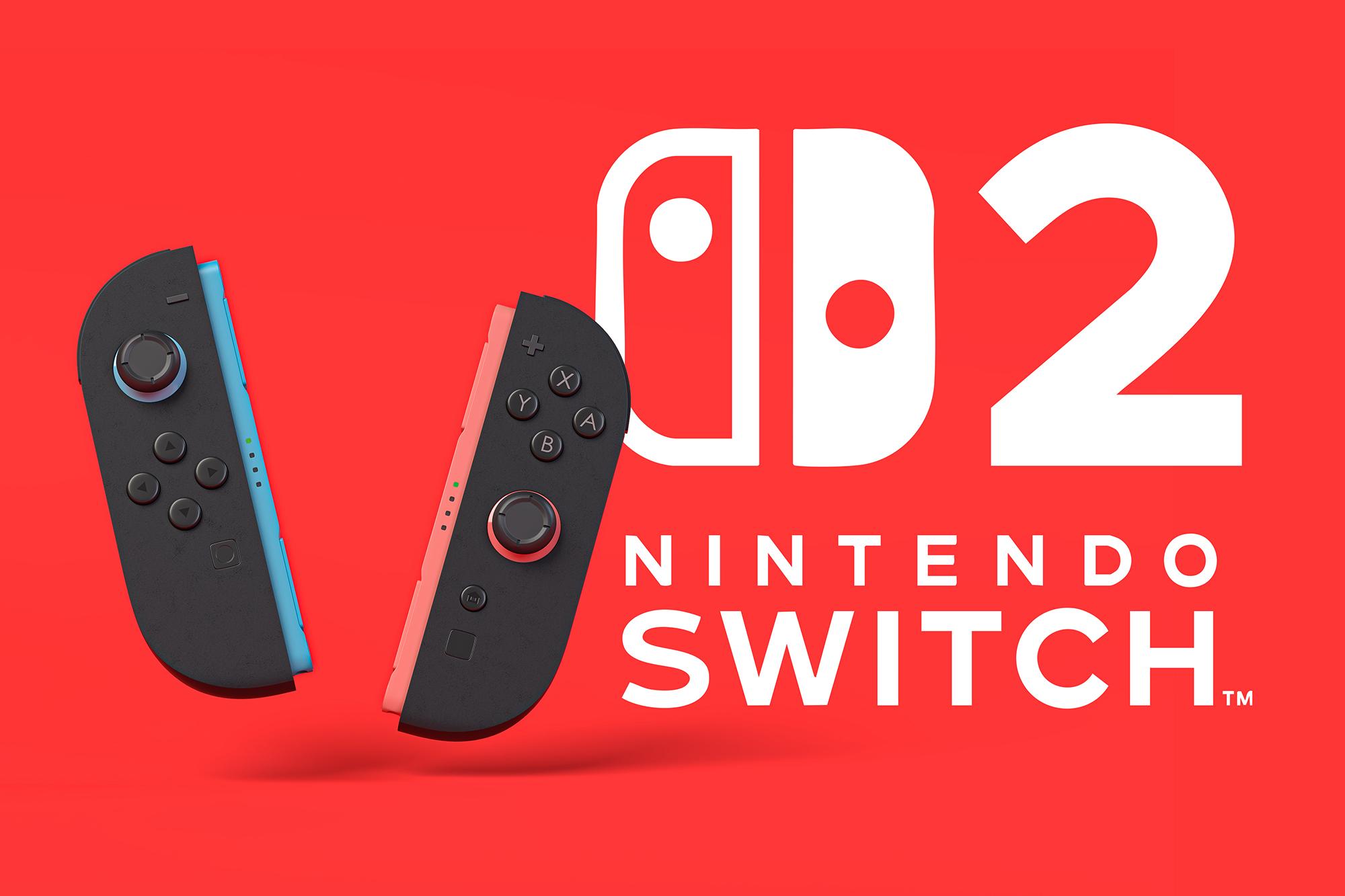
Nintendo’s latest console comes with a pair of Joy-Con 2 wireless controllers. Not only are they a little bigger for a better grip than the old Switch Joy-Cons, but they snap onto the console magnetically. So, they’re way easier to attach and detach (and much harder to lose). You also get a ‘C’ button on the right controller, which fires up GameChat instantly.
Thanks to some tiny built-in sensors, you can flip them on their sides and slide ‘em around like a mouse too — bringing PC-like precision to supported Nintendo Switch 2 games. With Metroid Prime 4: Beyond dropping in December, this should sharpen your aim against those pesky space pirates!
And if you’re looking to elevate things further, there are several other Nintendo Switch 2 controllers out there which could make gameplay on your system feel even more satisfying:
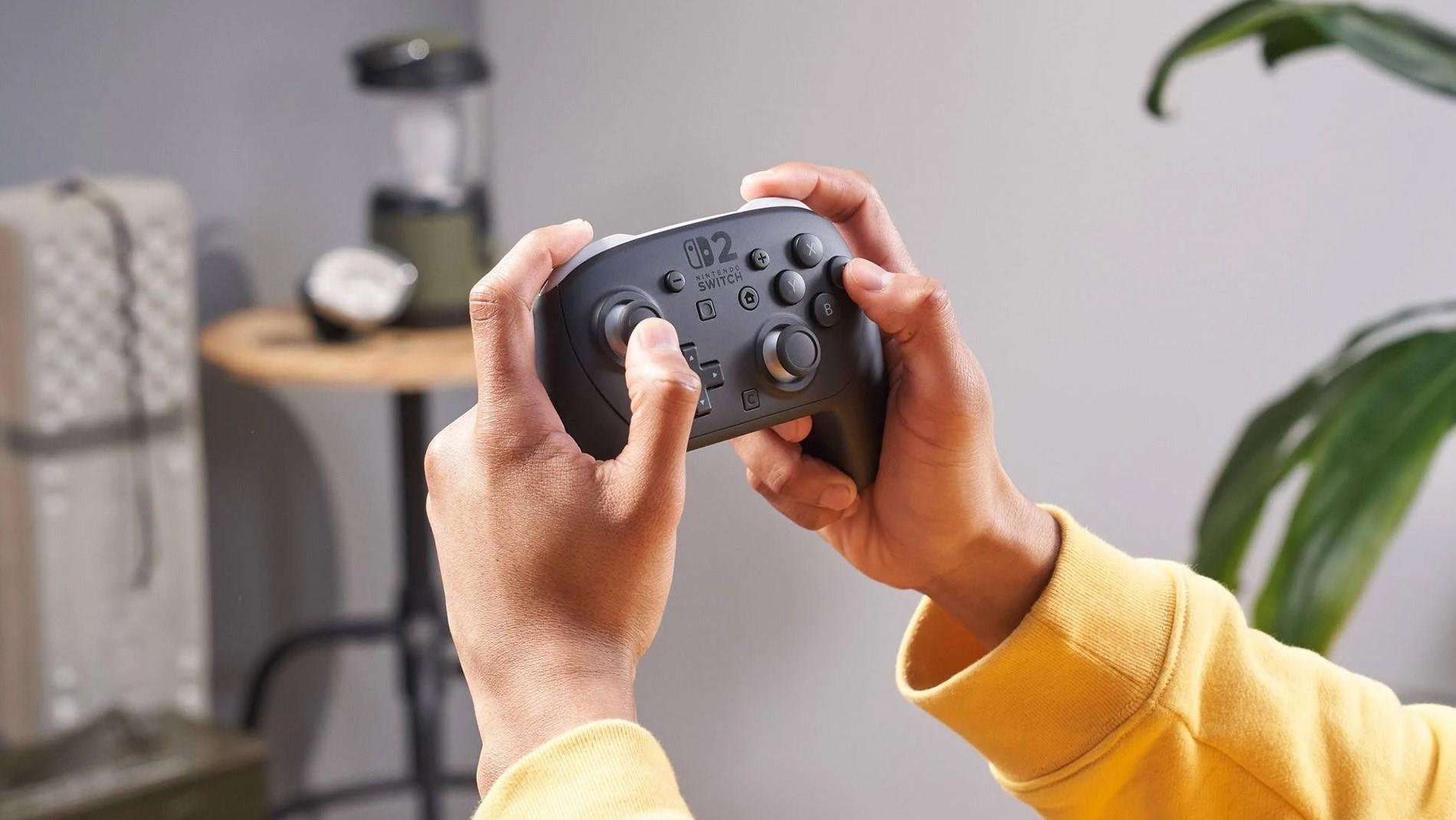
Nintendo Switch 2 Pro Controller: For play-all-day comfort — this is an epic upgrade. Its additional GL/GR buttons are mappable for a custom layout. And with HD Rumble 2 tech, you’ll feel everything when the action heats up. There’s even a built-in audio jack, which makes hooking up a wired headset a lot simpler when playing in TV mode (no need to buy a cable extender).
PowerA Advantage Wired Controller: This is a budget-friendlier option with its wired design. But it has some sweet features, like onboard audio controls that let you quickly adjust volume or sound modes without having to pause your game. And with no battery, it’s super lightweight. PowerA Nintendo Switch controllers come in some wicked colours too!
PDP Afterglow Wave Wired Controller: If you just fancy an extra controller for some multiplayer fun, you can’t go wrong with one of these. While made for the Switch 1, it works perfectly fine for Switch 2 (it’s just missing a GameChat button). You can also program its back buttons for custom commands, plus it has vibrant RGB stripes to light up your gaming den.


Or, grab another pair of Joy-Cons…
If you love gaming evenings with your mates, then getting an extra pair of Joy-Con 2 controllers makes loads of sense. They can be used individually, so that’s two more players to add to your party or face-off against. Or if your squad is a power trio, you could just buy one left or right controller rather than a whole set.
Want to take racing games like Mario Kart World and Sonic Racing: CrossWorlds up a gear? Pick up a pair of wheels for your Joy-Con 2s and make the most of their motion controls. You’ll be able to play with a more a realistic feel to test your driving skills to the limit. And as they come in sets, you and a friend can go full throttle side-by-side!


The Nintendo Switch 2 is built for gaming on the go, so protecting it while you travel is a smart play — especially if you’re heading off on holiday. Here are some of the coolest cases out there, including models that come with screen protectors to keep your console in top shape:
Nintendo Switch 2 Carrying Case & Screen Protector: This official accessory bundle has all you need to guard your Switch 2 from the get-go. The case is sturdy but slim enough to easily slip into a backpack. It’s got space for six game cards, so you can take all your faves with you. And the screen protector helps keep the display free of scratches.
Belkin Nintendo Switch 2 20W Charging Case: Not only does this case shield your Switch 2, but it also houses a 10,000 mAh power bank that keeps your console charged up and ready to go. It’s the perfect travel buddy for long flights and train rides.
Nintendo Switch 2 All-in-One Carrying Case: If you want to take your entire system away with you, especially for TV mode gameplay, then this is the best Switch 2 case for the job. It can fit your console, dock, Joy-Cons, cables, and various game cards. Plus, a full-sized controller if you’ve got one.


If you’re diving into multiplayer gaming on your Switch 2, having the right headset can make all the difference in keeping comms clear and immersion levels up. Whether you want wireless freedom or even just some small earbuds — these Nintendo Switch headsets help you lock in and stay in touch with your squad:
Razer Barracuda X Chroma Wireless Gaming Headset: This headset’s lightweight, comfy, and pumps out punchy sound with low latency. Its signature Chroma lighting can add some flair to your setup too, while the detachable mic lets you switch easily between focused solo play and team chat.
Logitech G522 Lightspeed Wireless Gaming Headset: Built for marathon sessions, the G522 Lightspeed lasts up to 30 hours with RGB lighting on or 60 hours when it’s off. And it offers wireless connectivity up to 30 metres with no lag, so you can get up and stretch your legs without missing any of the action.
PowerA Gaming Earbuds for Nintendo Switch 2: These are great if you’re after something more affordable and compact (they even match your console). Just plug them into the audio jack, pop ‘em in your ears, and you’ll be ready to rock with solid sound. The in-line mic makes sure your voice is crystal clear for GameChat catch-ups.
HyperX Cloud Mini Kids Gaming Headset: Made for junior gamers, this headset’s 85 dB volume limit keeps little ears safe and sound as they hone their skills. But the 30mm drivers still pump out rich audio that can really bring their fave games to life. And it's even got a flip-to-mute mic — handy for when the snacks kick in.


If you want your buddies to see you when using GameChat, you can connect a camera to one of your Switch 2’s USB-C ports. And some titles (like Super Mario Party Jamboree - Nintendo Switch 2 Edition + Jamboree TV and Mario Kart World) feature CameraPlay, which takes things a step further by showing your feed in the game itself. That means you’ll see everyone’s faces light up as they cheer, laugh, or shout mid-race.
Choose from Nintendo’s official cameras or opt for a third-party USB-C cam that’s compatible with the Switch 2. Either way, your reactions will be all part of the fun!


You’re all set for plenty of downloads and save files with the Switch 2, as it comes equipped with a hefty 256GB of built-in storage. That's eight times more than the original Switch! But to future-proof your console, it’d be a good idea to expand its storage with a microSD Express card.
Why microSD Express? The Switch 2 is built to tap into their rapid read and write speeds, unlocking smoother performance and faster load times. So, here are a couple of top picks to bump up your storage with:


Nothing kills a gaming sesh faster than a flat battery, whether you’re playing at home or out on the road. But with the right power accessories, you can make sure your Switch 2 never misses a beat:
Goji Nintendo Switch 2 Joy-Con 4-in-1 Charging Station: Got two pairs of Joy-Con 2 controllers? This handy dock charges them all together, so no one’s left waiting to join or losing power during multiplayer matches.
Belkin 65W Dual USB Type-C Nintendo Switch 2 Charger: This charger lets you top up both your Switch 2 and an accessory. It’s great if you’ve got an extra controller you always use with your system. And it can even charge laptops and phones, so you’ll have less to pack on your next adventure abroad.
Nintendo Switch 2 AC Adapter: If you fancy a backup AC adapter exactly like the one that came with your Switch 2, get the official Nintendo model. Just leave your original adapter plugged in at home, and tuck this spare in your suitcase to keep your console juiced up while you’re away.
Nintendo Joy-Con 2 Charging Grip: Want to power up your controllers while you play? Go for the official Charging Grip. Just snap on your Joy-Cons, then connect it to your console with the included USB cable. The grip also features GL/GR buttons that you can freely map to any actions you choose, giving you more flexibility.


The Nintendo Switch 2 doesn’t come with onboard streaming apps or tools, so you won’t be able to stream straight from your console. To go live on platforms like Twitch or YouTube, you’ll need an external setup that includes a capture card, a computer, and broadcasting software.
Here’s how to set up your Nintendo Switch 2 for streaming:
Dock your Switch 2: Place your system in the dock so you can make use of its HDMI output (on the back).
Connect to a capture card: Use an HDMI cable to send your Switch 2’s video output to the ‘in’ port on your capture card. You can just use the one that came with your console.
Plug the capture card into your computer: This little device will handle the video encoding and streaming.
Install broadcasting software: Use a program like OBS Studio to capture the feed and stream it to your chosen platform.
Add extra accessories: For a more polished and professional stream, you’ll also want a webcam, mic, and some decent lighting.


Thanks to Wi-Fi 6 support, online gaming on the Nintendo Switch 2 is fast and reliable. But if you’re aiming for an ultra-stable connection with zero lag, plug an ethernet cable into the LAN port on the back of the Switch 2’s dock — with the other hooked up to your router. This setup will provide a stronger, rock-solid connection when you’re playing in TV mode. Here are some great ethernet cables you can try:


Or, if you mostly game in handheld mode and want to boost your wireless signal, consider using Wi-Fi range extenders. These devices expand your home’s Wi-Fi coverage, keeping you connected with a steady signal even when you’re far away from the router:


What’s improved in Joy-Con 2?
They’re slightly larger than the original Switch’s Joy-Cons and snap on magnetically. This makes them less fiddly to use, plus easier to remove and reattach. And with bigger joysticks and SR/SL buttons, they’re comfier and more responsive than ever. Joy-Con 2 controllers also double as mice thanks to their optical sensors, so they’re great for games that support pointer-style inputs.
What is GameChat?
GameChat is Nintendo’s new built-in voice chat feature for the Switch 2. Just press the ‘C’ button on the right Joy-Con 2 to start chatting with up to 12 friends online (including you). Or, up to four pals if you’re also using a USB-C camera for video chats or screen sharing. The console’s microphone picks up your voice clearly (even from across the room) and filters out background noise. So, you’ll sound crisp and clear while gaming together.
Does the Switch 2 support fast charging?
Yes, the Switch 2 supports fast charging via its dual USB-C ports. Whether you’re docked, in tabletop mode, or playing handheld — you can plug in the included 60W AC adapter and keep gaming while the console powers up.
Can you stream directly from the Switch 2?
At the moment, the Switch 2 doesn’t have built-in support for video streaming apps or live broadcasting tools. To stream gameplay, you’ll need to dock your Switch 2 and connect its HDMI output to a capture card linked with your computer. Then, you can use broadcasting software to go live.
Does the Switch 2 support Wi-Fi 6E?
No. The Switch 2 supports Wi-Fi 6, which offers better performance than the Wi-Fi 5 standard found in the original Nintendo Switch. That means you get faster speeds, lower latency, and a more stable connection when playing online. Plus, downloads will be much quicker.
Need more Switch tips?
Our Nintendo news section here on TechTalk has loads more Switch 2 advice to help you get the most out of your console. Like our first things to do with the Switch 2 guide, which covers everything from transferring data from your old Switch to setting up online features. Or check out our upcoming Nintendo Switch 2 games article to see the coolest titles out soon.