

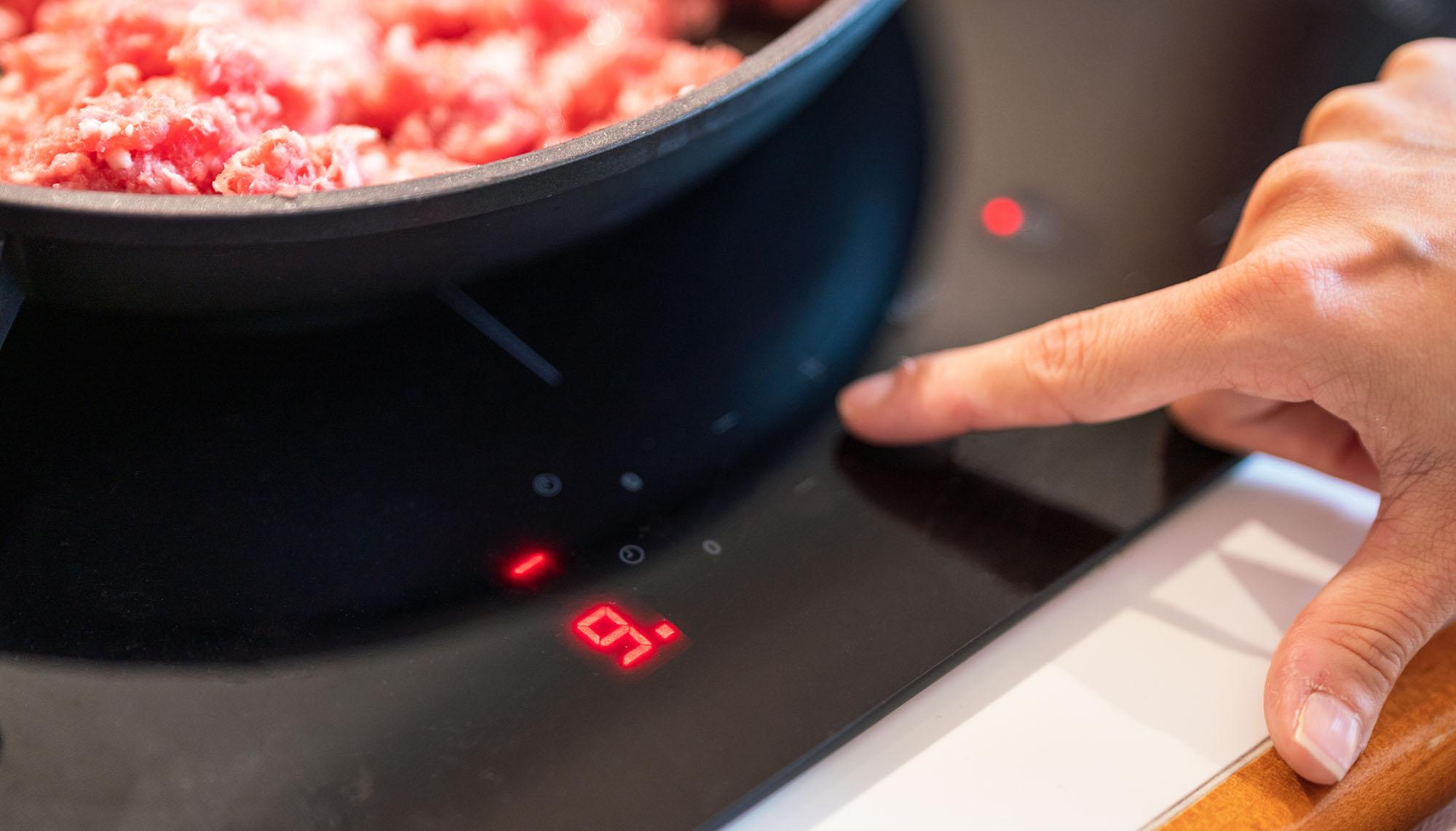
If your induction hob suddenly won’t respond, don’t panic. It’s probably just locked. Most hobs include a child lock or safety lock to stop little fingers or accidental touches from turning on the heat.
Unlocking is usually quick and simple. As long as you know what to do, of course. In this quick guide, we’ll walk you through how to spot a locked hob, the quick method for unlocking it, and what to try if that simple trick fails. Plus, we’ve got answers to some of the most common questions. Let’s get you unlocked…
How to know if your induction hob is locked
First things first. Before you try to unlock it, you’ll want to make sure that the hob is actually locked. Here’s what to look out for:
Lock icons. Most hobs display a padlock, a key, or sometimes a “P” or “L” symbol on their control panel to show that the lock is active.
Unresponsive controls. Your hob might be locked if nothing happens when you press sliders, “+” or “–” buttons, or the zone selector.
Beeping or error signals. Some hob models emit a beep or flash an indicator to show that a command was blocked because of the lock.
No change when placing a pan. Even when you place a compatible pan on your hob, nothing happens.
“Child lock” wording is shown. Some manuals refer to it as child-lock, safety lock, or control lock.
If you see any of those clues, your hob is most likely locked (or in safety mode). So, let’s try to get it unlocked for you…
The quick method: hold the lock symbol for 4 seconds

The simplest unlock trick works on a lot of different brands. Here’s how to do it:
Locate the lock/key/padlock/“P” (or sometimes “L”) button on your hob’s touch controls.
Press and hold it for around 4 seconds.
Wait for the lock icon to disappear, or for a beep/flash confirming it’s unlocked.
Test a cooking zone with a pan to check if it now responds.
In most cases, that’s all you need to do. It’s similar across different hobs - a long press on the lock button usually resets it.
How to unlock an induction hob for specific brands
Different brands sometimes use slightly different button layouts to unlock their induction hobs. Here are some steps from the big names that are worth giving a try:
Bosch/Siemens
Some models require you to first press “P + clock” together, then hold.
Beko
On some models, pressing “+” and “–” simultaneously for several seconds toggles the lock.
Hotpoint/Indesit
On some older models, a “P” appears when locked. Just press until “P” goes away.
What to do if holding the lock doesn’t work
Still stuck? Then take a look at the user manual. If you don’t have yours to hand, you can usually find a copy online. It will always have the exact unlocking method. If that doesn’t help, switch your hob off at the mains for half a minute and then power it back on. This simple reset sometimes clears temporary glitches.
When professional help is needed

If your hob stays locked after several attempts, starts showing error codes, or seems completely unresponsive, it’s best to get professional help. These signs point to a fault with the electronics rather than just the lock function.
The Currys repair service fixes ovens, cookers, hobs (and lots more tech) even if you bought it somewhere else. A qualified expert will check and fix your problem safely, so you can get back to cooking as soon as possible.
Induction hob FAQs
What are the benefits of using an induction hob?
The advantages of induction hobs are that they heat the pan directly, so food cooks faster and you use less energy in the process. You can turn the heat up or down instantly - a bit like using gas, but without the open flame. The surface itself doesn’t get as hot, which makes it safer and easier to clean once you’re done.
Can an induction hob lock itself automatically?
Yes. Some hobs activate the lock by themselves after you’ve wiped the surface, after a power cut, or if the hob has been idle for a while. This is normal and is meant to keep the controls safe until you’re ready to use them again.
What’s the difference between a child lock and a cleaning lock?
A cleaning lock is temporary – it only blocks the controls for a short time so you can wipe down the hob without switching it on by mistake. A child lock is longer lasting, and it stays on until you deliberately switch it off, usually by holding the lock button.
Will unlocking reset my hob’s settings?
No. Unlocking only reactivates the touch controls. Any timers, heat settings, or active cooking zones will stay the same unless you’ve switched off the hob at the mains.
Can I disable the lock permanently?
On a few models yes, you might be able to turn off auto-lock in the settings. But on most hobs, the lock is a built-in safety feature and can’t be fully disabled. Even then, unlocking is so quick (just a few seconds) that most people keep it on for peace of mind.
What are the best induction hobs available?
There’s a great choice of induction hobs out there, whether you’re after something simple and affordable or a model packed with smart features. Here are a few of the best currently available:
Samsung NZ64H37070K electric induction hob. A sleek 59 cm four-zone hob with responsive touch controls and a Power Boost mode that gets water boiling in seconds. It’s ideal for busy kitchens where speed matters, and the smooth glass surface wipes clean in moments.
Hotpoint TQ1460SNE MyMenu Induction hob. Designed to make cooking a little easier, this hob’s MyMenu feature automatically adjusts heat levels for melting, simmering, or frying. It also includes a control lock and residual heat indicators for added safety.
Logik LINDHOB23 electric induction hob. A great value choice with four cooking zones, touch controls, and a child safety lock. Compact and simple to use, it’s perfect for smaller kitchens or first-time induction users.
AEG 5000 TN64IA00FB. A smart AEG induction hob with Hob2Hood technology that automatically adjusts your cooker hood while you cook. It also offers PowerBoost for quick bursts of heat, a timer, and auto shut-off for safety.
Need more help?
If you’d like more help choosing the best cooking appliances, our cooker buying guide is a great place to start. Or why not pop in-store and ask one of our colleagues for help? They’re always happy to chat.