(Image credit: Unicode/Emojipedia)
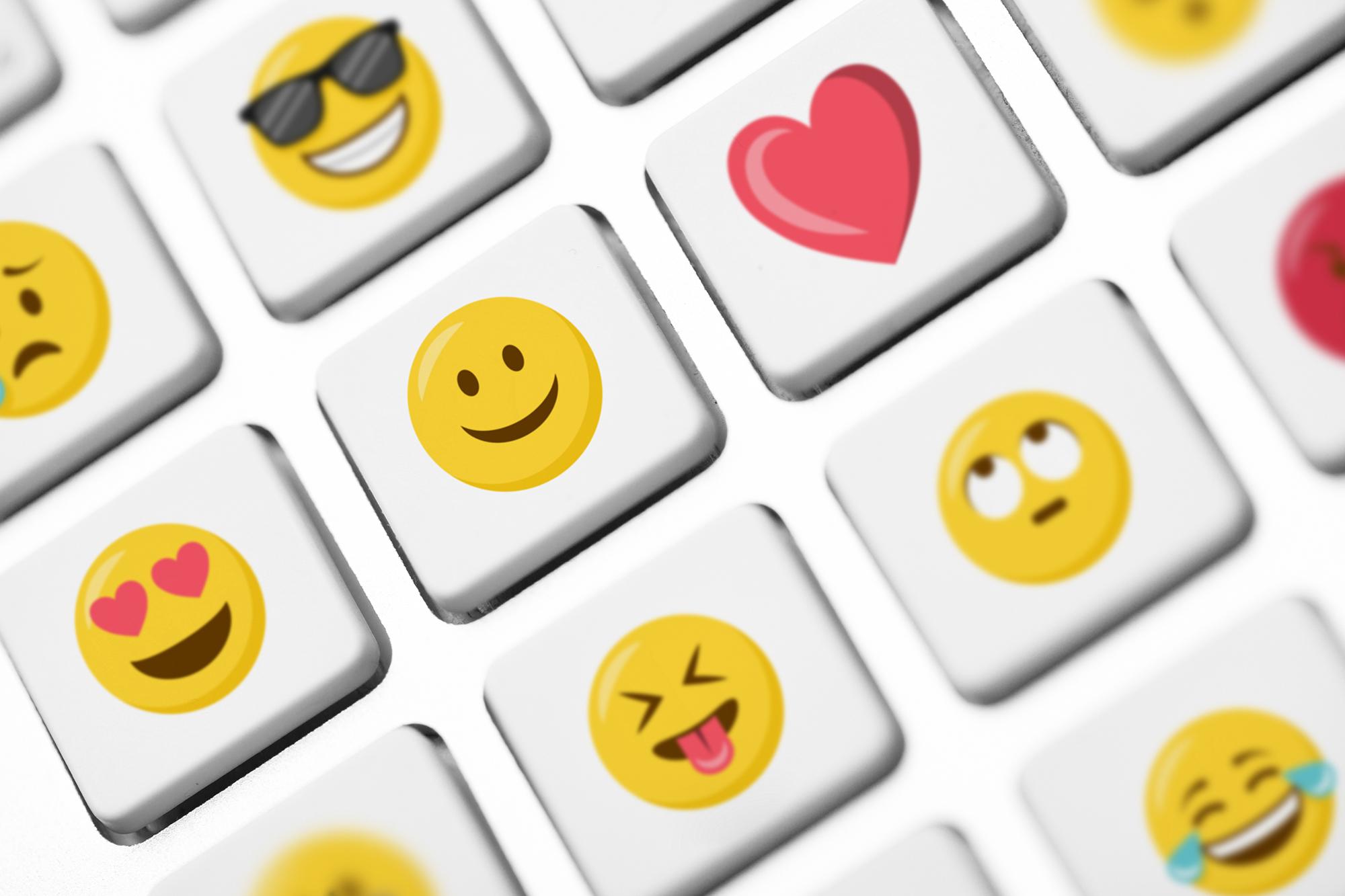
Everyone loves emojis. Where would be without them? Well, perhaps we’d be writing out a bunch of words to express our feelings – but where’s the fun in that? With emojis, we can do it all with a simple tap on our mobile phone, and add an image that can speak a thousand words. Even quite naughty ones.
From saying how much you love something (or someone), to poo-pooing someone’s idea, there’s an emoji for almost everything. And now, you’ve got even more to choose from…
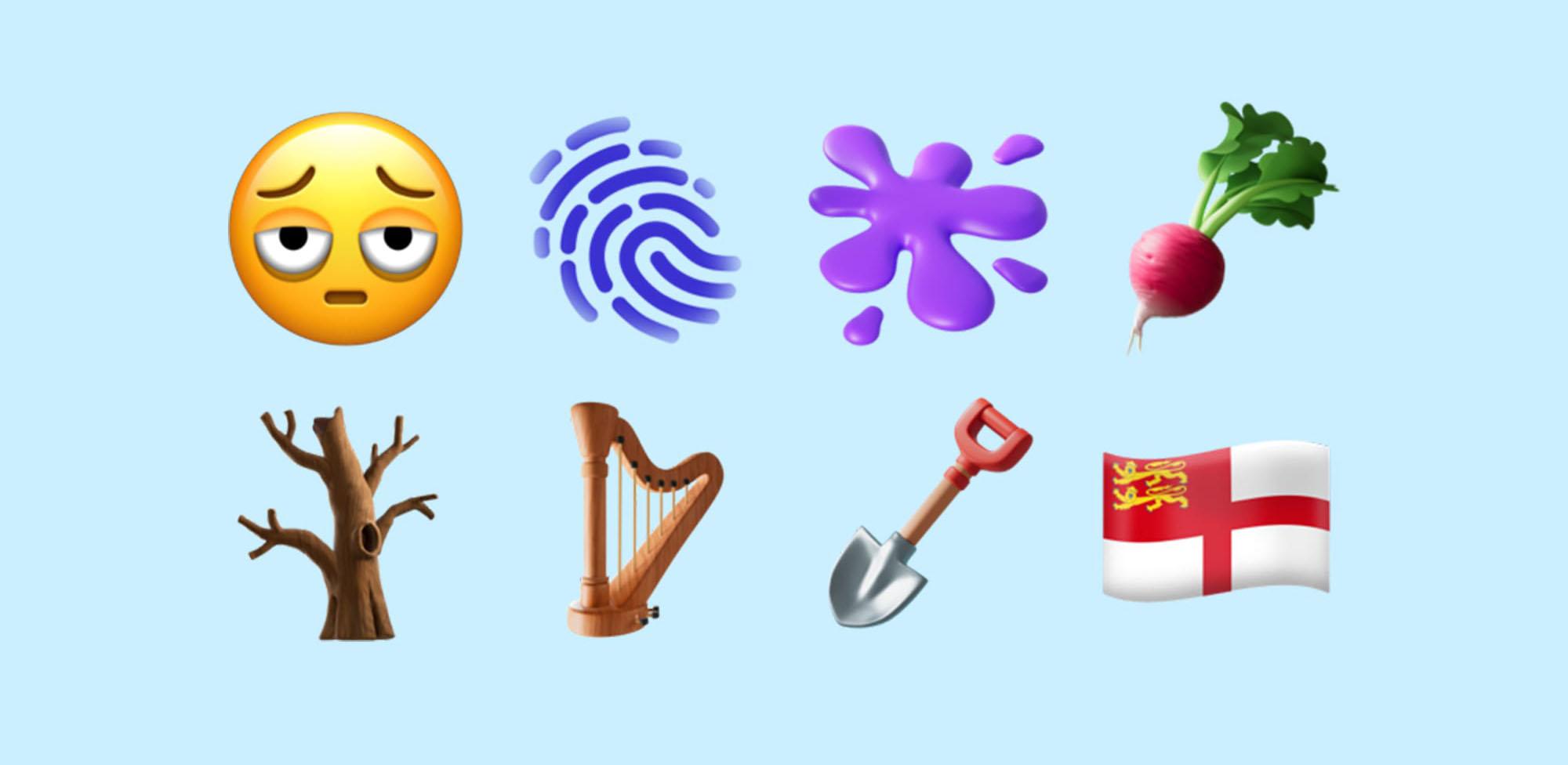
With iOS 18.4, Apple has rolled out 8 new emojis that’ll give your texts some serious personality. If you’re always looking for something other than the usual smiley faces, you’re going to love these. There’s everything from the ultimate “I need sleep” emoji to a flag from an island you probably didn’t know existed. Ready to raise your emoji game? Let’s go…
Every new emoji in iOS 18.4
Here’s a rundown of the 8 emojis ready to make your chats more interesting…
Face with bags under eyes

(Image credit: Unicode/Emojipedia)
You know those days when you’re running on empty and just can’t keep your eyes open? This emoji nails that vibe. If you’ve been up late partying, working, or binge-watching, this one’s perfect. It’s just made for those morning-afters when you haven’t got the strength for words. Just send this emoji, and crawl back under the duvet.
Harp

(Image credit: Unicode/Emojipedia)
Feeling cultured? The harp emoji is here. It's perfect for classical music lovers or anyone into a little mythology – harps were said to be played by angels and ancient bards. You could even use it to refer to St. Patrick’s Day, or a well-known Irish dark stout. Sláinte!
Fingerprint

(Image credit: Unicode/Emojipedia)
The fingerprint emoji is all about secrecy, identity and security. It’s perfect for talking about passwords, locked screens, and anything that feels ‘top secret’. Or perhaps even your favourite true-crime podcasts.
Splatter

(Image credit: Unicode/Emojipedia)
The splatter is a wild purple blob that’s all about chaos, creativity, and messes. It’s perfect for moments when things get sticky. Dropped some toast jam side down? Splatter! Added someone you shouldn’t have to a WhatsApp group chat? Splatter! Let’s hope you don’t have to use it too much.
Flag of Sark

(Image credit: Unicode/Emojipedia)
The flag of what now? Sark is a tiny island in the English Channel that now has its very own emoji flag. If you want to know more about the story, read our dedicated ‘Sark’ section below!
Shovel

(Image credit: Unicode/Emojipedia)
Sometimes you need to dig. In real life, or metaphorically. Whether you're planting tomatoes or watching your mate dig themselves deeper into an argument, the shovel emoji is for you. Use it for joking about burying evidence, covering your tracks, or tossing a little dirt someone’s way. When things get messy in the garden or group chat, you’ll be glad the shovel’s in your toolbox.
Leafless tree

(Image credit: Unicode/Emojipedia)
This emoji actually has a serious message behind it. The stark little tree has been designed to highlight serious environmental issues like drought, deforestation and the ever-growing threat of climate change. Think of it as an environmental banner or protest sign to be used to back up your message.
Root vegetable (turnip/radish)

(Image credit: Unicode/Emojipedia)
Is it a radish? Is it a turnip? Who knows. But either way, this little root emoji is perfect for foodies, backyard gardeners, or anyone who gets over-excited at a farmer’s market. Use it when you're roasting veggies, planting seeds, or just feeling a little earthy. Grandma’s famous stew? Root emoji. Growing veg in the garden? Root emoji. Accidentally bought daikon instead of a turnip? First world problem, but still definitely a root emoji.
The new fan favourite: face with bags under eyes
So, which one of these new emojis is going to be the biggest hit? Hands down, the face with bags under eyes emoji is the winner. It’s already making fans all over the world.
The New York Post has said it “might be the most used emoji of 2025.”
Fast Company reports that it’s “about to be unavoidable on X, TikTok and in group chats everywhere.”
Meanwhile over on X, one user has posted something that’s already totted up 1000s of likes: “I bet this is the most popular emoji of the year. Everyone is already tired.”
The story behind the flag of Sark
Now, let’s talk about the flag of Sark. You may be wondering why Apple decided to include it. Well, Sark is a tiny island in the English Channel with a fascinating history. For example:
Sark is one of the last places in Europe where cars are banned. Most people get around by bicycle, horse-drawn carriage, or on foot.
The entire island is so small that you can walk from one end to the other in less than an hour.
Sark has its own parliament, the Chief Pleas, which has governed the island for centuries. But it only introduced full democracy in 2008.
And here’s another interesting fact: the flag of Sark emoji is a little rebel. Normally, Unicode has strict rules about which flags make the emoji cut (sorry, fictional countries and tiny territories). But Apple decided to bend the rules this time, sneaking Sark in just for fun - to the joy of all 600 of Sark’s population (or the ones with iPhones, at least).
What’s changed with existing emojis?
In addition to the new emojis, iOS 18.4 also made a small change to some existing ones. The Syria flag got a redesign to better match the official version. It’s a nice touch that shows Apple is on the ball and keeping things up to date.
How to get these new emojis
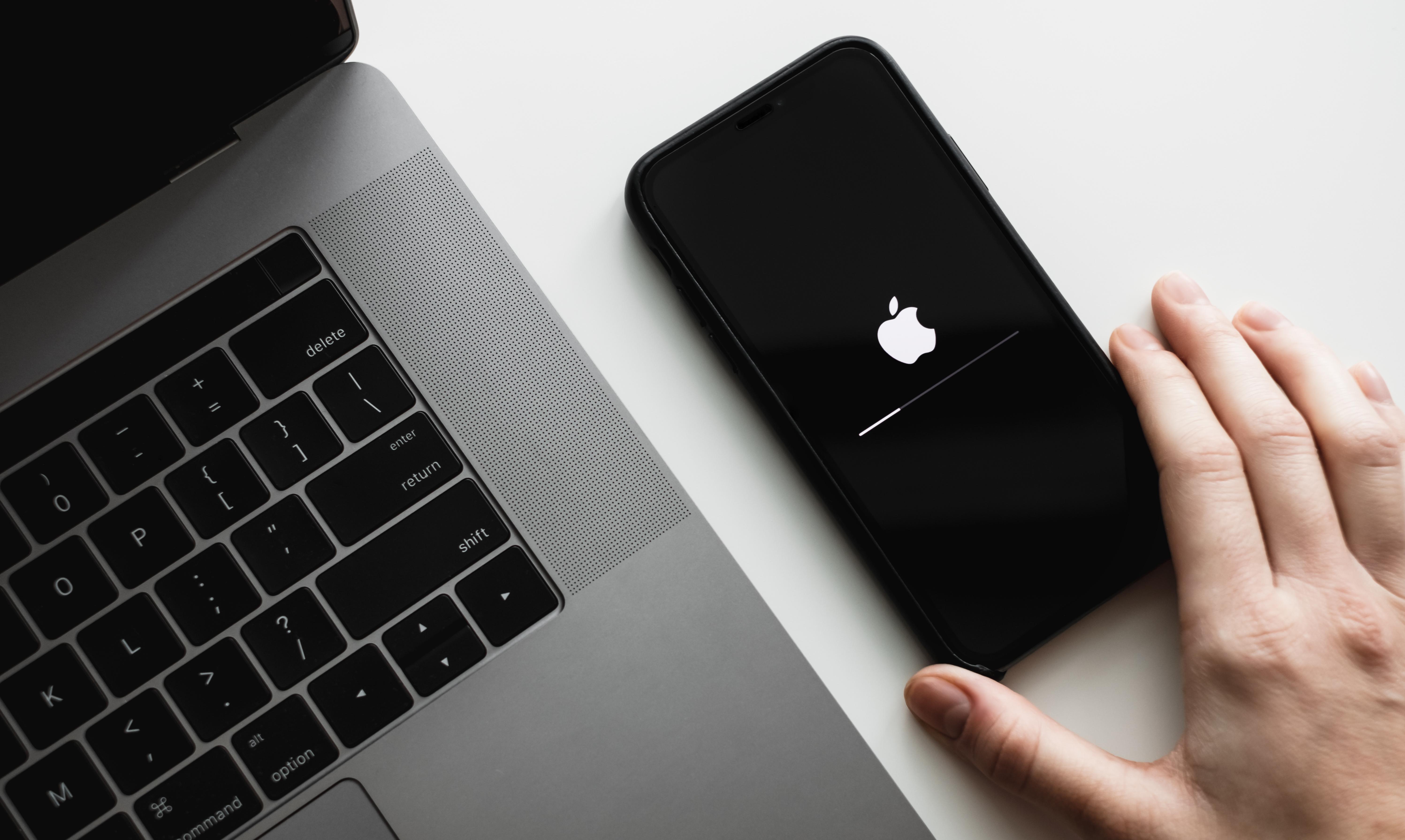
Ready to start using the new emojis? All you need to do is update your iPhone (or whatever Apple device you’re using) to iOS 18.4. It’s easy:
Go to Settings.
Tap General.
Select Software Update.
Hit Download and Install.
Once the update’s done, the new emojis will be available in your keyboard and ready to use.
Where can you use these emojis?
The new emojis are available on all Apple devices running iOS 18.4, including:
You can use them in your favourite apps like iMessage, WhatsApp, Instagram, Twitter, and more. So, no matter where you're chatting, they’ll be right there at your fingertips.
What is Genmoji and is it part of this update?
Genmoji is officially part of the iOS 18.4 update. It’s a new Ai feature from Apple that lets you create personalised emojis based on your own face. Then you can use them in messages just like any other emoji.
To try it out, open the emoji keyboard in Messages and tap the new Genmoji option. From there, you can describe what you want (for example, “a happy woman with curly hair and glasses”). Or if you’re brave enough, you can let your phone generate one based on your appearance.
Go forth and emojify
Now you know all about the hottest new emojis, you can start sticking them in your messages and earning the admiration of your less emoji-savvy mates. Grab your favourite Apple device, make sure it’s updated, and up your emoji game today!
Need more help?
If you’re looking for more advice on getting the best out of your iPhone, check out our handy article on how to set up your new iPhone. We’ve also got some top tips on how to update your iPhone and how to sync your iPhone and iPad.