


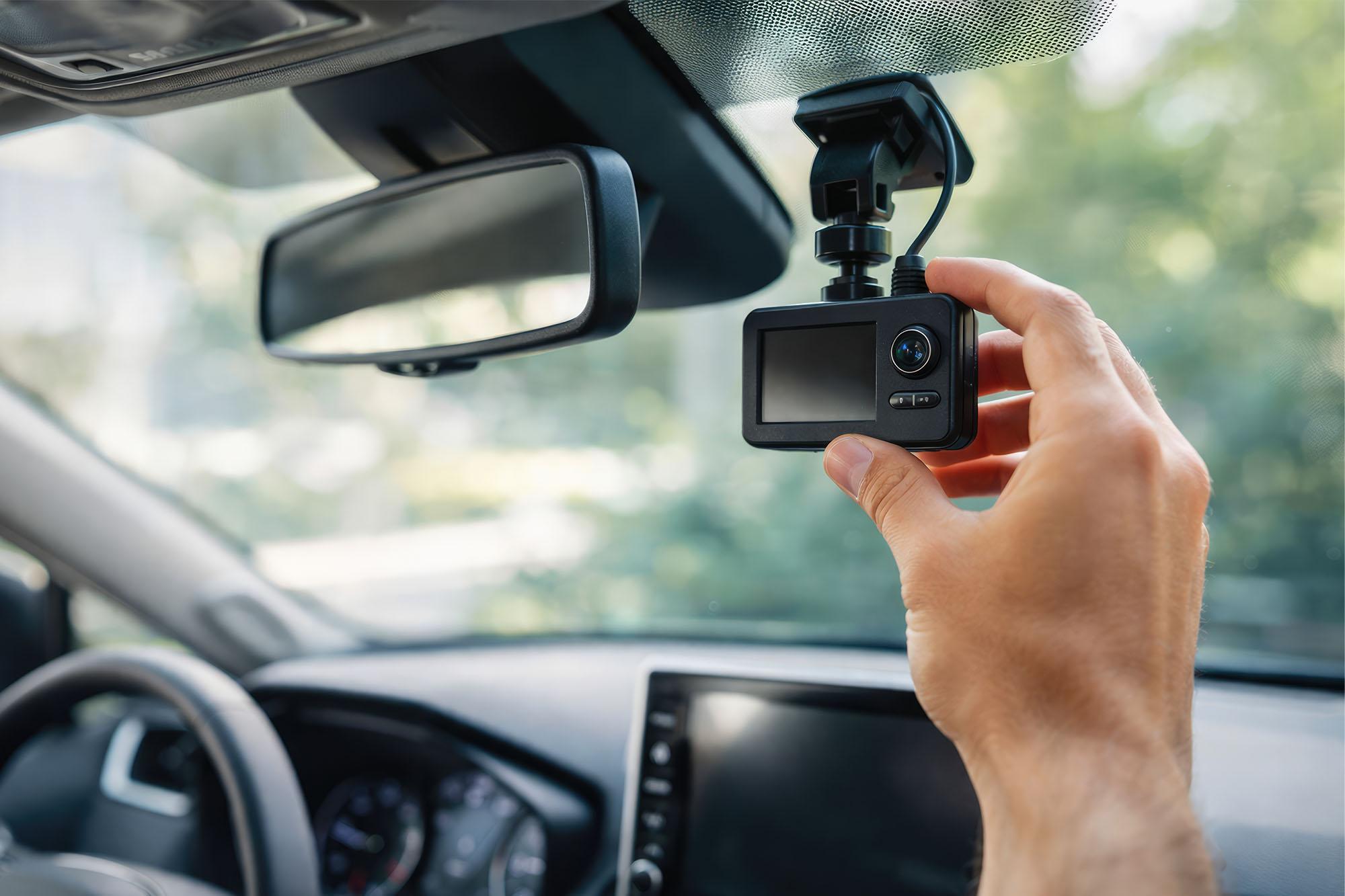
In the UK, approximately 31% of motorists currently use a dash cam. And it’s no surprise as to why. Dash cams help provide factual evidence in case you’re involved in an accident, which helps ensure accurate insurance claims and legal protection. They can also help prevent fraudulent insurance claims (also called “crash for cash”), and keep an eye on your vehicle when you're not around.
Whether you're after a straightforward HD dash cam to put your mind at ease, or a feature-packed front and rear dash cam for all-round coverage, we’ve got plenty to choose from.
So here are six of the best dash cams available right now so you can pick the best one for you.
Features that matter when choosing a dash cam
Before you start shopping, here are some key features to look out for when buying a dash cam:
Video quality generally ranges from Full HD (1080p) right up to 4K quality. Higher image quality makes it easier to clearly catch legible number plates.
Lens angle: A wider field of view means you capture more of what's happening around you, which is especially useful for monitoring your blind spots. Look for a lens angle of at least 120° to keep everything in frame.
Night performance is how well the camera performs in low-light conditions, which is particularly important during autumn and winter. If you tend to drive at night, models with a polarising filter reduces headlight glare for clearer footage.
Parking mode keeps an eye on your car when the engine is off. It uses motion detection and impact sensing to start recording automatically if someone bumps or approaches your vehicle.
GPS and Wi-Fi are handy additional features. GPS overlays your speed and location onto your footage, which can be key if you ever need to submit a clip as evidence. Wi-Fi connectivity lets you log and transfer footage wirelessly to your phone, review clips on the go, and access additional features like incident sharing.
For a more in-depth view, our Dash Cam Buying Guide takes you through the specs and features worth prioritising.
Our 2026 feature comparison table
Here's how our selection of dash cams stack up at a glance:
| Model | Resolution | Front + Rear | GPS / Wi‑Fi | Voice Control | Best For |
|---|---|---|---|---|---|
| Nextbase 522GW | Quad HD (1440p) | Front only | GPS & Wi‑Fi | Amazon Alexa | Best all‑rounder |
| Road Angel Halo Pro Deluxe | Quad HD front / Full HD rear | ✓ | GPS & Wi‑Fi | — | Best front & rear |
| Garmin Mini 3 | Full HD (1080p) | Front only | Wi‑Fi | Voice save | Best compact |
| Garmin X310 | 4K Ultra HD | Front only | GPS & Wi‑Fi | Voice | Best image quality |
| Navitel RS990 | 4K front / Full HD rear | ✓ | GPS & Wi‑Fi | — | Best value dual‑cam |
| Co‑Pilot CPDVR3 | Full HD | Front + Rear | — | — | Best mirror‑style |
But which dash cam style is best for you? Let’s dig a bit deeper into our picks.
Mirror-style dash cams
Mirror-style dash cams can completely replace your rear-view mirror. The view from the cameras is displayed directly onto the mirror so you can see the footage in real time.
The Co-Pilot CPDVR3 has a 4.3-inch screen that is big enough to display your rear camera without being distracting. And the hardware keeps things simple.
It has a discreet, cable-free design meaning it looks like a regular rear-view mirror and not expensive tech.
It’s seriously easy to install. Just clip it over your rear-view mirror and it’s ready to go. Perfect if you switch vehicles or want to share it between drivers.
Dash cams with voice control
With some more advanced models, voice control can help you gather footage hands-free. The Nextbase 522GW has Amazon Alexa, so you can use voice commands to start recording, take a photo, or save a clip without taking your hands off the wheel. And it’s packed with useful features.
It records in Quad HD (1440p), which is a noticeable step up from standard Full HD. It makes number plates more legible, and road signs are clearer, which is crucial if you need the footage to settle a dispute.
It has a polarising filter which adapts to suit different light settings, so you get sharp images day and night.
The Intelligent Parking Mode uses a combination of motion detection and G-sensor impact sensing to understand when it needs to start recording. So you get more relevant footage and less wasted storage.
The built-in G-sensor automatically locks footage during detected incidents so it can't be overwritten, and you don’t lose any important stuff.
Dash cams with a supporting app
The Road Angel Halo Pro Deluxe has its own app that lets you review, download, and share footage directly from your phone via Wi-Fi. And with a front-and-rear setup, you get consistently high-quality recordings.
The dual-camera setup combines a Quad HD front camera with a Full HD rear camera.
It also has a 140° wide-angle lens that gives you a complete, clear view around your vehicle, and checks your blind spots.
With parking mode, the camera takes a time lapse video every 15 minutes and starts recording when any motion is detected.

Compact dash cams
If you want a more discreet option that doesn’t clutter up your dashboard, a compact dash cam is ideal. Compact dash cams generally don’t have screens and instead works as a “set and forget” option. That way you minimise distraction and ensure your view isn’t obstructed, all while getting reliable footage.
The Garmin Mini 3 is a great compact option that records in Full HD and includes the features you’d expect from a full-size dash cam.
It includes Garmin's voice control feature so you can trigger recording, save clips, and capture photos with spoken commands.
It pairs with the Garmin Drive app, footage syncs wirelessly so you can view, edit, and share recorded footage directly from your phone.
Plus, it’s really straightforward to install with its magnetic mount. Its lightweight body is easy to position and adjust.
High-end 4K dash cams
4K video quality offers four times the pixel count of 1080p, making the images noticeably sharper. This is especially important when submitting footage as evidence.
The Garmin X310 records in true 4K Ultra HD. Even in low light settings or bad weather, the polariser lens reduces windscreen glare, so recordings stay clear and detailed.
It includes a 2.4-inch touchscreen, so you can navigate menus, review footage, and adjust settings by just tapping the screen.
And the integrated GPS feature records your speed and location alongside every clip so it’s visible across your recordings.
With Automatic Incident Detection, your dash cam saves key footage, so it won't be overwritten.

Great value front-and-rear setup
Front-and-rear setups give you a better level of protection by capturing a 360° view of your vehicle. Rear-camera footage can be a huge help if you’re caught in an accident, and means you're covered for hit-and-run incidents if a vehicle approaches you from behind.
The Navitel RS990 is a budget-friendly option that covers all the essential features. The front camera records everything in 4K Ultra HD and picks up what’s happening behind your car with the included Full HD rear camera.
It has a built-in microphone and speaker so every clip includes audio.
It features parking performance which uses motion detection to trigger recording when the engine is off. So your car stays monitored wherever it’s parked.
And it includes G-sensor which ensures impact events are captured and locked automatically.
FAQs
Which dash cam is best for UK drivers?
For most UK drivers, the Nextbase 522GW is a strong all-round choice. It has Quad HD video quality, Amazon Alexa voice control, and intelligent parking mode, amongst other great features. And if you want full front-and-rear coverage, the Road Angel Halo Pro Deluxe is a great alternative.
Do I need a front and rear dash cam?
Not always, but it depends on your circumstances. A front-only dash cam covers the majority of incidents. However, if you've experienced rear-end shunts, park in high-risk areas, or drive professionally, a front-and-rear setup gives you complete coverage.
Is 4K dash cam footage legally useful?
Yes, and increasingly so. 4K footage captures much more detail than Full HD, meaning licence plates and road signs are easier to read at greater distances and in low lighting. While UK courts and insurance companies accept 1080p footage as valid evidence, 4K recordings are harder to dispute and can provide vital details in complex incidents.
Can I install a dash cam myself?
The majority of dash cams are simple to install and attach to your windscreen via a suction cup or adhesive mount. Then just plug it into your car's 12V socket or USB port. But for a more permanent, tidy installation you might want to hardwire it, which involves connecting it to your car's fuse box.
You can check out our guide on how to install a dash cam for a full walkthrough.
Does a mirror dash cam affect visibility?
Mirror dash cams can actually improve your visibility. By replacing your conventional mirror's reflection with a rear camera feed, they offer a wider view of what's behind you, without blind spots. The initial view may take a little adjustment to get used to but overall can make for a better driving experience.
Do dash cams work when my car is parked?
It depends on the model and how it's set up. All the models in this guide include some form of parking mode, which uses features to begin recording when you're away from the car. Although to use parking mode properly, most cameras need to be hardwired to a constant power source.
Are GPS and Wi-Fi worth the extra cost?
These features are really useful to have, so it would be worth opting for a model that has both. GPS adds your exact speed and position at the time of an incident directly onto your footage which makes it difficult for an opposing party to dispute it. And Wi-Fi saves you from repeatedly removing your SD card to access your footage.