

If you’ve been looking up laptops and spotted “Chromebook Plus”, you might be wondering what it means. Is it a bigger Chromebook? Or something totally different?
It’s actually Google’s seal of approval for higher-performing Chromebooks. Chromebook Plus models meet the minimum standards for RAM, storage and processing power. So whether you're researching an assignment or streaming a movie, you can count on your Chromebook Plus to feel fast and responsive.
But are you better off with the standard Chromebook or do you go Plus? Here’s what you need to know.

What is a Chromebook?
A Google Chromebook is a laptop that runs ChromeOS, which is Google's lightweight operating system. ChromeOS is famous for being easy to use, starting up quickly, updating automatically and built-in security to help keep you safer online. Not bad, right?
Chromebooks are a great fit for:
Kids who need a laptop for primary or secondary school
Browsing, streaming or using Google’s apps
A secondary or backup device
Budgets under £300
Chromebooks are designed to support everyday tasks. The ASUS CX14 Chromebook is a reliable laptop that’s super lightweight and extra durable. And they’ve got decent battery life. The Lenovo IdeaPad Slim 3 Chromebook goes for 13.5 hours on one charge - enough for a full day’s work.
While they're great for day-to-day use, they can start to slow down if you're constantly juggling lots of things at once. So if you're the type to keep 20+ tabs open, you may be better off with a Chromebook Plus.
For a full breakdown, see our What is a Chromebook? guide.


What is a Chromebook Plus?
A Chromebook Plus is a laptop that meets Google’s minimum requirements to earn the name. These requirements are:
An Intel Core i3 / AMD Ryzen 3 processor, or better
At least 8GB of RAM
128GB of storage
A full HD 1080p webcam
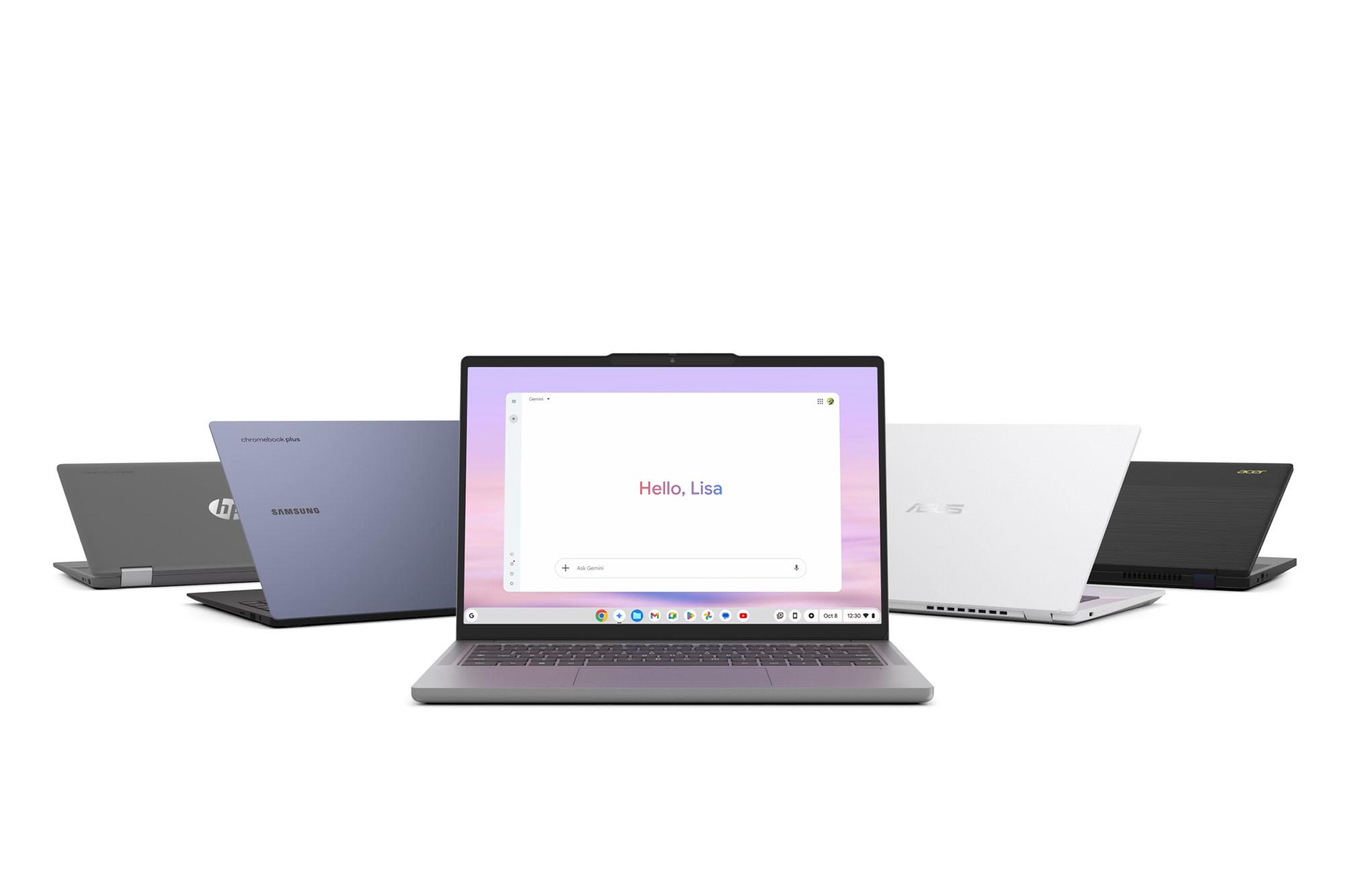
This all adds up to a faster Chromebook that can handle a lot more at once. Chromebook Plus laptops like the Acer 514 Chromebook Plus also have advanced built-in AI tools that help you work smarter and get more done. (More on these later.)


Chromebook vs Chromebook Plus
| Feature | Chromebook | Chromebook Plus |
|---|---|---|
| Processor | Entry-level Intel Celeron, MediaTek or ARM chips | Intel Core i3, Ryzen 3 or better |
| RAM | Typically 4GB (some models offer 8GB) | 8GB or more |
| Storage | 32GB to 128GB eMMC | 128GB minimum, often SSD storage |
| Webcam | Usually 720p | 1080p webcam with AI enhancements |
| AI features | Limited | Full Google AI tools |
| Performance | Everyday basic tasks | Advanced multitasking and demanding workloads |
| Typical price | Budget-friendly | Mid-range pricing |
Performance difference in real life
A standard Chromebook easily handles everyday tasks, from online shopping to streaming shows. But if you're someone who often hops between apps, you'll start to notice its limits.
A Chromebook Plus is specifically made for this kind of multitasking. Apps switch faster thanks to 8GB of RAM and video calls run more smoothly. Video calls are sharper too, with the 1080p webcam and automatic noise cancellation.
Google AI features on Chromebook Plus
One of the biggest reasons to choose Chromebook Plus are Google's AI-powered features. They’re the kind of things you’ll use every day and wonder how you did without them!
On a Chromebook Plus you get:
Help Me Write – An AI-assisted writing tool that can help draft emails, rewrite text, adjust tone and create content.
Magic Editor in Google Photos – Edit out photobombers, shift subjects or swap backgrounds, all without a separate app.
AI wallpaper generator – Create personalised wallpapers generated from prompts to give your laptop its own unique look.
Gemini in ChromeOS – Google’s AI assistant is integrated directly into the OS so help is always close by.
Enhanced video calls – Noise cancellation and video lighting adjustments make it easier to look and sound your best in calls.
AI features are really helpful for saving time and getting more done. But if you want access to all these tools, you’ll need to go for a Chromebook Plus.

Which is better for students?
The choice between Chromebook and Chromebook Plus depends on the student’s age and workload.
A Chromebook is a great pick for kids in primary and secondary school. It handles Google Classroom, Docs, Slides and Meet easily. Plus it’s simple to use, quick to set up and on the more affordable side.
Whereas the Chromebook Plus is the better call for those in college and university. The additional RAM, faster processors and AI tools can make juggling research tabs and heavier apps much smoother.
Find out Why Chromebooks are great for students in our helpful guide.

When a Chromebook is the right choice
It's easy to have your head turned by the Chromebook Plus. But a standard Chromebook is still a standout option for plenty of people.
A Chromebook is a better match for you if you want a laptop that’s:
Mainly for browsing and streaming
For school or homework
Simple, easy-to-use device for the whole family
A reliable second laptop for travel or casual use
A budget-friendly option with features you’ll actually use
In these situations, paying extra for higher-end specs probably isn’t necessary.
Is Chromebook Plus worth the extra money?
Expect to pay roughly £100–£150 more for a Plus model. If this will be your main laptop, it can be well worth it. The faster SSD, extra RAM, AI features and 1080p webcam make it a more capable device. But if you need a light-use or kids’ device, the standard tier makes more sense.
Need more help?
If you’re still not sure which model is for you, check out our guide to help you decide which Chromebook to buy.
FAQs
What is the difference between Chromebook and Chromebook Plus?
Chromebook Plus has faster processors, 8GB of RAM, at least 128GB of storage, a 1080p webcam and full access to Google AI features in ChromeOS.
Is Chromebook Plus faster than a regular Chromebook?
Yes. The minimum spec gives you a noticeably smoother and speedier experience, especially when multitasking.
Do I need Chromebook Plus for school or college?
For school, a Chromebook is fine. For college or university, Chromebook Plus handles bigger workloads more comfortably.
Are Chromebook Plus laptops worth it?
If it will be your main laptop, yes. The price gap is around £100–£150, and you get better performance, storage, webcam quality and Google AI tools.
Can Chromebook Plus replace a Windows laptop?
For cloud-based work, browsing, documents and video calls, it can be a great alternative. But if you rely on Windows-only software, Chromebook Plus won’t replace a Windows machine.
Do all new Chromebooks come with Plus?
No. Both standard and Plus models are actively being produced. The Plus models are becoming increasingly popular, but manufacturers still make standard Chromebooks.
How long do Chromebook Plus laptops last?
Newer Chromebook Plus models are eligible for up to 10 years of automatic ChromeOS updates, helping them stay secure and supported for years to come.