




Choose a topic to jump right to it:
Can one laptop do everything?

Featuring
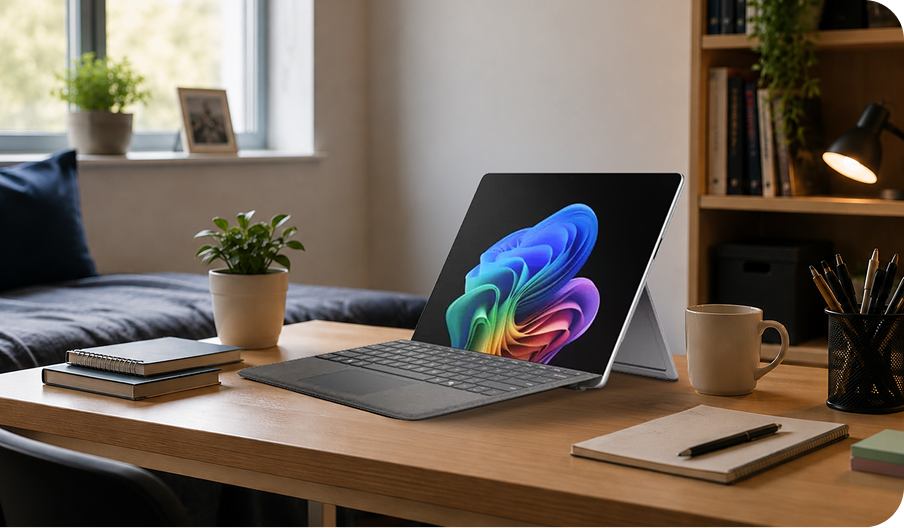
Microsoft Surface Pro 13"Students ask a lot from their tech. One minute it's taking lecture notes, the next it's being asked to collaborate with group work. Laptops are expected to stream content and then load up fast for a last-minute blitz before tomorrow's deadline. Phew.
So, can one device really do it all? There’s one laptop bundle that can – the Microsoft Surface Pro 13" Snapdragon® X2 Plus laptop, with keyboard included.
 9:00 AM
Lecture mode
With the Surface Keyboard attached, the Surface Pro is perfect for taking notes throughout lectures. And because Copilot is built in, it can help summarise key points and turn messy notes into something you'll actually understand later.
 12:30 PM
Group project mode
The 13" 3K PixelSense touchscreen gives everyone a clear view. And with up to 15.5 hours of battery life*, it will keep going while everyone else is hunting through their bags for a charger.
 3:00 PM
Tablet mode
With the keyboard detached, the Surface Pro transforms into a lightweight tablet. Great for reviewing lecture slides or catching up on course materials between classes.
 7:00 PM
Study session mode
Back in the library, it's time to focus. Copilot can help explain difficult topics even when your brain is starting to shut down for the night.
 10:00 PM
Switch-off mode
Time for a well-earned break. Whether it's a dipping into a show, a video call home or planning tomorrow's timetable, the Surface Pro is great for entertainment too.
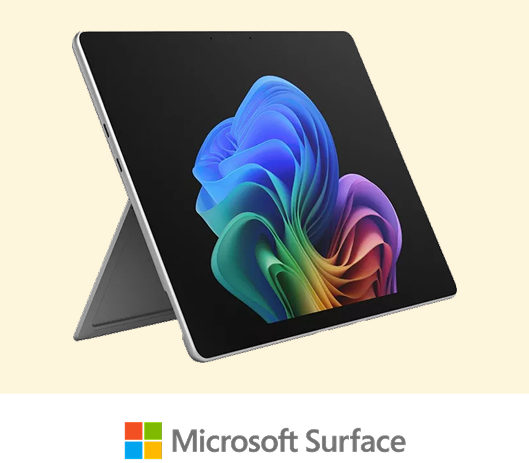
Microsoft Surface Pro, 13" | Snapdragon® X2 Plus | keyboard included
The Microsoft Surface Pro 13" fits laptop performance and tablet flexibility into a slick 0.9 kg laptop. Attach the Surface Keyboard when it's time to work, then detach it when you just want a tablet.
Its Snapdragon® X2 Plus processor delivers plenty of power for coursework, multitasking and everyday tasks. And because it’s a Copilot+ PC, you get exclusive AI tools as part of the package. For example, Click To Do opens a menu of handy shortcuts.
Highlights:
- Switch from laptop to tablet
- Built-in AI features
- Sleek, lightweight 0.9 kg design
- Up to 15.5 hours of battery life
- 13" 3K PixelSense touchscreen
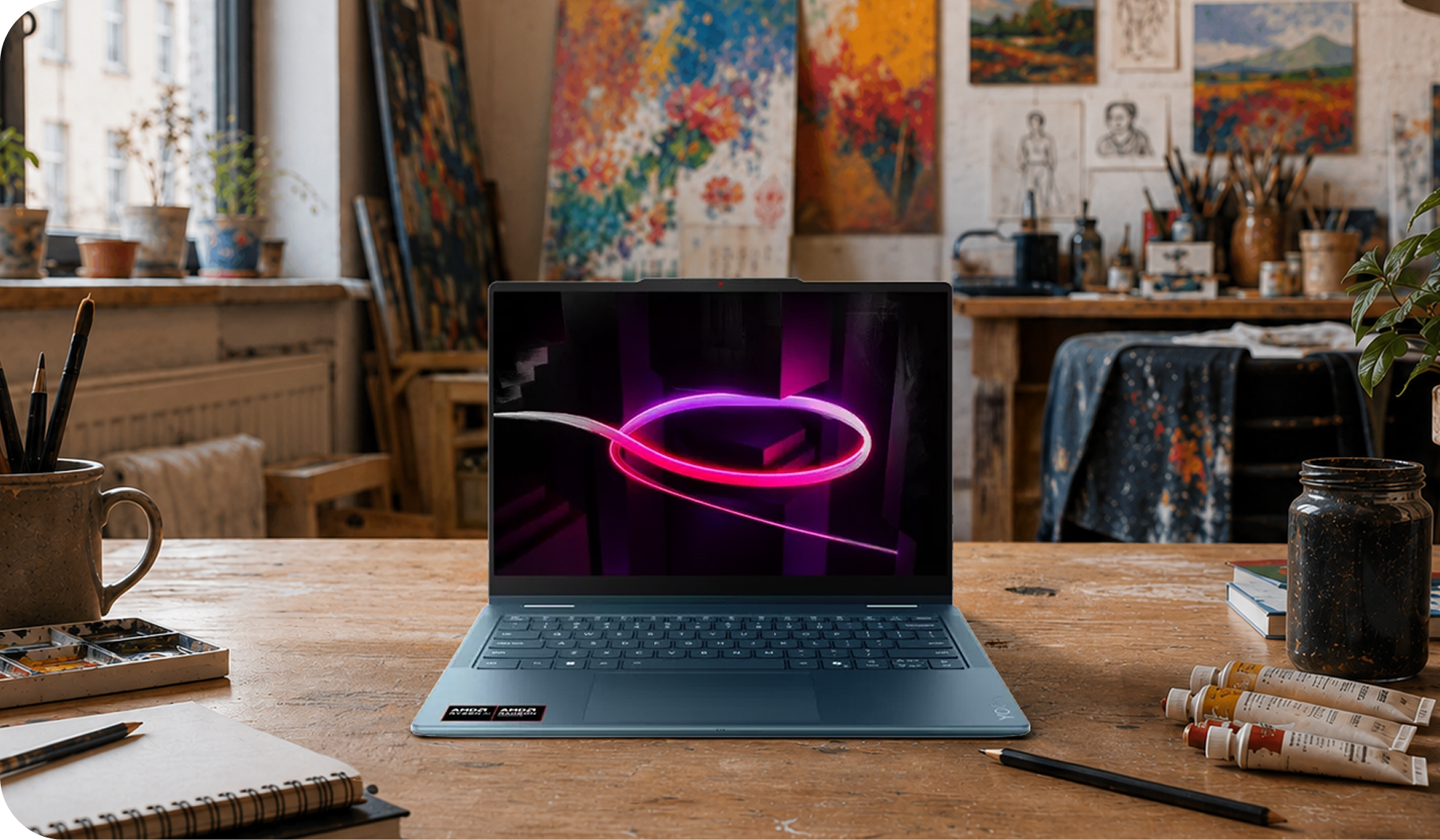
Top 5 ways Copilot helps you get creative

Featuring
Lenovo Yoga 7Whether you're designing social content or trying to bring a half-formed idea to life, Copilot running on an AMD powered PC is like having a creative partner always on hand.
 #1
#1Your AI-powered creative studio
Need visuals for a presentation, project or social campaign? Use Copilot to help generate ideas, refine concepts and speed up creative workflows. And you’ll get help with the Yoga 7’s powerful AMD Ryzen™ AI 5 430 processor.
 #2
#2Your brainstorming partner
Every creator gets stuck sometimes. So when you’re staring at a blank page, ask Copilot to generate fresh ideas or help shape rough concepts into something worth working on. And unlike a real brainstorming partner, Copilot’s always good to go again.
 #3
#3Turn notes into polished work
Jotted down ideas during a lecture or group meeting? The Yoga 7's Full HD+ OLED touchscreen lets you naturally sketch, write and annotate ideas. Then Copilot can transform them into presentations or projects.
 #4
#4Create wherever creativity strikes
From the library to your favourite coffee shop, the lightweight Yoga 7 goes with you anywhere. Its flexible 2-in-1 design lets you switch between laptop and tablet modes in seconds. And it always starts up fast.
 #5
#5Stay productive for longer
Big creative projects don't always fit into the nine-to-five. With up to 26 hours of battery life, the Yoga 7 can power on through lectures, study sessions and late-night bursts of inspiration.
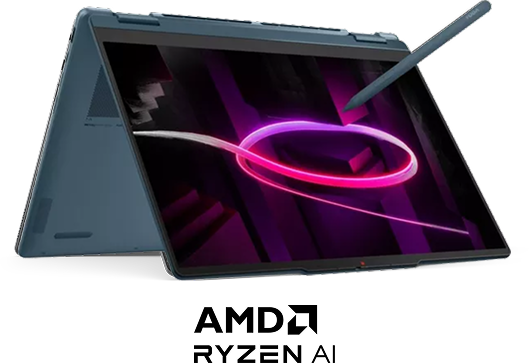
Lenovo Yoga 7 14" 2-in-1 Copilot+ PC
Good ideas never wait until you’re sat at a desk. The Lenovo Yoga 7 is built for students who like to create on the go. Its flexible 2-in-1 design lets you switch between laptop and tablet modes in a flash, while the sharp vibrant HD+ OLED touchscreen makes presentations and projects look their best.
Powered by its AMD Ryzen™ AI 5 430 processor and 16 GB of DDR5 RAM, it’s ready to take on multitasking, content creation, research and everyday uni life. And because it's a Copilot+ PC, you'll get access to powerful AI that’s there to support your ideas and workflow.
Whether you're sketching ideas, building a portfolio or collaborating on your next group project, the Yoga 7 gives you the flexibility to get things done your way.
Highlights:
- Copilot+ PC with built-in AI to boost creativity and productivity
- AMD Ryzen™ AI 5 430 processor for responsive everyday performance
- 2-in-1 design with a Full HD+ OLED touchscreen
- Up to 26 hours of battery life
- 16 GB DDR5 RAM and 512 GB SSD storage
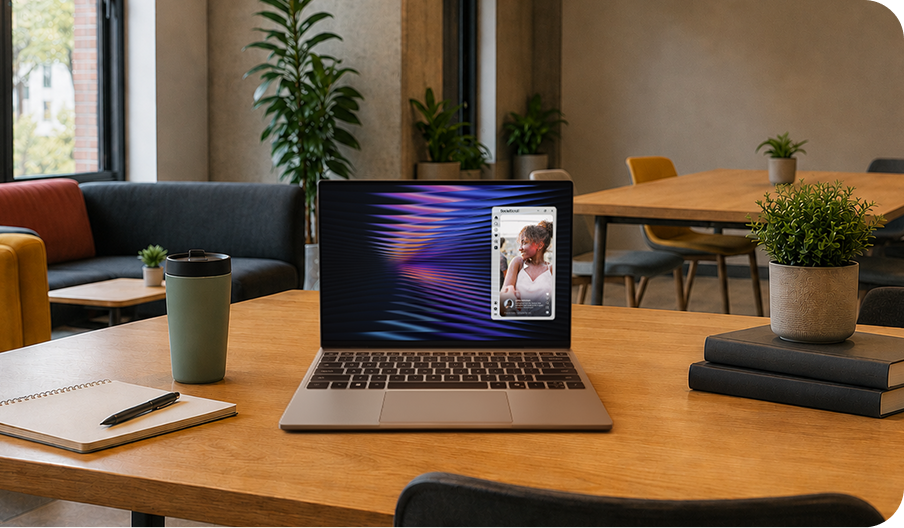
5 things every student on the move needs

Featuring
Dell XPS 13Uni life is about much more than just study halls – especially when you throw yourself into everything that’s available. Between lectures, libraries, clubs and too many nights in the Union, you're constantly on the move.
Here are five things to look for in a laptop with stamina.
 #1
#1Battery that keeps going
The Dell XPS 13 gives you up to 17 hours of battery life. Pretty handy for those packed days without time to charge.
 #2
#2Less weight in your bag
When you're carrying books, chargers, water bottles and everything else, bag space is a premium. At just 1 kg, the XPS 13 is designed to be thin, light and easy to carry.
 #3
#3Tough enough for student life
Let's be honest - backpacks take bumps, café tables get crowded and accidents happen. Fortunately, the XPS 13 features premium CNC aluminium.
 #4
#4Plenty of room for everything
Lecture recordings, coursework, downloads you'll definitely read later - it all adds up. With a 512 GB SSD, there's loads of space for your digital life.
 #5
#5Ready when you are
When you've got a quick idea you need to get down, you don’t want to be waiting for your laptop to wake up. The Series 3 Intel® Core 5 Processor helps keep everything feeling fast and responsive.
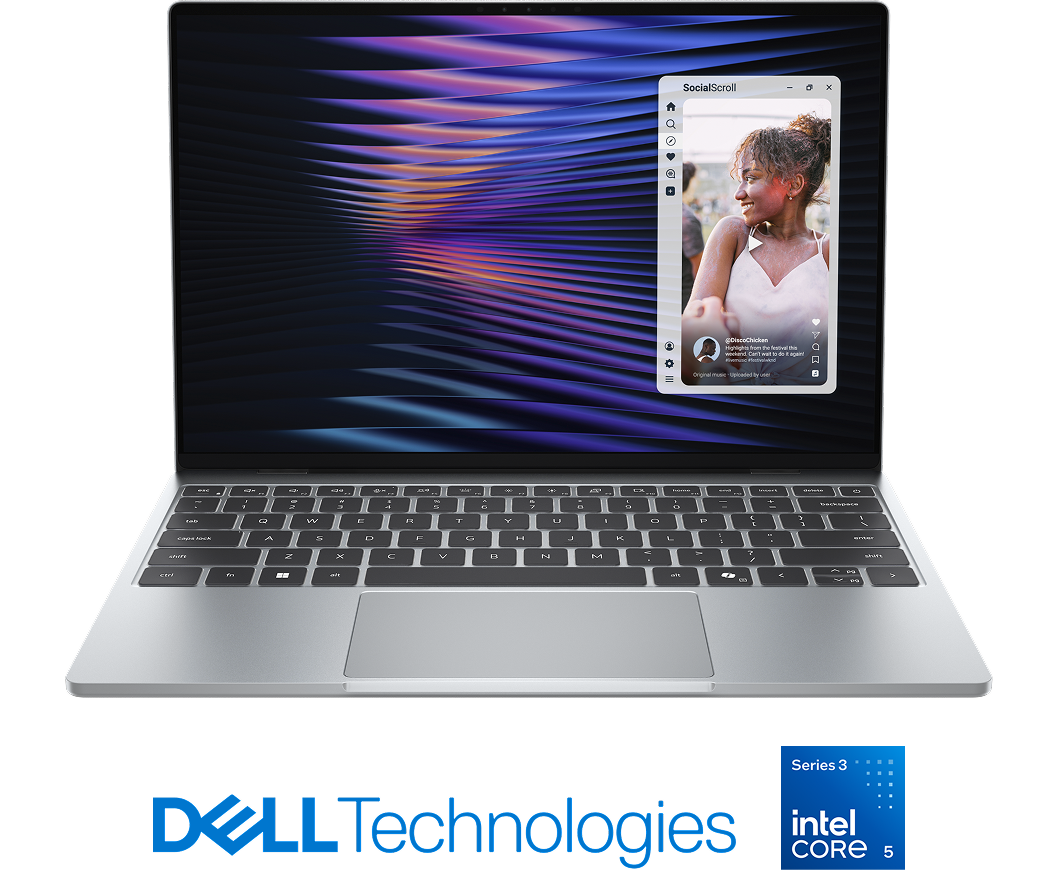
Dell XPS 13
If you're someone who can’t sit still, the Dell XPS 13 gets you. Its thin, lightweight design makes it easy to carry around campus, and it’s tough enough to take on uni life.
When you've packed your day with lectures, meet-ups and everything in between, the extended battery lets you fit it all in. And more. With this AI PC and a powerful Series 3 Intel® Core 5 Processor, you've got a laptop that's ready for anything.
Highlights:
- Up to 17 hours of battery life
- Razor thin and lightweight design
- Premium CNC aluminium construction
- Backlit keyboard & windowed glass touchpad
- Series 3 Intel® Core 5 Processor-powered performance
5 study hacks that actually work

Featuring
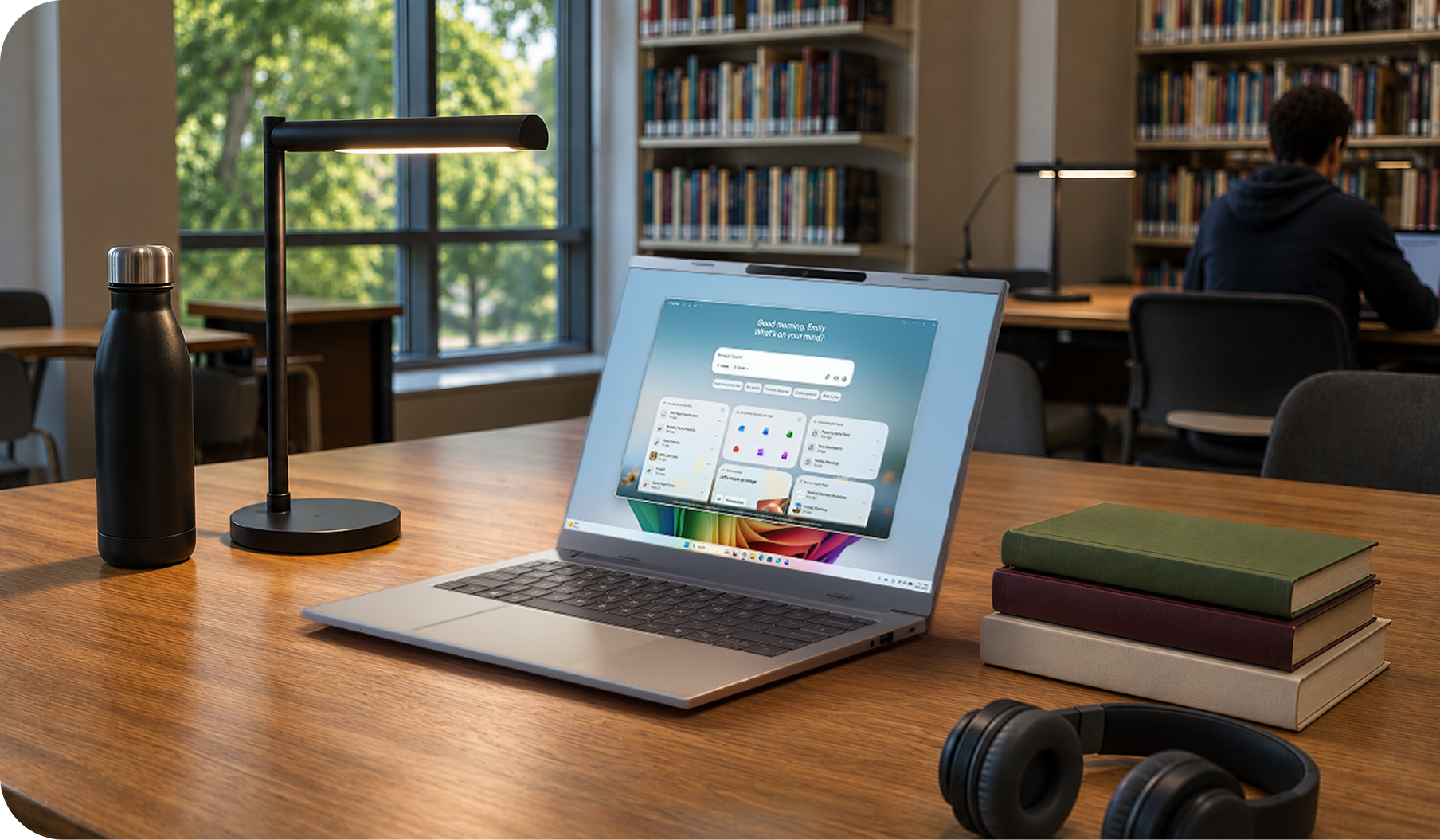
Acer Aspire 14 AIWhile you might love your subject, it’s still going to be loads of hard work. Between lectures and revision sessions, there's always something demanding your attention. But Copilot can genuinely make things easier. Pair it with the Acer Aspire 14 AI and you've got a laptop that can help you stay on top of everything.
 #1
#1Get quick revision notes
Paste lecture notes into Copilot and ask it to pull out the key points. You'll get a concise summary that's much easier to revise from when exam season rolls around. It’s like you were actually paying attention!
 #2
#2Study planner in seconds
Coursework deadlines, seminars and society commitments will all be competing for your attention. Ask Copilot to create a study timetable around your schedule.
 #3
#3Beat the blank page
Ask Copilot to suggest a structure and help you organise your ideas. You'll still need to do the thinking, but it takes care of the hard part – getting started.
 #4
#4Instant flashcards
Copilot can turn your notes into quick-fire flashcards and practice questions. It's a simple way to make revision feel a bit more interactive. And hopefully make it stick!
 #5
#5Understand tricky topics
If you’re stuck on a difficult concept, ask Copilot to explain it in simpler terms. Then ask follow-up questions until it clicks.
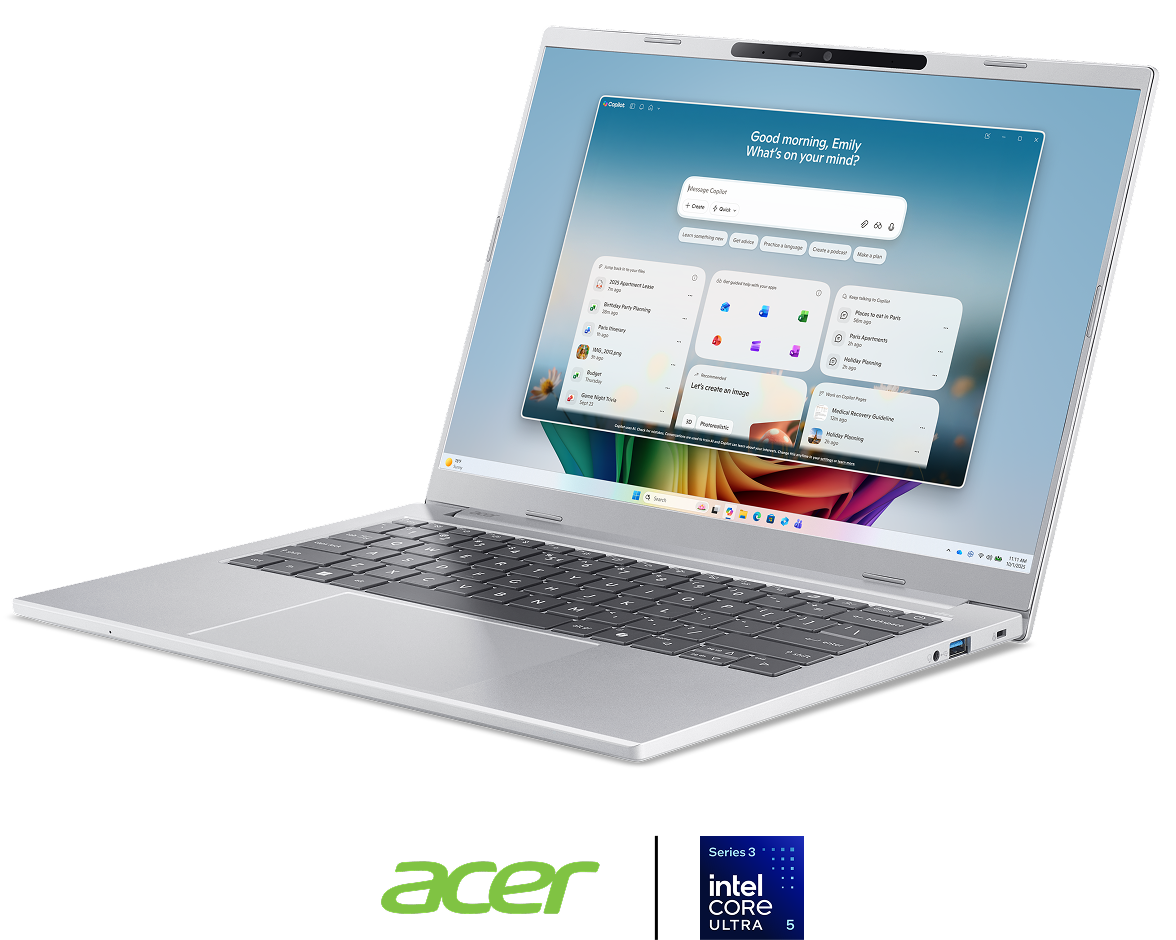
Acer Aspire 14 AI
The Acer Aspire 14 AI is built for busy student life – and that means multitasking. Its Intel® Core™ Ultra 5 processor and 16 GB of RAM are a big help in keeping everything smooth and seamless.
Copilot+ is built in too. It’s everything from secretary to study buddy. And because all that studying adds up to a lot of screen time, the vibrant Full HD+ IPS display makes reading, researching and editing documents much more comfortable.
Better still, with up to 30 hours of battery life, it'll keep going through lectures, library sessions and late-night revision without constantly needing to be plugged in.
Highlights:
- Copilot+ PC built for smarter studying
- Intel® Core™ Ultra 5 processor with Intel® AI Boost
- 16 GB RAM for smooth multitasking
- Full HD+ IPS 120 Hz display
- Up to 30 hours of battery life
*Based on local video playback test. Testing conducted by Microsoft in [May, 2026] using preproduction software and preproduction Surface Pro, 13" (12th Edition), with Snapdragon® X2 Plus 16GB, 256GB and Surface Pro, 13" (12th Edition) with Snapdragon® X2 Elite 16GB, 512GB devices devices. Testing consisted of full battery discharge during video playback of a .mov file through the Windows Media Player application in 1080p at 24 FPS. All settings were default except screen brightness set to 150 nits with auto-brightness disabled. Wi-Fi was connected to a network. Battery life varies significantly with settings, usage, and other factors.