


AI laptops are making it easier to get things done faster so you can make better use of your time.
A laptop powered by an AMD Ryzen™ AI processor is designed to support the latest AI features. You can create more with long battery life and multitasking. You can power through task and save time. And you can unlock your creativity with built-in AI - no extra subscriptions needed.1
In this guide, we'll take a look at:
What an AMD Ryzen™ AI laptop is and what makes it different
How AMD Ryzen™ AI helps turn rough ideas into finished work
How smart power improves battery life
The best AMD Ryzen™ AI laptops of 2026
The most commonly asked questions
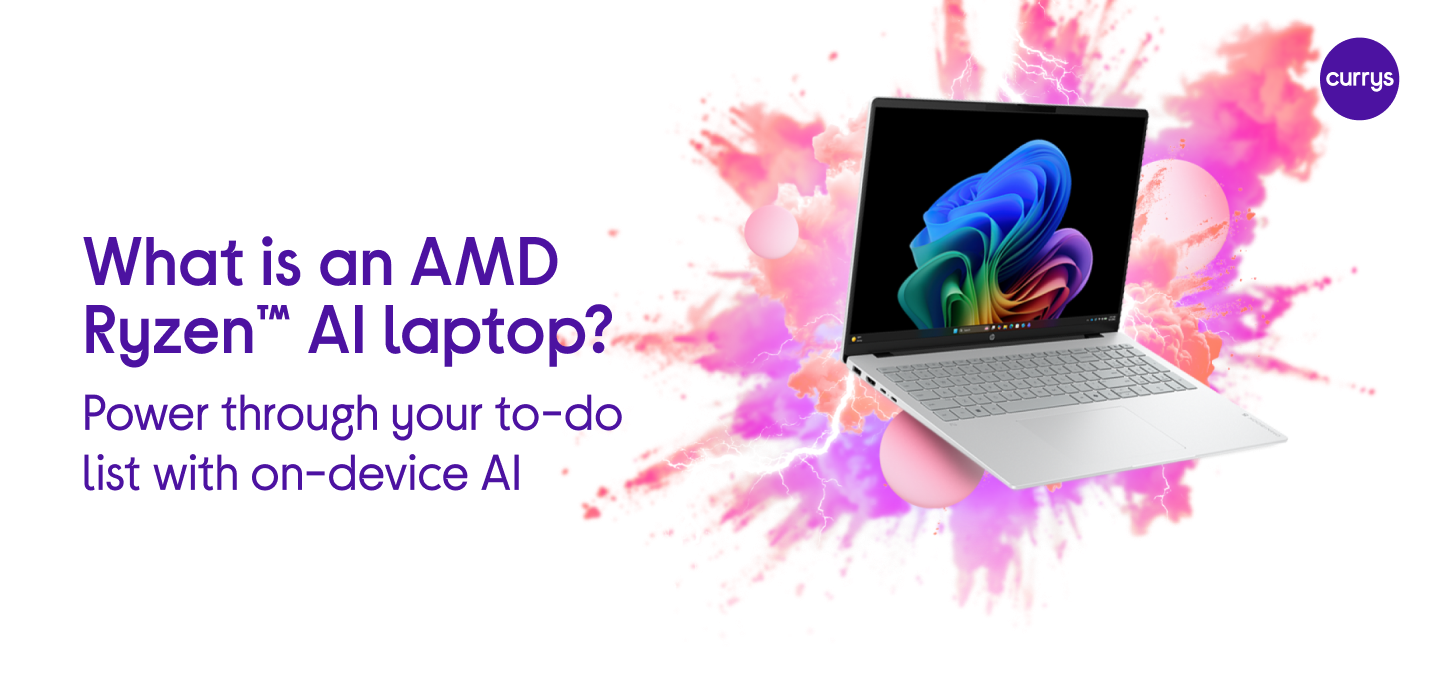
What is an AMD Ryzen™ AI laptop,
and what makes it different?
A lot of AI tools still rely on cloud processing, which means sending requests out and waiting for responses. With an AMD Ryzen™ AI laptop, many supported AI workloads can run directly on the device.
Each AMD Ryzen™ laptop is made up of a few key parts that work together.
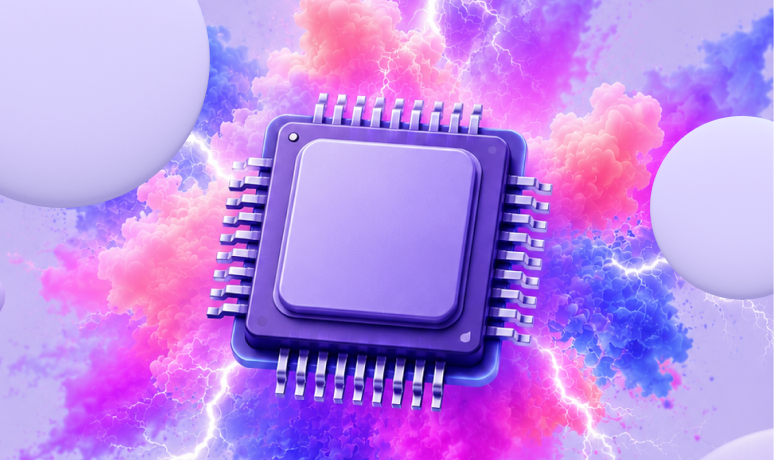
Neural Processing Unit (NPU)
This dedicated AI engine is designed to make AI processing incredibly efficient. It's powered by AMD XDNA™ architecture, which is basically the brains behind the NPU. The NPU itself is designed to accelerate supported AI experiences on the device - including compatible speech, image, and productivity features.

Central Processing Unit (CPU)
Consists of cores with powerful AI capabilities to bring the latest AI PC experiences to life.

Graphics Processing Unit (GPU)
Dedicated AI accelerators help optimise AI workloads, making everything run faster and smoother. So you can get more done without waiting around.
Because some AI features can run directly on the laptop itself, you won't always need a constant internet connection. That means you can work on the move or a cafe with dodgy Wi-Fi, without things slowing you down.
How AMD Ryzen™ AI helps turn
rough ideas into finished work
When you're on a laptop, a lot of your time is usually spent finding information, organising ideas, making edits and fixing little problems along the way.
That's where AMD Ryzen™ AI can make a real difference. Rather than switching between separate tools, AI features can be part of the apps and programs you already use. A quick prompt can help you get a project started or handle routine jobs that usually slow you down.
Here are just a few everyday examples:
- Make a video team call while your laptop gives you the best questions to ask.
- Turn simple bullet points into the first draft of a presentation.
- Summarise a long email thread without reading every reply.
- Create ideas and artwork for a social event.
- Generate a mood board for a design project or hobby.
How smart power use improves battery life
Systems powered by AMD Ryzen™ AI processors are designed for efficient power use and extended unplugged operation.2
The processor is smart enough to save power when you're just browsing or writing, but it's always ready for bigger jobs like editing or being creative. This means your battery lasts longer, so you can work wherever you like without worrying about finding a plug socket.
The best AMD Ryzen™ AI laptops
available right now
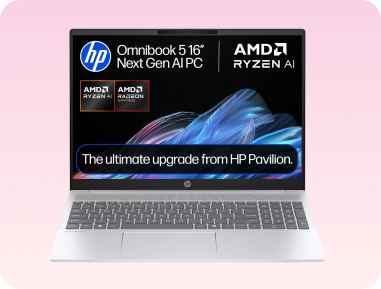
Best for everyday AI productivity - HP OmniBook 5
You'll be able to get some serious work done with this HP OmniBook 5 16" laptop. It has a dedicated Copilot key, so you can get intelligent assistance at the touch of a button (literally). It also features an integrated AMD Radeon™ 840M GPU, which is exactly what you need for jobs like video editing.
Shop now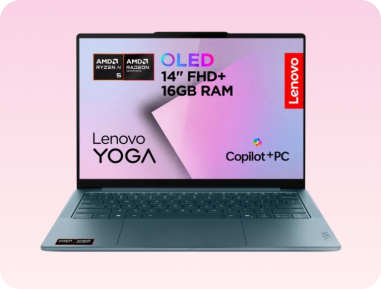
Best for commuting and lighter travel - Lenovo Yoga Slim 7
The Lenovo Yoga Slim 7 is lightweight and easy to carry, so you can work and pull ideas together on the move. It's really power efficient, giving you up to 22.5 hours of battery life. And when you do need to top it up, rapid charge tech gets you back up to speed in a few minutes.
Shop now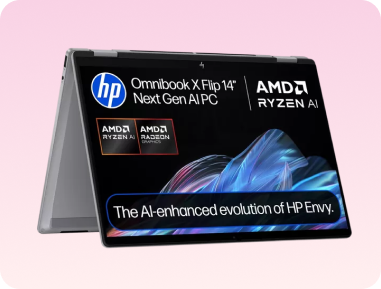
Best 2-in-1 AMD Ryzen™ AI laptop - HP OmniBook X Flip
The HP OmniBook X Flip lets you easily switch between laptop and tablet mode. One minute you can be typing up a report, the next you can be sketching out onscreen ideas with your finger. It can also intelligently adapt to you and save power when it's in your bag. Once it senses it's been packed away, it triggers hibernation.
Shop now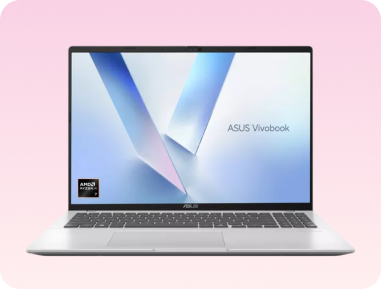
Best all-rounder for work and creativity - ASUS Vivobook 16
With its roomy 16" display, the ASUS Vivobook 16 lets you work on lots of different things at once. That screen space can help you compare documents or check your designs side-by-side. It also has fast SSD storage, so all your files and apps load almost instantly.
Shop now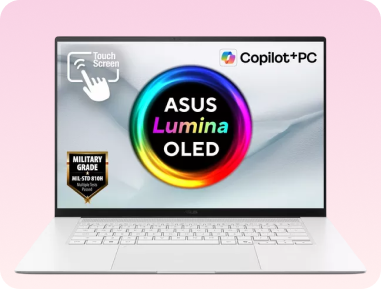
Best premium AMD Ryzen™ AI laptop
The ASUS Zenbook S16 is one of the best AMD Ryzen™ powered AI laptops around. With the new AMD Ryzen™ AI 9 365 processor, it helps with complex tasks like creating 3D images. And with a colour-accurate 3K display, you can do detailed creative work.
Shop nowFAQs
What is an AMD Ryzen™ AI laptop?
An AMD Ryzen™ AI laptop has AI built into the processor, so you can turn ideas into drafted emails, edited images and useful outputs in seconds. It combines a CPU, GPU and a dedicated AI engine all in one chip, which means AI tasks are handled on the device itself.
What can you do on an AI laptop that you can't do as easily on a regular laptop?
AI laptops are designed to handle AI-powered features efficiently. This can make it quicker to summarise documents, generate ideas, organise information and create first drafts. Plus, tasks sometimes run directly on an AI laptop itself, rather than relying on cloud processing.
What does the AI chip (NPU) inside a laptop actually do?
The NPU (Neural Processing Unit) is a dedicated part of the processor designed specifically for handling AI workloads. Rather than everything being processed through the CPU, certain tasks get routed to this separate engine. That includes things like summarising text, generating suggestions, or restructuring information.
Can an AMD Ryzen™ AI laptop help with work and study tasks?
Yes. AMD Ryzen™ AI processors include a dedicated AI engine (NPU) that can help run supported AI features directly on the laptop. This can make it easier for you to summarise information, organise notes and draft content without relying on cloud-based processing.
Are AMD Ryzen™ AI laptops good for creative work like photo editing and design?
Yes. AMD Ryzen™ AI processors include a dedicated NPU that can speed up AI features in creative apps. This means tasks like removing backgrounds or applying effects can run more efficiently.
Do AMD Ryzen™ AI laptops need the internet for every AI feature?
Not always. Some features can run directly on the device using the built-in AI engine, which means they don't rely on cloud access. This helps when working in places where connectivity isn't always stable. A few common features that usually run locally include summarising documents and generating suggestions or ideas.
Is an AMD Ryzen™ AI laptop good for multitasking?
Yes. AMD Ryzen™ AI processors combine a CPU, GPU and dedicated NPU. Different types of tasks can be handled by the part of the chip best suited for the job. For example, AI features can run on the NPU while the CPU and GPU handle apps, tabs and everyday work.
Need more help?

If you're looking for more info, check our laptop buying guide.
You can also browse our AI laptops, or pop in-store and speak to one of our colleagues. They'll answer all your questions, and give you advice based on what you'll mostly be using your laptop for.

If you're looking for more info, check our laptop buying guide.
You can also browse our AI laptops, or pop in-store and speak to one of our colleagues. They'll answer all your questions, and give you advice based on what you'll mostly be using your laptop for.
1.
Some supported AI features can run locally on the device. App availability, service requirements, and feature support all vary by software, operating system, and the system manufacturer.
2.
Actual battery life varies by system design, workload, settings, and testing conditions.