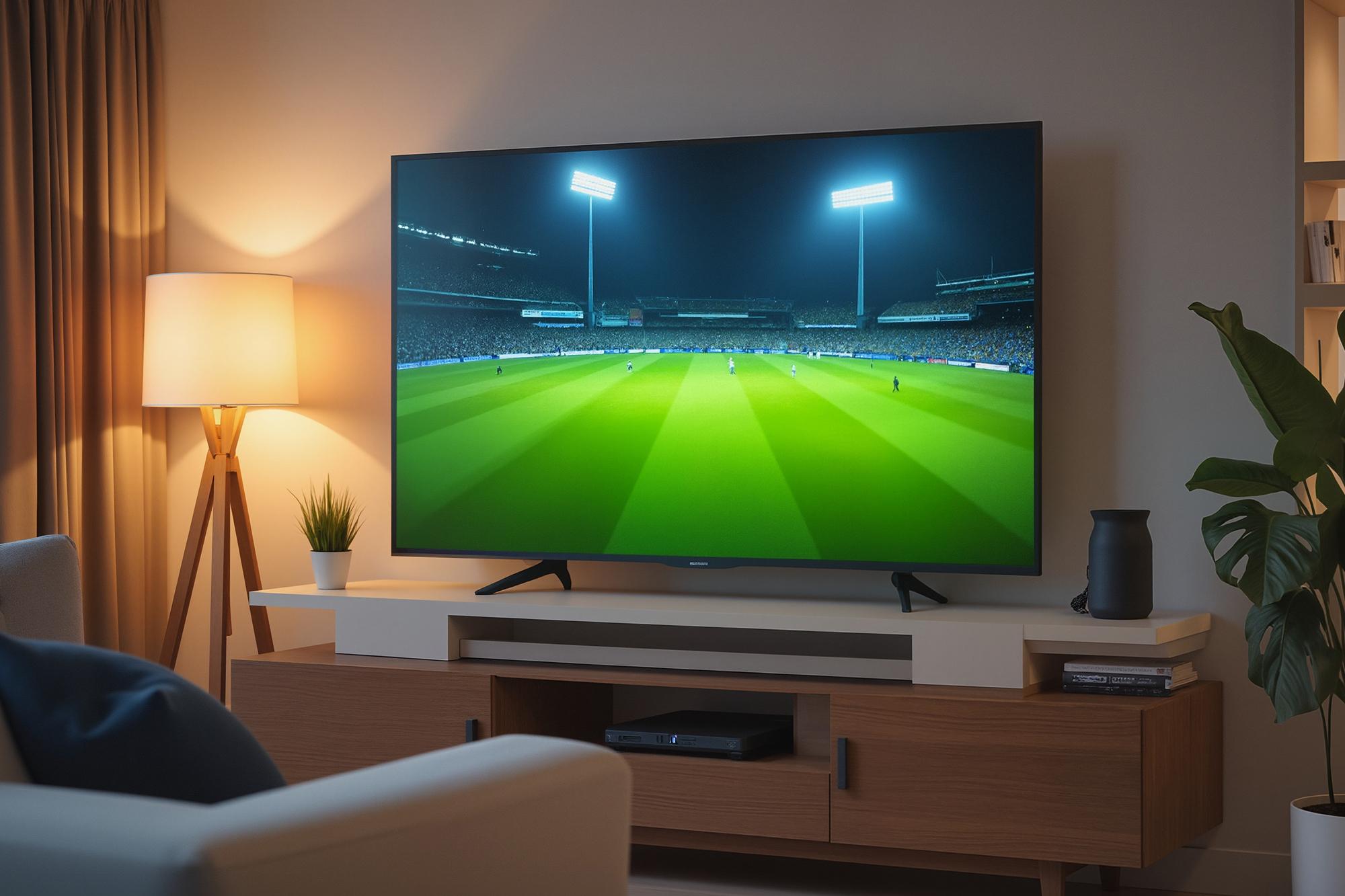



Football on TV has never looked better, which is great news for armchair football fans. With 4K format upscaling and modern 4K TV technology, even non‑4K broadcasts can be transformed into sharper, more detailed viewing. So, if you want the football you watch on TV to be more thrilling and immersive, 4K upscaling is a no-brainer.
In this guide, we explain what 4K technology is, how 4K TV upscaling works and how it’ll make this season’s football look and feel better than ever.
It can’t do anything about your team’s performance, though. Sorry.
What is 4K technology?
4K technology refers to ultra‑high‑definition picture quality that delivers far more detail than standard or full HD TV. A 4K TV has a much higher pixel count, allowing images to look sharper, smoother and more lifelike – especially on larger screens. And bigger TVs are usually better for football.
The 4K facts:
Resolution: 4K TVs typically display a resolution of 3840 × 2160 pixels
Pixel count: Around 8.3 million pixels – four times more than Full HD
Aspect ratio: Standard widescreen 16:9
Hardware: Requires a 4K TV and compatible content sources to view native 4K
What is 4K TV upscaling?
Put simply, 4K TV upscaling is taking a regular broadcast or recording and making it look better. Pictures appear sharper, with richer colours and deeper blacks. So, if you watch BBC One on an HD TV and then on a 4K UHD TV, you’ll instantly notice an improvement. Even though the source isn’t native 4K.
For the tech nerds (like us) out there, the process is called interpolation. That’s where the upscaling engines add new pixels to the original image to make it larger. Colour is applied based on the surrounding pixels. The larger picture is then refined by sharpening or softening, with filters applied to finish the upscaling.
The best 4K TVs have an upscaling engine inside them that makes the magic happen. Not all TVs feature upscaling engines. But models from Samsung, Sony, LG and Panasonic do.
4K upscaling for HD content
As you’ll know by now, 4K HDR TVs are made up of heaps more pixels than Full HD tellies – over 8 million compared to the 2 million of HD sets. This equates to 1080p for HD and 2160p for 4K screens.
The gap means there’s more screen space to fill when watching HD content on a 4K TV. Upscaling takes that HD image and makes it bigger and better. You’ll enjoy the best results with upscaling when watching HD channels rather than standard definition (SD) on your 4K HDR TV.
Why? Because programmes broadcast in SD are lower resolution than HD – 720p compared with 1080p. Because HD has more pixels than SD, there’s less work for the upscaling engine to do.
So, when you’re watching BBC One HD, ITV HD and any of the Sky HD channels, you’ll get a better picture with your 4K TV. The same can be said for watching regular Blu-ray, although Ultra HD Blu-ray is available with proper 4K discs.

The 4K football experience: How to watch football in 4K
If you’re wondering how to watch football in 4K this season, the good news is that it’s easier than you might think. Here’s how to get started:
Pick a 4K TV
Look for a 4K TV with a strong upscaling engine to improve both native 4K and HD broadcasts.Check your football broadcasters
Sky Sports, BT Sport Ultra HD and Amazon Prime will be broadcasting Premier League matches throughout the season in true native 4K.Access HD terrestrial channels
Various international matches are shown on BBC One and ITV. If you have access to HD channels through your TV’s built‑in Freeview, set‑top box or Sky box, you’ll be able to watch BBC One HD and ITV HD.Sit back and enjoy
With 4K upscaling, HD football looks crisper and more immersive than on a standard HD TV. You’ll see every tackle, pass and nail‑biting England penalty in sharper detail.
Ready to experience the thrill of football in 4K?
If you’re thinking about upgrading your setup, choosing the right TV is the best place to start. Take a look at our TV Buying Guide for expert tips.
Alternatively, watch our video below as Tech Expert Ben shows you how to bring the stadium home.
FAQs
What resolution is 4K?
4K resolution typically refers to a display resolution of 3840 × 2160 pixels. This gives around four times the number of pixels found on a Full HD TV, resulting in sharper images, finer detail and improved clarity, especially on larger screens.
What’s the difference between HD and 4K?
HD TVs usually display 1920 × 1080 pixels, while 4K TVs display 3840 × 2160 pixels. The higher pixel count in 4K means clearer images, better detail and smoother motion, particularly when watching sport or fast‑moving action.
How do I tell if my TV is 4K or not?
You can check if your TV is 4K by looking at the model specifications in the settings menu, user manual or manufacturer website. If the resolution is listed as 3840 × 2160 or described as Ultra HD or 4K, your TV supports 4K content.