


If you’ve been shopping for a new TV recently, chances are you’ve seen the term AI upscaling everywhere. It sounds clever – maybe even futuristic – but what does it actually mean for everyday viewing?
The short answer: AI upscaling helps modern TVs make lower‑resolution content look better on big, high‑resolution screens. And considering much of what we watch still isn’t native 4K, it’s far more relevant than you might think.
In this guide, we’ll break down what AI upscaling is, why it matters and how it improves movies, sports and gaming.
Why upscaling matters on modern TVs
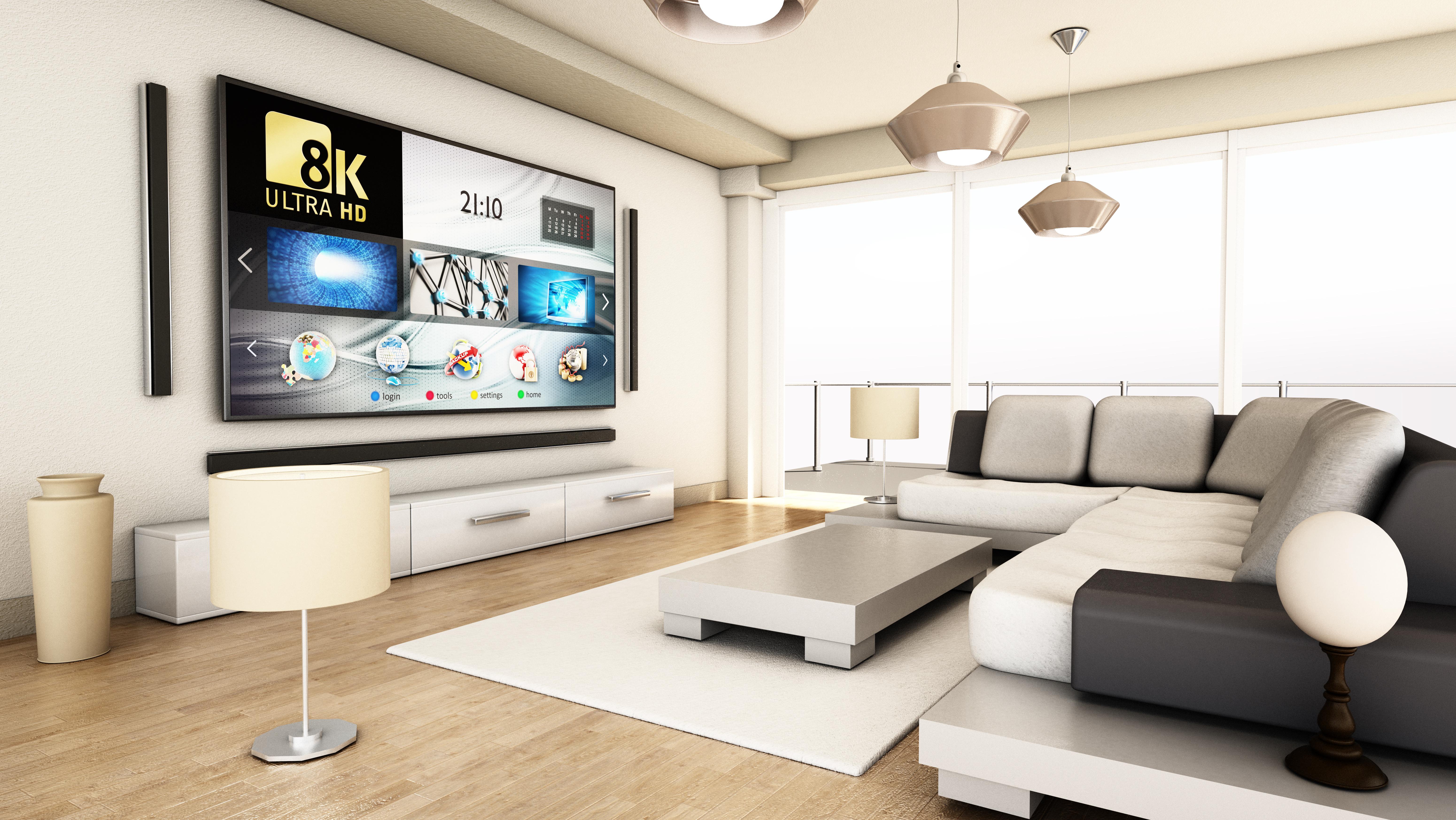
TV screens keep getting bigger and sharper. Even affordable models now come in 55 inches or more, with 4K – and even 8K – resolution as standard. The catch? A lot of broadcast TV, live sport and even streaming content is still produced in HD or lower.
When you display HD or SD content on a large 4K or 8K screen, the TV has to stretch that image to fill millions more pixels. Without clever processing, that’s when pictures can start to look soft, blurry or lacking in detail.
That’s why upscaling matters. Modern TVs don’t just display content – they actively process it. In many cases, the quality of that processing is just as important as the screen resolution itself.

What is AI upscaling on a TV?
AI upscaling is an advanced form of picture processing that uses machine learning to improve lower‑resolution content in real time.
Traditional upscaling simply stretches pixels to fit the screen. (Hence the upscaling name!) AI upscaling goes further by analysing what’s actually on screen – faces, textures, edges and objects – and enhancing them intelligently.
The good news is that AI upscaling usually works automatically. If you’re watching through a Smart TV, the TV’s processor handles everything in the background.
What’s the difference between resolution and picture processing?
It’s important to separate resolution from picture processing. Resolution is about how many pixels a screen has. AI upscaling is about how well the TV uses those pixels to recreate detail from lower‑quality sources.
How AI upscaling works
While the technology behind AI upscaling is complex, the basic process is easier to understand:
Input analysis – the TV examines the incoming signal, whether it’s HD broadcast TV, a streaming app or a games console.
Object and edge detection – AI models identify faces, text, textures and edges.
Noise reduction and sharpening – unwanted visual noise is reduced while important details are enhanced.
Frame‑by‑frame optimisation – adjustments are made continuously, adapting to what’s on screen.
Crucially, the processing can change depending on content. Fast‑moving sport, dark films and animated games are all handled slightly differently to get the best possible result.
AI upscaling vs standard upscaling – what’s the difference?
Not all upscaling is created equal.
Standard upscaling relies on fixed, rule‑based algorithms. It can smooth edges and fill gaps, but it doesn’t learn or adapt. This sometimes leads to images that look artificial or overly processed.
AI upscaling, on the other hand, is learning‑based. It uses trained models to recognise patterns and reconstruct detail in a more natural way. It adapts scene by scene, rather than applying the same rules to everything.
The difference is most noticeable on large screens, older content and live TV – especially when comparing entry‑level TVs with premium models.
Benefits of AI upscaling for movies and TV shows
For films and TV lovers, AI upscaling can make a real difference – especially if you stream a lot.
HD content from streaming services often looks cleaner and sharper on a 4K TV with good AI processing. Details in faces, skin tones and backgrounds appear more refined, while compression noise is reduced.
Older films and box sets benefit too. Grainy textures are smoothed without losing character, and picture quality stays more consistent from scene to scene. While AI can’t magically upgrade an old film to native 4K, it can make cinematic viewing feel far more polished.
Benefits of AI upscaling for live sports
Sport is one of the biggest winners when it comes to AI upscaling.
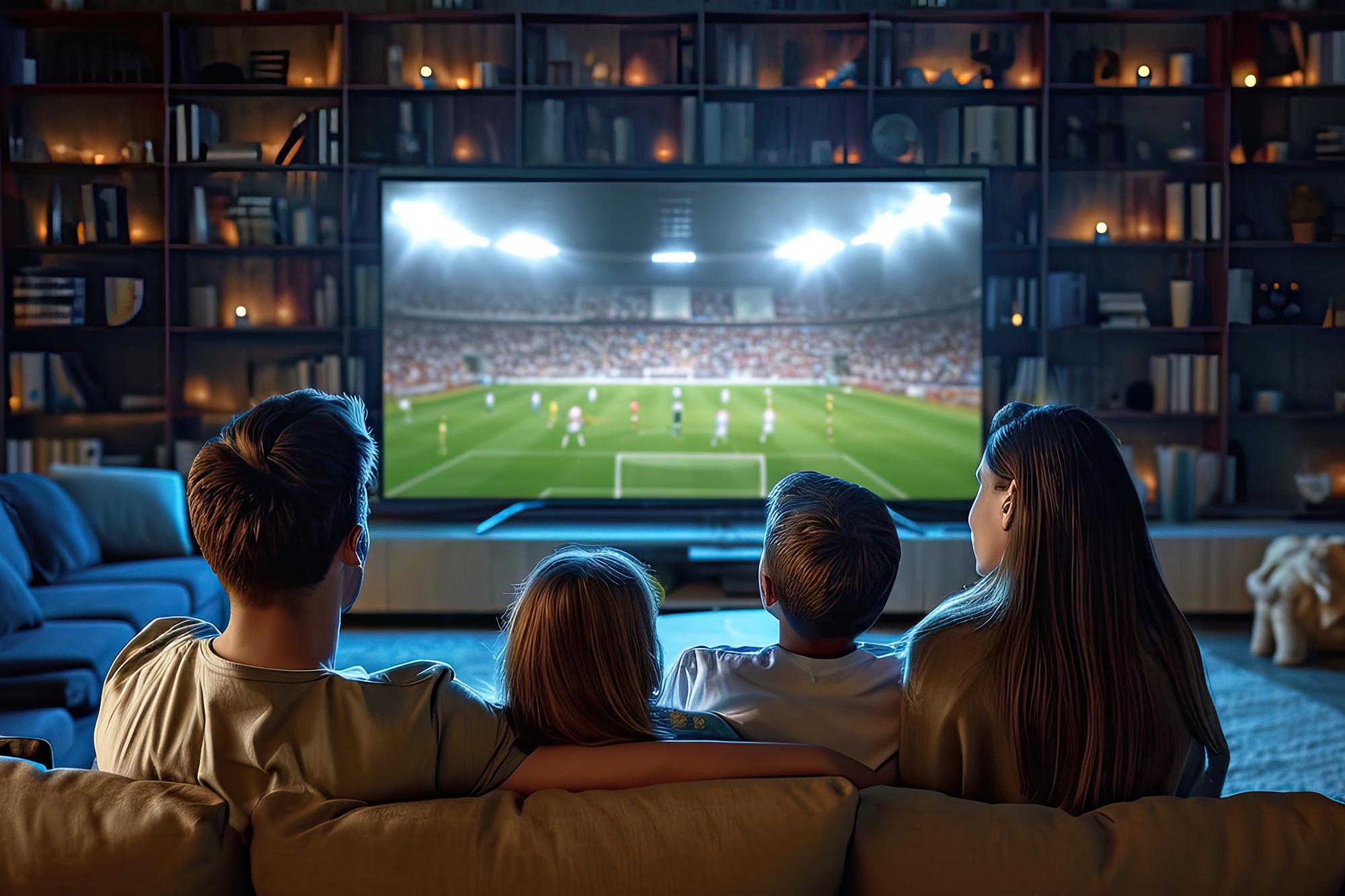
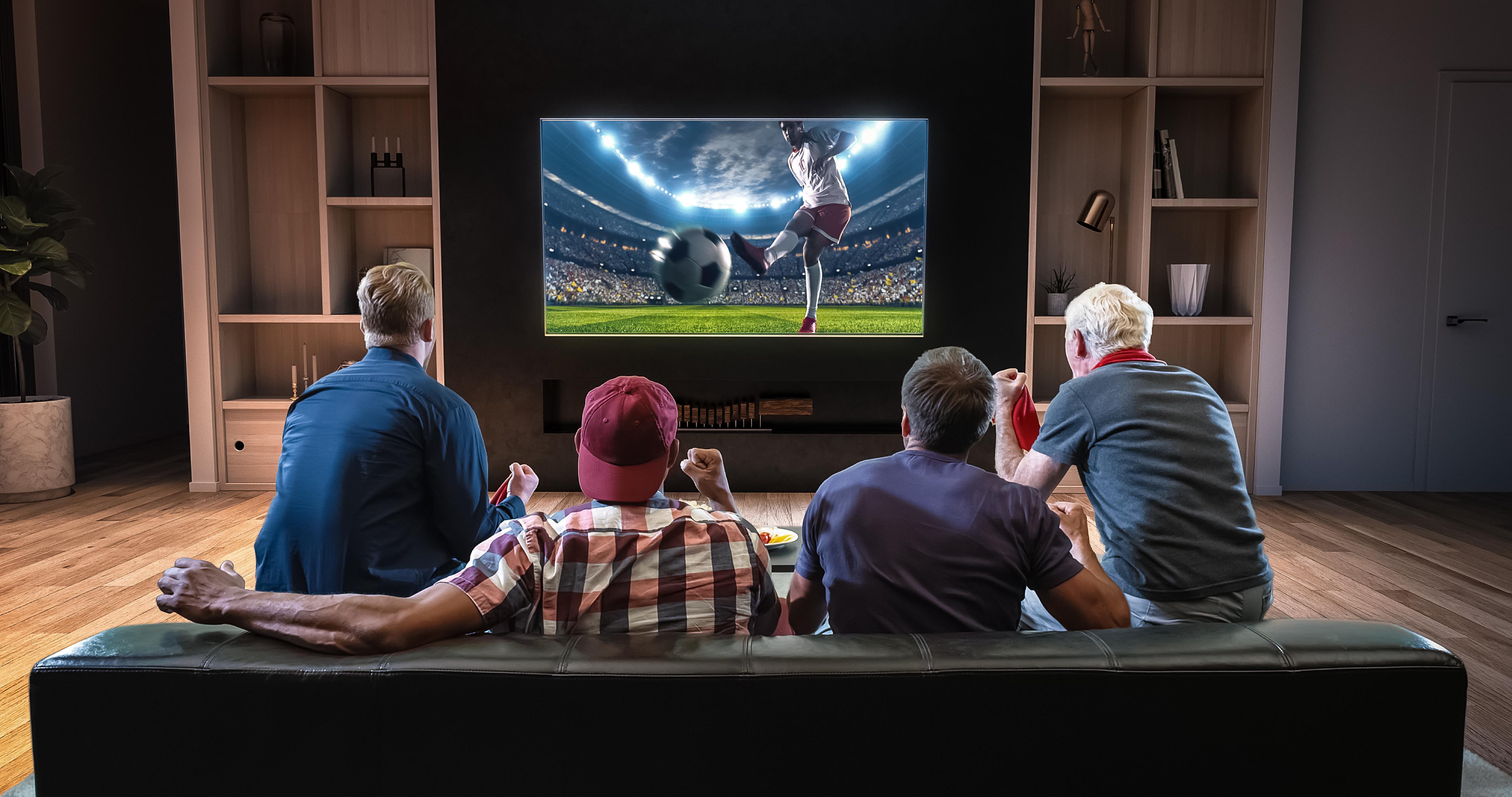
Live broadcasts are often still HD. When blown up to fill a large screen, they can lose sharpness. AI upscaling helps keep players, pitch markings and crowd detail clearer – even during fast movement.
Motion handling also benefits. Smarter processing improves clarity in quick pans and action‑heavy moments. If sport is your priority, we’ve got 5 questions for you to ask when you’re choosing a TV, plus a roundup of great TVs for matchday.
Benefits of AI upscaling for gaming
Gamers are often wary of extra processing – and for good reason. Input lag matters. But when handled properly, AI upscaling can enhance gaming visuals without hurting performance.
Many console games still run below 4K resolution. AI upscaling helps clean up edges, sharpen textures and reduce visual noise, making games look crisper on large screens. In that way, the right TV can be a major upgrade to gaming if you own an Xbox Series X, PS5 Pro, Nintendo Switch 2 etc.
Most modern TVs also pair AI processing with dedicated game modes that minimise latency. If you’re choosing a set for console or PC play, we’ve got a great choice of monitors and TVs for gaming.
Does AI upscaling turn HD into true 4K?
As good as AI upscaling can look, it isn’t a magic wand. AI upscaling enhances perceived detail – it doesn’t change the original resolution. HD content doesn’t become true native 4K in the same way a film shot and mastered in 4K does.
That said, AI upscaling still looks significantly better than basic scaling. The improvements can be dramatic with live TV or older content, and more subtle with already high‑quality streams. So, if all that matters is what your fave show looks like, then it’ll work great for you.
If you want a deeper dive into the basics, this explainer on what 4K upscaling does should make you the friendship group expert!
When AI upscaling makes the biggest difference
AI upscaling is most valuable if:
You’re buying a larger TV
You watch a mix of HD, SD and streaming content
You watch lots of sport or live TV
You use older consoles or broadcasts regularly
Screen size plays a big role too. The bigger the screen, the more obvious scaling quality becomes – which is why choosing the right screen size is all part of getting the most out of AI upscaling.
Is a TV with AI upscaling worth it?
For most people, yes – but it depends on how you watch TV.
If you mainly stream HD content, watch sport or are upgrading to a larger screen, AI upscaling can noticeably improve everyday viewing. And all without you needing to buy the remaster of that old movie.
If you mostly watch native 4K films and play high‑resolution games, the benefit may be less dramatic. But even then, better processing often means more consistent picture quality.
Looking for a new TV?
If yes then balancing screen size, thinking about what you watch and how much you’re comfortable spending will help you work out if AI upscaling is a must-have. So if you’re in the market for a new TV, it’s a good idea to check out some of the best TVs to buy right now. Alternatively, our TV Buying Guide is a great place to start.
FAQs
What is AI upscaling on a TV?
AI upscaling uses machine learning to enhance lower‑resolution content, improving clarity, textures and edges on high‑resolution screens.
Is AI upscaling better than normal upscaling?
Generally, yes. AI upscaling adapts to content and reconstructs detail more naturally than fixed, rule‑based scaling.
Does AI upscaling work with streaming apps?
Yes. AI upscaling works with broadcast TV, streaming services and connected devices via Smart TVs.
Is AI upscaling good for sports?
Absolutely. Sport benefits from sharper detail, improved motion handling and clearer fast‑moving scenes.
Does AI upscaling affect gaming performance?
Not usually. Most modern TVs disable heavy processing in game mode to keep input lag low.
Can AI upscaling turn HD into real 4K?
No. It enhances perceived detail but doesn’t replace native 4K content.
Do all smart TVs have AI upscaling?
No. The quality and presence of AI upscaling varies by brand and model.
Is AI upscaling worth paying extra for?
If you watch mixed‑quality content or are buying a large screen, it’s often worth it.