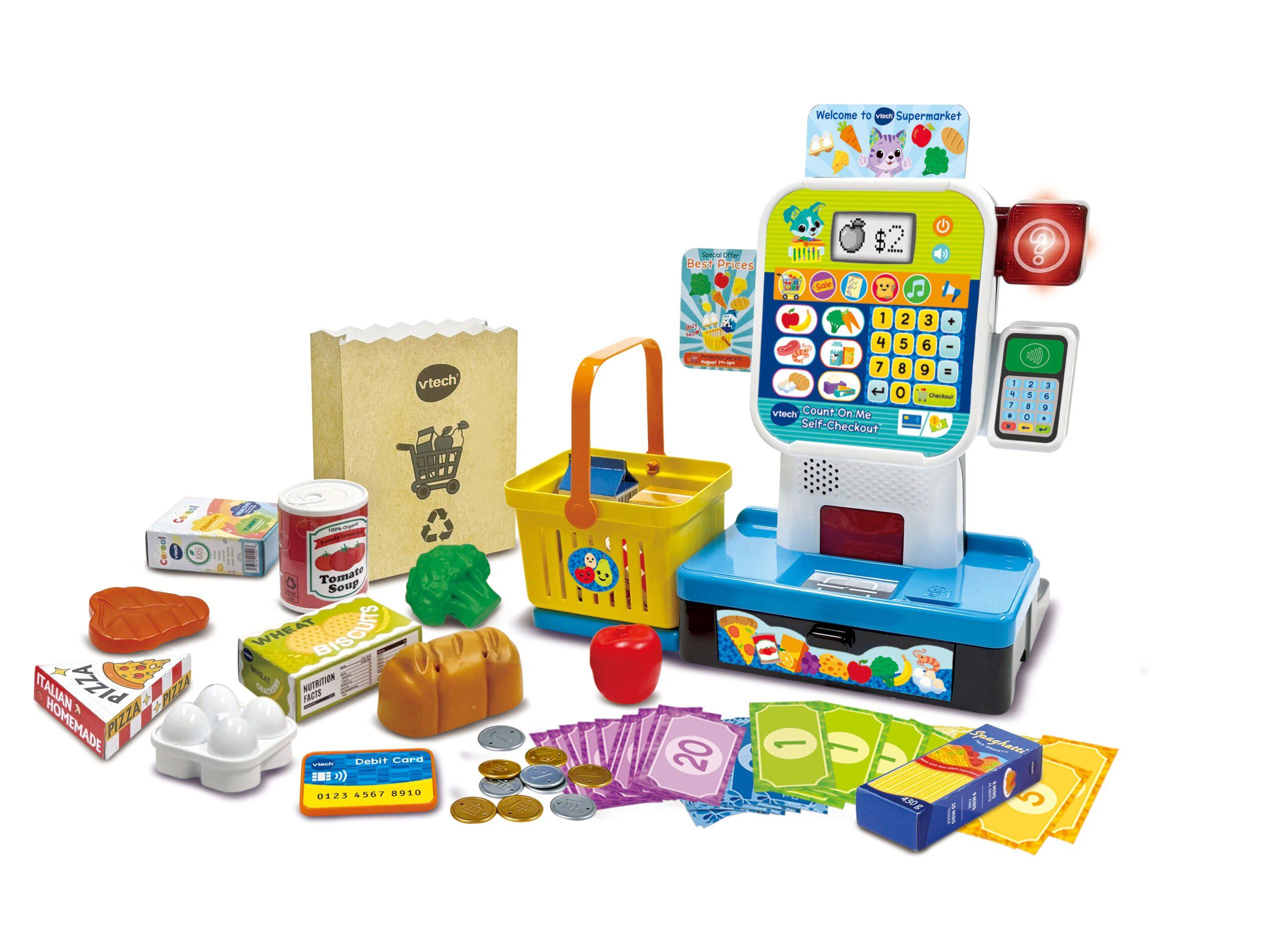

Screen-free audio or pre-school educational tech?

Screen-free audio
What is it? A speaker-based gadget that plays audio content – like songs and bedtime tales – using physical cards or characters instead of apps and displays.
Independent listening and stories and music that don’t rely on a screen. Toniebox 2 is designed for ages 1-9+, while Yoto makes audio content for ages 0-12+.
Shop screen free audio →
Pre-school educational tech
What is it? Interactive toys and gadgets that use sounds, lights, buttons and touch controls to make early learning feel like playtime.
Building important skills like letters, numbers, vocabulary and problem-solving through hands-on activities.
Shop pre-school toys →Which educational toy is right for my child’s age?
| Age | What suits them |
|---|---|
| 0-2 years | Sensory toys, music and simple cause-and-effect activities. |
| 2-4 years | Letters, sounds, colours and counting. |
| 4-6 years | Reading, writing, maths and problem-solving activities. |
“Giving children choice shows we respect them as competent people. The best toys do the same. They give children the freedom to make decisions – what to listen to, what to create – without asking a grown-up for help. Every decision they make for themselves builds confidence in their own abilities.”
What’s the difference between a Toniebox and a Yoto Player?
| Toniebox 2 | Yoto Player | |
|---|---|---|
| How it works | Place a Tonie character on the Toniebox. | Insert a Yoto Card into the player. |
| Screen | Screen-free, with physical controls & a Dynamic Light Ring. | No normal screen. Instead, there’s a pixel display with physical controls. |
| Age range | Suitable for ages 1-9+ | Suitable for ages 0-12+ |
| Available content | More than 250 Tonie characters, covering songs, stories & learning content. | More than 1000 titles, including stories, music, podcasts & activities. |
| What if you lose parts? | Losing a Tonie means your child won’t be able to play audio from that character. | Any purchased Yoto content remains in your Yoto Library. A lost card can be played from the app or linked to a Make Your Own card. |
| Extra features | Tonieplay games, sleep light & sunrise alarm. | Sleep audio, timers, alarms and a night light (depending on the player). |
What’s the difference between VTech and LeapFrog?
| VTech | LeapFrog | |
|---|---|---|
| Age range | Categories run from 0-6 months through to 8-9 years. | Ranges include infant & toddler, pre-school 3-5, pre-school 5-6 & Year 1+. |
| Learning areas | Depending on the product: letters, phonics, vocabulary, numbers, shapes, logic, music & more. | Depending on the product: reading, writing, letters, phonics, counting, shapes & other early learning skills. |
| Types of play | Activity desks & laptops to music and role-play. | Electronic games, role-play & interactive reading. |
| Reading & phonics | Products can introduce letters, letter sounds & new vocabulary through interactive activities & repetition. | The LeapStart system combines a stylus with compatible books to trigger reading, counting & problem-solving activities. |
| Worth knowing | The range is broad, so check the specific recommended age & learning focus of each toy. | An equally big range. Match the individual toy to your child’s current stage. |
Which should I choose: Toniebox or Yoto, VTech or LeapFrog?
Toniebox vs Yoto: which should I choose?
Pick the Toniebox 2 if simple, character-led controls sound better.
Choose Yoto if you want a larger audio library and an easy way to replace cards if you lose one.
- Think beyond their current favourite character Have a look at each platform’s catalogue before you commit. Especially if you want the player to be used for more than just a few months.
- Don’t go wild on characters or cards immediately Start with a few you know your little ones will enjoy. Then see what actually gets played before building out their collection.
- What if you lose parts? If small cards keep vanishing behind the sofa, Yoto lets you access any purchased titles through its Library. You can then relink this lost content to a Make Your Own card to get it back.
VTech vs LeapFrog: which should I choose?
Choose VTech if you’re after a wide choice of interactive toys that mix learning with different kinds of play.
Go for LeapFrog if you’re particularly interested in early reading, writing and other school-ready skills.
- Don’t buy too far ahead That clever looking learning toy might promise lots of growing room, but something that’s too advanced could leave your kid frustrated. Check the recommended age and pick something they can get stuck into now.
- Think about how they like to play Some kids love sitting down with books, buttons and puzzles. Others would rather move around, make music or pretend to run a shop. Look for tech that fits with the way they like to play.
- Start with the skill, not the brand Think about what they’re learning right now. Letters and sounds? Numbers and shapes? It’ll help you narrow down a huge amount of toys.
- More activities doesn’t always equal more fun Thirty games might sound better than ten. But replay value matters way more. A toy they ask for again and again is much more useful than one packed with tons of modes they never touch.
What can pre-school educational tech help children learn?
-
Letters and phonics
Through interactive reading and sound-based activities.
-
Counting and early maths
With number games and problem-solving challenges.
-
Vocabulary and communication
Through stories, songs and guided play.
-
Memory and logic skills
With matching, sequencing and puzzles.
-
Creativity and imagination
Through music, role play and storytelling.
“I consider play to be my children’s job, and I try to respect their play in the same way I expect them to respect my work. Play is serious learning.”
Which pre-school learning tech do our experts recommend?
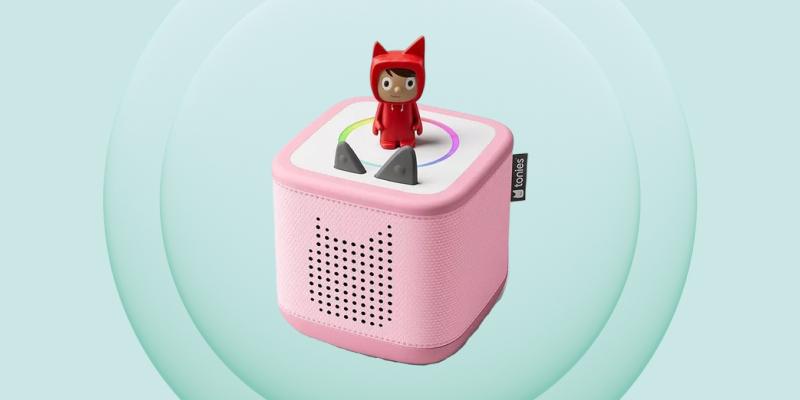
Younger kids who want to choose and play their own songs, stories and games.
Just pop a Tonie character on top and it starts playing, making it simple for little hands to use on their own.
Missing parts. If a Tonie goes walkabout, you won’t be able to listen to that character’s audio.
A great first screen-free audio player for younger listeners. It’s suitable from age 1+, with a kid-friendly design, sleep features and over 250 Tonie characters to explore.
Shop Toniebox 2 Starter Set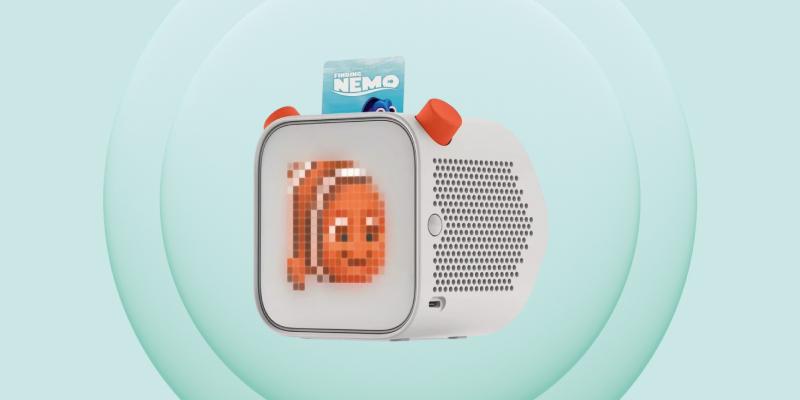
Kids who love listening to stories, music and more throughout the day.
Its 32GB of storage holds a whopping 600+ hours of offline audio. And the rechargeable battery offers up to 16 hours of listening.
Under threes (this particular 3rd Gen player is suitable for ages 3+).
A versatile screen-free option that takes story time up a notch. The Night-light, sleep timer and alarm features make it helpful at bedtimes, while the app gives grown-ups full control over content and the volume.
Shop Yoto Bluetooth & Wi-Fi Audio Player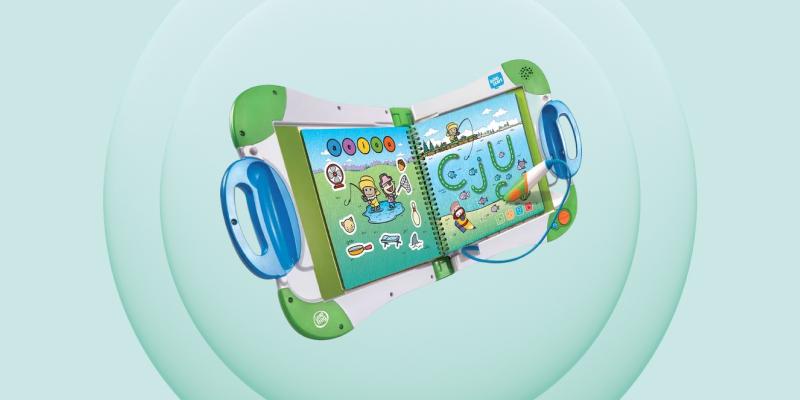
Kids aged 2+ who are starting to build their early learning skills.
LeapStart activity books cover everything from first words to designing a robot, so you can introduce them to new topics as they learn.
Anyone looking for an all-in-one toy, as extra LeapStart activity books are sold separately.
A great hands-on way to make learning more interactive. With puzzles, challenges and a choice of compatible books, there’s plenty of scope to keep learning something new.
Shop LeapFrog LeapStart Interactive Book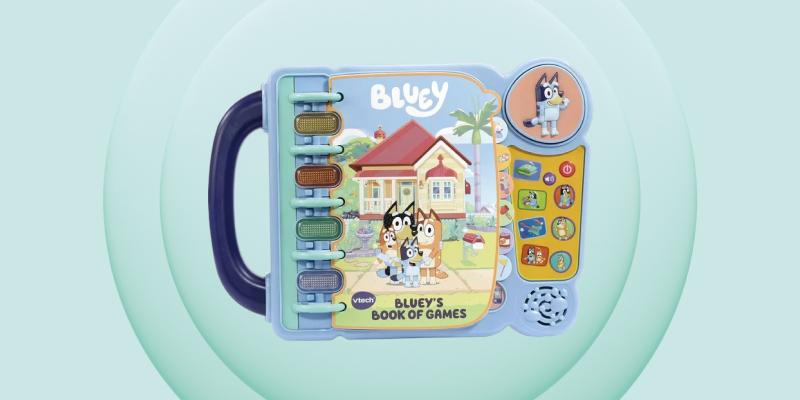
Bluey fans aged 3-6 who love fun stories and sounds.
Seven interactive pages combine Bluey and Bingo adventures with four different modes (Story, Play Together, Music Time and Follow the Leader).
Kids under 3 or older children who have moved on to more challenging activities.
A great pick for bringing Bluey into learning and playtime. Familiar character sounds and a series of learning modes give little fans ways to get involved, rather than just listening to a story.
Shop VTech Bluey’s Book of Games Learning Book