
BROTHER QL810W Label Printer
BROTHER QL810W Label Printer
Item No.
10169947
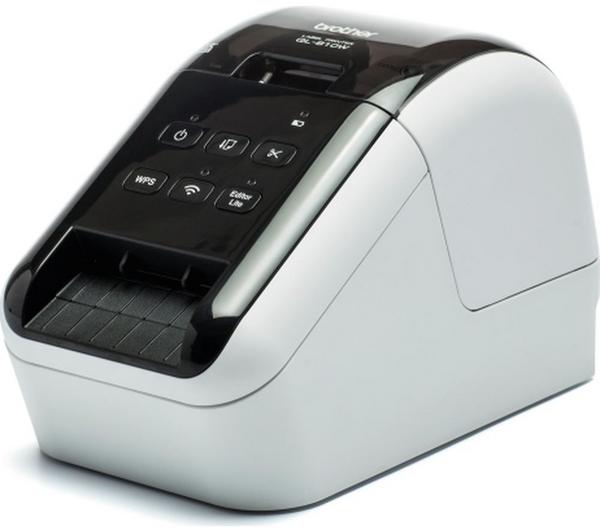
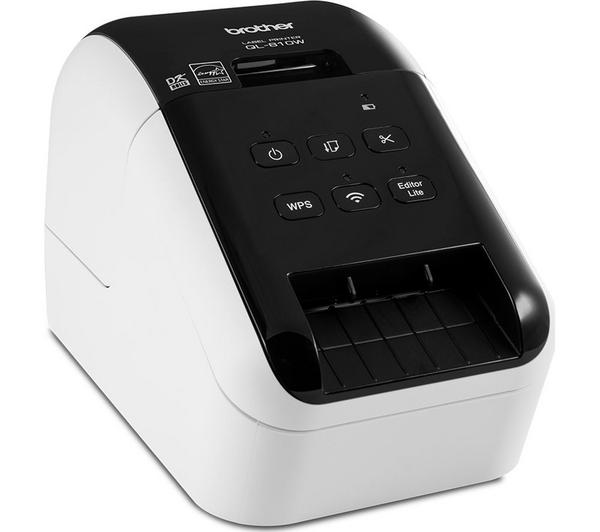
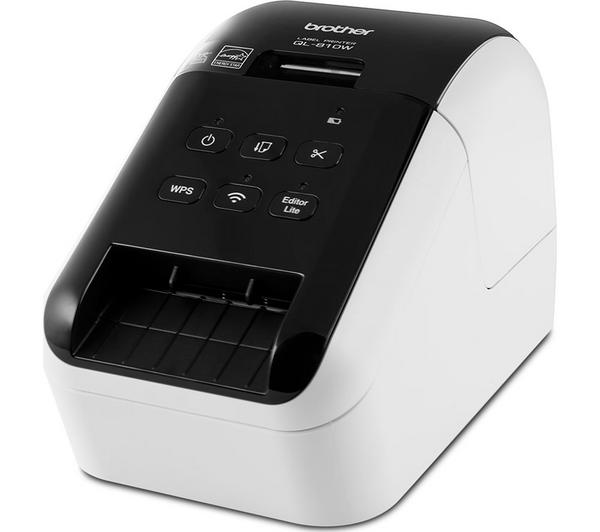
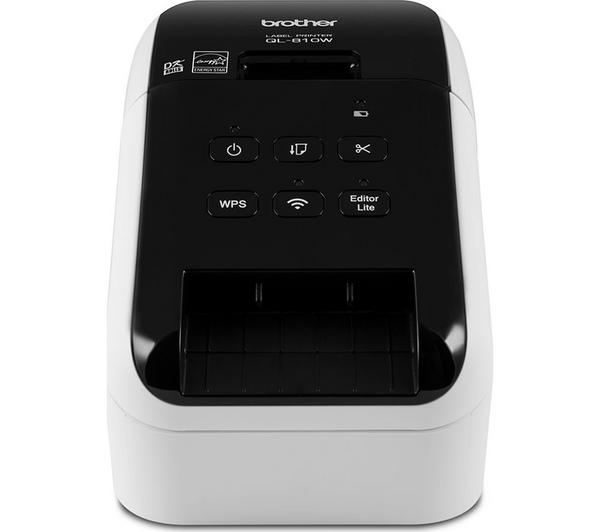
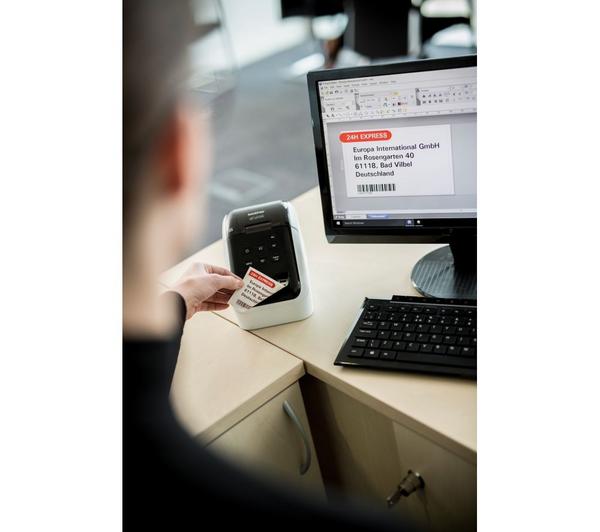


Prints up to 6.2 cm wide labels
Print resolution: 600 x 300 dpi
Print using iOS or Android app
Connects to PC
3 year guarantee
Save £55 on this when you buy any laptop or iPad
Buy any computing item & save £10 on McAfee LiveSafe
Save £2.50 on this when you buy any laptop or iPad
£111.20
Save £27.80
Was £139.00 (from 01/04/26 to 04/09/26)

Make monthly payments
From £4.50 per month for 36 months*
Or buy now, pay later
Pay as much or as little as you like for 6 months. Settle in full by 29 March 2027 & pay no interest
*Illustrative example: Credit amount £111.20. Pay 36 monthly payments of £4.50. Total amount payable £162.00. The interest rate for this purchase is 29.9%.
Representative example: Rate of interest 29.9% (variable). 29.9% APR representative (variable). Assumed Credit Limit £1,200.
Credit offers require a Currys flexpay account. With a Currys flexpay account you get a credit limit that you can use for future purchases at your standard flexpay interest rate.
Saved items limit reached (20/20)
To save this item, try removing something else from your
Saved items.
Prints up to 6.2 cm wide labels
Print resolution: 600 x 300 dpi
Print using iOS or Android app
Connects to PC
3 year guarantee
Product information
Product code:
217000
Top features:
- Print labels from your PC, smartphone or tablet
- Print in red or black with no extra ink
- Create custom sized labels
Print labels from your PC
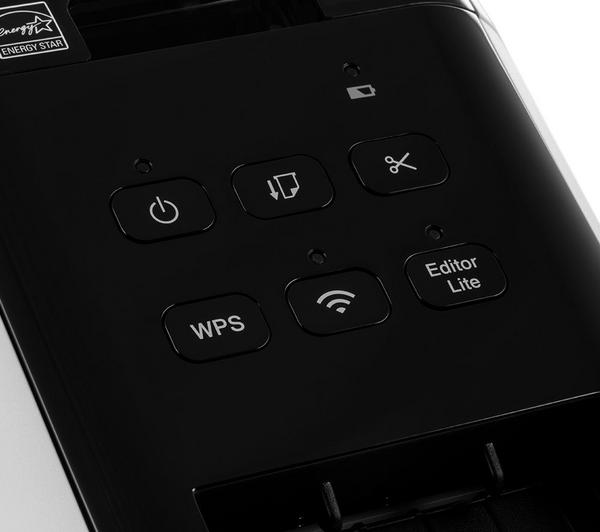
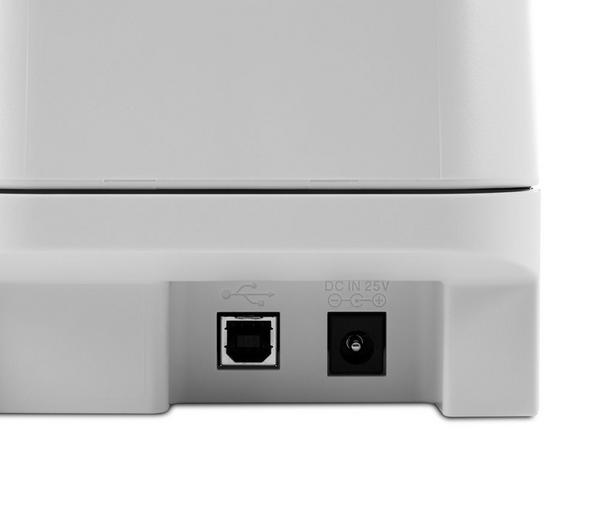
The high-speed Brother QL810W Label Printer connects to your PC, Mac, smartphone or tablet using USB or WiFi. It's easy to use - all you have to do is connect the printer to your computer and launch the included P-touch Editor Lite software. Then you're all set to design and print your labels.
Print in red or black
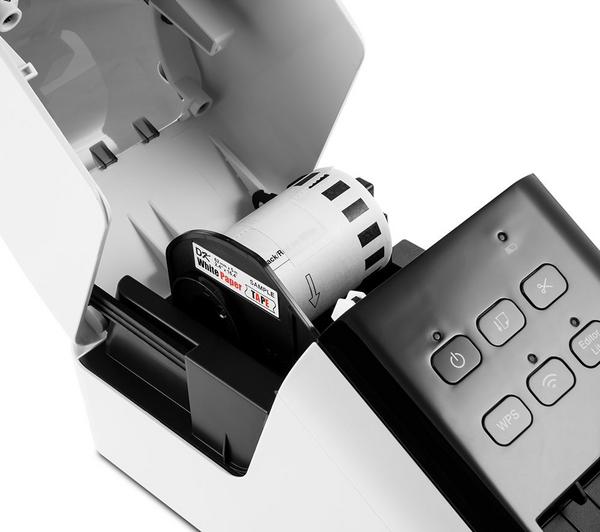
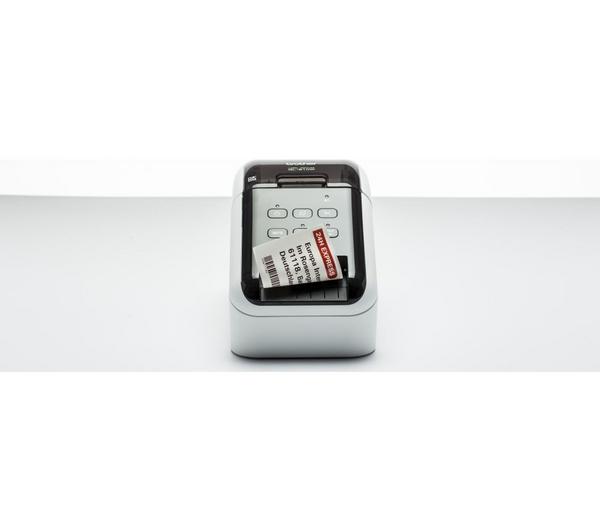
The Brother QL810W Label Printer lets you print in both black and red, without the need for additional ink thanks to its special label roll. It's really useful for highlighting words in your printing.
Create custom sized labels
You're not confined to one size when you're using the Brother QL810W Label Printer. You can adjust the size up to one metre to create custom sized labels for whatever you need.