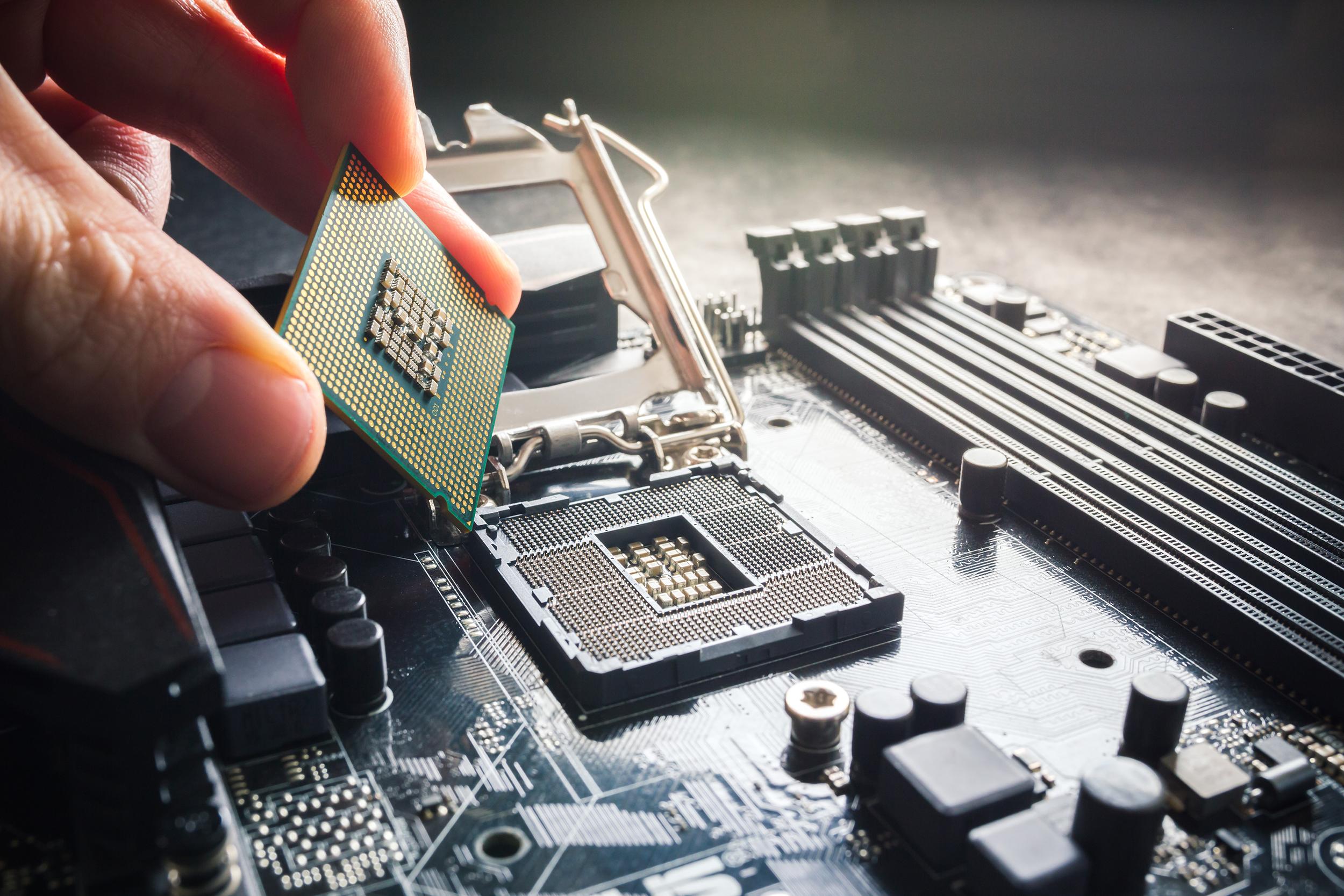
If you’ve been shopping for a new laptop recently, you might’ve noticed something different: Intel® classic Core i3/i5/i7 naming labels are being replaced.
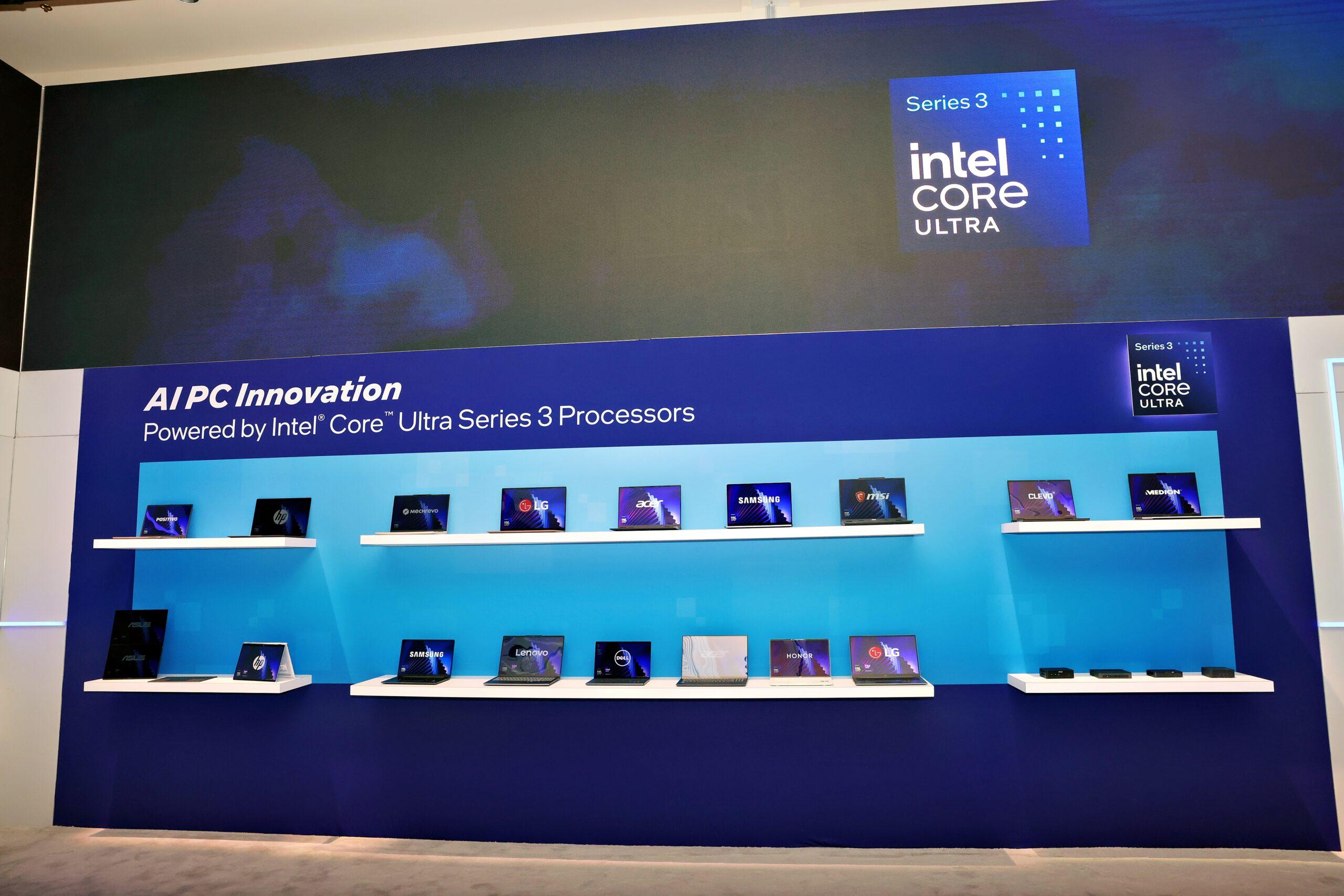
Enter Intel® Core Ultra with its new tiers: 3, 5, 7 & 9. Today we’re focusing on Core Ultra Series 3, which is its new entry-to-mid‑tier processor.
So why the name changes and what does it actually mean for you? It’s all about better efficiency, modern architecture and a new generation of AI laptops. Thinking about processors may not be the most exciting thing you do today, but they really are the foundation of everything a laptop can do for you. And a higher number doesn’t always equal better, since what you do with your laptop should dictate how much processing power you actually need.
So, we’re here to break down the real-life benefits of Intel® Core Ultra Series 3 processors. What they can do and who they’re best for.
What is the Intel® Core Ultra Series 3?
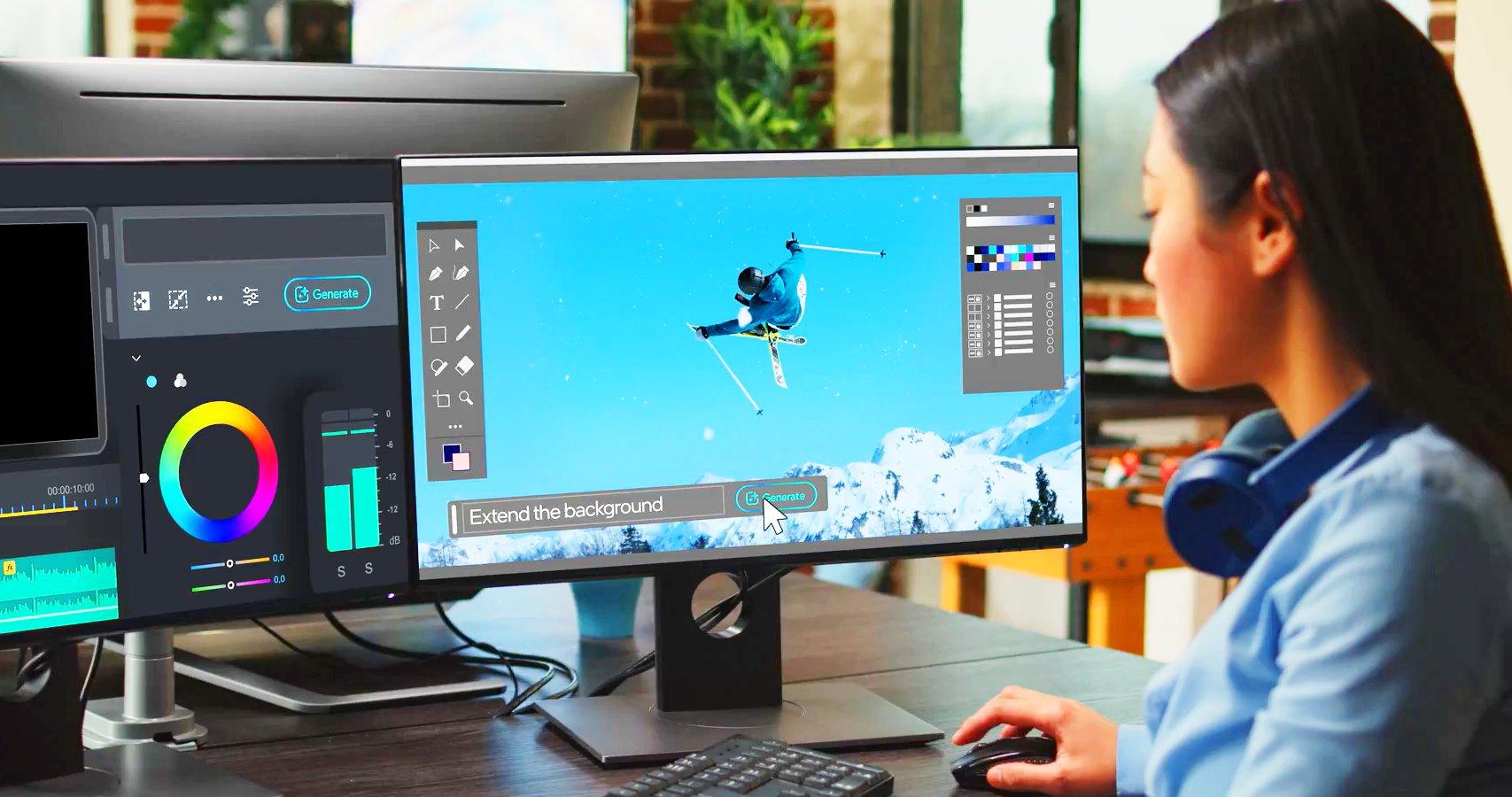
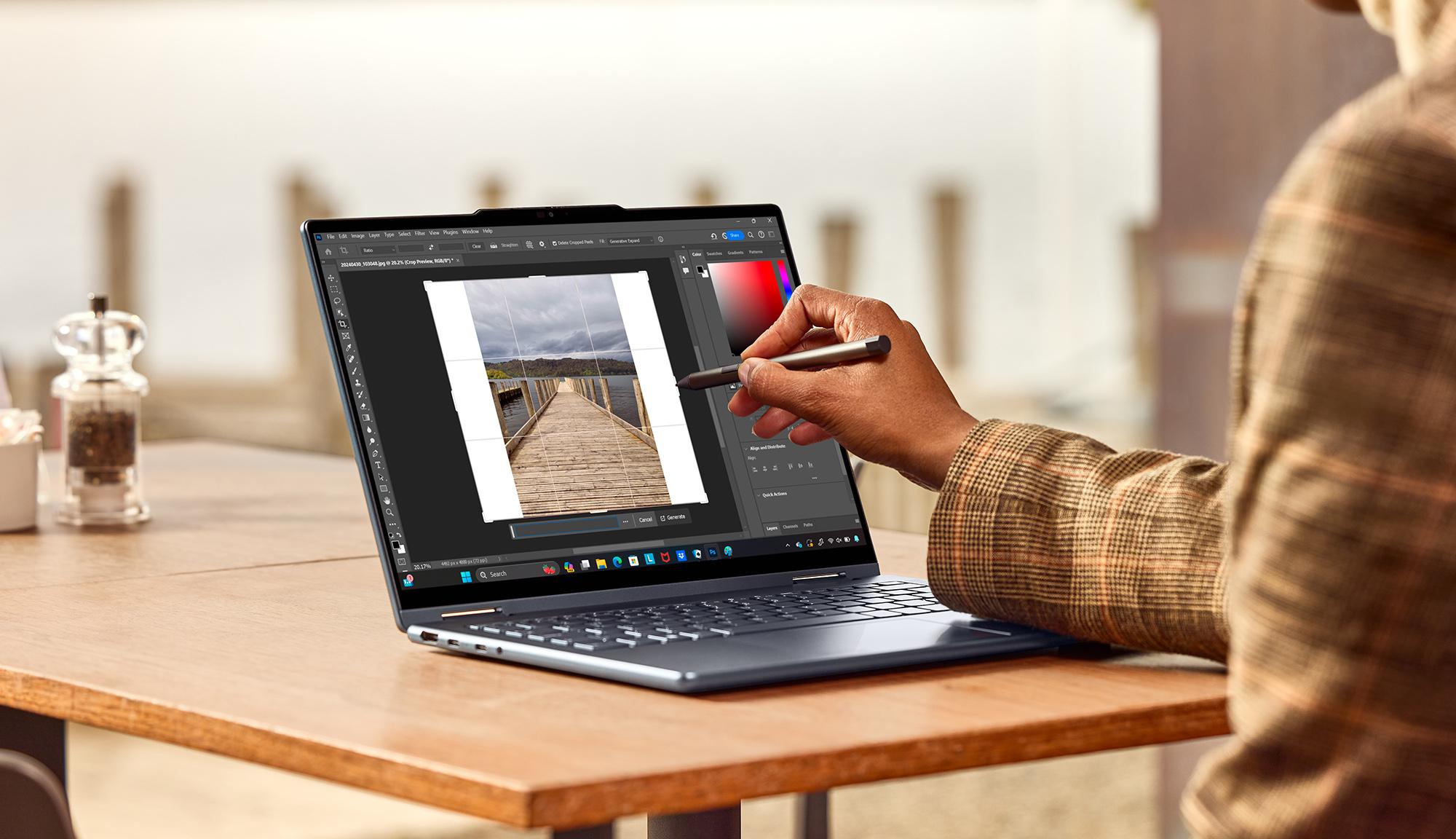
Series 3 processors are all about smooth everyday computing - think browsing, study and streaming. But of course, the new Core Ultra 3 adds AI capabilities to all that. Whether it’s baked into the Office apps you use every day, upscaling content or photo editing magic, AI is becoming a go-to tool.

Key features of Intel® Core Ultra Series 3 processors
So, let’s get inside Intel® Core Ultra Series 3 and break down what’s new and how it helps you.
Next‑gen tile‑based architecture
Based on Meteor Lake/Panther Lake design, these chips separate computing, graphics and low‑power components so your laptop performs smarter and stays cool.
Balanced P‑cores and E‑cores
You get powerful cores for demanding tasks and efficient cores for background processes. That means better performance and longer battery life.
Improved integrated graphics
Great for streaming, casual creative work and even light gaming without needing a dedicated GPU.
Efficiency first
Longer unplugged time and cooler operation are big wins over older Core i3/i5 laptops.
Performance improvements you’ll notice in everyday use
Ultra Series 3 might sit at the entry tier, but the architecture jump means:
Faster startup and app‑open times
Smooth browsing with many tabs
Easy multitasking between Office, video calls and media
Better thermals and quieter fans
Stronger performance than older mid‑tier i5 laptops in real‑world use
Built‑in AI features - what does that actually mean?
The dedicated NPU (Neural Processing Unit) handles AI tasks on your device, which means:
Clearer video calls with background blur, lighting fixes and noise removal
Better battery life as AI workloads don’t hit the CPU
Support for Copilot and new Windows AI experiences
Smoother multitasking thanks to smart workload offloading
Better battery life and efficiency
These processors are designed from the ground up for low‑power performance. Expect:
Longer use on a single charge
Cooler, quieter operation
A great option for students, commuters and hybrid workers
Integrated graphics
Intel® latest integrated graphics deliver:
Smooth video playback
Capable photo/video editing for light creative users
Casual gaming performance
No need for a dedicated GPU unless you’re gaming seriously or running heavy creator apps

Who should buy a laptop with Intel® Core Ultra Series 3?
Series 3 is ideal for:
Students who need speed, battery life and portability
Office workers who run productivity apps and video calls
Home users browsing, streaming and organising photos
Light creators using Canva, Lightroom or video‑editing tools casually
Check out some of the best laptops to buy in 2026.
Intel® Core Ultra Series 3 vs Core Ultra 5 vs older i5 processors
Is Core Ultra 3 going to have enough oomph, or should you look at Core Ultra 5? Here are some of the differences:
| Feature | Core Ultra 3 | Core Ultra 5 | Older Core i5 |
|---|---|---|---|
| Architecture | Tile based (Panther Lake) | Tile based (Meteor/Panther Lake) | Monolithic (Raptor Lake) |
| Graphics | Intel® Graphics | Intel® Arc Graphics | Iris Xe/UHD |
| AI engine | NPU included | NPU included | No NPU |
| Efficiency | Very high | High | Lower |
| Everyday performance | Smooth | Faster | Good but older |
| Light gaming | Yes | Better | Limited |
| Best for | Students, home users | Creators, pros | Budget buyers |
Are Intel® Core Ultra Series 3 laptops available yet?
Not at the time of writing. Intel® only announced them during CES 2026, so we might have to wait to get our hands on one. In the meanwhile, check out these AI-powered Core Ultra 5 laptops to see if there’s one that works for you.
Recommended laptops
HP Omnibook 7 AI 14"
This compact, military‑tested laptop shines with its vibrant 2K OLED display and AI‑powered Intel® Core Ultra 5 performance. Perfect for professionals who want to work anywhere.
Samsung Galaxy Book5 15.6"
A lightweight, portable 15.6-inch laptop with excellent battery life and a high screen‑to‑body ratio. It’s a great all-rounder!
HP Pavilion SE 14‑ep1520sa
A fast and dependable everyday laptop with a crisp Full HD display and rapid charging that hits 50% in just 45 minutes.
HP Omnibook 7 AI 17"
This large‑screen 17.3-inch model is very durable with vivid visuals. If you need more screen space for work or entertainment, it’s a great pick.
FAQs
Is Intel® Core Ultra Series 3 better than Intel® i5?
Yes, for efficiency, battery life and AI features — though older i5 models may still win in raw computing power.
What is the Intel® Core Ultra AI engine?
It’s the built‑in NPU that handles AI workloads like video enhancements and Copilot features efficiently.
Is Core Ultra Series 3 good for students?
Definitely. Lightweight, fast, quiet and energy‑efficient.
Can you game on Intel® Core Ultra Series 3 laptops?
Yes, for casual and indie gaming. Heavier titles and the newest AAA games need a dedicated GPU.
Does Core Ultra Series 3 improve battery life?
Yes — efficiency cores and tile architecture enable longer unplugged use.
Should I upgrade to a Core Ultra laptop in 2026?
If your laptop is more than four years old, the gains in battery life, thermals and AI support make upgrading worthwhile.
What’s the difference between Core Ultra 3, 5 and 7?
Series 3 is perfect for everyday use. Series 5 are meant for power users. Series 7 is a great choice for creators with demanding workloads.
Still deciding?
You’ll find a huge range of laptops and some brilliant advice in our Laptop Buying Guide.