

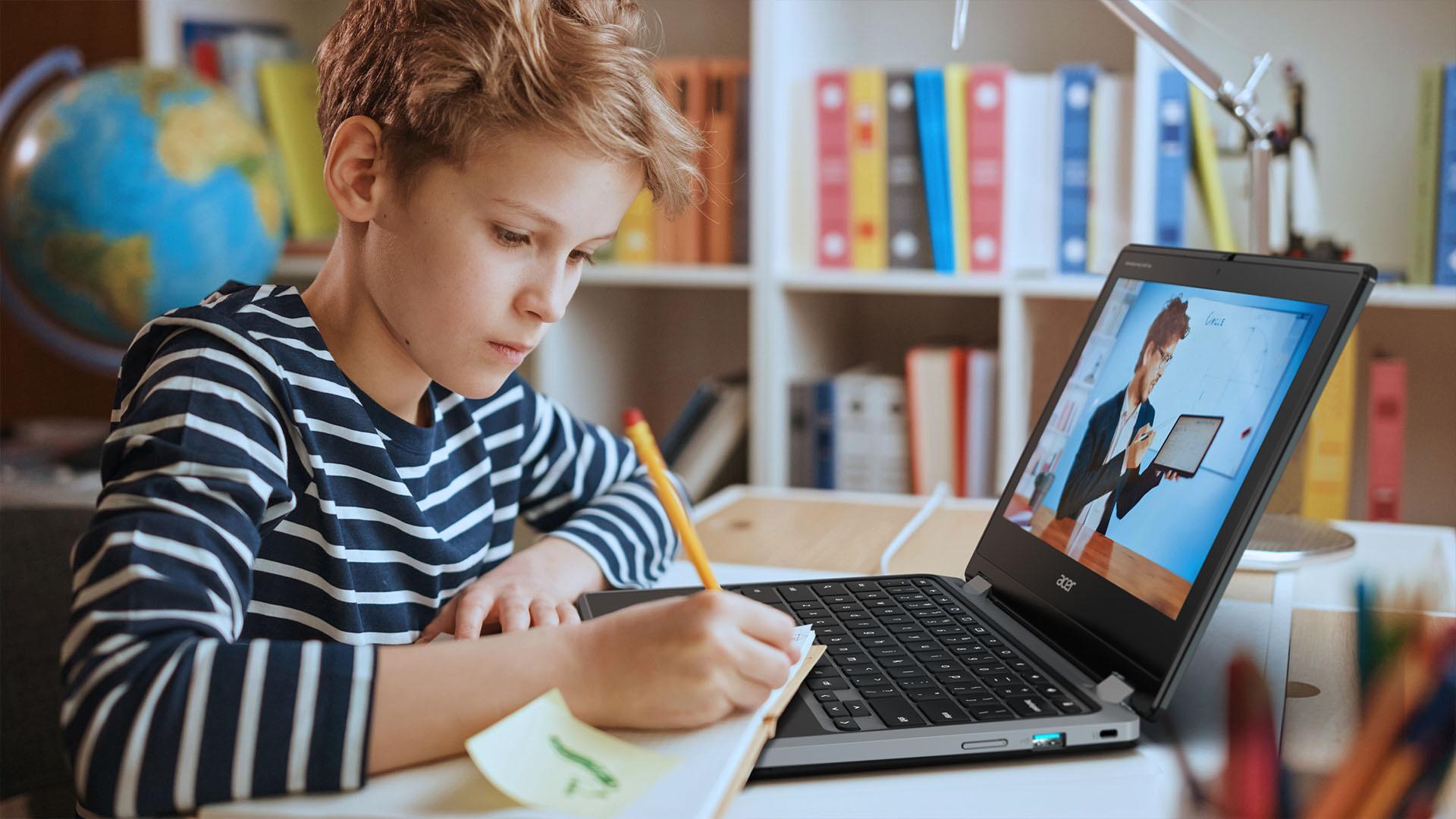
Choosing the best Chromebook for school starts with understanding what kids actually need. Chromebook laptops are designed to be durable, simple and secure. That’s why they’re ideal laptops for primary and secondary children who need a reliable device for homework, projects and everyday classroom tasks.
But, like kids, Chromebooks come in all shapes and sizes. The best Chromebook for primary school pupils is likely to be completely different to the best Chromebooks for GCSE students.
So, what do your kids actually need? Which Chromebook would support them best at school and end up as their ultimate study buddy?
Let’s find out…
Chromebook durability and design for all ages & classrooms
If there’s one thing every parent knows, it’s that school days can be tough on tech. Bags get dropped, drinks get spilt, and laptops have to survive the trip from class to class. The good news? Many Chromebooks are built exactly for this kind of chaos. They come with spill‑resistant keyboards, reinforced frames and rubber bumpers, which are designed to endure the rough and tumble of school life.
Some models even include antimicrobial coatings on touchpoints to help keep them cleaner. And to help protect young eyes during long school days, many Chromebooks offer blue‑light‑reduction displays designed for more comfortable viewing.
But it’s what’s on the inside that really counts! Fast processors, nimble RAM and reliable storage mean kids can hop between tabs, apps and Google tools. They’re also great first laptops because the interface is simple and intuitive. That helps children build digital confidence without needing constant tech support from grown‑ups.
For more on this, check out why Chromebooks are good for students.

Using a Chromebook for homework
Kids want a laptop that “just works”, and Chromebooks are brilliant for that. They boot up in seconds, update themselves in the background, and don’t need the usual maintenance that slows down other devices.
When it comes to schoolwork, Chromebooks slot neatly into how teachers already teach. Many UK schools use Google Classroom, letting children receive assignments, check feedback and work with classmates - all from one secure place. That means fewer “Muuum, I can’t find my homework!” moments.
And with newer Chromebooks and Chromebook Plus devices, kids can tap into AI features that help with writing, research, organising tasks and revising. All in one place, no extra software.
The best Chromebook for every school stage
Kids develop quickly, and they need a Chromebook that can keep up. Here’s what to look for depending on where your child is in their school journey.
Chromebooks for primary school students (Ages 7–11)
At this stage, it’s all about durability and simplicity. The best Chromebooks for younger kids usually include:
Smaller screens and keyboards
Spill‑resistance and reinforced designs
Rubber bumpers for those “oops” moments
Easy-grip handles on some models, so children can carry them safely
These laptops help little learners develop confidence without overwhelming them. They’re packed with helpful tech that’s easy to use.
Small, lightweight, and easy to carry. The 11‑inch size is ideal for younger kids. The touchscreen makes it intuitive, and the small size fits younger children well.
Key features:
11" Full HD+ touchscreen
MediaTek Kompanio 520 processor
8GB RAM / 128GB eMMC
Up to 10 hours of battery life
Light and compact


Chromebooks for secondary school students (Ages 11–14)
Secondary pupils need a bit more flexibility. They’re watching videos, researching topics and creating more detailed work. Look for laptops with:
2‑in‑1 or detachable designs for sketching, annotating or project work
A good webcam and microphone for remote learning
Sharp screens for educational videos and visual subjects
The step up to secondary school can be a giant leap for kids. So these features give them the freedom to learn in different ways as their subjects become more demanding.
At 14 inches, its screen is big enough for schoolwork but still light and manageable for younger teens transitioning from primary to secondary. The Intel Celeron N4500 processor, 4GB RAM and 128GB storage is plenty of power for:
Google Classroom
Web research
Light multitasking
YouTube / educational videos
Up to 10.5 hours of battery means it can last through homework, browsing, and after‑school study sessions without charging.
Chromebooks for GCSE students (Ages 14–16)
GCSE students need a reliable study buddy. This is where power and performance matter more:
Fast processors for multitasking (think dozens of tabs during revision)
Long battery life to last the school day
Extra RAM and storage to handle bigger projects
Helpful AI tools for essay writing, presentation planning and research
Coursework and exams are always stressful, but the right Chromebook can really help them stay on top of their subjects.
Acer Spin 714 – 14" 2‑in‑1 Chromebook Plus
This is a more powerful, flexible device suitable for demanding GCSE study. With an Intel Core Ultra 5 processor, 8GB RAM and 512GB SSD, this model easily handles:
Multiple tabs + research
Coursework in Docs/Slides
Revision sites + video lessons
More complex web tools used in GCSE subjects
Its high‑quality Full HD touchscreen can be switched between:
Laptop mode for essays
Tablet mode for revision apps
Tent mode for watching lessons
Note‑taking (excellent for visual learners)
This versatility is perfect for the variety of studies at GCSE level, and the device will last into college or sixth form.

Chromebook parental controls and safety features
Keeping kids safe online is a top priority, and Chromebooks make this easier for parents. Tools like Google Family Link let you manage app downloads, set screen‑time limits and filter online content directly from your phone. You stay in control, while your child gets the freedom to learn safely.
Chromebooks also come with built‑in protection against viruses and malicious software. For extra peace of mind, you can browse our range of antivirus software.
Need more advice?
Still not sure which Chromebook is right for your child? Take a look at the key questions to ask before buying a laptop for school to help narrow things down.
Or, if you’d like a bigger breakdown of features and specs, our laptop buying guide is a great resource.
FAQs
Do kids need a laptop for secondary school?
Yes, kids will find secondary school more manageable with a laptop. Many secondary schools now use digital platforms for assignments and feedback, so having a laptop — especially a simple, secure Chromebook — helps children stay organised and complete work independently.
Is Chromebook suitable for students?
Yes, Chromebooks are suitable for students. Chromebooks are fast, secure and easy to navigate, making them ideal for children at every stage. They integrate with Google Classroom and include tools that support learning, revision and safe browsing.
What Chromebook is best for students?
The best Chromebook for students depends on their age. Younger kids benefit from tough, compact models, while older students may need 2‑in‑1 devices or Chromebook Plus models with more power and storage.
How durable are Chromebooks?
Many Chromebooks are durable, featuring reinforced frames, drop protection and spill‑resistant keyboards — perfect for busy school days and younger learners.