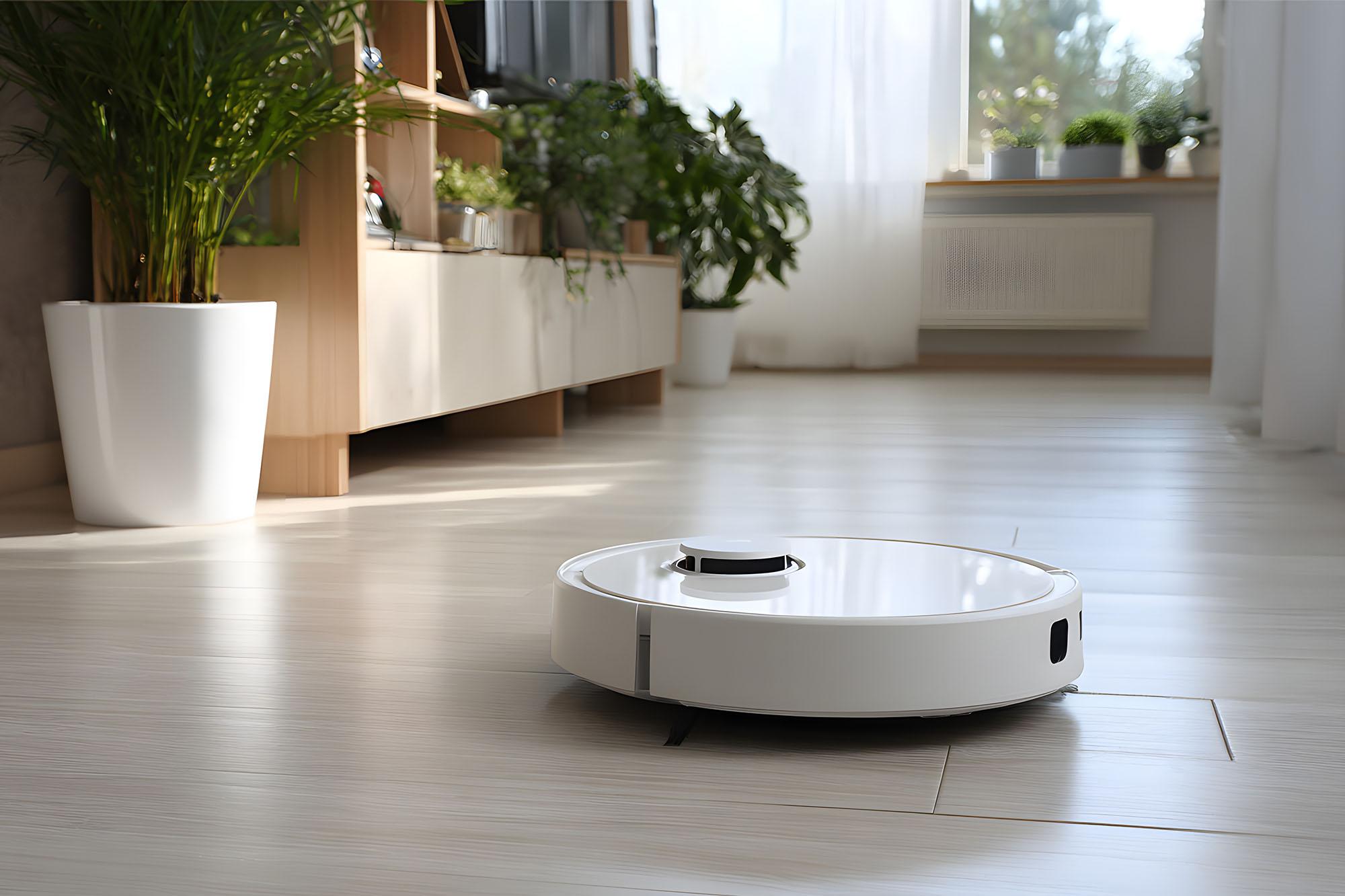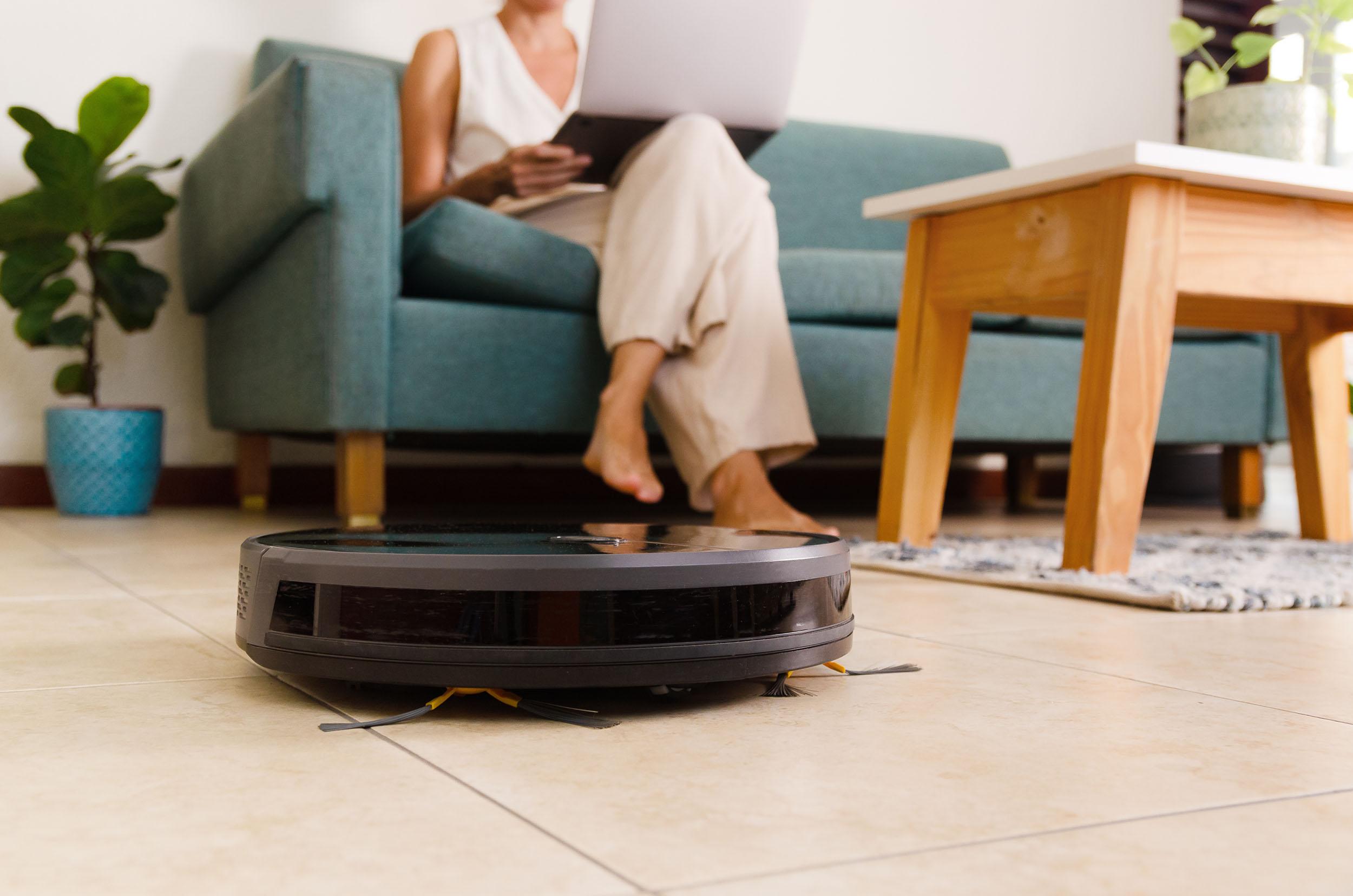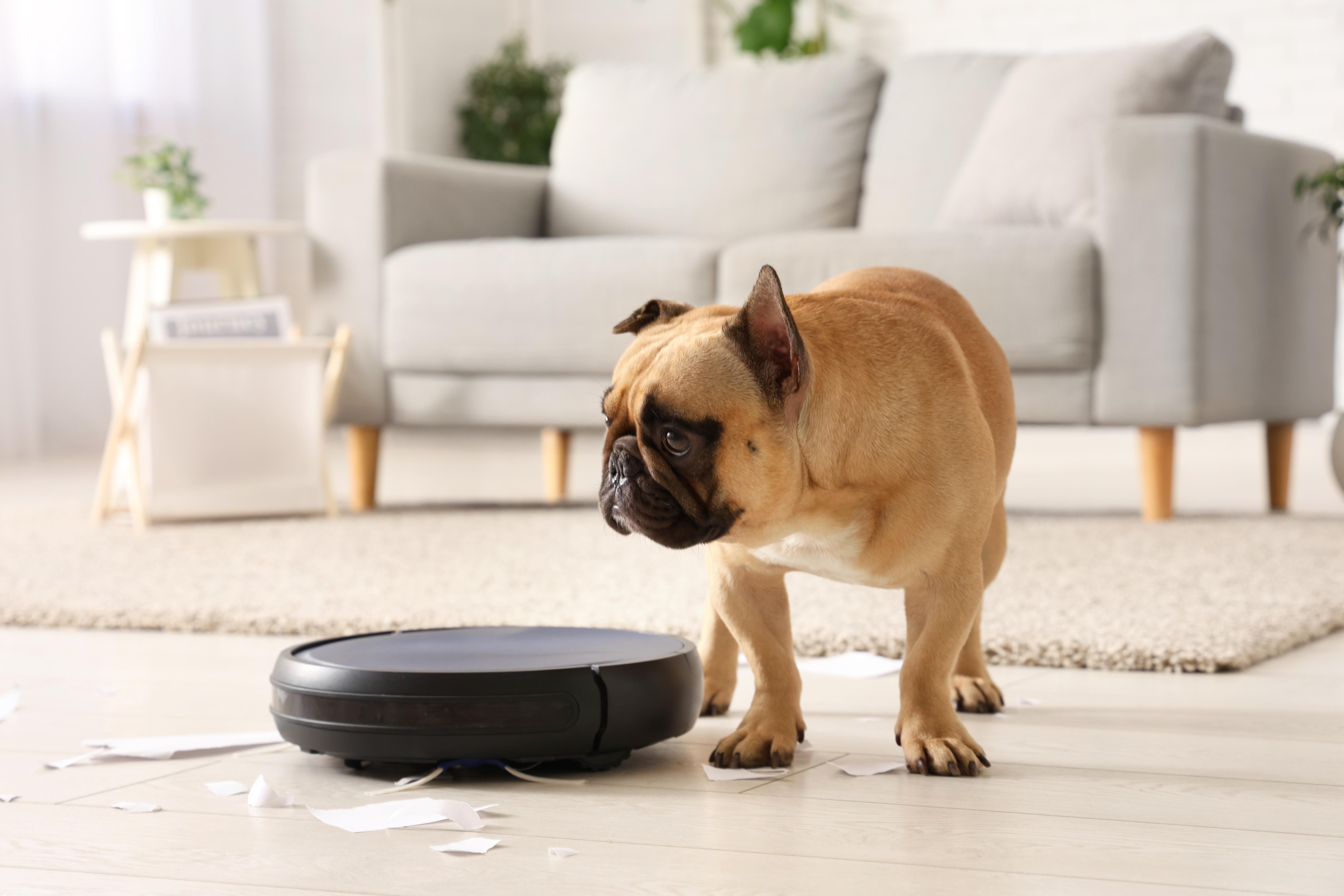


Robot vacuums take a lot of the hard work out of cleaning. They happily move around your home and you don’t have to lift a finger – unless you need to carry it up the stairs, of course. No wonder they’re catching on - Aviva research found that 10% of UK adults already owned a robot vacuum, with another 15% planning to buy one in the following year.
But even the cleverest robot vacuum needs some TLC to keep running. If they’re not maintained properly they can get stuck in awkward places or run out of battery life prematurely. So, here’s how to maintain your robot vacuum, from cleaning its brushes and filters to looking after the battery. Most jobs take just a few minutes, and they’ll help keep your robot cleaner doing its thing.
Why regular maintenance matters

Regular care helps your robot vacuum clean more effectively, finish its routes, and avoid unnecessary wear. For example, a clogged filter makes it harder to pull in dirt. Tangled hair can stop brushes spinning freely, and dusty sensors can make the robot wander off course.
How often you need to carry out maintenance depends on a few things - how much your robot works, how messy your floors get, and (perhaps most importantly) whether you have pets! So, with all that in mind, check the manufacturer's instructions for your cleaner’s recommended maintenance schedule. That’ll give you an idea of how often to empty the dustbin, clean the filters, remove pet hair and do all the other normal jobs we’ll cover in this guide.
Empty the dustbin and clean the filters
You should empty the dustbin on your robot vac whenever it’s full - or more often if your floors gets dusty or gather pet hair. A packed bin leaves less room for additional dirt, and can affect suction.
Next, check the filter. Tap loose dust into a bin, following the instructions for your model. Some filters are washable, while others need to stay dry. If you do wash a filter, let it dry completely before putting it back - a damp filter can cause problems.
The Shark PowerDetect Self-Empty robot vacuum cleaner has a 1.8-litre dock that automatically empties the robot’s dustbin after each clean. It holds up to 60 days’ worth of dirt and debris, which means fewer trips to the actual bin.
Keep sensors and cameras clean
Does your robot regularly bump into the same chair leg or keep forgetting that a room exists? Dusty sensors could be the culprit.
Robot vacuums use sensors to navigate, while some models also use cameras or LiDAR (which stands for ‘light detection and ranging’) to map rooms and recognise obstacles. Dust and smudges can interfere with those systems, making it harder for your vacuum to find its way around.
Check the sensor windows and camera lenses about once a month, or more often if you’ve got pets. If they’re not clean (the sensors, not the pets), wipe gently with a clean, dry microfibre cloth. Don’t spray cleaner directly onto the vacuum or scrub at the sensors. And check your manual if you’re not sure where they are.
The Samsung Bespoke Jet Bot Combo AI+ robot vacuum cleaner has one of the best cameras around. It uses AI to recognise objects such as cables and slippers, while 3D sensors help it judge their position and avoid them. So you can leave it to navigate around everyday clutter without having to move every little thing out of its way.
Remove hair and debris from the brushes
Hair has a habit of winding itself round vacuum brushes. If there’s a lot of it the brush can struggle to turn, making it harder to pick up dirt.
Switch off your vacuum and remove the main brush (if your model allows it). Pull away any tangled hair and threads, using the supplied cleaning tool if you have one. Be sure to check the ends of the brush, and side brushes where fluff can build up out of sight. Clear away debris, then check for bent or worn bristles that might leave dust behind.
If pet hair is a daily battle, our guide to the best robot vacuums for pet hair can help you find a model specially designed for the job. The Eufy Omni E35, for example, has a Pro-Detangle comb to help clear hair from its roller brush.
Look after the charging dock and battery
Your robot won’t get much done if it can’t find its dock or charge properly. So keep the dock on a flat surface, leave the recommended space around it, and make sure cables aren’t blocking the robot’s route.
Dust can collect on the charging contacts. So you should always switch off and unplug the dock before cleaning it (following the manufacturer’s instructions). And always keep the contacts dry.
Most robot vacuums are designed to return to their dock between cleans, so follow the guidance for your model. And if you’re storing it away for a while, check the manual for the right charge level and storage conditions.
Update the software and refresh your maps
Your robot vacuum’s app can do more than scheduling cleaning while you’re out. It can also tell you when updates are available, show maintenance reminders, and help you sort out mapping issues.
Software updates can fix bugs and improve features, so install them as instructed by the manufacturer. If your robot starts missing a room after you’ve rearranged the furniture, check its map in the app. You might be able to update the layout or adjust no-go zones without starting from scratch.
When should you replace parts?
It doesn’t have to be the end of your robot vacuum if a part gets worn out. You might be able to simply swap it out and keep it cleaning for longer. Here are the specific parts you should be looking out for:
Main brushes. Hair and threads can take their toll. If the bristles are worn or damaged, or the brush keeps getting tangled despite regular cleaning, it might be time for a replacement.
Side brushes. These sweep crumbs and dust into the vacuum’s path. If the bristles are bent, frayed or missing, they’ll struggle to reach dirt along skirting boards and in corners.
Mop pads. Worn or misshapen pads might not clean evenly, leaving marks or patches behind. Replace them if washing no longer gets them clean, or they stop mopping effectively.
Filters. If yours still looks grubby after cleaning as instructed, it might need replacing. A clean filter helps maintain airflow and dust pick-up.
Batteries. If your robot keeps running out of charge early, its battery might be wearing out. Check the manufacturer's instructions and if you need a replacement, always use a compatible battery.
Replacement schedules vary by model, so check your manual or app for guidance. A lot of parts are straightforward to swap yourself, as long as you use compatible replacements.
Need more help?
Still looking for the right cleaner? Check out our guide to the best robot vacuum cleaners for easy cleaning in 2026. You can also browse our range of robot vacuums online, or pop in-store and chat to an expert colleague.
FAQs
How often should I clean my robot vacuum?
Check your robot vacuum after every 3-4 cleaning runs, and empty its dustbin when it starts looking full. If you have pets or busy floors, you’ll probably need to clean it more often. Check the brushes, filter and sensors regularly. And always follow the manufacturer’s maintenance advice.
Can dirty sensors affect robot vacuum performance?
Yes, dirty sensors can affect how your robot vacuum navigates. Dust or smudges can make it harder to detect obstacles or work out where it is, leading to missed areas or repeated bumps. Wipe the sensor windows gently with a clean, dry microfibre cloth, following the manufacturer's instructions.
How often should I replace robot vacuum filters?
Replace your robot vacuum filter according to the manufacturer's recommended schedule, as the timing varies by model and filter type. Check it regularly for damage or stubborn blockages. Cleaning can help a reusable filter last longer, but only wash it if the instructions say it’s washable.
How do I clean robot vacuum brushes?
Switch off your robot vacuum and remove the main brush if your model allows it. Clear away tangled hair, threads and debris, using the supplied cleaning tool if available. Check the brush ends and side brushes, too, then refit everything securely before switching the vacuum back on.
Do robot vacuums need software updates?
Yes, it’s worth checking your robot vacuum���s app for software updates. They can fix bugs and improve features, and some may help with navigation or obstacle detection. Follow the app’s instructions when installing an update, then check that your robot’s maps and room settings are still correct.
How can I make my robot vacuum clean more effectively?
Empty the bin when needed, clear hair from the brushes and keep the filter and sensors clean. Make sure the charging dock is accessible, and update the software when prompted. Before a scheduled clean, pick up cables and small objects that could tangle the brushes or block its route.