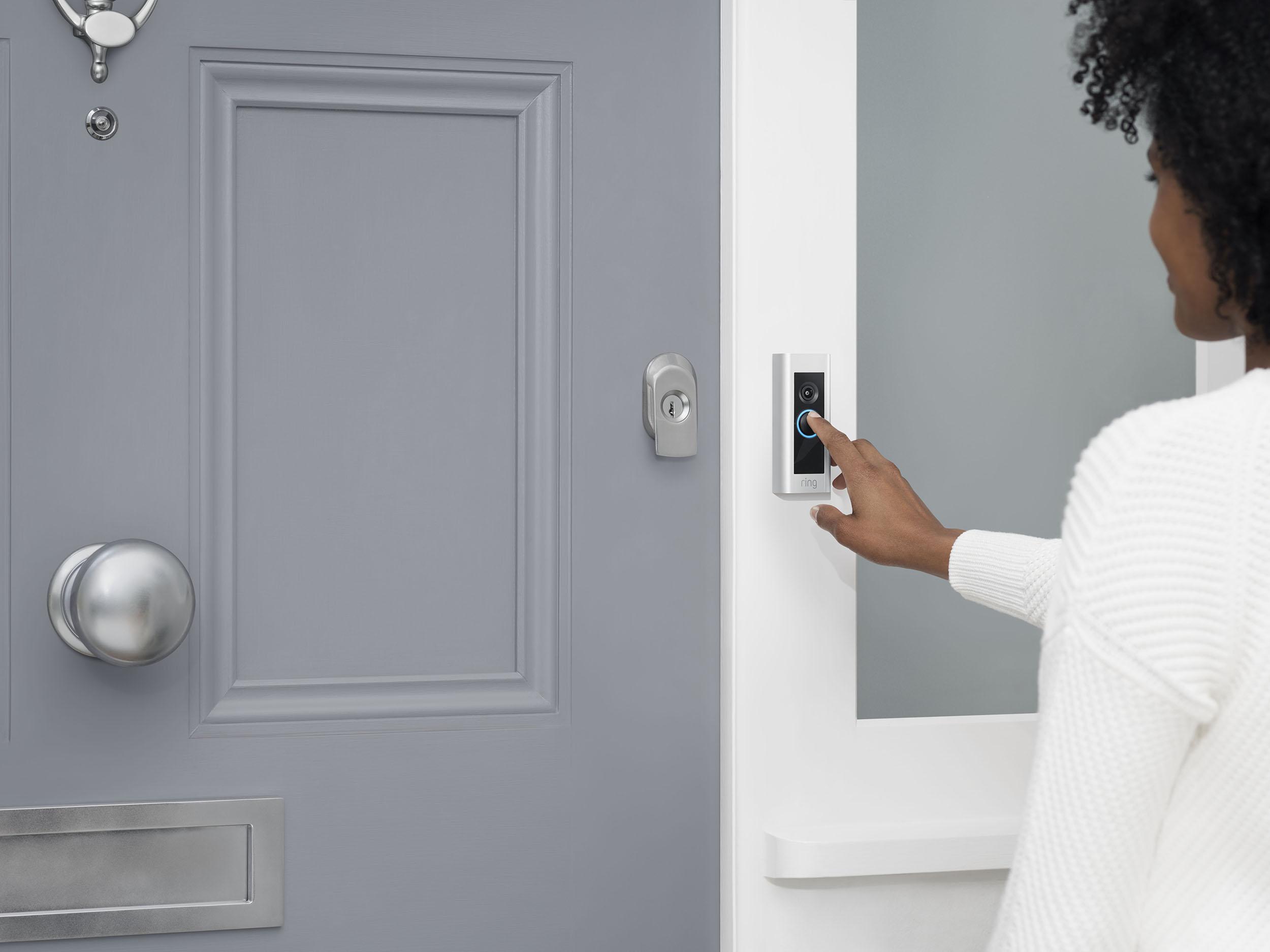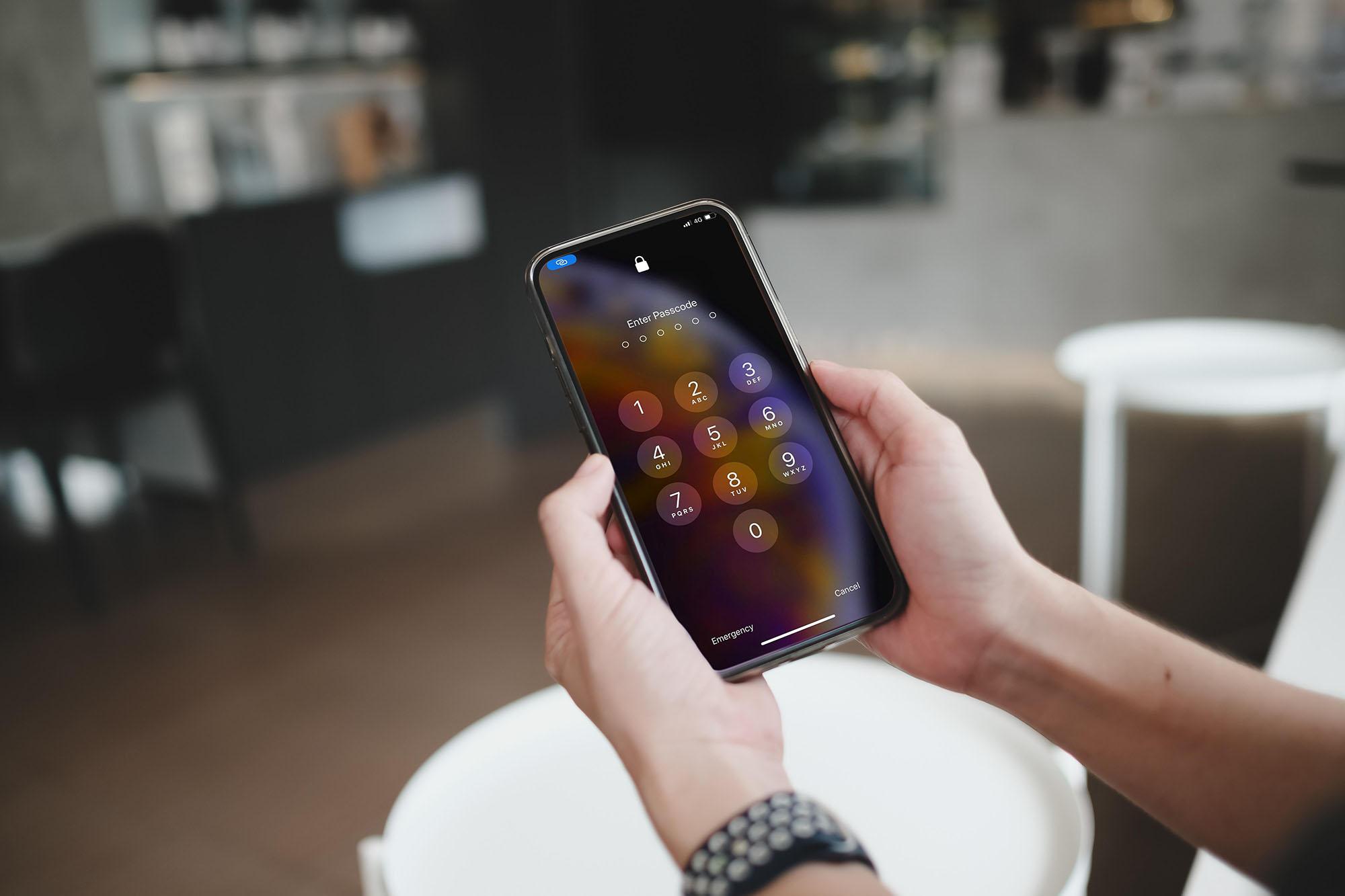


Facial recognition has quietly become part of everyday life. We use it when we unlock our mobile phones and log in to laptops. Some smart doorbells even recognise us coming home.
But have you ever stopped to wonder how it works, or where it’s heading next? If so, here’s a closer look at what facial recognition actually does, and why it’s so useful in the gadgets we use every day.
What is facial recognition?
Facial recognition is technology that identifies or verifies someone based on their face. On your phone, it means the screen unlocks when you look at it. On a laptop, it might log you in instantly. In a smart home setup, it can tell you who’s at the door.
It’s part of a wider system called biometrics. This recognises you by something you are (like your face or fingerprint) rather than something you know (a password) or carry (like an access card). That shift from ‘what you know’ to ‘who you are’ makes everything faster, simpler, and a lot more secure.
Biometric facial recognition
Biometric simply means anything related to measurements of the body, such as your fingerprints, iris pattern, or even your voice. Biometric facial recognition uses your facial structure as a unique personal identifier. It never forgets a face!
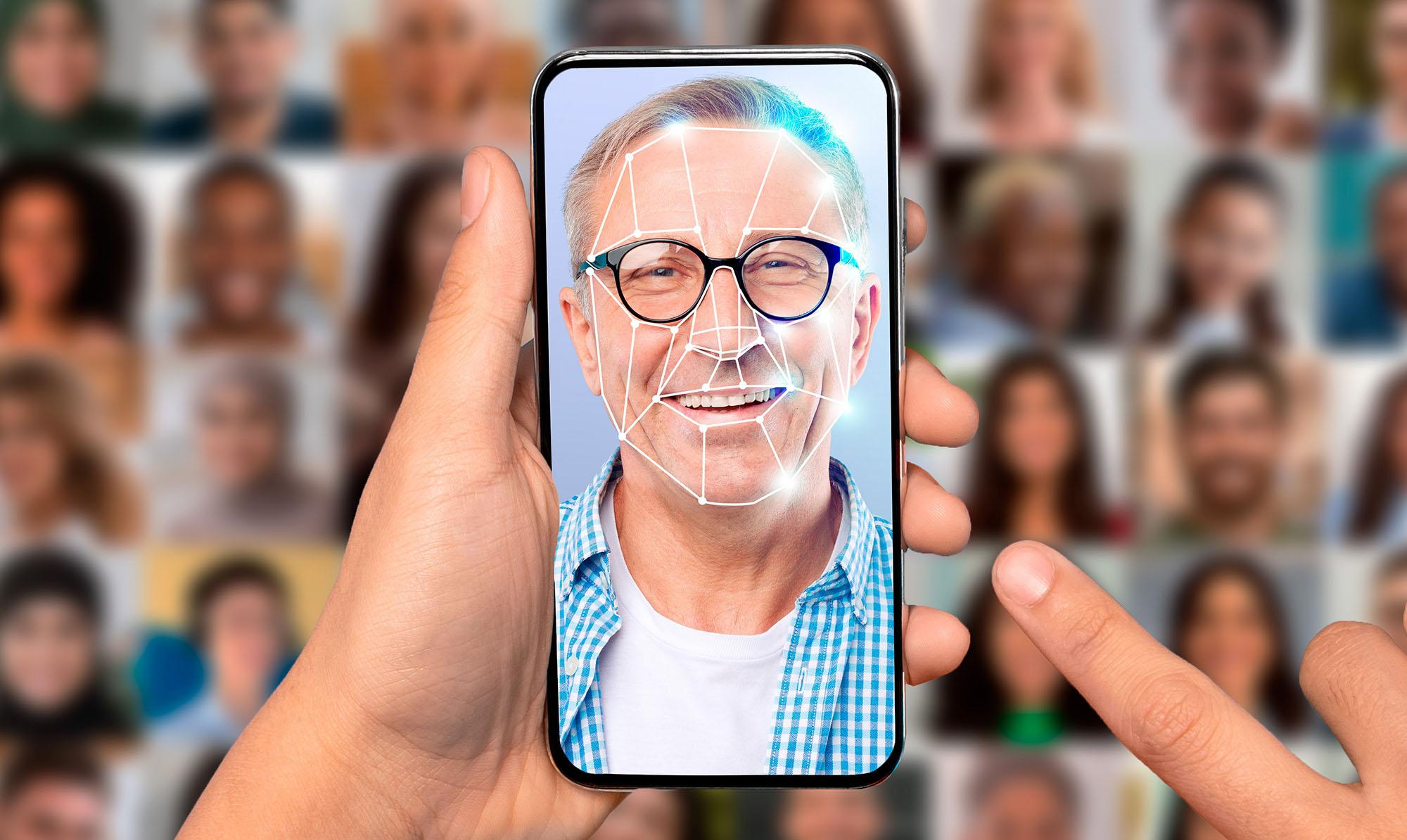
It works by analysing the individual features that make your face distinct like the curve of your cheekbones, the width of your nose, and the distance between your eyes. Then it turns everything into a sort of digital faceprint. You don’t need to remember anything thing. Your face does the work for you.
How does facial recognition actually work?

Here’s what happens behind the scenes, usually in just a second or two:
Image capture. Your device takes a photo or short video of your face.
Detection. The software spots that there’s a face in view.
Mapping. It measures key features in your face.
Conversion. Those measurements become a unique ‘face map’, which is converted into a set of numerical data.
Comparison. The system checks your face map against stored data.
Decision. If it matches, you’re in! Your device unlocks or logs you on.
Modern systems use machine learning to keep improving. Over time, they get better at recognising you in different conditions – even when you’re wearing glasses or a hat.
Facial recognition systems and software
A facial recognition system includes everything that works together: the cameras that capture faces, the software that processes them, and the devices that act on the result - like unlocking your phone or opening a door.
When we talk about facial recognition software, we mean the tech that spots your features and figures out if it’s really you…
iPhone facial recognition
Apple’s Face ID is probably the best-known example. It uses infrared and depth sensors to create a 3D map of your face and stores that data safely inside a protected chip called the Secure Enclave.
Your face data never leaves the phone, and the system is clever enough to adjust as your appearance changes over time - new glasses, a beard, or even just different lighting. It’s one of those bits of tech that fades into the background because it just works so reliably.
Google facial recognition
Android phones use facial recognition through Face Unlock, and some models include depth sensors for extra precision. Google Photos uses similar technology to group people together in your photo library, so finding that one shot of your friend or your dog from last summer takes seconds instead of endless scrolling.
What are the benefits of facial recognition technology?

Facial recognition makes accessing your tech easier than ever. It lets you unlock your phone, approve a payment, or log in to your laptop in a blink. No passwords, PINs, or fingerprints needed.
It also adds a solid layer of security. Your face is unique to you and can’t be guessed, stolen, or written on a sticky note. Some systems even check that you’re awake and looking at the screen, blocking anyone from unlocking your phone while you’re asleep or distracted.
Then there’s the benefit of personalisation. Once your device knows it’s you it can automatically adjust to your preferences, from the right lighting to your favourite playlists.
What’s next for facial recognition?
Facial recognition is becoming smarter, faster and more natural, fitting into everyday life without standing out.
New 3D sensors and improved infrared cameras are making recognition quicker and more accurate, even in tricky lighting. On-device processing means your face data stays private, with everything handled by your own phone or laptop.
We’re also moving toward multi-biometric systems, where devices recognise you through a mix of signals - your face, your voice, maybe even your typical posture or typing rhythm.
Facial recognition is quietly evolving from a handy feature into something that helps your devices understand context - who’s there, what they need, and how to respond. In the near future you should expect to see things like:
Instant log-ins. Your computer will wake up when it sees you and lock again when you walk away.
Smarter entertainment. TVs and gaming consoles will recognise you and load your favourites automatically.
Friction-free payments. Buying something could soon be as simple as a quick glance. Payment systems will use facial recognition to confirm it’s really you making the purchase, without needing a PIN or password.
Facial recognition FAQs
Is facial recognition always accurate?
It’s improving fast, but no system is flawless. Factors like dodgy lighting and poor camera quality can affect results. But AI-driven updates are constantly improving fairness and accuracy.
Does my phone send my face data to a cloud server?
No. On all Apple and most Android devices, your face data is encrypted and stored securely on the device. It never leaves your phone without your say-so.
How secure is facial recognition from hackers?
Modern systems use 3D depth mapping and infrared checks to prevent spoofing with photos or videos. It’s extremely difficult to fake, but keeping your software up to date adds another layer of safety.
Can I turn it off if I don’t want to use it?
Yes. Every major device we can think of lets you switch off facial recognition. So you can stick with a good old fashioned password, fingerprint or PIN. It’s your choice.
As facial recognition keeps improving it’ll just get smoother, quicker, and smarter. It’ll blend into the background even more, but make a big difference every day. If you’re interested in learning more about new tech, check out our guide to AI and our article on the rise of AI in smartphones.