


Tech should be something that everybody can enjoy, no matter the disability. And while there's a way to go, technology is becoming more accessible and helpful for people with visual and hearing impairments. And there’s a huge demand for assistive technology. According to the World Health Organisation, 2.5 billion people worldwide require one or more assistive product.
Whether you're after a new laptop, mobile phone or smart home device, there are some great options with accessibility in mind. So, let's dive into some of the best assistive tech around.
Best laptops for visually impaired people
There are lots of ways you can use a laptop that can help if you have trouble seeing the screen. That could be setting up keyboard shortcuts rather than relying on a mouse. Even large letter stickers on your keyboard could help you identify keys more easily. Then there’s software which will tell you what buttons you’re inputting as you press them.
But, if you’re looking to buy a new laptop, there are some great accessibility features baked in.
Key features to look for
When choosing a laptop for visually impaired users, look out for the following:
Large, high-contrast displays: A larger OLED monitor (for example) has high contrast, which can make text and images easier to see. 17” or more is a good size. You can also adjust screen contrast in Windows and iOS.
Backlit keyboards: Having a light behind your keys can really be a massive help in identifying keys. If you can’t find that as an option on the laptop you’re after, consider buying a separate backlit or RGB keyboard.
Built-in screen magnification: Magnification and zoom options come with the likes of Windows and other apps, enlarging text and images on the screen.
Text-to-speech capabilities: This feature reads out on-screen text, which can be incredibly helpful for those with visual impairments. On Windows, there’s Windows Narrator, whereas on iOS it’s called VoiceOver.


Top laptops
1. Microsoft 13.8” Surface Laptop, Copilot+ PC
Why it’s great: The Microsoft Surface is packed with Windows 11 accessibility features – including tools making it easier to hear and see what’s happening. Windows 11 PCs come with Live Captions, which create subtitles in real time – whether that’s for videos or even live conversations. Then there’s also the additional Surface Adaptive Kit, which includes openers for the lid and kickstand, keycap labels and bump labels for keys and ports. It’s a complete accessibility makeover!
Key features: Windows 11 accessibility, Live Captions and Surface Adaptive Kit.
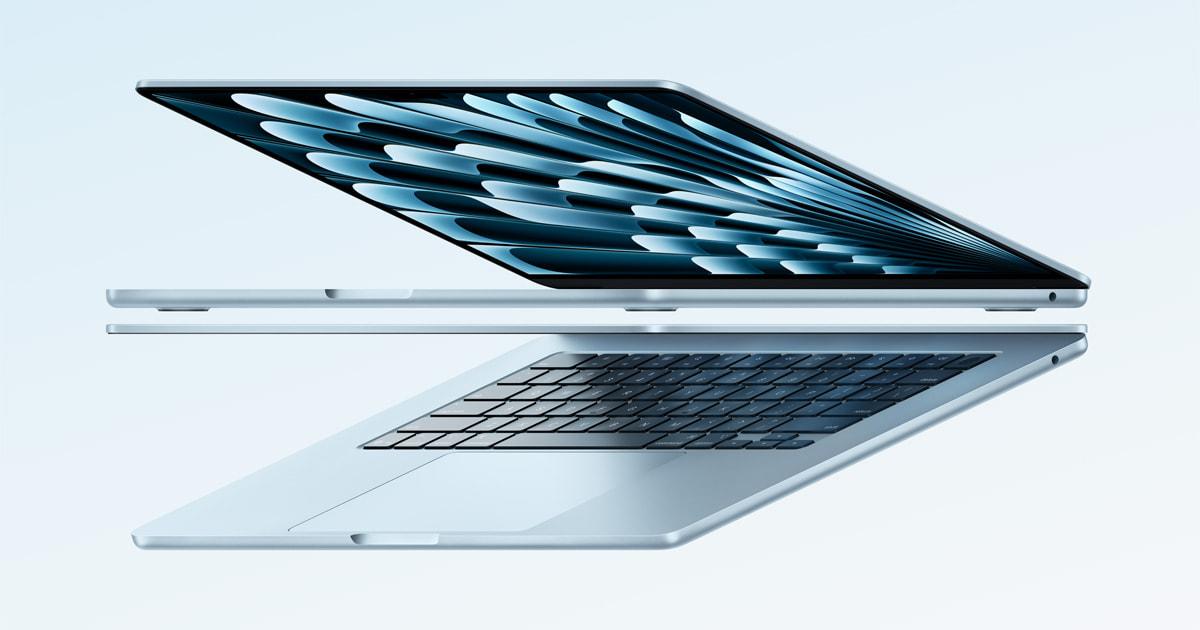
Why it’s great: The MacBook Pro comes with built-in accessibility features like VoiceOver, which is a powerful screen reader. It also has a high-resolution Liquid Retina XDR display with peak brightness at 1,600 nits. Apple Intelligence can also be controlled with your voice, opening up all kinds of features.
Key features: VoiceOver, Apple Intelligence and high-contrast display.
Why it’s great: The Lenovo IdeaPad 3 has a sharp Full HD+ screen, which can be adjusted for contrast. It also comes with Windows 11 so is chock-full of Windows accessibility features like Narrator and Magnifier. Plus, its backlit keyboard makes it easier to see what you’re doing.
Key Features: Backlit keyboard, Windows Narrator and Magnifier.
4. LG gram 17
Why it’s great: It’s hard to argue with the 17” IPS display, especially with its 2.5K resolution. With Windows Hello, you can login with just a smile – much easier than trying to tap your password in.
Key Features: 17” screen, helpful Ai and Windows Hello.
Best mobile phones for hearing impaired users
Key features to look for
When choosing a mobile phone for hearing-impaired people, keep an eye out for these features:
Loud ringers: A loud ringer can help you hear incoming calls more easily.
Flashing lights: Flashing lights can alert you to incoming calls or messages.
Caption capabilities: This feature displays captions for phone calls, making it easier to follow the conversation.


Top mobile phones
Why it’s great: The iPhone 16 has a range of accessibility features. Live Listen can amplify sounds through your AirPods, or stream sound to your Made for iPhone hearing device. It also supports closed captioning and has a loud ringer.
Key features: Live Listen, pairs with hearing devices and blinking notifications.
Why it’s great: Along with blink notifications and hearing aid support, The Galaxy S24 has some really smart Hearing enhancement features. Real time text lets you use write to communicate on voice calls. The Live Transcribe app displays live speech on-screen. And then there’s Live Captions, which detects anything with audio that’s playing on your device and creates captions.
Key features: Real time text, Live Transcribe and Live Captions.
Why it’s great: The Pixel 9 is packed with features like Live Caption and Live Transcribe. But Google’s Clear Calling is a standout, suppressing background noise so it’s easier to catch every word. Plus, its Sound Amplifier works through your headphones or hearing device to boost what’s helpful to hear, and filter out what isn’t.
Key features: Clear Calling, Live Transcribe and Sound Amplifier.
If you’re after a cordless landline phone for hearing or visually impaired people, look for large buttons and hearing-aid friendly features. The Doro PhoneEasy 312cs or BT Décor 2600 are great examples of what’s out there.
Smart home devices and wearables
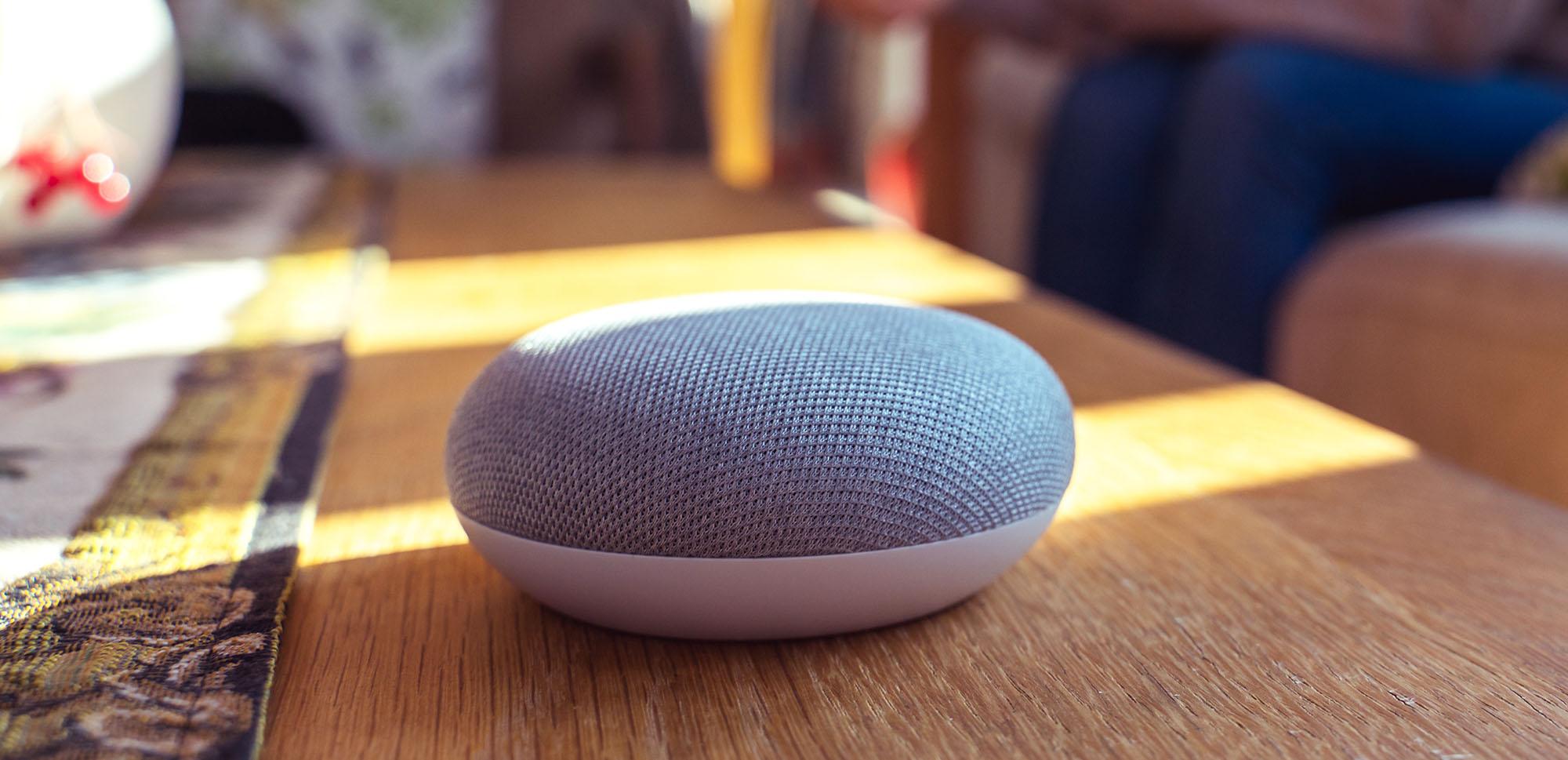
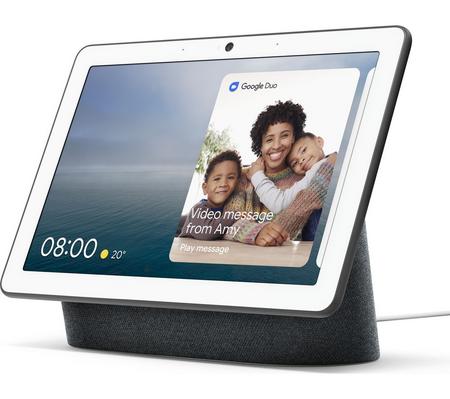
Virtual assistants can be a huge help around the house, especially as they can be voice activated. For hearing impairments, smart home hubs give you a big easy-to-use screen to work from.
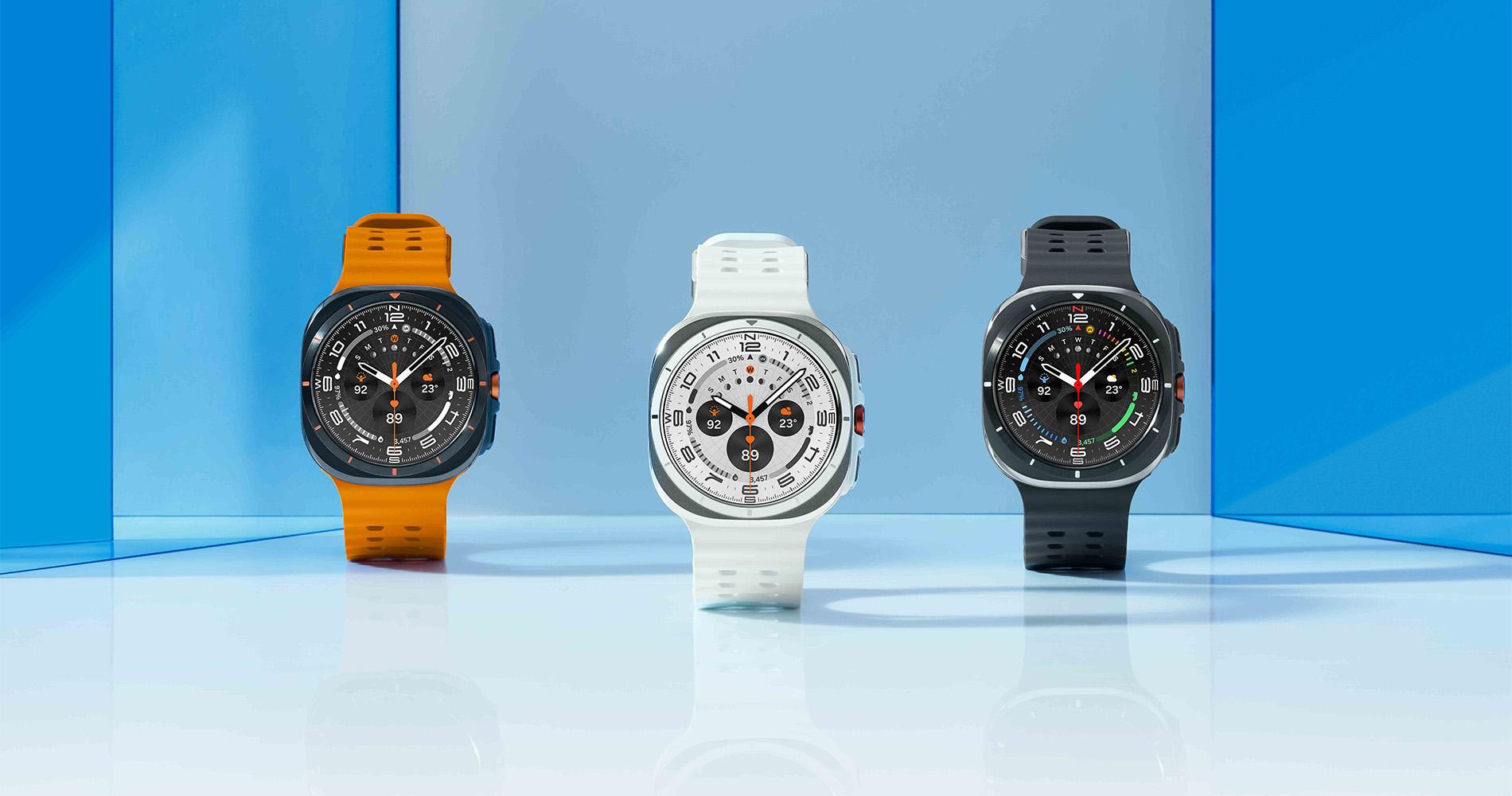
In the world of wearables, haptic feedback, visual alerts and voice operation makes them a useful tool that’s always on-hand.
Here’s some assistive tech worth checking out…
Smart home devices
Amazon Echo: Alexa can be programmed to provide voice feedback and can control smart home devices, making it easier to manage your home environment.
Google Nest Hub: The Nest Hub can display visual alerts and captions onscreen, so it’s a useful smart home controller if you’re hard of hearing.
Wearables
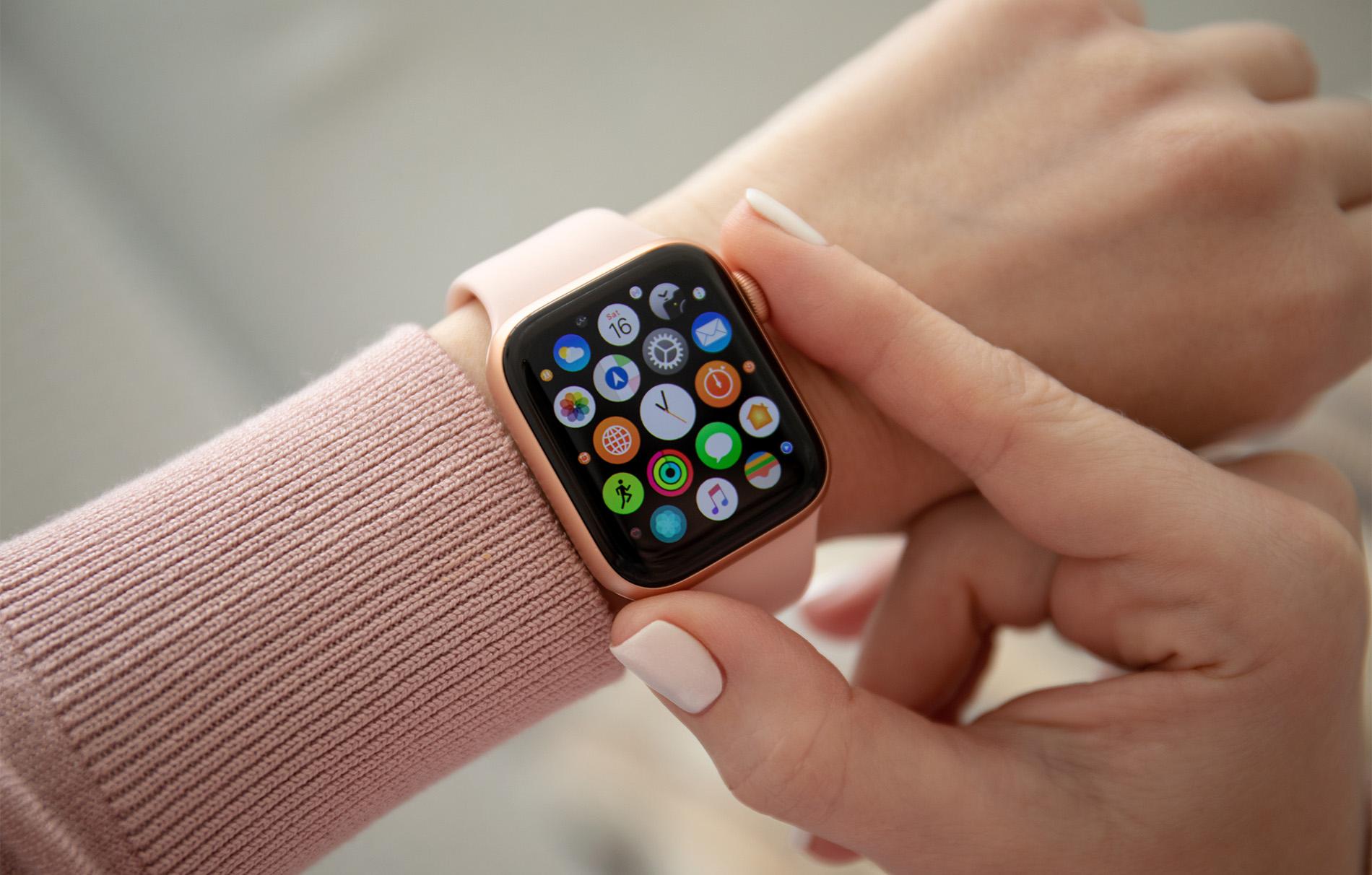
Apple Watch: The Apple Watch can be used to control other device with voice commands. It also has haptic feedback for notifications and supports Braille input and output with compatible devices. Its small display can be magnified with Zoom. Plus, there are extra-large faces available. And VoiceOver describes what’s happening onscreen.
Fitbit: Fitbit comes with a downloadable app called Fitbraille, which can translate time and step count to Braille – which is then turned into vibrations. On some Fitbit models, Amazon Alexa can tell you everything you need to know.
Ai Innovations for the visually and hearing impaired
AI-powered apps
Microsoft Seeing AI: This app uses AI to describe the world around you, including text, people and objects. It can read text aloud and provide detailed descriptions of your surroundings. You can even scan barcodes and get loads of information about the product.
Speechify: Text to speech isn’t new but Speechify takes things up a level. The app can read anything – from PDFs to presentations. It can even scan the pages of physical books and read to you! And it can summarise large amounts of information into a few sentences. All in the voice of your fave celebrity!
Tech has the power to make the lives of visually and hearing-impaired individuals a little easier. Whether you're looking for a new laptop, mobile phone, smart home device or AI-powered assistant, there’s tech out there that can help. So, you can stay connected, informed and more independent.
If you’d like to talk to someone for more guidance, feel free to chat to one of our friendly tech experts on ShopLive.