

Smart speakers aren't just for playing music or checking the weather. They can make life at home a lot easier. If you face challenges with daily tasks, a smart speaker can be a great support.
In this article, we’ll look at the different types of smart speakers available and how they can help around the home. We’ll also share some handy advice on setting up and keeping personal info secure.
Accessibility features to consider
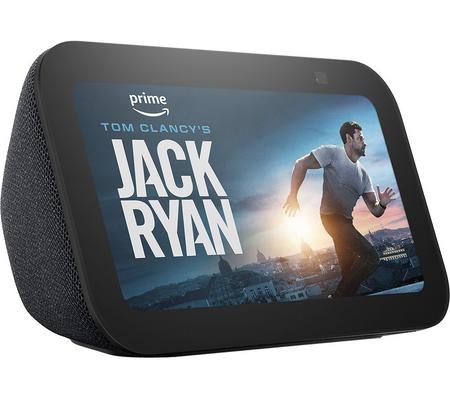
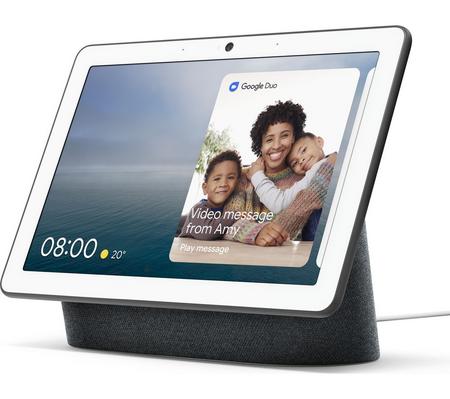
Some smart speakers, like Amazon Echo Show or Google Nest Hub, come with built-in screens. These can show subtitles, visual timers, step-by-step instructions, and video calls. If you want extra visuals alongside your audio, these speakers are a great shout.
You can also tweak some settings to make the speaker work better for you, like making it speak slower. Some speakers have voice training so they can learn to understand you better. You can even use it like an intercom to talk to someone in another room.
Smart speaker features for different situations
Smart speakers can make a big difference in everyday life, especially when some things feel harder to do.
If you find it tough to move around much, using your voice to turn on the lights, adjust the heating, or switch on the TV can be a big help. You don’t have to get up – just say what you need, and it happens. You can even call for help without touching your phone.
If seeing screens or reading is tricky, you can ask your speaker to read out texts, tell you the weather, or go through your calendar. Some speakers even describe what’s on the screen for you.
If you don’t want to fuss with a phone or learn a bunch of new tech, you can still enjoy music, make a call, or get reminded to take your meds – all just by asking.
And if you sometimes find it hard to keep track of things or follow steps, a smart speaker can help you stay on top of your day. You can set up reminders, build simple routines, or just ask for help. Say something like, “Hey, how do I make a club sandwich?” – and it’ll guide you through it, one step at a time, at your pace.
What are the different types of smart speakers?

When it comes to smart speakers, you’ve got some great brands to choose from.
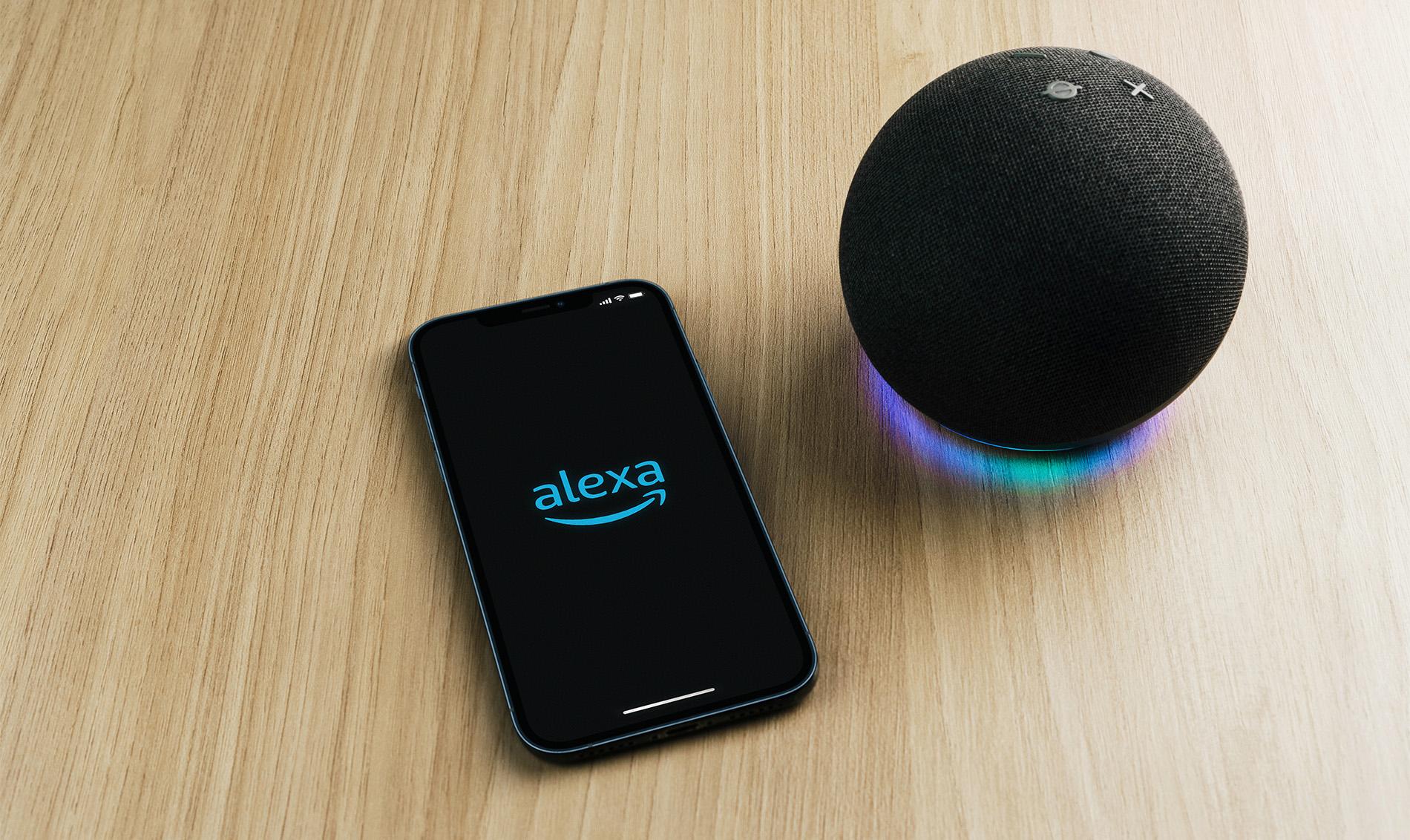
Amazon Echo (Alexa).
Amazon Echo is one of the most popular smart speakers out there. Alexa works with loads of smart home gadgets, has tons of voice skills to try, and responds quickly and reliably. It’s also easy to set up, which makes it a solid choice for anyone getting started with voice control.
Google Nest (Google Assistant).
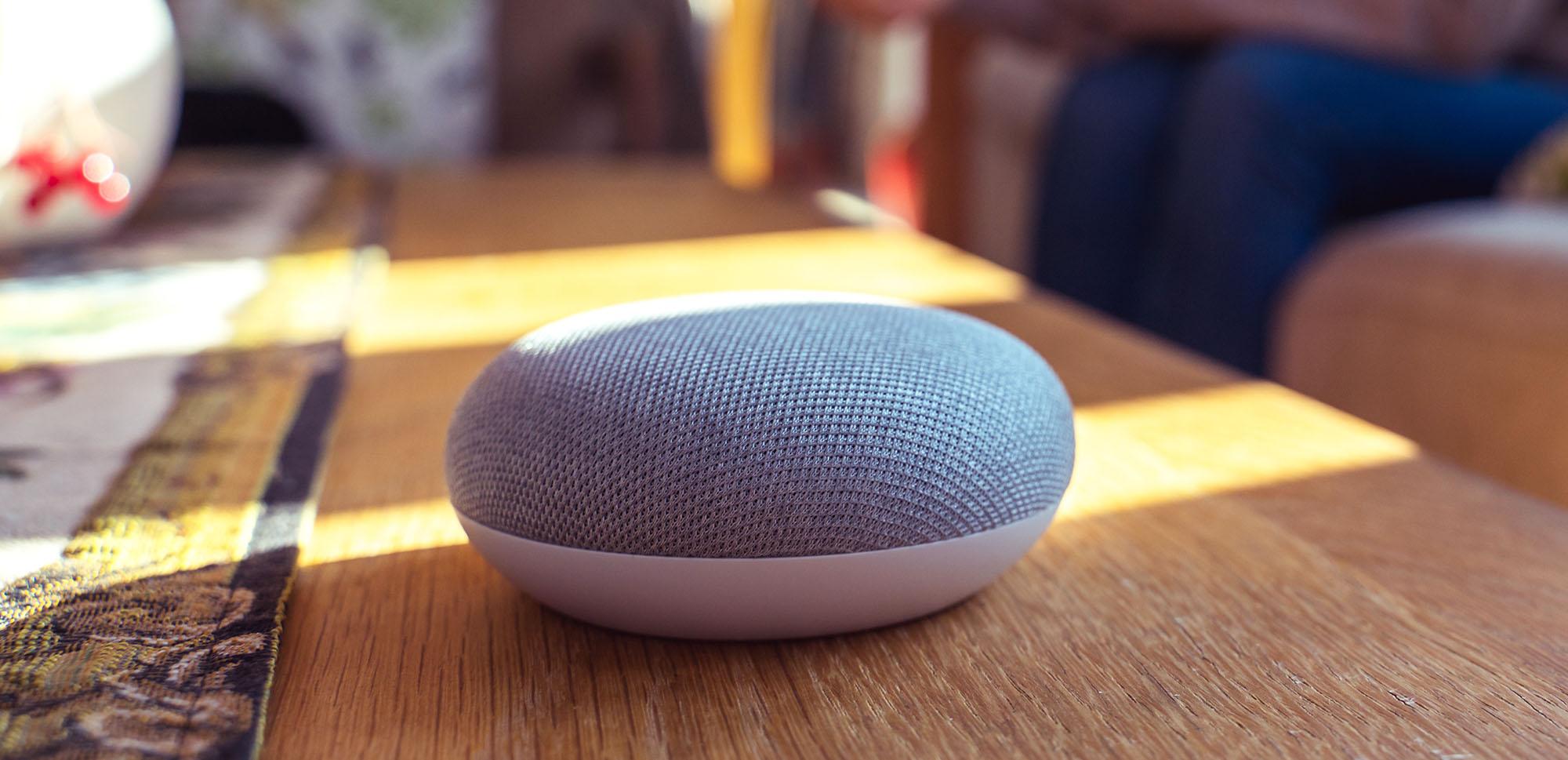
This is a great pick if you already use Google stuff like Gmail, Calendar, or Google Photos. Google Assistant is really good at understanding everyday speech, so you don’t have to be super clear or formal when talking – it usually just gets it.
Apple HomePod (Siri).
If you’re an Apple person, the HomePod is a natural fit. It sounds amazing, works smoothly with your iPhone or iPad, and has strong privacy features. Plus, it taps into Apple’s built-in accessibility tools like VoiceOver, which gives you audible descriptions of onscreen content.
Smart home suggestions
Smart speakers become even more powerful when you connect them with other gadgets. Such as:
Smart lights let you turn lights on or off without touching a switch—just use your voice or phone.
Smart plug can be used with things like kettles, so you can start boiling water without bending down.
Smart doorbells show you who’s at the door without you having to answer it.
Smart locks let you unlock the door using just your voice.
You can also set up routines to make life easier - like saying “Good night” to dim the lights, lower the heating, and lock the doors automatically.
Privacy and security tips
Smart speakers are incredibly useful, but it’s important to think about security and keep your info safe. A few small tweaks can go a long way in keeping things secure, so here’s what we suggest:
Set up voice profiles.
Creating voice profiles helps your smart speaker know who’s speaking. This can help prevent others from accessing your stuff. Handy if you live with other people or have kids who love to ask it things!
Manage your voice recordings.
Smart speakers save audio recordings to improve voice recognition. But you can control this. Head into the app and you can listen to, review, or delete anything that your speaker has heard. You can also adjust how long recordings are kept or turn them off completely.
Use PINs and purchase protections.
It’s easier than you think to accidentally order something just by saying the wrong thing. Setting up a PIN for purchases or content controls means you (or curious kids) can’t buy or access things without your say-so.
Control access for other users.
Sometimes, not everyone in the home needs full access. Most speakers let you choose what guests or secondary users can do, like turning off the ability to make calls or access calendars. It helps keeps things more private.
Protect your Wi-Fi network.
Your smart speaker connects to your Wi-Fi, so you’ll want to keep that network secure. Use strong and unique passwords, and think about setting up a separate guest network for visitors. That way, your main devices stay protected even when friends come over and want to connect.
Mute the mic for extra privacy.
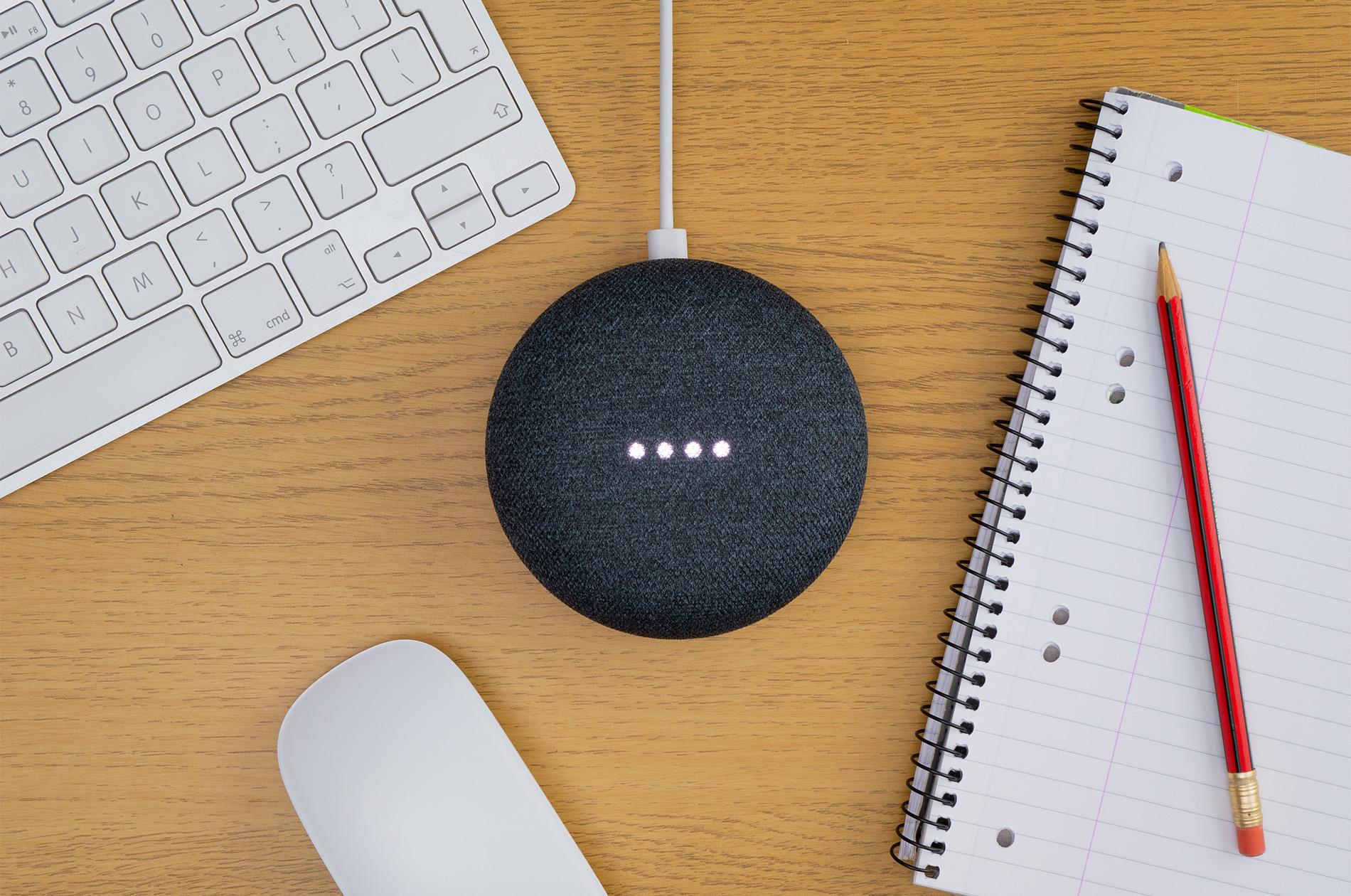
Your smart speakers will have a physical mute button or switch. So, if you’re chatting about something personal or just want to make sure it’s not listening, hit mute. It won’t hear or respond to anything until you turn the mic back on.
Check your settings regularly.
Privacy settings can change with new system updates, so it’s a good idea to pop into the app now and then. Make sure things like location sharing, linked accounts, and permissions are all set up the way you want. It only takes a few minutes, and helps keep your speaker working the way you like.
Need more help?
Not sure where to start? Our smart home buying guide is packed with useful info on smart speakers and lots of other smart home tech.
If you’ve already got a smart speaker and want some inspiration, we’ve got 7 things to try with your Google Nest smart speaker and some great suggestions on what to use Alexa for.

?fmt=auto)