


You’ve almost definitely heard of Sky. But what about Sky Q? Their advanced TV package is a no-brainer as far as we’re concerned. And that goes for sports fans, movie lovers and pretty much everyone in between. Whatever you like watching, Sky Q has something for you.
In this piece, we’ll run through all the key info – from its standout features, to how you can get your hands on it. We have a feeling you’ll be signing up real soon.
What’s special about Sky Q?
Sky Q has been about for a good few years now. And it’s got a lot going for it…
4K UHD and HDR
Unlike a lot of other TV/streaming services out there, Sky Q supports 4K Ultra HD and high dynamic range (HDR) content. And that means your picture is going to be clear and vibrant across everything you watch.
Multi-room viewing
Grab yourself a Sky Q Mini box, and you’ll be able to check out different shows in different rooms simultaneously, streaming both from the main box. No more arguing over what to watch!
Voice control
Sky Q comes with a voice-activated remote control. Search for shows, change channels and tweak your settings with just a few words. It’s super handy, especially when you don’t fancy scrolling through loads of menus (or forget which button does what). Now you’re talking.
Personalised recommendations
This ties nicely into the above. Got literally no idea what to binge next? Just say ‘what should I watch?’ into the remote. You’ll get trending shows and other stuff you’d like that you probably had no idea about.
And the more you watch, the more Sky Q will learn about you. So, you’ll get better suggestions and less that’ll have you nodding off on the sofa.
Catch-up
You might’ve missed that live showing of Eastenders last night. No drama though. Launch catch-up, and you’ll be back in the know in no-time.
Works with other devices
You can easily integrate Sky Q with your other smart home devices, like Amazon Alexa and Google Home. And if that remote we’ve mentioned slips down the back of the sofa, it’s a life saver. Control your telly with voice commands from these devices, and you won’t have to hit pause on the next episode.

Football and films in 4K UHD on Sky Q
If you’re a footie fan or a massive film buff, Sky Q is a game changer…
4K UHD sports:
Premier League – All the matches are available to watch in 4K UHD, letting you see every threaded pass, crunching tackle and belting goal in stunning detail. You’ll feel like you’re sat right there in the stands!
Other sports – If the football isn’t your thing, no worries. Other sports like cricket, rugby and tennis also get the 4K UHD treatment.
4K UHD films:
A growing library – From big summer blockbusters to old classics, you can kick back with cinema-quality visuals straight from the sofa.
HDR support – The flicks aren’t just in 4K UHD. HDR support adds a whole other layer of depth and colour to your picture. Spidey’s suit has never looked so red.

How to get it
Getting Sky Q is nice and straightforward. But it does require a bit of a setup once it arrives. Here’s a quick step by step guide to help get you started:
Check your eligibility – Before you sign up, see whether your place is actually eligible for Sky Q. You can check this on the Sky website by entering your postcode. Most areas are covered, but it’s always a good idea to double check.
Choose a package – Sky have a bunch of different packages to pick from, ranging from basic to premium. It’s here where you’ll choose your channels, like sports, movies and entertainment.
Order your equipment – Happy with your package? You’ll need to order your Sky Q box and any extra gear, like a Sky Q Mini box – which is ideal if you’re planning on watching in multiple rooms.
Installation – Sky will arrange for one of their engineers to set up your Sky Q system. This usually takes a few hours, and the installer will make sure everything is working properly.
Set up your account – Once the installation’s sorted, you’ll have to set up a Sky account. This involves creating a username and password, linking your preferred payment method and customising your settings.
Get watching – Grab a brew, put your feet up and dive into a new box set or catch the big match live.

Sky Q packages and deals for new customers
Whatever you like watching – and whatever your budget - there’s a Sky Q package for it. We’ve rounded up a few of the most popular options for new customers…
Sky Entertainment
Sky One. Sky Atlantic. Sky Comedy. Sky Cinema. They’re all here. And if you’re after a new series to get absolutely obsessed with, this is where you’ll find it.
Sky Sports
For your sporting fix, the Sky Sports package is a must. You’ll have access to all the major sports channels, where you’ll be able to watch live matches, highlights and analysis from top pundits. Just don’t expect Roy Keane to say anything positive about Manchester United.
Sky Cinema
For film lovers, you can’t go wrong with Sky Cinema. It packs in all the latest releases alongside plenty of stone-cold classics. You’ll be spoilt for choice when movie night rolls around. All you’ll need now is the popcorn.
Sky Kids
Keep the young’uns entertained with Sky Kids. It comes with channels like CBeebies, Nickelodeon and Cartoon Network, plus a stack of on-demand content. They’ll never be bored again.
Sky Q Bundle
Want a bit of everything? A Sky Q bundle has your name written all over it. They combine entertainment, sports and movies into one fun package. Which means you’ll get the best of what Sky Q has to offer.
Deals and offers
If you’re trying to save a few quid, Sky usually runs special deals for new customers. And this can range from free months of service, to free equipment and discounted setup fees. Make sure you check the Sky website for the latest offers and promotions.

What do you get with Sky Q?
That all depends on the package you pick. But here’s just some of what you can expect from Sky’s service:
Sky Q box
The main Sky Q box will be the hub of your entertainment system. It’ll handle all that 4K UHD content and stream to multiple rooms, which brings us onto…
Sky Q Mini box
Let’s say you want to watch the golf, but your partner fancies a few episodes of reality TV. Well, you don’t have to battle over the remote. A Sky Q Mini box will connect to the other telly in your bedroom, letting you stream something completely different (at the same time) from the main box. Happy days.
Voice-activated remote control
Searching through pages and pages of menus is so last year. Go hands-free instead and take control of your telly using your voice and the remote. It’s got a real way with words.
On-demand content
You won’t ever struggle to find something to watch. There’s a huge library of on-demand content to get stuck into, from docs and dramas to films and more. And if you’ve missed any live telly, you can always just fire up catch up.
Custom recommendations
The more you watch, the more Sky Q learns about what you enjoy. Its clever interface will suggest shows and movies based on your viewing history. So, if you love your dark crime dramas, you’ll see more of them on your home screen, and so on. How’s that for a smart TV?
Smart home integration
Sky Q will work with other smart devices in your house, like Amazon Alexa and Google Home. So, if you don’t fancy shouting into the controller, you can use these gadgets to control the telly instead.
You’ll also be able to stream Sky Q to your mobile phone, letting you catch up on your favourite shows while you’re on the go. It’ll make that commute home on the train way better, trust us.

How does Sky Q compare to other TV/streaming services?
When it comes to streaming and TV services, there’s absolutely loads to choose from. So, how does Sky Q stack up against some of the other major players?
Sky Q:
Content – Loads of channels. On-demand content. Live sports. Plus, you can record, rewind and restart any live TV. What’s not to like?
Quality – Sky Q supports 4K UHD and HDR viewing, giving you the best picture quality.
Price – It can be on the more expensive side. Especially if you go for the premium packages. Saying that, it offers a lot of value for the price.
Ease of use – It’s super simple to use. And there’s personalised recommendations and voice control to boot.
Netflix:
Content – You’ll get access to a massive library of original content, plus licensed shows and movies.
Quality – There is 4K UHD and HDR content. Not every program or film is available in these formats though.
Price – It’s generally pretty affordable. But it doesn’t include live TV or sports.
Ease of use – Netflix is really user friendly and easy to navigate. There’s a reason it’s one of the most popular streaming services out there.
Amazon Prime Video:
Content – While the selection isn’t huge, there’s still a good choice of licensed and original content.
Quality – Prime Video also offers HDR and 4K UHD content. But again, not everything comes in both formats.
Price – It’s part of an Amazon Prime subscription, which includes other benefits like free shipping and music streaming.
Ease of use – You won’t struggle to use it. And it integrates nicely with your other Amazon devices too.

BBC iPlayer:
Content – Live TV, BBC shows and documentaries – it’s all here. Oh, and there’s live TV as well across all of their channels.
Quality – iPlayer supports HD content, but not 4K UHD or HDR.
Price – It’s free with a TV license, making it a really cost-effective option.
Ease of use – With an app on your smart TV and other devices, it’s easy to download and get started with.
Now TV:
Content – You’ll be able to watch lots of different channels and on-demand content, plus live sports and movies.
Quality – Again, you can watch in HD, just not 4K UHD or HDR.
Price – Now TV is more flexible, with pay-as-you-go options and no long-term contracts.
Ease of use – Clear menus and headings make it straightforward finding what you need.
Virgin Media:
Content – Check out sports and movies, alongside a small selection of major TV channels.
Quality – There’s support for 4K UHD content, but the offering isn’t as broad as Sky Q.
Price – Their prices are competitive, but the service doesn’t have the same level of personalisation as some of the others.
Ease of use – From settings to shows, it’s not hard to get to where you need to be.
Need more advice?
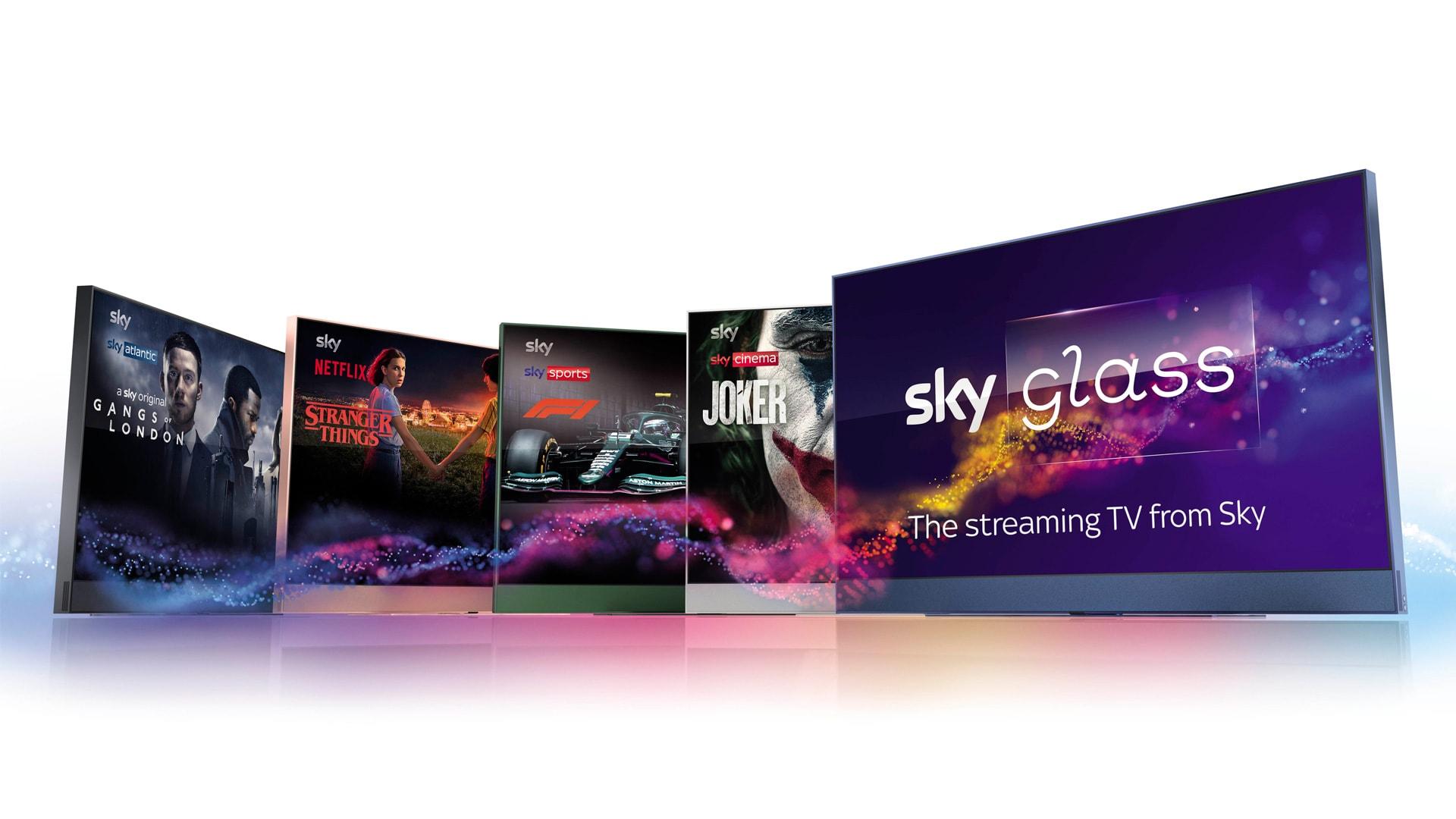
The epic Sky tech doesn’t stop there. Find out more about Sky Glass: The 4K smarter TV from Sky right here. And if you want to make movie night even better, have a read of how to create your own home cinema. Don’t forget the snacks!