
Samsung Buds at Currys
Discover the Samsung range
Discover the Samsung range


Galaxy Buds
Introducing the next generation of Galaxy Buds, Galaxy Buds4 Pro and Galaxy Buds4, here to transport you into your favourite artist’s recording studio with their superior speakers, Active Noise Cancellation and audio technology. Beyond the stellar sound quality, you can do more than just listen to your favourite track with the hands-free power of Galaxy AI.1
Galaxy Buds4 Pro
Shop nowImage simulated. Availability of colours may vary by country or carrier.
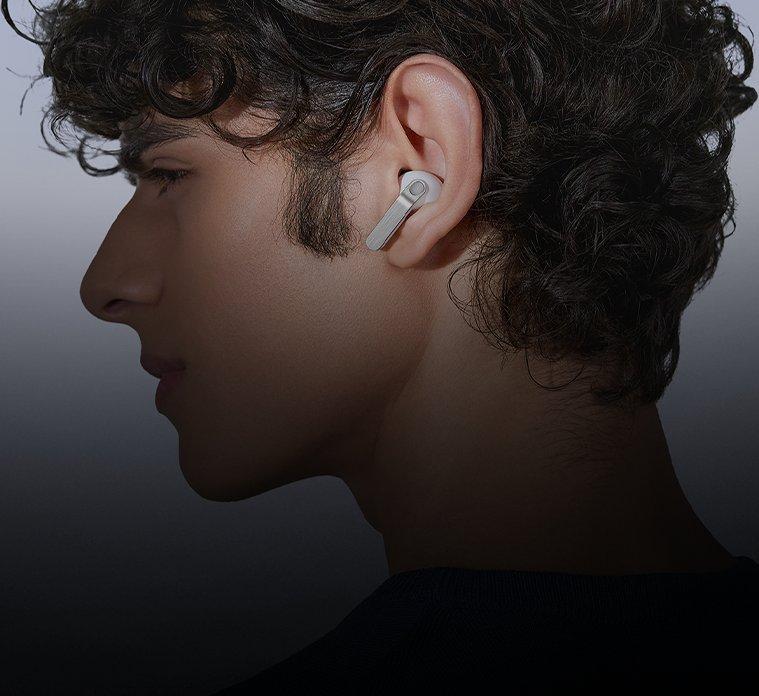
Real metal blade
Finely sculpted from aluminium, Galaxy Buds4 Pro shines elegantly, turning heads. Shaped for all-day comfort and stability, every interaction flows seamlessly through an ergonomic design.
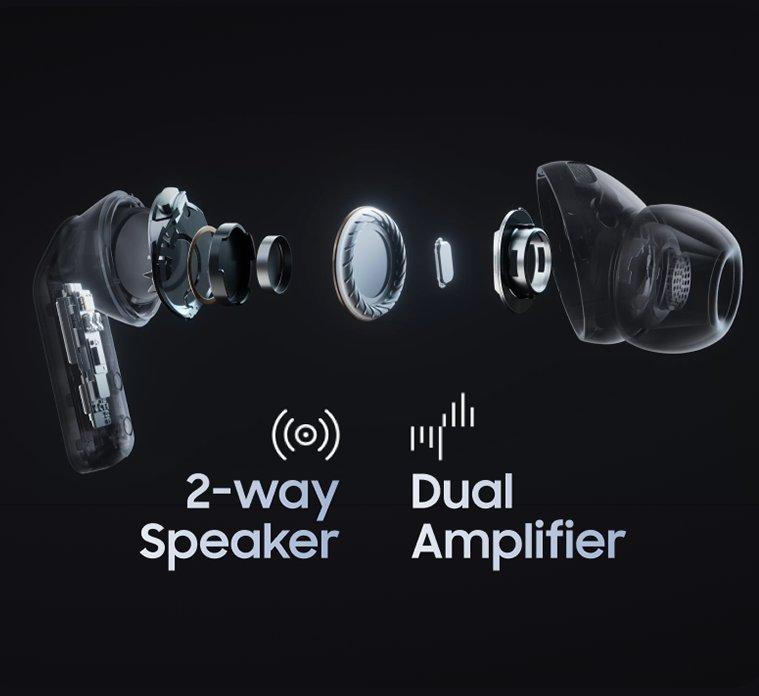
The ultimate Hi-Fi sound
Meet the true Hi-Fi Galaxy Buds. The advanced 2-way Speaker paired with dedicated Dual Amp is meticulously tuned to achieve high-fidelity sound across the full spectrum.2
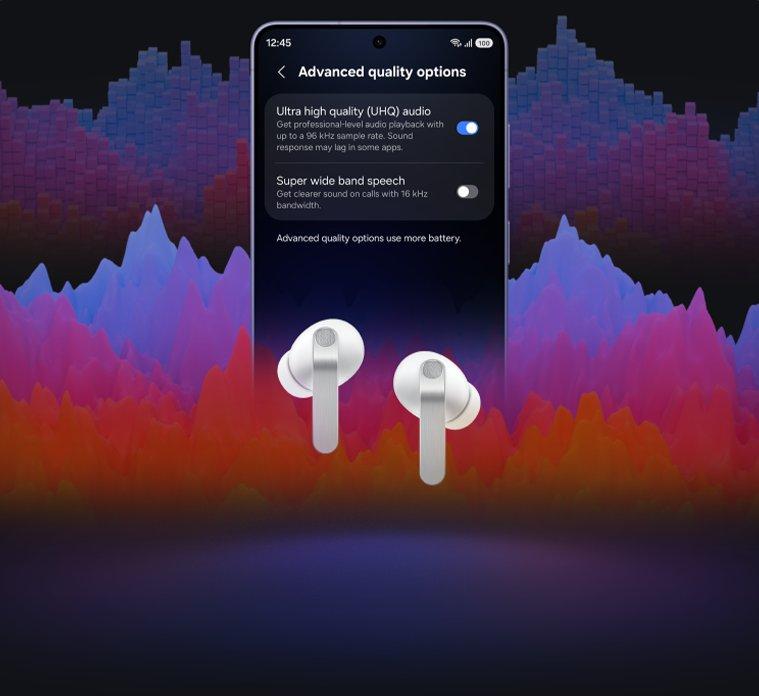
Full Spectrum sound
Ultra High-Quality Audio with 24-bit/96 kHz reveals every layer, making the world feel richer and more alive.3,4,5
NOISE CONTROL
Control your quiet
Stay immersed, stay connected
Manage your listening experience your way. Galaxy Buds4 Pro adjusts the levels of ANC and ambient sounds in real-time, adapting to your environment - whether you’re sensitive to noise or prefer more blending. Stay more immersed in the music while remaining connected to the world around you.6

Galaxy Buds4
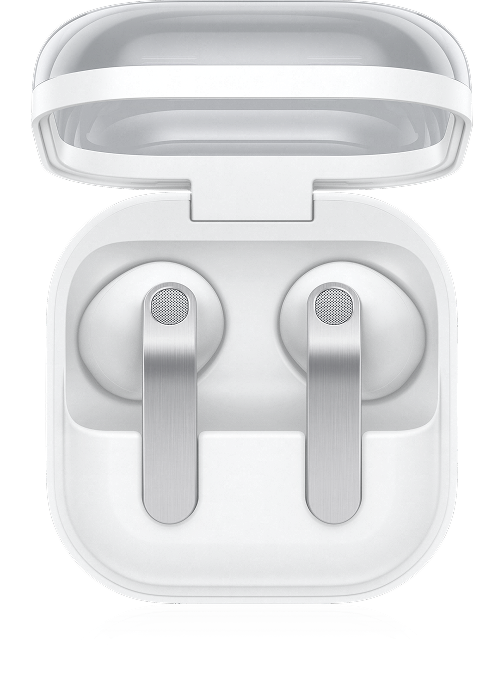
Galaxy Buds4 represent a new look for Galaxy Buds, now with premium metal, touch-responsive blades. You can swipe up and down to alter the volume or pinch to move through your favourite playlists.
Shop nowGalaxy Buds3 FE
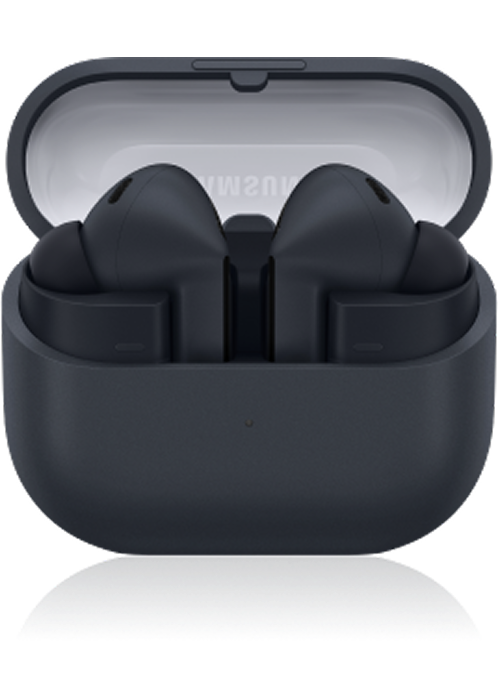
Galaxy Buds3 FE are built for all day wear. With a redesigned blade shape, they offer a snug, secure fit that stays comfy from your morning commute to your evening gym sesh.
Shop nowSeamless Ecosystem
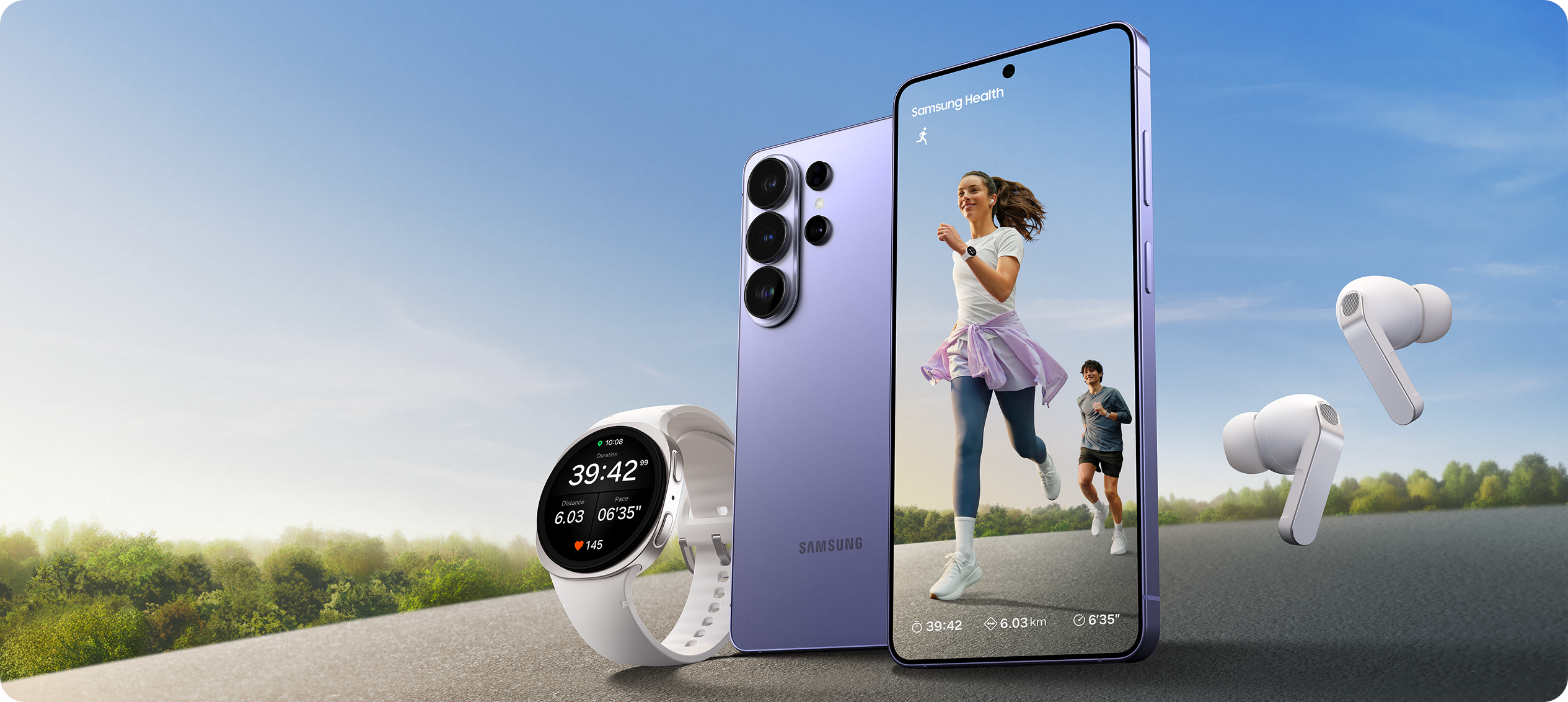
Image simulated. Actual UX/UI may differ. Availability of colours, sizes, models, and watch bands may vary by country or carrier. Products sold separately. Contains an AI-generated background image with edits. Running Coach program is available on Android phones (Android 10 or above) and requires the Samsung Health app (v6.30.2 or above). Samsung account login required. Service only available with Galaxy Watch Ultra, Galaxy Watch7 series or later released Galaxy Watch series. To use Running Coach program, user needs to take a running level test and get a level before starting the coach program.
One UI 8.5
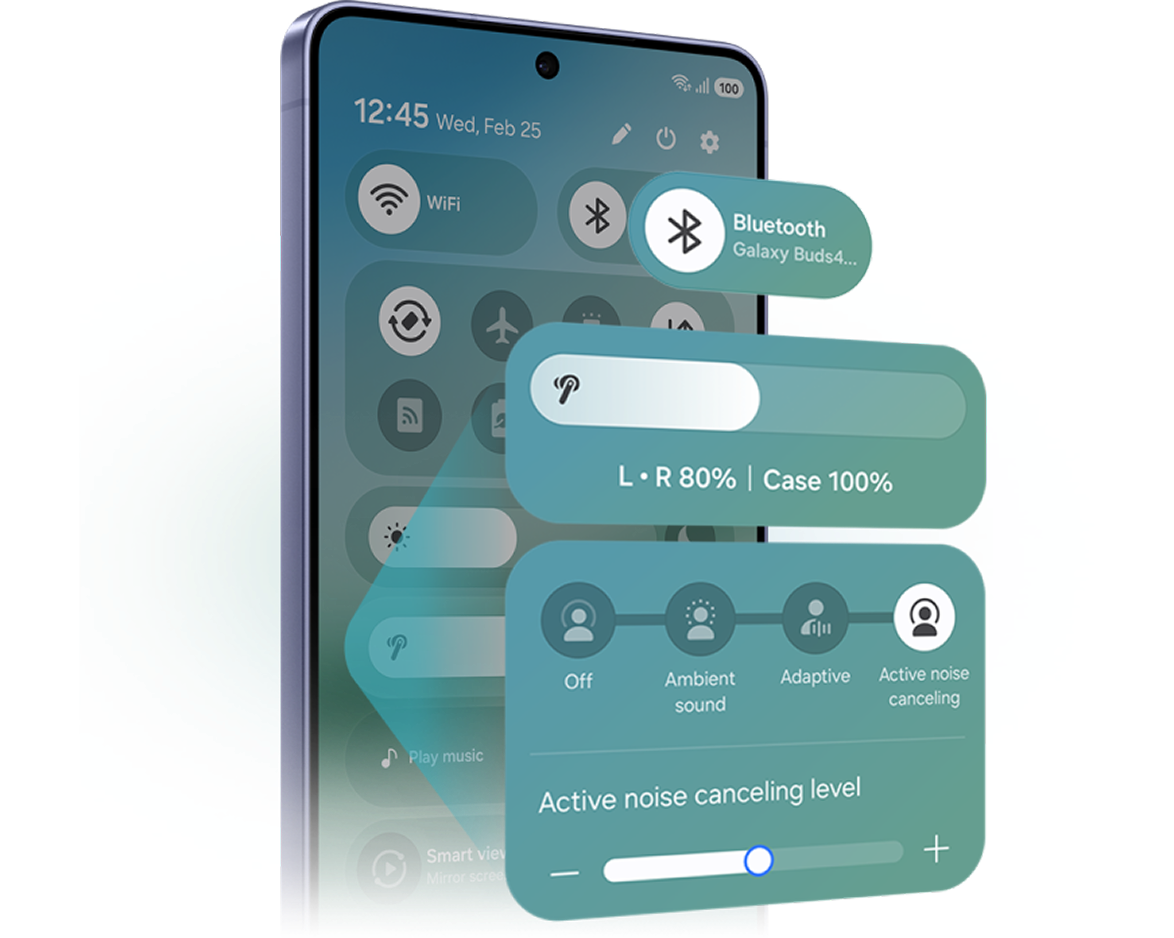
Now, everything flows as one in One UI
The evolved One UI 8.5 creates a deep connection between your Galaxy Buds and Galaxy smartphone, almost like a duet. Control has never been more intuitive - manage features from the device settings, without downloading a separate app. From the Quick Panel, you can easily access features and also set and save sound preferences for each app.3,7,8
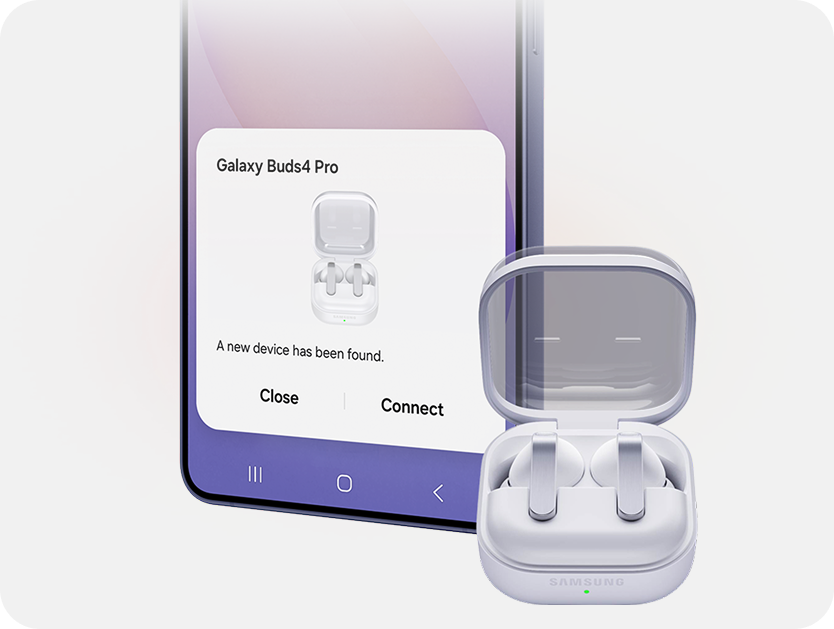
Easy pairing
Connect buds in one tap
Just open the Charging Case and you’re set - as simple as that. Your Galaxy smartphone and Galaxy Tab detect Galaxy Buds4 Pro for easy pairing.8,9,10
Shop now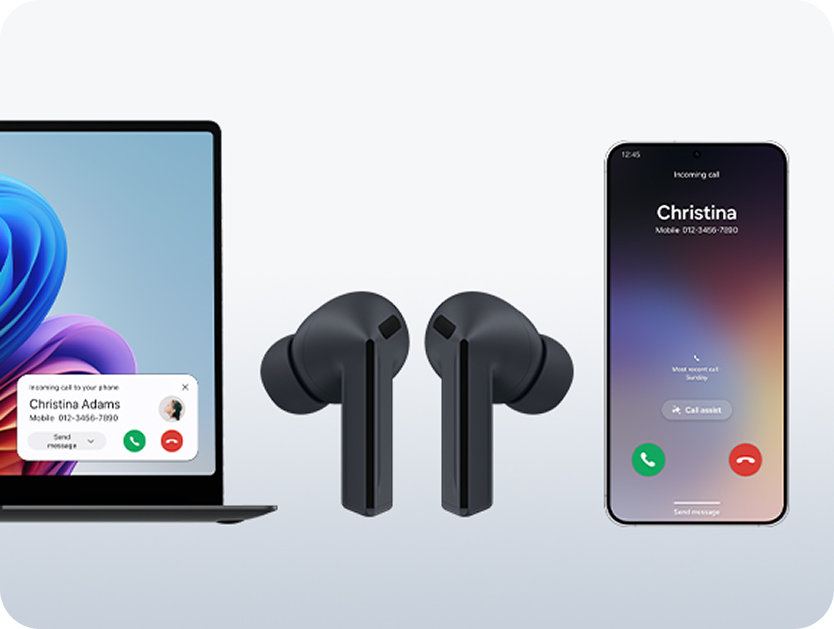
Auto Switch
Move between devices
With Auto Switch, actively detect audio activity and transfer the connection seamlessly for continuous listening across all of your Samsung Galaxy devices.11
Shop now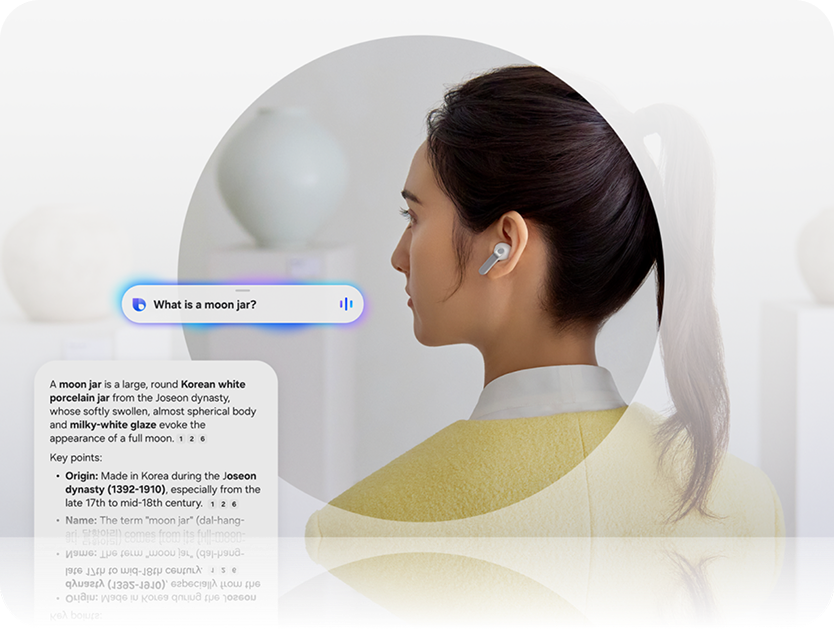
AI
Interactive AI
Galaxy Buds4 Series AI assistant is waiting on your word - no typing required. They’re also able to recognise head gestures, so you can accept a call with a nod, or dismiss with a shake without raising a finger.12,13
Shop now- Available when connected to a Samsung Galaxy smartphone with Galaxy AI.
- The new wider woofer on Galaxy Buds4 Pro has 19.8% larger diaphragm compared to Galaxy Buds3 Pro.
- Devices sold separately.
- Ultra High Quality Audio (UHQ) up to 24-bit / 96 kHz is available on Galaxy S26 Series, S25 Series, S24 Series, S23 Series, Z Fold7, Z Flip7, Z Fold6, Z Flip6, Z Fold5, Z Flip5 and Tab S11 Series, Tab S10 Series, Tab S9 Series with One UI 6.1.1 or above. Additional devices may be supported in the future.
- UHQ is off by default and can be configured directly in the phone settings for devices running One UI 8.0 and later. For devices running on earlier versions of One UI, configurations can be found in the Galaxy Wearable app.
- Adaptive Noise Control, Voice Detect and Siren Detect are off by default, and can be configured directly in the phone settings for devices running One UI 8.0 and later. For devices running on earlier versions of One UI, configurations can be found in the Galaxy Wearable app.
- Samsung Account login is required to activate and change Galaxy Buds4 Pro settings. For devices running on One UI 8.0 or later, settings can be configured directly in the phone settings. For devices running on earlier versions, configurations can be found in the Galaxy Wearable app. Additionally, to use the Galaxy Wearable app, Samsung Galaxy Buds4 Pro must be paired with a smartphone running Android 12.0 or above with at least 1.5 GB of memory. Galaxy Wearable app is not supported on iOS.
- Connecting Samsung Galaxy Buds4 Pro as Bluetooth Audio is available regardless of the OS.
- Bluetooth must be turned on to pair Galaxy Buds4 Pro with Galaxy smartphone and Galaxy Tab.
- UnifiedMgr module may need to be downloaded based on the version of One UI. For devices running on One UI versions below 8.0, Galaxy Wearable app needs to be downloaded.
- Auto Switch feature is only available on Samsung Galaxy Book series with One UI 6.0 or later, Samsung Galaxy smartphones and Galaxy Tab devices with One UI 4.1.1 or later, and on Galaxy Watch4 or later. The devices must be logged in to Samsung Account to enable Auto Switch. Availability of certain features of Auto Switch may vary.
- Requires Galaxy smartphone with One UI 8.5 or above.
- AI Assistance wake-up is available on Galaxy smartphones with One UI 8.0 and later. Requires internet connection and Samsung Account login.