
Samsung Tablets at Currys
Discover the Samsung range
Discover the Samsung range


Galaxy Tabs
Galaxy Tab S Series is ideal for power users, creators and professionals as it has the most processing power and the largest screens available in Samsung’s tablet range. It is also the only tablet range with an S Pen included. Whilst Galaxy Tab A Series are perfect for everyday tasks like streaming the latest movies, browsing the Internet or keeping the kids entertained.
Galaxy Tab S11 Ultra
Samsung account login and network connection may be required for certain AI features.
Built for the modern multi-tasker, Galaxy Tab S11 Ultra helps you stay organised. Jot down notes effortlessly with the redesigned S Pen, and easily turn your handwriting into text in Samsung Notes—perfect for your to-do lists or big ideas.
Built for productivity
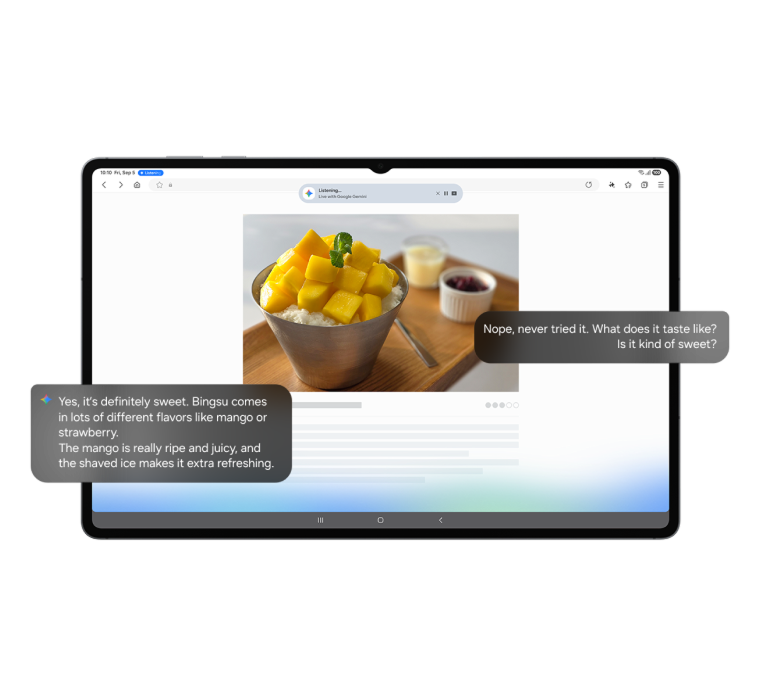

Talk to Google Gemini about anything you see
Use screen sharing on your Galaxy Tab S11 Ultra to get information in real time with Gemini Live. Just long press the side button to get started and share your screen to ask for advice.1
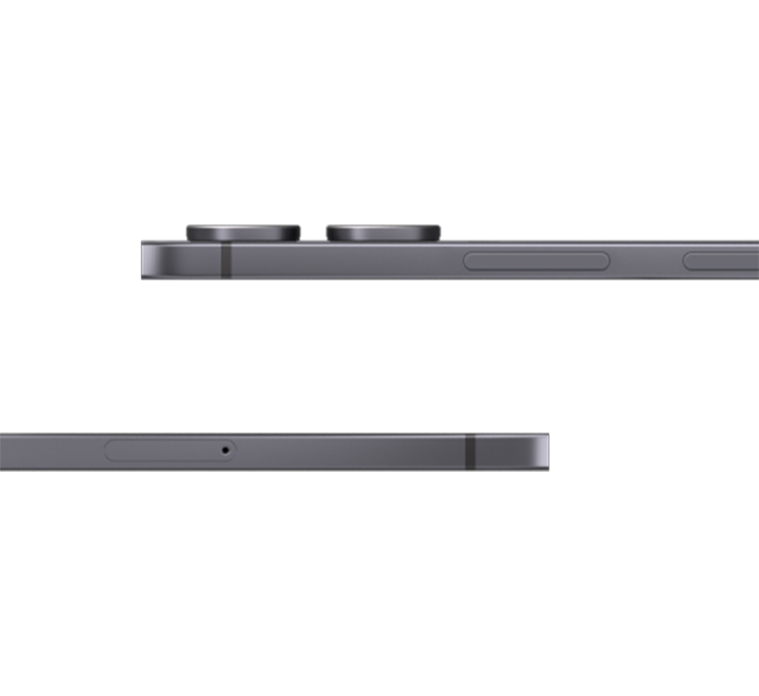
Ultra thin. Ultra powerful
At just 5.1mm, Galaxy Tab S11 Ultra is one of our slimmest and lightest tablets yet. Its ultra sleek profile is designed to fit easily in your hand or bag, so you can work and create anywhere with ease.
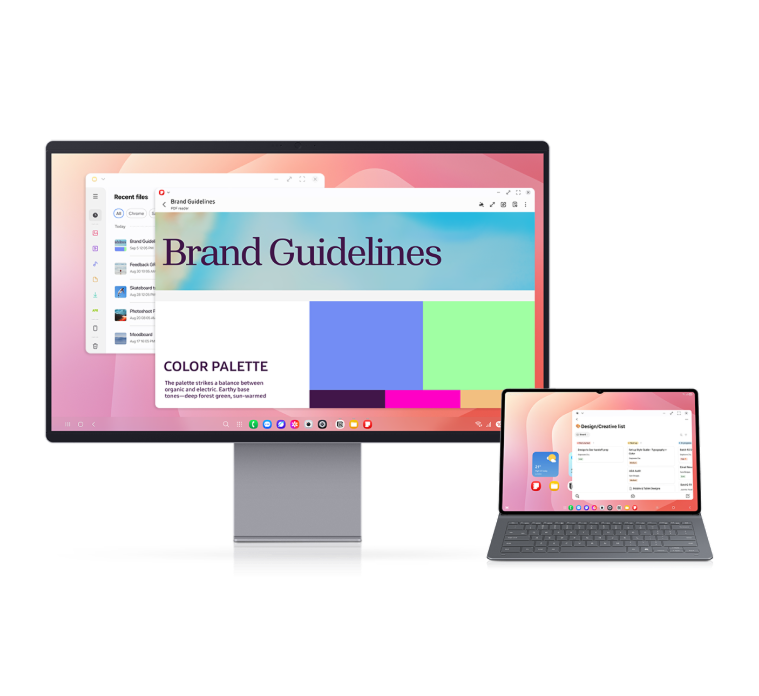
Accessory sold separately.
Samsung DeX for more display
Samsung DeX lets you extend your display to create a seamless multitasking environment of up to 4 workspaces. Move apps freely and easily between screens.2
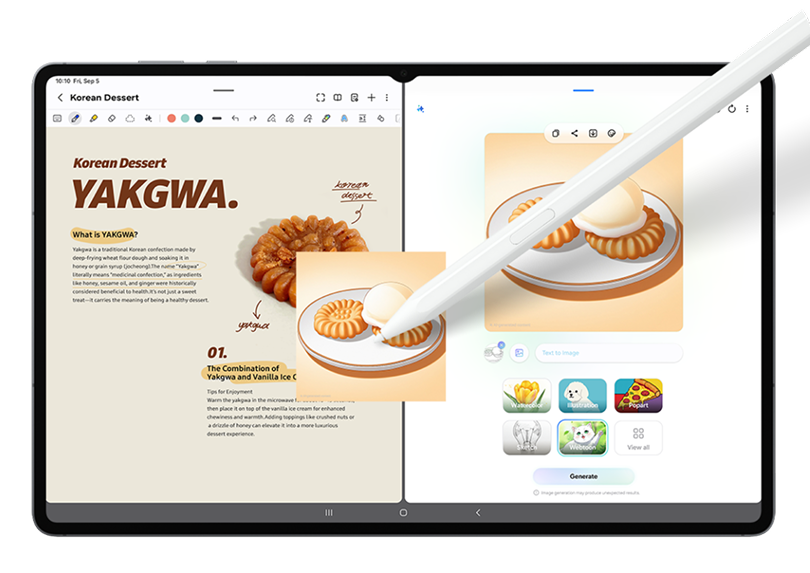
From idea to AI-sketch to notes, instantly
Just sketch it, and let AI take it from there. With Drawing Assist,3 your rough drawing is transformed into a polished AI-generated image in seconds. Once it's ready, drop it into Notes to keep your ideas going. Quick, simple, and seamless.
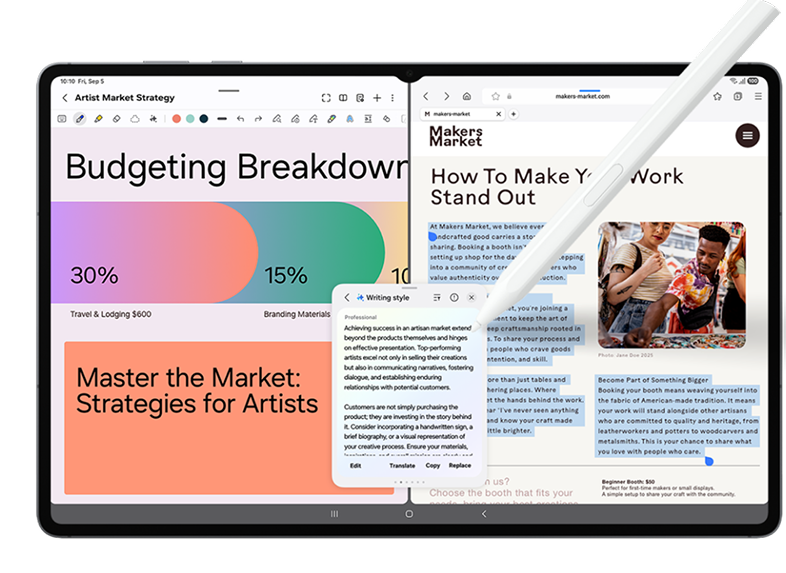
Smarter writing, made simple
Writing Assist3 helps you refine and transform your text in seconds. Effortlessly draft, craft and revise any piece of writing and turn thoughts into polished, ready-to-use content. Adjust the style and tone with a few taps, to convey your message just the way you want it. Then easily drag and drop the enhanced version into one of many supported apps in your workspace.
Galaxy Tab S10 Lite
Galaxy Tab S10 Lite has a brilliant 2K display with a 90 Hz refresh rate. If you're feeling creative, just grab the included S Pen. You can sketch your ideas, create digital masterpieces or just sign a PDF.
Shop nowGalaxy Tab S10 FE
Galaxy Tab S10 FE Series is here to make life a little easier. Find what you’re looking for fast with Circle to Search with Google without switching apps. You also get an S Pen included so you can unleash your creativity.
Shop nowGalaxy Tab A11 Series
Inspired by the iconic Galaxy S Series, Galaxy Tab A11 Series looks sleek and refined. Its streamlined silhouette and clean finish complete a premium design that stays true to the Galaxy identity.
Galaxy Tab A11+
With Galaxy Tab A11+ you can boost your productivity and creativity wherever you go. The 11" display keeps it nice and compact, but with Full HD+ resolution it's razor-sharp. Just what you need for editing photos or kicking back with a show.
Shop nowGalaxy Tab A11
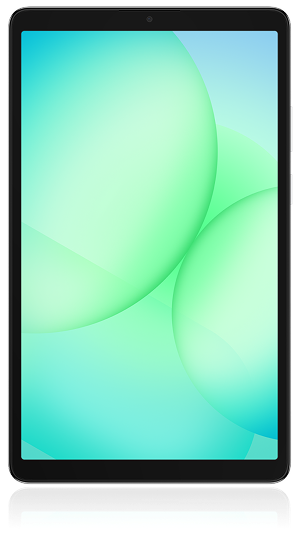
Galaxy Tab A11 is perfect for watching movies and TV shows. It has a bright 8.7" screen that lets you enjoy every detail. And to make sure the audio is just as good, there are four powerful stereo speakers.
Shop nowBetter Together
Galaxy Tab S11 Ultra
Amazing alone. Better together.
Image simulated.
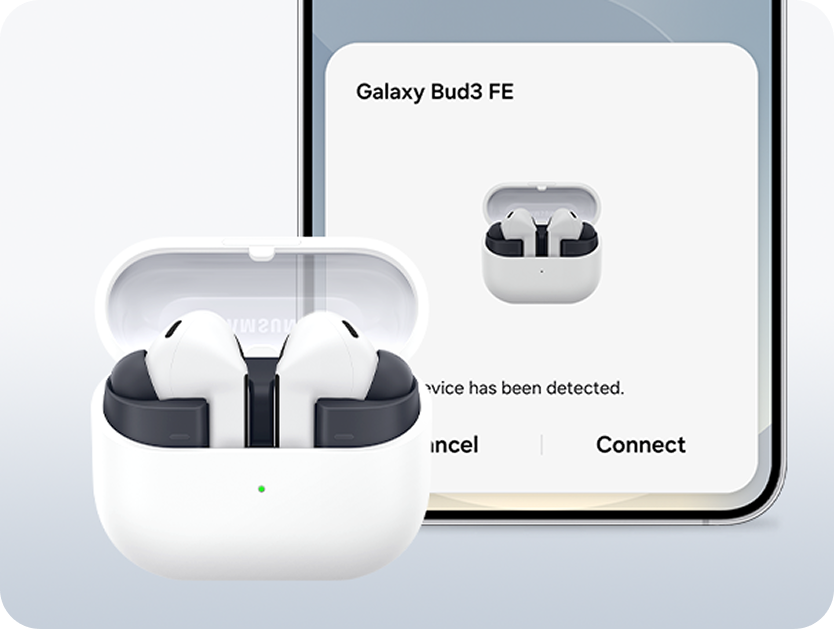
Galaxy Buds
Connect buds in one tap
Automatically pair your Buds to your Tablet using the information is synced through your Samsung account.
Shop now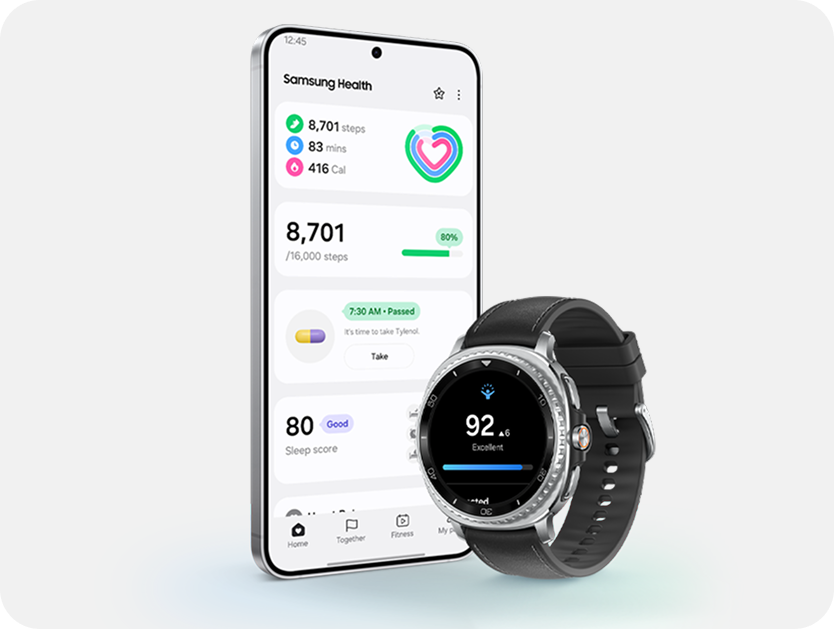
Galaxy Watches
Move between devices
With Auto Switch, moving between your Galaxy devices is easier than ever.4 Go from watching a movie on your tablet to playing music on your Galaxy Watch, all hands free.
Shop now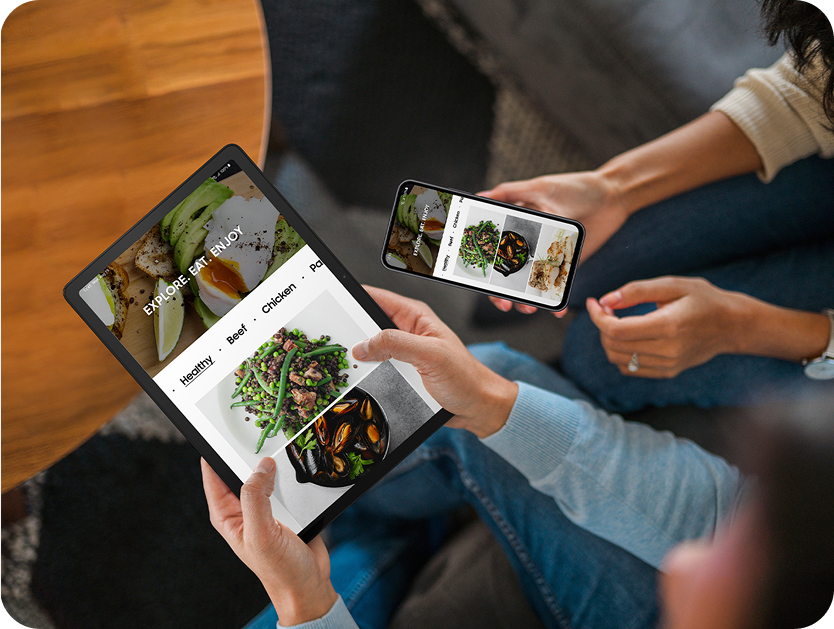
Galaxy Tabs
Switch freely between devices
Pick up right where you left off by simply being signed in to the same Samsung account. Get back to your notes or internet search without starting all over again.5,6
Shop now- Gemini is a trademark of Google LLC. Results for illustrative purposes. Gemini and Gemini Live features requires internet connection and Google Account login.
- Samsung DeX wireless connection is supported with TVs that support Android tablet screen mirroring(Miracast) only. There may be a difference in performance depending on TV’s specifications and Wi-Fi environment. Recommended to use Samsung Smart TVs launched after '19.
- Requires a network connection and Samsung account login. The accuracy and reliability of the generated output is not guaranteed.
- Auto Switch feature only available on Galaxy smartphones and tablets with OneUI 3.1 or later and Watch which is Galaxy 4 series or later. Certain devices and applications may not support Auto Switch.
- Each device needs to have One UI 5.1, have Bluetooth turned on and be connected to the same Samsung account.
- Continue app on other devices is only compatible with Samsung Internet and Samsung Notes. For this feature to work, the two devices you are going to use must be signed in to the same Samsung account and connected to the same Wi-Fi network, with Bluetooth and Continue on other devices feature enabled on both devices.