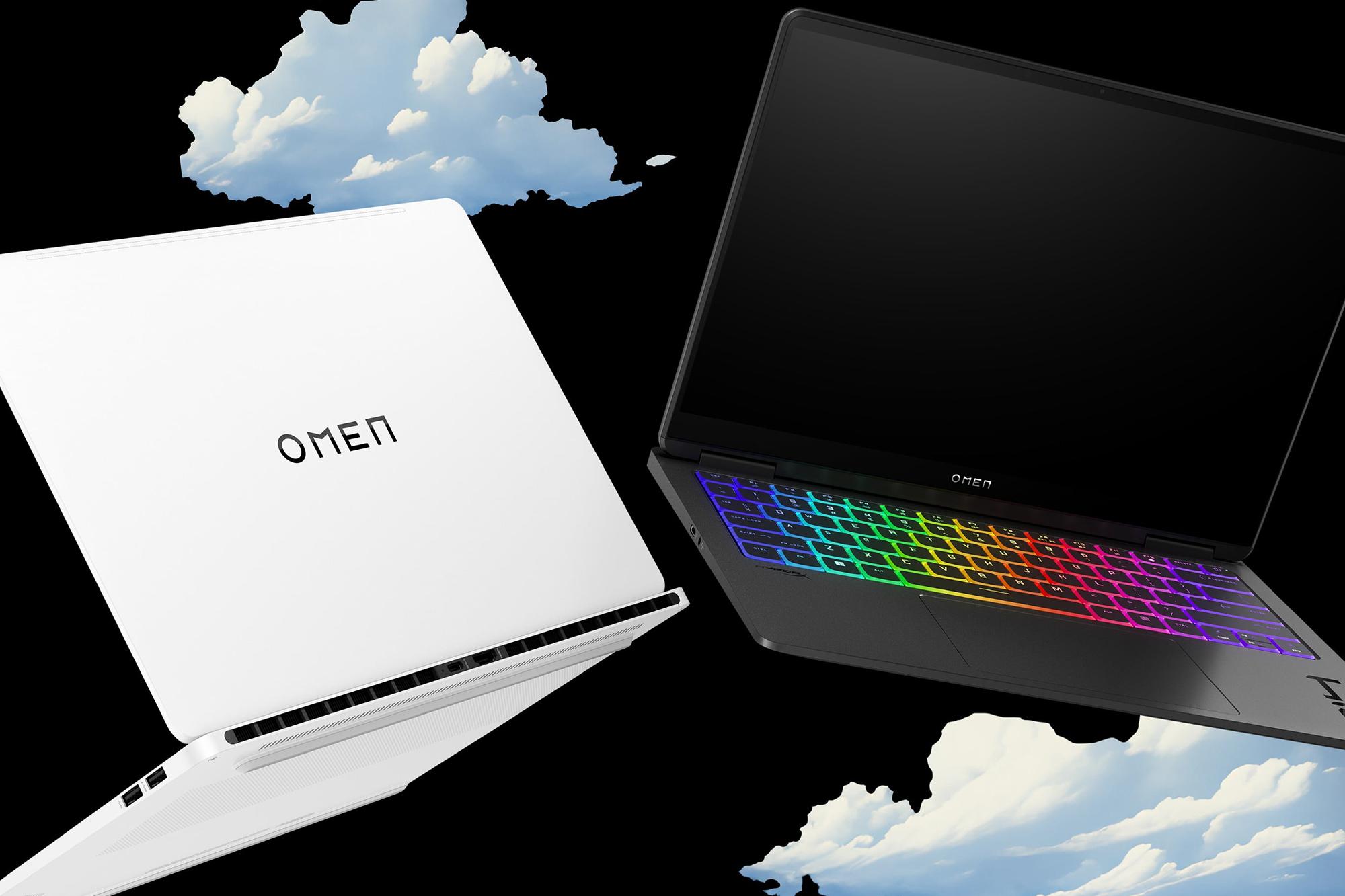



Whether you’re shopping for a new laptop for work, studying or everyday browsing, there’s so much choice out there! Among the most popular options are Chromebooks and Windows laptops — but which one works hardest for you?
With cloud computing, virtual meetings and digital classrooms becoming the norm, choosing the right device isn’t just about specs - it’s about how you take on your day. This guide breaks down the key differences to help you make an informed decision you won’t need to second guess.
What is a Chromebook?
A Chromebook is a type of laptop that runs on ChromeOS. This is Google’s very own operating system designed for speed, simplicity and cloud-first computing. Unlike Windows or macOS, ChromeOS is built around the Chrome web browser and Google services. So, if you’re already using Google apps like Gmail or Drive, it’ll fit right in.


Cloud-first design: what does it mean?
Chromebooks are built for life online. Instead of installing software, you can just fire up cloud-based Google apps like Docs, Sheets and Drive. And as your documents and settings are stored online, they’re backed up automatically. That means fewer lost files and a lot less faff!
Chromebooks do have some built-in storage though, so you can save files locally if it suits you. But the real magic is in the seamless syncing. Just save a file on your Chromebook, and it’ll be instantly available on your other devices running Google apps. So, you can start drafting something on your Chromebook before work, then pick up where you left off on your phone during your commute in.
Advantages of using a Chromebook:
Fast boot times: Chromebooks can get you up and running in seconds, thanks to their lightweight ChromeOS operating system built mainly for web-based tasks. That means there are less drivers and background services to load than on other PCs.
Long battery life: Many models last over 10 hours on a single charge, making them ideal for all-day use at school, work or on the go.
Built-in virus protection: No need to buy antivirus software with a Chromebook. They come with virus protection and sandboxing tech baked in, which helps keep your data safe from the get-go.
Automatic updates: Chromebooks update automatically in the background, so you’re always running the latest version with the newest features and security patches.
Budget-friendly: Many models come in at under £300 and offer amazing bang for your buck.
In a nutshell, Chromebooks are perfect if you already do loads of work in the Google ecosystem and need a simple device that’s secure. You can learn even more about them in our guide: What is a Chromebook?
What is a Windows laptop?
A Windows laptop is built to handle work, play and everything in between. It runs on Microsoft Windows, with the current version (Windows 11) packed with advanced security like built-in encryption and data protection to keep your info locked down. You’ll also get access to Copilot, a built-in AI chat assistant that’s always on hand to answer questions, make tasks faster and help you get productive.


Why is Windows so versatile?
Windows supports a wide range of hardware and software, from budget-friendly notebooks to high-end gaming rigs. It’s compatible with thousands of applications, including Microsoft Office, Adobe Creative Cloud and industry-specific tools.
Who benefits most?
Students and professionals who need full-featured productivity tools
Gamers who want access to PC games and powerful graphics
Creative users working with photo, video or music editing software
Maintenance and security
Windows laptops require regular updates and occasional maintenance. Tools like Windows Defender help protect against malware, but you may still decide to supplement that with third-party antivirus software.
Key differences at a glance
Here’s a quick comparison to help you see how Chromebooks and Windows laptops stack up:
| Feature | Chromebook | Windows Laptop |
|---|---|---|
| Operating System | ChromeOS | Windows 11 |
| Boot time | Around 10 seconds | Around 30 seconds |
| App ecosystem | Google Workspace, Android apps | Full desktop apps, Microsoft Store |
| Storage | Cloud-based, limited local | Local and cloud options |
| Best For | Students, casual users | Professionals, gamers, creatives |
| Price Range | £150 – £500 | £300 – £2000+ |
| Processor Options | MediaTek, Intel, ARM | Intel Core, AMD Ryzen |
Whether you need a lightweight device for browsing or a powerhouse for multitasking, it’s all about how you plan to use your laptop.
Performance and speed
Chromebooks are optimised for speed and simplicity. They boot up in seconds and handle basic tasks like browsing, video calls and document editing with ease.
Meanwhile, Windows laptops vary widely in performance depending on specs. High-end models with Intel Core i7 or AMD Ryzen 7 processors can handle demanding tasks like video editing, gaming and multitasking.
RAM and processor: what matters?
Chromebooks often come with 4–8GB RAM and less beefy processors
Windows laptops offer more variety, from 4GB to 32GB RAM and powerful CPUs
If you need speed for basic tasks, a Chromebook is great. For heavy-duty work, go the Windows laptop route.
App and software compatibility
Wondering if your favourite apps will work?
Chromebook compatibility:
Microsoft Office: Available via web or Android apps
Zoom and Teams: Fully supported
Photo/video editing: Limited to web-based or Android apps like Canva or Adobe Express
Windows compatibility:
Full access to Microsoft Office, Adobe Photoshop, Premiere Pro and more
Supports legacy software and specialised tools
Ideal if you need advanced functionality
Bottom line: The Windows ecosystem is broader, but Chromebooks cover most everyday tasks.
Battery life and portability
Chromebooks are known for their exceptional battery life, often lasting 10–12 hours on a single charge. They’re also lightweight and fanless, making them ultra-portable and quiet.
Windows laptops vary more. Ultrabooks and student models can offer 8–10 hours, while gaming laptops may only last 4–6 hours.
Portability comparison:
Chromebooks: Thin, light and quiet
Windows laptops: Range from ultra-slim and portable to bulky powerhouses depending on specs
Bottom line: If you’re always on the go, a Chromebook might be your best bet. Check out which Chromebooks you should buy.
Price and value for money
So, are Chromebooks cheaper? Generally, yes. You can find solid Chromebooks for under £300. They offer great value for basic tasks and cloud-based work.
Windows laptops span a wider price range:
Budget models: £300–£600
Mid-range: £600–£1000
High-end: £1000+
Value comparison:
Chromebooks: Great for students and light users
Windows laptops: Better for power users and professionals
Bottom line: Choose based on your workload and budget.
Ideal use cases: who should buy what?
Choose a Chromebook if you:
· Are a student needing a lightweight device for browsing and docs
· Work mostly online with Google services
· Want a low-maintenance, virus-free laptop
Choose a Windows laptop if you:
· Need to run specialised software or games
· Work with Microsoft or Adobe apps
· Want more control over system settings and upgrades
Choosing between a Chromebook and a Windows laptop comes down to your needs. If you want simplicity, security and value, go Chromebook. If you need power, flexibility and software compatibility, Windows is the way to go.
FAQs
Are Chromebooks good for students?
Yes, they’re high achievers when it comes to collaboration, completing coursework and helping you study. They’re affordable, easy to use, and perfect for writing papers, attending virtual classes and browsing the web.
Can I use Microsoft Office on a Chromebook?
Absolutely. You can use the web versions of Word, Excel and PowerPoint or download Android versions from the Play Store.
Can Chromebooks work offline?
Yes. While they’re designed for online use, many apps like Google Docs and Gmail offer offline functionality.
Are Chromebooks safer than Windows laptops?
Chromebooks have built-in virus protection and automatic updates, making them very secure. Windows laptops can be secure too but may require more active management.
Are Chromebooks good laptops for kids?
Definitely. They’re simple, durable, and come with parental controls. Great for schoolwork and safe browsing.
What are the limitations of a Chromebook vs a Windows laptop?
Chromebooks can’t run traditional desktop software or high-end games. Windows laptops offer more flexibility but require more maintenance.
What’s next?
For more help with laptop shopping, check out our Laptop buying guide. Or read more about which laptops are well worth a buy.