

Fancy making your gaming faster and sharper? Upgrading your monitor can help. High refresh rates show more updates every second, so speedy gameplay is easier to follow and your reactions feel more immediate - whether you're dodging bullets or chasing lap times!


In this guide, we’ll explain what refresh rate means and how to choose the best one for your setup. We’ve picked out the best 144Hz, 180Hz, 240Hz, 360Hz, 4K, and dual-mode gaming monitors – and we’ve also answered a few of the most commonly asked questions.
What is refresh rate?
Your monitor's refresh rate tells you how many times it can update the picture every second. It's measured in hertz (Hz).
So, a 60Hz monitor refreshes 60 times a second. A 144Hz gaming monitor can do it 144 times. Go up to 240Hz and you're getting 240 updates every second.
Why do these numbers matter? Well, when you're playing a fast game, there can be a lot happening on screen very quickly. A higher refresh rate gives the monitor more opportunities to show those changes. This can make it easier to follow fast movement and react to what's happening.
There’s one important thing to remember here. Refresh rate isn't the same as frame rate. Your monitor might be able to run at 240Hz, but if your PC is only producing 100 frames per second, you won't be making full use of it.
For the smoothest gaming, you need a PC that can produce enough frames to match the refresh rate of your monitor. So the best refresh rate for gaming comes down to how well your PC, monitor and games work together.
How to choose the right refresh rate for your setup
When you’re choosing which refresh rate you need on your new monitor, here are the key things to consider:
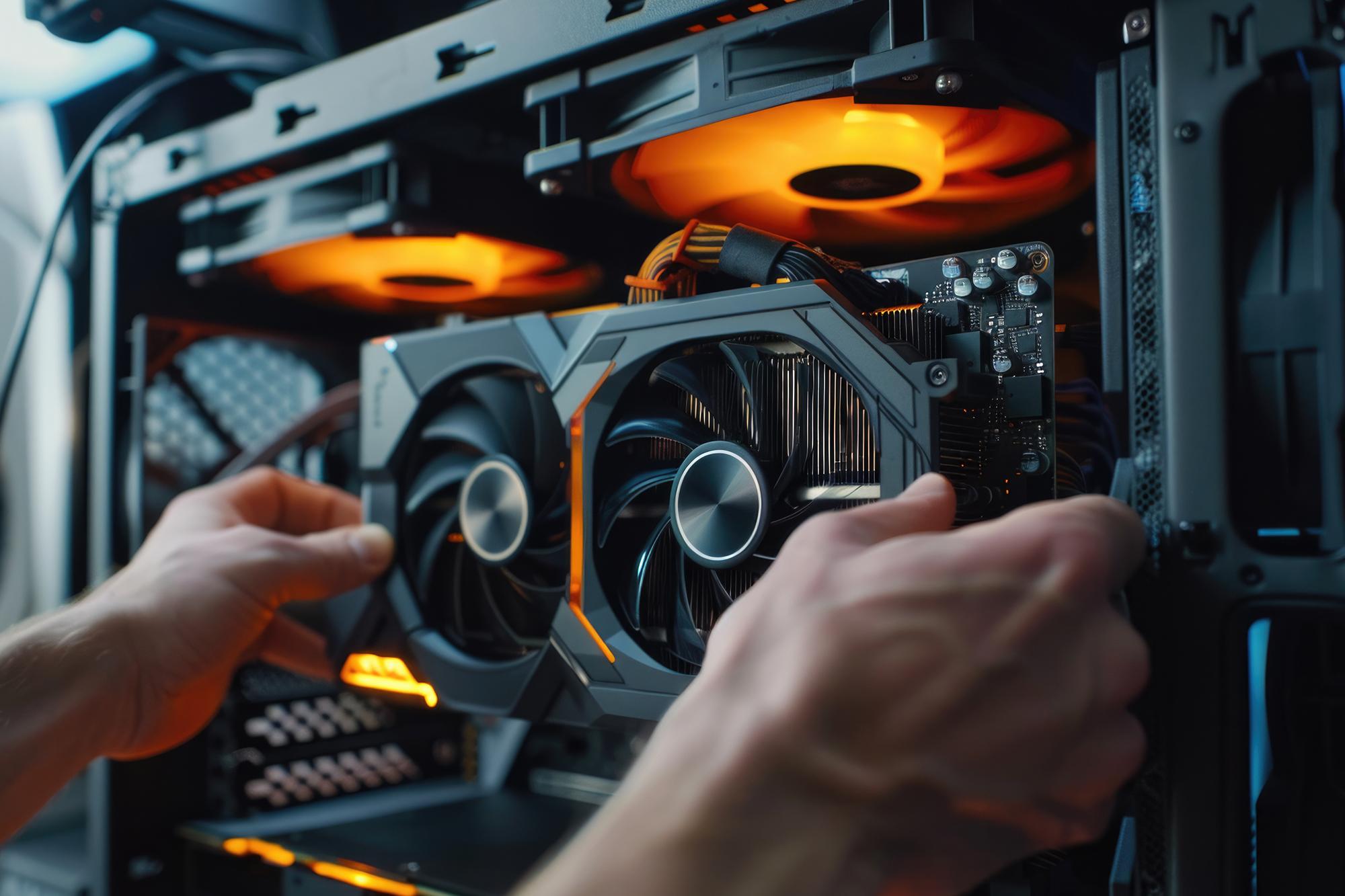
Your graphics card. Check how many frames your GPU can actually produce in the games you play. If it's struggling to get past 100fps, there's little point paying extra for 360Hz.
The games you play. Competitive shooters and racing games make better use of a high refresh rate than slower or turn-based strategy games.
Resolution. 4K looks fantastic, but it makes your graphics card work hard. You might prefer 144Hz at 4K rather than 240Hz at a lower resolution.
Your budget. 144Hz is a great place to start, while 180Hz gives you a bit more headroom without jumping all the way to the high-end options.
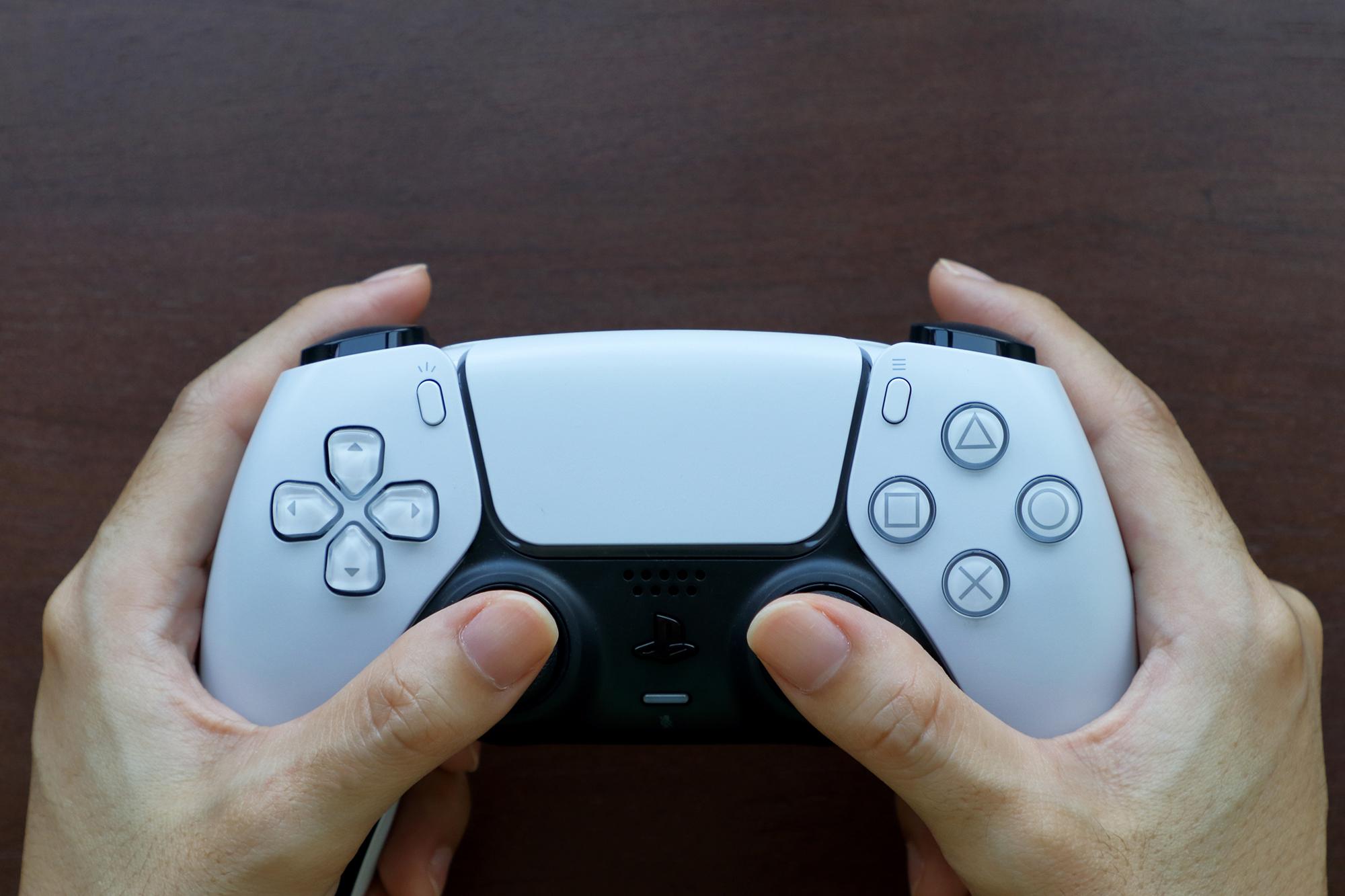
PC or console. If you're buying a monitor for a PS5 or Xbox Series X, a 120Hz monitor can be a great fit, because it matches their maximum frame rate.
Best 144Hz gaming monitor - AOC 27B36X Full HD 27" IPS WLED
Great for… anyone moving up from 60Hz

If you’ve been gaming at 60Hz, a 144Hz gaming monitor will feel like a major upgrade. You’ll find fast movement easier to follow, and games will feel much more responsive.
The AOC 27B36X has a 27-inch Full HD screen, giving you plenty of space to see the action. Adaptive Sync helps the monitor keep in step with your PC’s frame rate too, so you get a smoother picture when the frame rate changes.
Best 180Hz gaming monitor - Samsung Odyssey G5 27" QHD IPS
Great for… PC gamers after a bit more speed

If you want smoother gaming without paying for the highest refresh rates, a 180Hz gaming monitor is a great option. It gives you a more fluid picture than 144Hz, while asking less of your PC than a 240Hz or 360Hz setup. That means smoother camera movements, cleaner-looking action and a more responsive feel when things get hectic.
The Samsung Odyssey G5 takes refresh rates up to 180Hz and pairs that with QHD resolution. That gives you a noticeable step up in detail from Full HD, so it’s easier to pick out enemies in the distance, follow the action across a map and see more of what’s going on around you.
It also has a 1ms response time. That’s the time it takes a pixel to change colour, so a lower number helps reduce the little bit of blur you can sometimes see behind fast-moving objects.
Best 240Hz gaming monitor - LG UltraGear GX7
Great for… dedicated gamers

240Hz gaming monitors are aimed at gamers starting to take things a bit more seriously. It’s the kind of refresh rate you appreciate when you’re playing fast shooters and every movement counts.
The LG UltraGear GX7 supports DisplayHDR True Black 400, which helps bright highlights stand out against darker scenes - such as muzzle flashes and glowing effects popping out on a dark map. The 0.03ms response time is another big plus for competitive play. It means the screen can react incredibly quickly to what’s happening in the game, which is useful when you’re targeting something or making split-second decisions.
Best 360Hz gaming monitor - ASUS ROG Strix XG27ACDNG
Great for… serious gamers and esports players

Call yourself a proper gamer? 360Hz gaming monitors can handle the type of instant action where you don’t have to think. Quick turns, sudden movements and fast targets are easier to follow when the screen is refreshing this frequently!
The ASUS ROG Strix XG27ACDNG works with AMD FreeSync Premium Pro and NVIDIA G-Sync. These are the features designed to keep your monitor and graphics card working neatly together when your frame rate changes. You simply use the one that matches your PC’s graphics card, and it helps prevent stuttering and tearing - which makes action clean and easy to follow.
Best 4K monitor with a high refresh rate - Samsung Odyssey G8 G80HF
Great for… gamers who want to enjoy the view
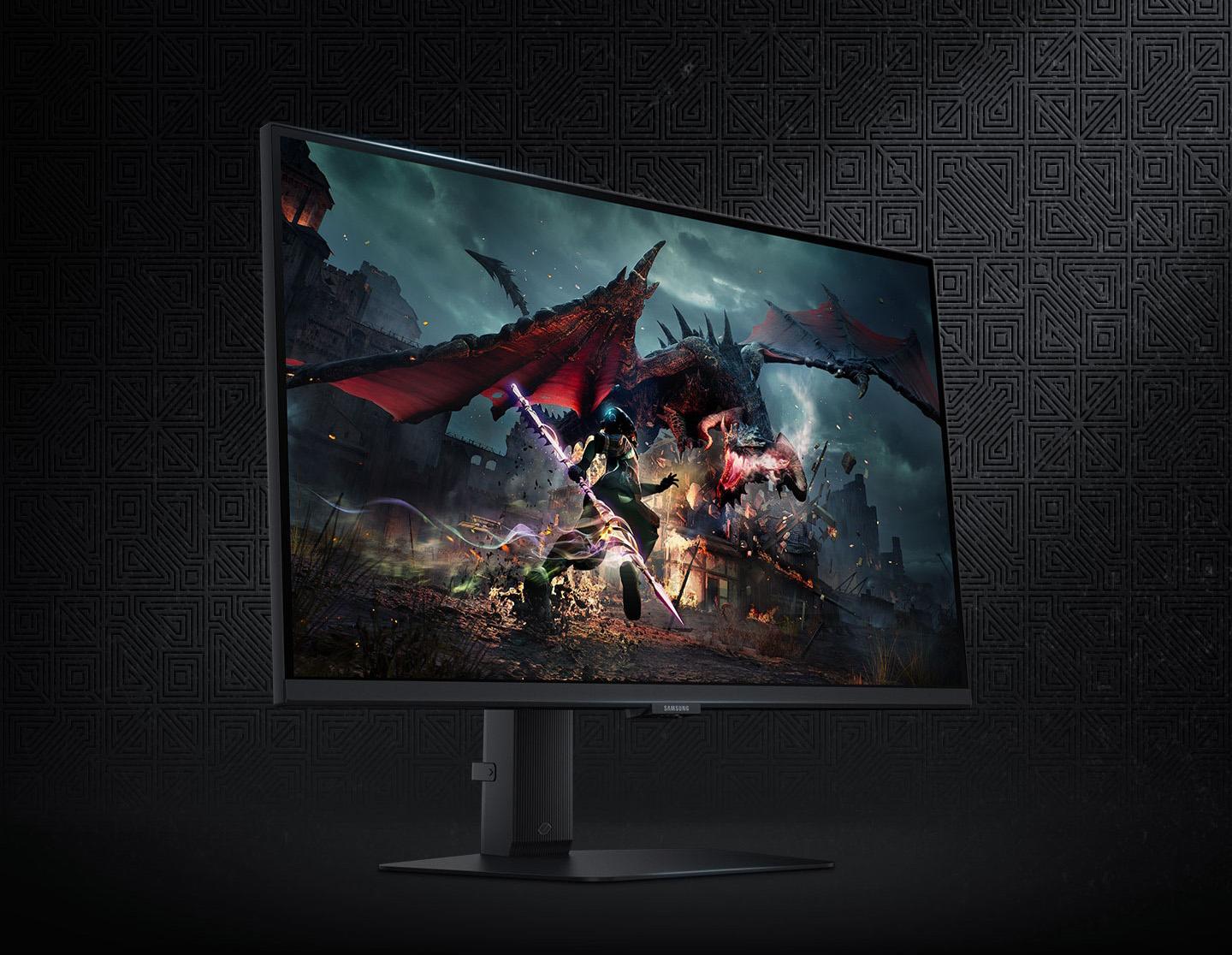
4K gaming monitors give you four times as many pixels as Full HD, so you can see much more detail in games. That could be a sign in the distance or tiny details in a busy scene. And with a high refresh rate, those details stay easy to follow when you’re moving quickly through the game.
The Samsung Odyssey G8 combines its 4K resolution with a 27-inch IPS display and 240Hz refresh rate. It also supports HDR10+, which can make a bright explosion stand out against a dark room or bring more depth to a scene with strong sunlight and shadows.
Best dual-mode monitor - MSI MAG 272URDF E16 4K
Great for… gamers who play a bit of everything

A dual-mode gaming monitor gives you two display types to choose from depending on what you’re playing - higher resolution and higher refresh rates.
The MSI MAG 272URDF E16 can run at 4K 160Hz or Full HD 320Hz, so you can prioritise detail or speed depending on the game you’re playing. You might use 4K for an RPG with spectacular scenery, then switch to 320Hz when you're jumping into a competitive shooter where smoothness counts.
Want to know more? Check out our article on why dual mode gaming monitors should be on your radar.
Best budget 120Hz gaming monitor - MSI PRO MP251W E2
Great for… gamers who want an affordable setup
The MSI PRO MP251W E2 has Full HD resolution, a 120Hz refresh rate and built-in speakers. Full HD is a good fit for this type of budget monitor, giving you a clear enough picture for all types of games.
Adaptive-Sync works with the 120Hz refresh rate to help prevent distracting jumps or tears in the picture when the frame rate changes. It’s useful when action speeds up or slows down. The built-in speakers are handy too, especially if space is tight on your gaming desk.
Need more help?
Need more help choosing your gaming kit? Our best gaming monitors guide is worth a look. You can also check out our gaming PC and monitor buying guide and browse our gaming accessories. If you'd rather chat it through, pop in-store and talk to one of our expert colleagues.
FAQs
What is a good refresh rate for gaming?
A good refresh rate for gaming depends on your PC and the games you play. 144Hz is a great starting point, while 180Hz and 240Hz suit more powerful setups. Competitive players may want 360Hz or higher, but only if their PC can produce enough frames to make use of it.
Is 60Hz good for gaming?
60Hz is ok for a entry-level gaming monitor, especially if you only play slower-paced games. But 120Hz or 144Hz can make fast-moving gameplay feel more responsive. If your PC can produce higher frame rates, upgrading your monitor can make a big difference.
Can you have two monitors with different refresh rates?
Yes, you can have two monitors with different refresh rates. Your PC can run each display at its own supported speed - so you could have a 240Hz gaming monitor alongside a 60Hz second screen for chat or browsing. Just check that your graphics card has enough suitable ports for both monitors.