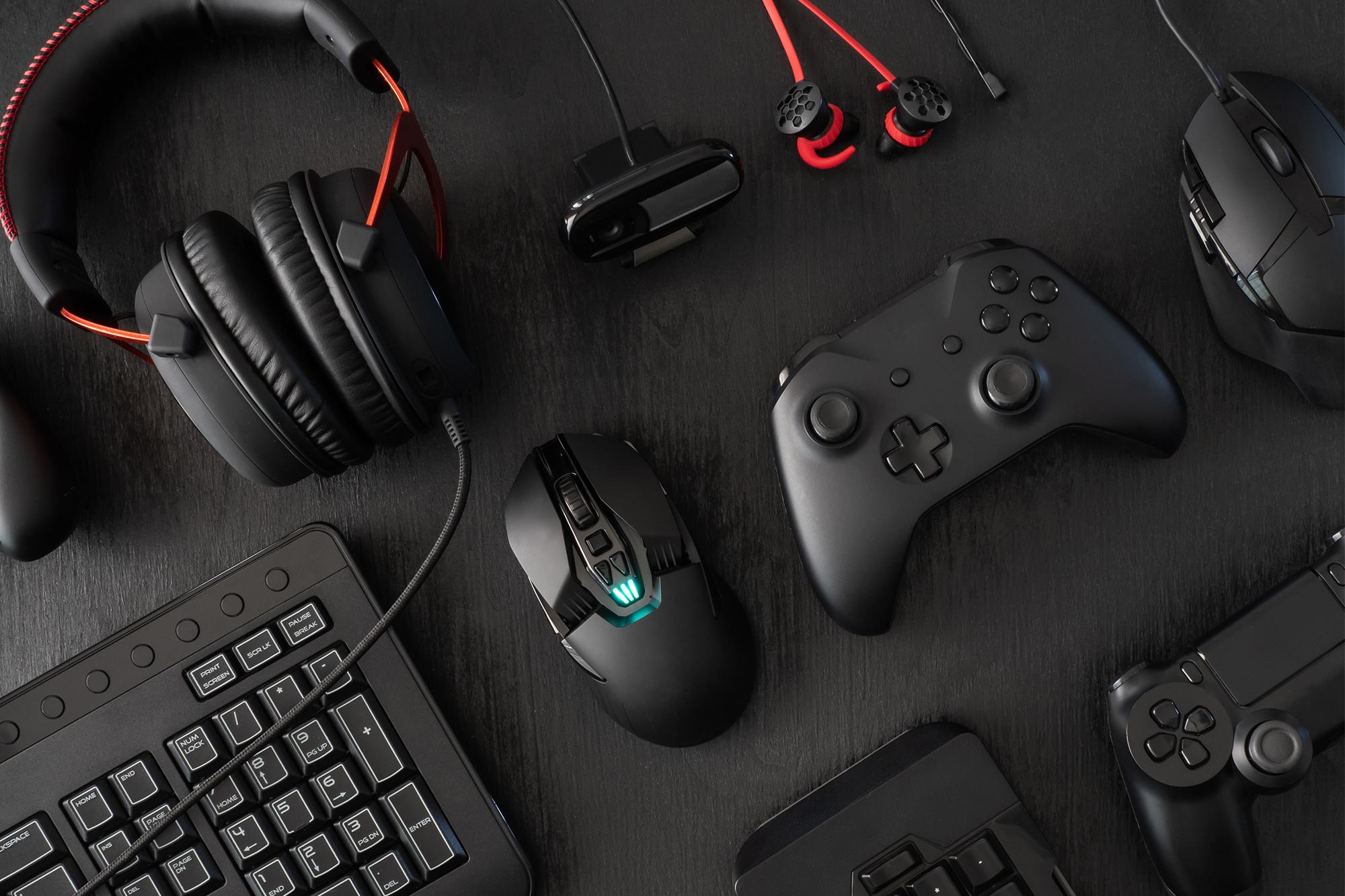
When it comes to gaming, having the right kit can make a big difference. And one of the most crucial pieces of gear is your keyboard. A good one can kick your performance up a notch, make your sessions more comfortable and even extend the life of your setup.
So, it doesn’t matter whether you’re a casual gamer who dips into EA Sports FC now and again, or an esports pro playing on the world’s biggest stages. Finding the best keyboard for gaming should be top of your tech wish list.
In this guide, we’ll run you through how to choose the perfect gaming keyboard, explain why mechanical models are essential, and break down the different types of switches. Throw in some tips on what you’ll need for FPS and MOBA gaming, and it’s pretty much everything you need to know. Right, let’s take a look...


How to choose a gaming keyboard
It’s fair to say there’s a lot of gaming keyboards out there. And picking the right one can be kind of overwhelming. So, here’s a few factors and features to think about before you drop some cash…
Type of keyboard – First off, you need to decide whether you want a mechanical or membrane keyboard. Mechanical keyboards are usually the go to for gaming because of their more tactile feedback. But membrane keyboards can be on the cheaper side and are generally quieter.
Switch type – The type of switch you pick can massively impact your gaming experience. Different switches come with entirely different levels of resistance, sound and feel. We’ll dive deeper into all this later on.
Layout – Think about what sort of layout you like. Full-size keyboards have more keys and features, while tenkeyless (TKL keyboards) and 60% keyboards are more compact and portable.
Connectivity – Wired or wireless? That’s the question. Wired keyboards offer consistent performance with no latency, while wireless keyboards give you more freedom – and way less cable clutter!
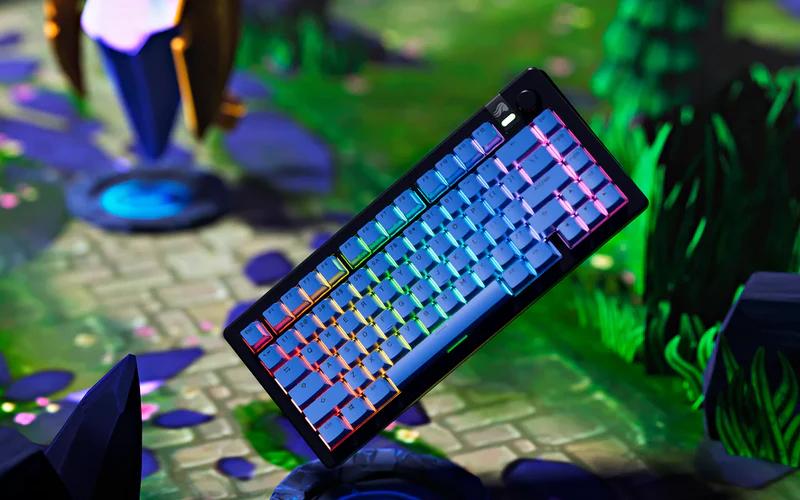
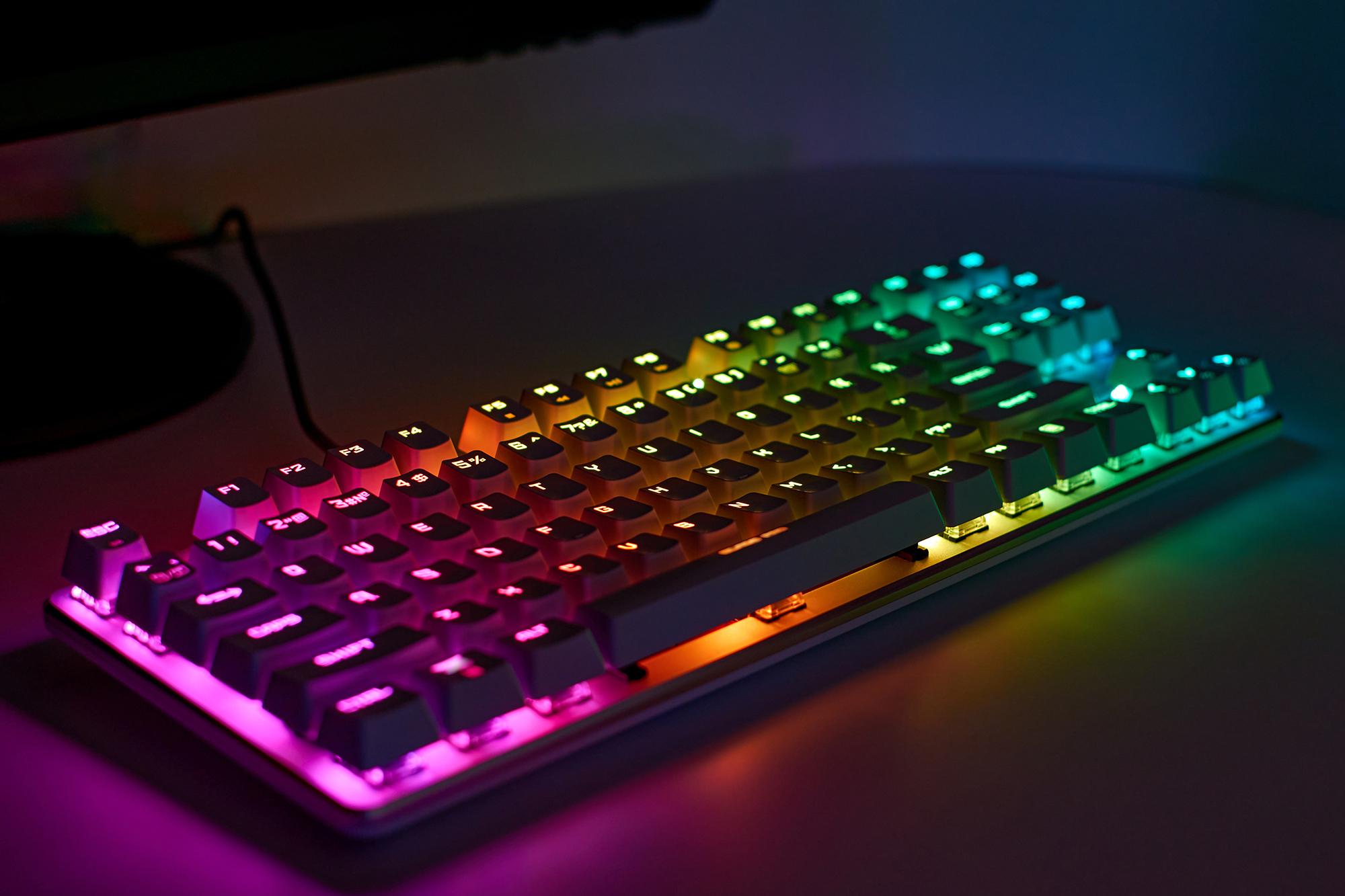
Extra features – Look out for handy (and just plain cool) extras like programmable keys, macro support, RGB lighting and anti-ghosting. They’ll make your gaming experience even better. And will make your setup look seriously cool.
Build quality and durability – If you game a lot – we’re talking hours each day – you need something that can withstand back-to-back gaming sessions. Sturdy materials and a well-constructed design are a must.
Price – Set yourself a budget and find a keyboard that gives you the best value for your money. High-end keyboards with all the bells and whistles on will be on the pricier side of things. But there are also loads of great options that won’t cost you a ton of cash.

Why are mechanical keyboards better for gaming?
Mechanical keyboards have become the centrepiece of most gamers’ battle stations, and for good reason. Here’s why they stand out:
Tactile feedback – Unlike other kinds of keyboards, mechanical ones have a tactile, audible amount of feedback. So, you’ll always know when a key has been pressed. This is crucial during fast-paced action sequences where every millisecond counts.
Durability – Mechanical keyboards are built to last. The switches can handle literally millions of keypresses, making them well worth the money.
Customisable – If you love to make your tech your own, you’re in luck. You can swap out switches and keycaps, letting you really tailor the look and feel of your keyboard.
Consistency – They have a consistent actuation point. Put simply, that means each key will register the same way every single time you press it. This consistency is key for ultra-precise gaming.
Anti-ghosting – With better anti-ghosting, the keyboard can register multiple key presses simultaneously without missing any. Some games need you to press a few keys at once, making this one a must-have.

What are keyboard switches – and are there different types?
Keyboard switches are the little mechanisms under each key. They determine how the key feels when you press it and how it registers the input. There are a few types of switches, each with their own special characteristics:
Linear switches – These switches are smooth and consistent with zero tactile bump or resistance. And that makes them ideal for fast, repetitive keypresses. You’ll do a lot of these, especially in FPS games.
Tactile switches – You’ll spot a teeny, little bump when you press them, giving you a small amount of feedback. They’re a good middle ground between linear and clicky switches, and are ideal if you like to play a wide range of games.
Clicky switches – They’re exactly what they sound like. When pressed, you’ll hear a click. People who type a lot at work (or creatively) like the click-clack of the feedback, but it can be a bit distracting if you’re gaming. You don’t want anything to break your immersion after all.
Hybrid switches – Hybrids combine the best of linear and tactile switches. So, you’ll have a smooth feel with a slight tactile bump, which is good for gaming and typing.
If you’re not sure where to start, we’ve got you. Check out the likes of Cherry MX, Kailh and Gateron. Each brand makes a variety of switch types – just choose the best one(s) for you and get tapping away.

Are wireless gaming keyboards good for competitive play?
Wireless gaming keyboards have come a long way in the last few years – making them a viable choice for competitive matches. Here’s what you need to know about them:
Latency – Modern models use Bluetooth and 2.4GHz wireless to minimise any annoying latency. Some of the more expensive ones have latency as low as 1ms, which is pretty much no different from wired keyboards.
Battery life – The amount of battery life is going to vary, but most wireless keyboards should last for a few weeks on the one charge. Look for ones with long battery life and fast charging functions if you’re going to be out and about.
Connectivity options – Different connectivity options can be useful if you need to switch between devices or use a wired connection for critical matches.
Interference – Wireless keyboards can sometimes suffer from interference from other devices. This is rare with high-quality models though. If you’re about to leap into a head-to-head face off, it’s a good idea to test your keyboard first for any potential problems.
Portability – Without pesky wires getting in the way, they’re easier to sling in your rucksack and take with you. So, if you’re off to tournaments on the regular, they’re a no-brainer.

Best gaming keyboards for FPS and MOBA games
If you play a lot of FPS (first person shooter) or MOBA (multiplayer online battle arena) games, you need a quality keyboard in your loadout. Look out for this lot when you’re searching around for one:
FPS games
Titles like Call of Duty need you to be precise and rapid with every single movement. That is, if you don’t want to end up propping up the leaderboard. You’ll definitely need these as part of your gear before you deploy…
Low actuation force
This just means that you won’t have to press the keys as hard as you might on a normal keyboard. Because of this, your gameplay should be a lot more responsive and way faster.
Anti-ghosting
If you miss a key press, it could be game over. That’s where Anti-ghosting comes into play. This nifty little feature means your keyboard will register multiple keypresses at the same time without missing any. Remember though, you won’t be able to blame the keyboard when you die next.
Programmable keys
Customise certain keys to perform specific actions, like reloading or swapping weapons. Do this, and you’ll shave a few milliseconds off your movements. And that may just save you from losing a precious life!
Compact design
Something like a tenkeyless (TKL) or 60% layout would be our go-to shout here. You’ll have a lot more space for your mouse, making it easier to aim and land those all-important headshots.
Dedicated media keys
Quickly change the volume or pause the game without taking your hands off the keyboard. It’ll come in handy during intense moments where you need to focus (or take a short break from) the hectic action.

MOBA games
Your average MOBA requires a lot of keypresses and plenty of complex key combos. If you’re a big MOBA player, give yourself an edge with these handy features…
Full-size layout
With more keys and more space, you’ll be able to pull off difficult key combinations really easily. Those extra keys can be used for anything from hotkeys to spells and other in-game actions.
Macro support
Create a few macros and you’ll be dominating your opponents. What are they though? Well, they’re basically a snappy shortcut. With just the one tap, you can unleash tricky moves that’d usually need multiple button presses. And that’s a big advantage in a MOBA.
Tactile feedback
Tactile switches give you a slight bump when they’re pressed, helping you know when a key has been pushed properly. It’ll bump up your accuracy and lower the chance of any accidental keypresses. So, you shouldn’t fire off your weapon unintentionally anytime soon.
RGB lighting
Some keyboards allow you to customise the RGB lighting to highlight specific keys, making it easier to find them during the heat of battle. It isn’t just about making your rig look the part!
Ergonomic design
MOBA matches can go on for a while, especially when the competition’s fierce. So, grab yourself an ergonomic keyboard. With comfortable designs and features that keep your hands and wrists in a natural position, you won’t strain anything during long sessions.

More useful features for FPS and MOBA games
Polling rate – A high polling rate (1000Hz) means that your keyboard sends any input to your gaming PC more regularly. And that reduces lags and improves responsiveness – which can be the difference between life and death in the arena.
Key rollover – This lets your keyboard register multiple keypresses at once, making it crucial during fast-paced MOBA and FPS battles.
Build quality – A sturdy, well-built keyboard will last a lot longer and perform better. Look for materials like aluminium or steel plates and a rock-solid frame. Otherwise, you’ll be looking for a replacement real soon.
Software – A lot of gaming keyboards nowadays come with special software. With it, you’ll be able to customise settings and create your own macros. And macros will save a lot of time, letting you switch to your favourite weapons even quicker.

Our recommendations
Right, what do we recommend then? We’ve rounded up three of the best gaming keyboards you can get your hands on right now.
Glorious GMMK 3 HE
Why we love it: 4:1 Dynamic Keystroke anyone? This system lets you assign up to four functions to different stages of only one keypress. Just think about all the epic macros you can deploy in an instant!
SteelSeries Apex Pro TKL Gen 3
Why we love it: The Apex Pro packs in OmniPoint 3.0 switches. And because they’re a ‘hall effect’ design, they respond 11 times faster than an average mechanical switch does. Woah. Even Sonic would be proud of that speed.
Logitech G915 X Lightspeed
Why we love it: It doesn’t matter if you swap to an entirely new, beefy PC further down the line. Onboard memory keeps all your custom settings intact. So, you won’t have to spend ages in menus setting everything up again.

Need more advice?
If you’re upgrading your keyboard, how about giving the rest of your setup a boost? Find out how to improve your gaming PC to make games better. You’ll make your next quest look (and run) even better, trust us.
Don’t forget the rest of the accessories though. Level up your PC with gaming accessories and you’ll have a rig that all your mates will be jealous of.