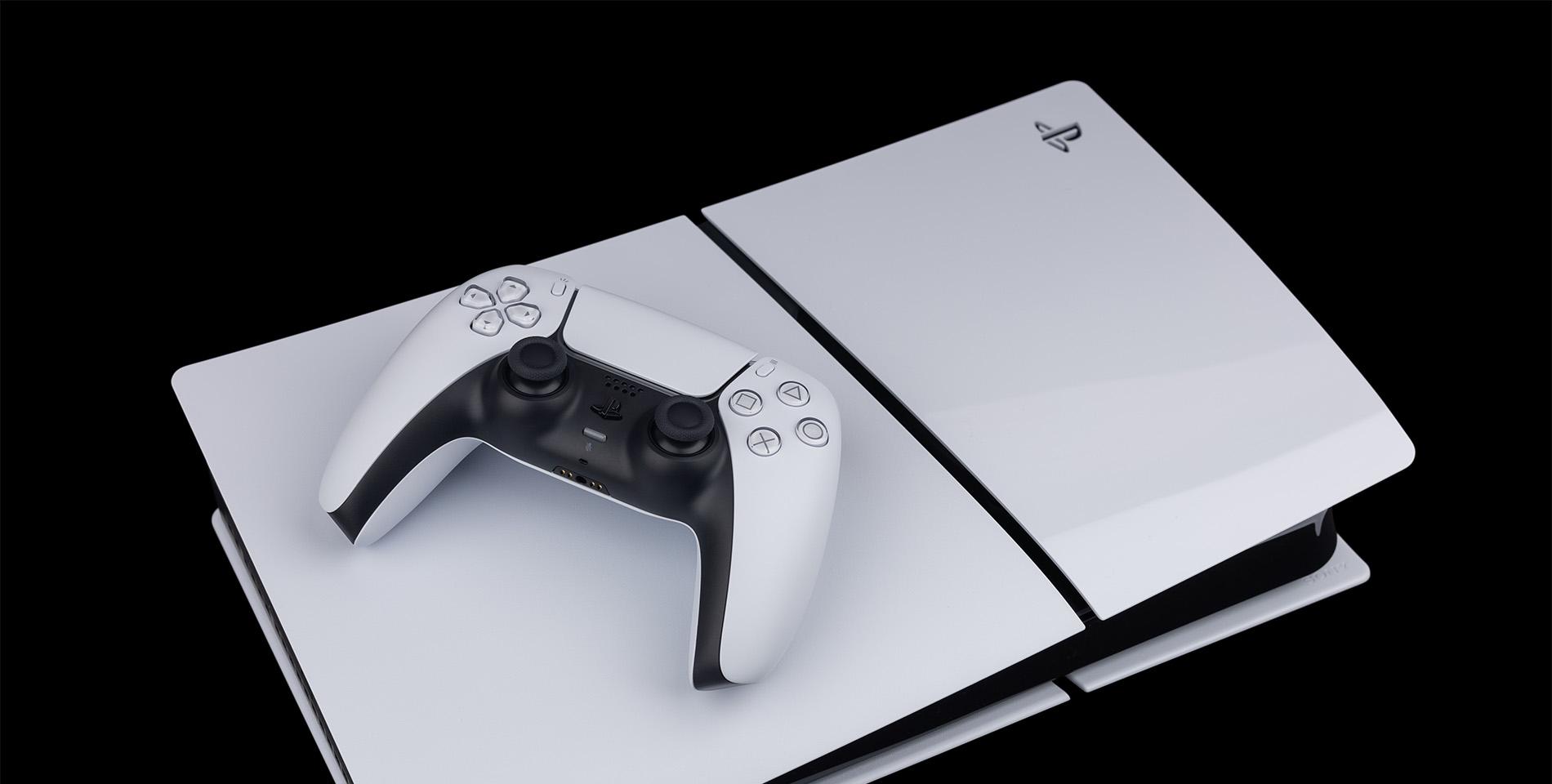



Your PlayStation® 5 is a beast of a console. But like any bit of tech, it can get a bit too hot - especially if you’re sinking back-to-back hours into that big RPG. So, if you’ve ever seen that dreaded ‘Your PS5 is too hot’ error message or noticed it’s sounding like a jet engine, don’t panic.
Overheating is a pretty common issue. And the good news? It’s usually fixable. In this mini guide, we’ll break down why your PS5 overheats, explain how to spot the signs and see what you can do to fix (and prevent) it.
Why does my PS5 keep overheating?
Right – why is your PS5 overheating? Well, there are a few things that’ll have your PS5 running hotter than usual…
Dust build-up – Dust is the silent killer of most consoles. Over time, it clogs vents and fans, making your PS5 work way harder. This leads to less airflow, which then generates all that unwanted heat.
Poor ventilation – Your PS5 needs space to cool down. If it’s crammed into a tight TV cabinet or sitting up against a wall, the hot air has nowhere to go.
Long gaming sessions – We love an epic gaming sesh just as much as the next person. But the longer your PS5 is running, the hotter it’s going to get. Combine that with poor airflow, and you’ve got a recipe for overheating.
High room temperature – If your room feels like a sauna, your PS5 will too. Consoles work best in cooler spaces. So, crack open a window. Or better yet, get yourself a standing fan!
Faulty fan or thermal paste issues – This one’s rare but very possible. If the internal cooling system isn’t working properly, heat will build up fast.

Signs your PS5 is overheating
How do you know if your PS5 is getting too hot then? Here’s a few telltale signs…
Loud fan noise – If it suddenly sounds like a plane taking off, it’s working overtime to cool itself down.
Performance drops – Lag, stuttering or games crashing completely mid-mission can be a sign of heat stress. It’s an absolute pain – especially if you’re in the middle of a multiplayer battle.
The console feels hot – A slightly warm PS5 is completely normal. But when it’s really hot – we’re talking scalded fingertips – that’s a big red flag.
Error message – This is your console’s cry for help. When it flashes up onscreen, the system will shut down completely to protect itself.
How to fix PS5 overheating at home
Before you rush your PS5 to the repair shop, try these easy fixes first:
Give it space – Move your PS5 to an open area. Avoid enclosed cabinets and make sure there’s at least 10 cm of space around it for good airflow.
Clean the vents – Dust really loves vents. Like, big time. Use a can of compressed air to gently blow out dust from the intake and exhaust vents. Do this every couple of months whenever you’ve got a spare five minutes.
Check the stand position – Sony designed the PS5 to work vertically or horizontally. However you’ve set it up, just make sure it’s stable and you’re not blocking the airflow.
Reduce gaming marathons – Take breaks! Not just for you, but for your console too. A short rest will help to cool things down.
Lower the room temperature – If you can, keep your gaming area nice and cool. A fan or air conditioner makes a huge difference.
Update your system software – Sometimes, overheating issues are linked to common software bugs. Make sure your PS5 is running the latest update before pressing play.

Professional PS5 overheating repair
If you’ve tried everything and it’s still overheating, it’s time to call in the experts. The most common fixes generally include…
Deep cleaning – A skilled technician can open up the console and remove dust from those hard-to-reach areas.
Fan replacement – If your fan is faulty, replacing it will have your cooling working good as new.
New thermal paste – Thermal paste helps to transfer heat from the processor to the cooling system. If it’s dried out your PS5 is going to overheat.
Depending on the issue, you should expect to pay anywhere from £50 to £150 for professional repairs. But hey, it’s cheaper than having to shell out on a whole new console!

How to prevent PS5 overheating
Obviously, you don’t want your PS5 to overheat in the first place. So, there’s a few things worth doing that’ll hopefully stop it from happening…
Regular cleaning – Dust is inevitable. So, clean out your vents every few months.
Proper placement – Keep it in an open space and away from hot spots (like radiators).
Avoid stacking – Don’t start piling other electronics on top of the PS5. Remember, it needs room to breathe.
Monitor room temperature – If your gaming room gets hot, set up a fan or two around your console. It (and you) will stay cool, even when the action heats up.
Use a cooling stand – Some gamers swear by cooling stands. And they do exactly what they say on the tin. Just slot your PS5 into it and off you go.
What to do if your PS5 shows ‘too hot’ message
First things first, don’t panic. Here’s what you’ll need to do:
Turn it off immediately – Don’t try to keep playing. Shut down your PS5 and unplug it ASAP.
Move it to a cooler spot – Find a well-ventilated area well away from any heat sources.
Let it rest – Give it at least 30 minutes to cool down before you switch it back on.
Check for dust – Once it’s cool, check the vents and give them a good clean if needed.
If that message keeps on appearing, it’s time to let the pros take a look at it.

Need more advice?
Hopefully now you won’t be sat there wondering ‘why does my PS5 keep overheating?’ For more top tips, here’s how to use Discord on PS5 and squad up with your mates. And if you’re after a telly to go with your console, we’ve rounded up the best TVs for PS5 and PS5 Pro in 2025.