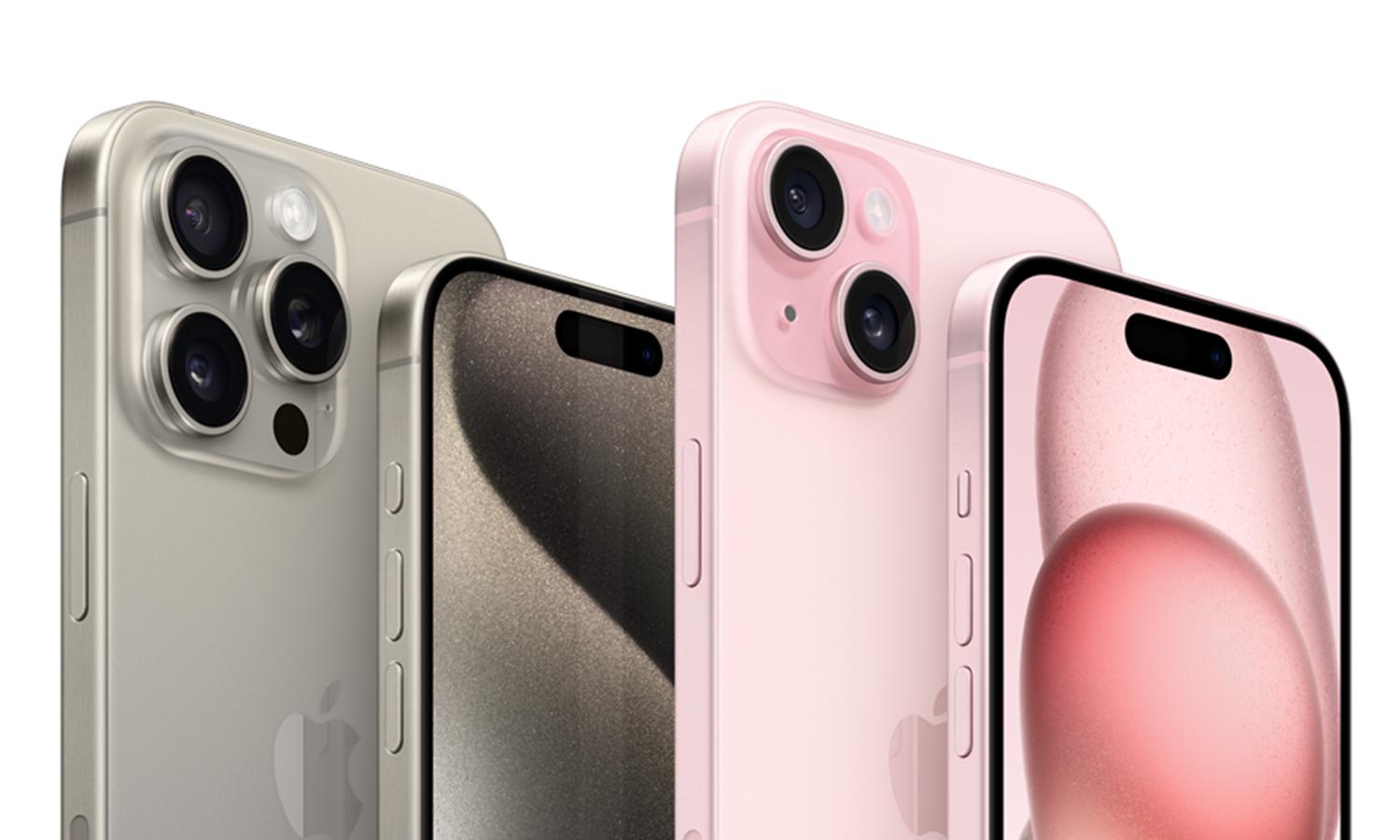


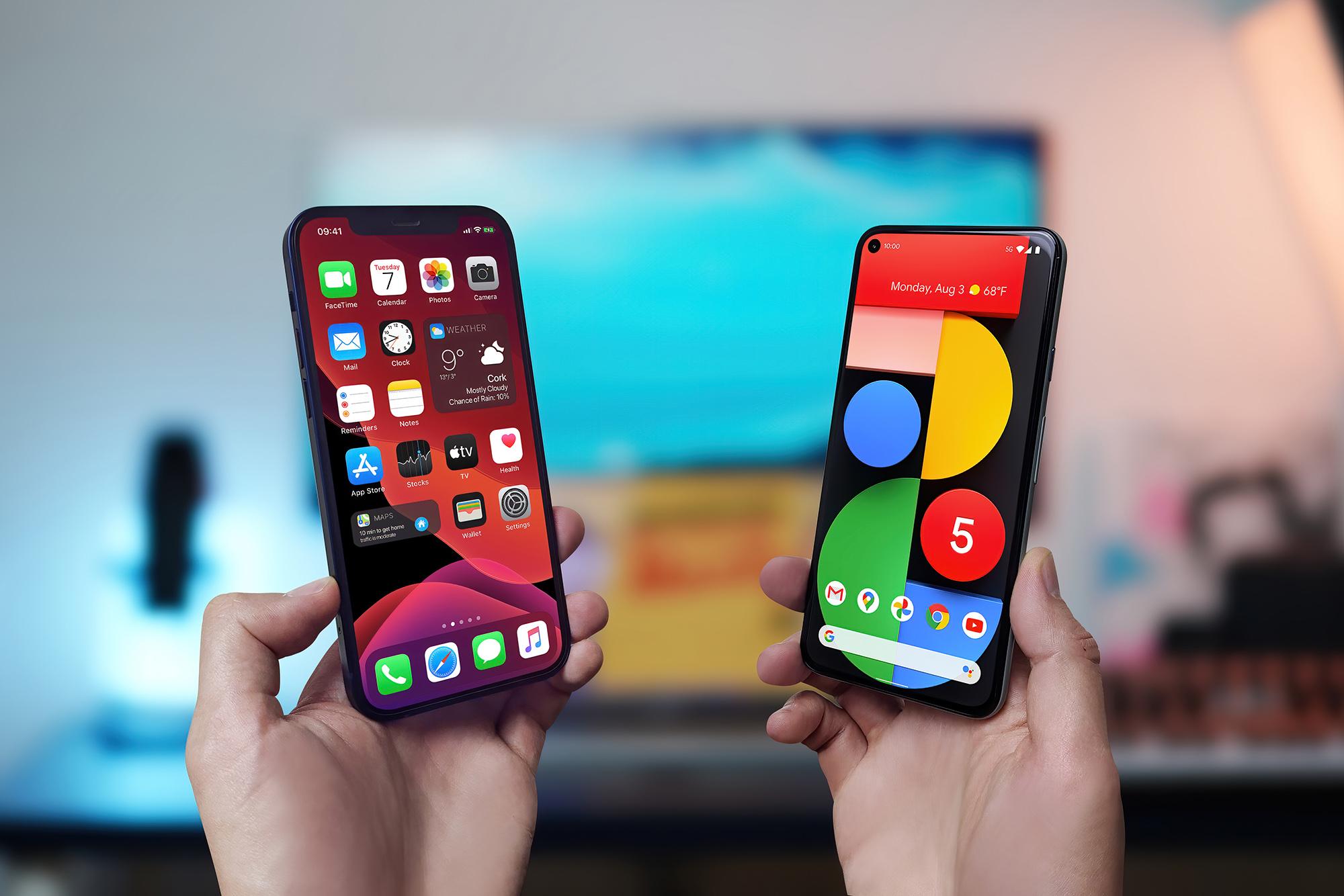
Will your next mobile phone be an iPhone or an Android phone? According to Ofcom, 54% of adult UK smartphone users have an iPhone as their main phone, compared with 45% who use Android. That’s pretty close. Both have plenty to offer, so which one’s right for you?
To help you choose the right type of phone, this guide will take you through the key differences between iPhone and Android. We’ll explain the benefits of each ecosystem and then compare apps, updates and the phones themselves. We’ll also answer the most commonly asked questions.
What's the difference between iPhone and Android?

Apple designs its iPhones and iOS software together, so the experience feels consistent from one iPhone to the next. Android is developed by Google and used by phone makers such as Samsung, which add their own features and design touches. That gives you more brands, styles and prices to choose from.
Both handle everyday jobs like messaging, browsing, photos and apps brilliantly. The main differences come down to how much you like to customise your phone, which features matter most to you, and the other gadgets you like using.
| Feature | iPhone (iOS) | Android |
|---|---|---|
| Overall feel | Consistent experience designed by Apple | Experience varies by brand |
| Phone choice | Choose from Apple's iPhone models | More brands, designs and prices |
| Customisation | Personalise your home screen and settings | More freedom to change layouts, widgets and default apps |
| Connected tech | Works closely with Mac, iPad and Apple Watch | Works with Google services and a wide choice of compatible gadgets |
| Everyday features | Apple features such as Face ID, Focus and Dynamic Island on supported models | Features vary by brand, with options such as split-screen apps and Samsung's One UI tools |
Ecosystems compared
Connect your phone to a laptop, tablet, smartwatch or other gadget, and you can do things like sharing files and accessing your stuff across different devices.
The Apple family
If you’ve already got a MacBook, iPad or Apple Watch, an iPhone fits right in. You can copy some text on your iPhone and paste it on your Mac or iPad. Or start certain tasks on one Apple device and pick them up on another. The Apple Watch also pairs perfectly with an iPhone. You can then check messages, manage calls or pay for your coffee from your wrist.Android and the wider world
Android works brilliantly with Google services like Gmail, Google Photos and Google Drive. So your emails, photos and files can follow you between compatible devices. Quick Share lets you send photos and documents to supported devices too.
Samsung adds its own connected features for Galaxy phones, tablets, watches and compatible Windows PCs. So if you use several Samsung products you can get a similarly joined-up experience.
iOS vs Android operating systems compared
The operating system is the software that runs your phone, from the menus and settings to the features you use every day. Apple's is called iOS. Android is used by Google Pixel phones, Samsung Galaxy phones and lots of other brands. Both systems cover the basics, but with some different tricks up their sleeves.
iPhone: consistent look and feel
Apple keeps iOS consistent, with familiar menus and settings across its phones. Face ID lets you unlock your phone and approve purchases with a glance, while Apple Pay makes paying for your lunch or train ticket a quick job. Focus modes help quieten notifications when you need to concentrate, while the Dynamic Island on supported models brings alerts and live activities into view without taking over the screen. It keeps useful information close at hand without making things feel complicated.Android: make it yours
Android gives you more freedom to arrange your home screen and change how you use your phone. Widgets can put your calendar, weather or favourite photos right where you want them, and you can change default apps to suit your habits. On compatible phones, you can also run apps side by side. That’s handy for checking a message while following a recipe, or comparing train times while sorting out your plans. The details vary by brand: Google Pixel keeps things close to Google's own vision of Android, while Samsung adds its One UI interface and extra tools.
App availability (there are millions)
Both Android and iOS offer millions of apps, from WhatsApp and Spotify to banking, shopping and streaming. iPhone apps come from Apple's App Store, while Android phones mainly use Google Play. You'll find most big-name apps on both, but there are a few differences worth knowing about.
Google apps on Android
Gmail, Google Maps, Google Photos and Google Drive work brilliantly on Android, especially if you already use them on your computer. Everything connects nicely, making it easy to find your photos, check your calendar or pick up where you left off.Apple apps on iPhone
Apple has its own apps, including FaceTime, iMessage, GarageBand and Apple Music. They're designed to work closely with iOS and other Apple products. AirDrop, for example, lets you share photos and files with nearby iPhones, iPads and Macs in seconds.
Software updates
Software updates can bring new features, fix bugs and protect your phone against security threats.
Apple manages iOS updates itself, releasing them directly to supported iPhones. They're regular and straightforward to install - and Apple has a strong track record of supporting its phones for years.
Android updates are handled by individual manufacturers, so their timing and length of support can vary. Google Pixel phones are especially good though, with newer models promising seven years of operating system and security updates. Samsung also offers up to seven years of operating system and security updates on newer Galaxy phones.
iPhone vs Android: which one should you choose?
Still can't decide on iPhone or Android? Think about the tech you already use and how much you like to customise things:
Go for an iPhone if you own other Apple products and like everything working in the same way. Photos, messages and files can sync across your devices, and Apple Watch syncs perfectly with your iPhone. You can even pick up where you left off on your iPad.
Go for Android if you prefer having more say in how your phone looks and works. You can customise your home screen, change default apps and really make things your own. Google apps work naturally across Android phones. Samsung Galaxy phones pair neatly with Galaxy watches, tablets and earbuds.
The best iPhones

Here are some of the best iPhones in 2026 worth checking out:
iPhone 18 Pro Max is a large-screen flagship with a 6.9-inch display built for films, games and photo editing. The triple 48MP rear camera system includes an impressive zoom for getting closer to distant subjects, and the A20 Pro chip can handle demanding apps and AI features.
iPhone 18 Pro has a 6.3-inch display, so you might find it easier to handle than the Pro Max. Its triple 48MP camera system, variable-aperture main camera and 8x optical-quality zoom make it worth a look if you’re into taking photos and shooting vids.
The best Android phones

Here’s our pick of the best Android phones from Samsung and Google:
Samsung Galaxy S26 is a flagship Android phone with a 6.3-inch display, slim design and versatile triple rear camera system. Its telephoto lens gives you optical zoom for subjects further away, while Galaxy AI tools can help with everyday tasks.
If screen space is top of your list, the Samsung Galaxy Z Fold8 could be the one for you. Open it to reveal a large display that makes watching videos and working across multiple apps more comfortable. Samsung's multitasking tools let you keep several apps open together too.
Samsung Galaxy Z Flip8 is a foldable made for people who like a compact phone. Fold it shut to take up less pocket space, and use the 4.1-inch cover screen to check messages, control music and other simple tasks. Open it up and you’ve got a full-size display, with FlexCam features for hands-free photos and group shots.
The Google Pixel 10’s 6.3-inch display is a handy everyday size, while Google's AI photo tools help you take the perfect shot every time. You can also use Google’s Gemini AI assistant to help you with everything from brainstorming ideas to planning your next day out.
Need more help?
Still weighing things up? Take a look at our mobile phone buying guide or browse our articles on best iPhones, best camera phones, and the best phones of 2026. You can also pop in-store and speak to a Currys colleague. You can try different phones, compare the features and get a feel for which phone suits you.
FAQs
Is Android more user-friendly than iPhone?
You might think iPhone is more user-friendly than Android if you like a clean and familiar interface. Android suits people who want more control. This is because Apple keeps menus and features consistent across its phones, while Android lets you customise more of the home screen and settings.
Do iPhones last longer than Android phones?
Both iPhones and Android phones can last for years, depending on the model and how you look after them. Battery health, physical condition and software support all matter. Apple manages updates for iPhones, while Android support varies by manufacturer. Check the update commitment before you buy.
Which is more secure: iOS or Android?
Both iOS and Android have security features designed to help protect your data. Apple manages its own hardware and software, while Android update policies vary by manufacturer and model. Keep your phone updated, use a strong screen lock and download apps from trusted sources to help protect your information.
Are Android phones cheaper than iPhones?
Android phones aren’t necessarily cheaper than iPhones. They’re available at more price points, including budget models that cost much less than most new iPhones. Apple also offers different models at different price points, so older iPhones might be worth considering if you’re on a budget.
Which ecosystem is better for smart devices?
iPhone works especially well with Apple products, while Android gives you more choice across manufacturers and Google services. Both support lots of smart-home products. If you want to connect a watch, speaker, lights or other smart gadgets, just check that they work with your phone first.