

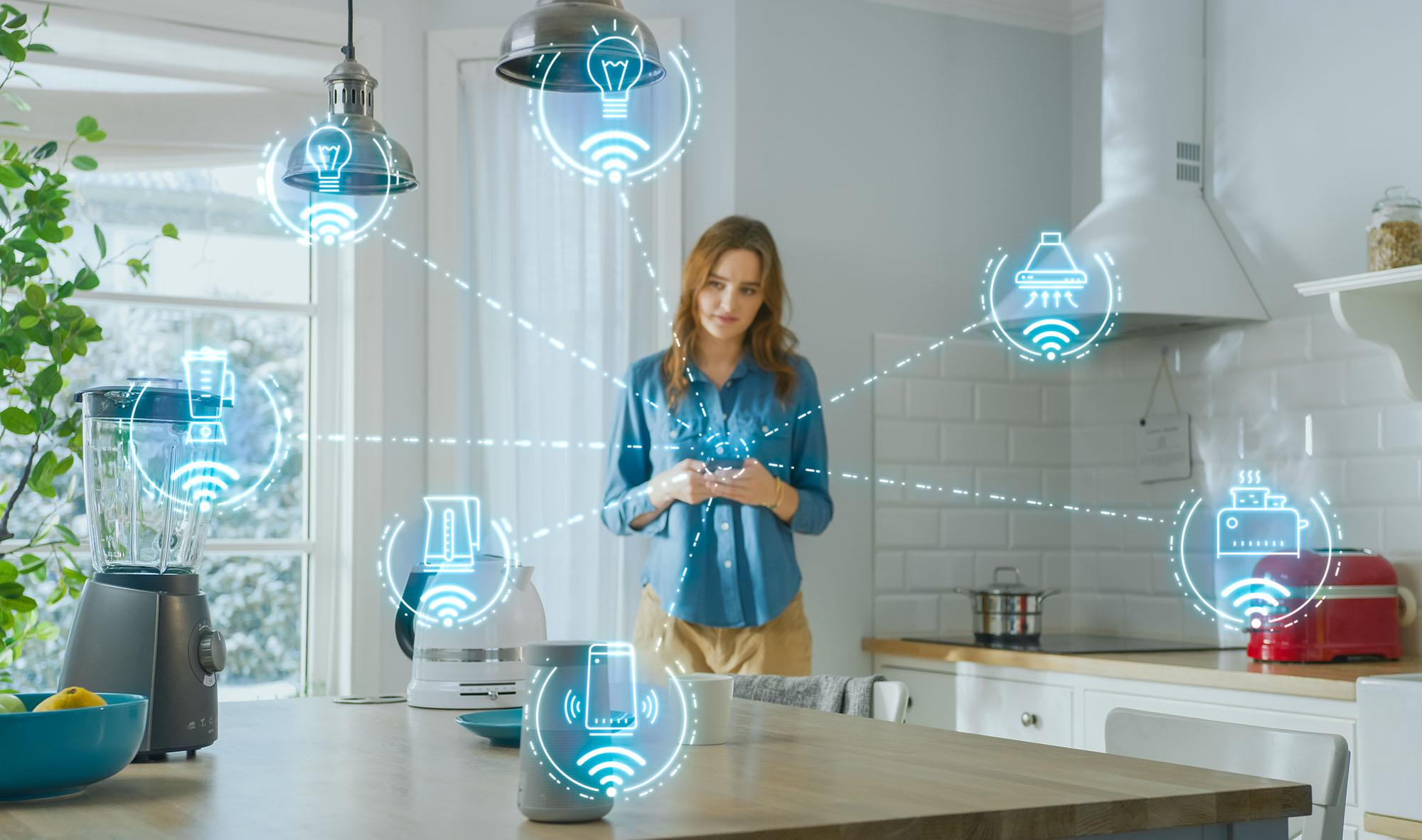
Setting up a smart home in 2025 is easier than ever. Whether you're starting from scratch or upgrading a few gadgets, the latest smart tech is designed to work better together, be more helpful, and give you more control.
With the introduction of new ‘Matter’ standard (more on that below), devices from different brands can now communicate clearly. Throw in some advanced AI routines that adapt to your daily habits, and your home can become truly smart. So, let’s walk you through the best ways to set things up, device by device.
Smart home hubs and controllers
A smart hub is basically the brains of your smart home. It helps all your devices communicate and work together - even if they’re all different brands.
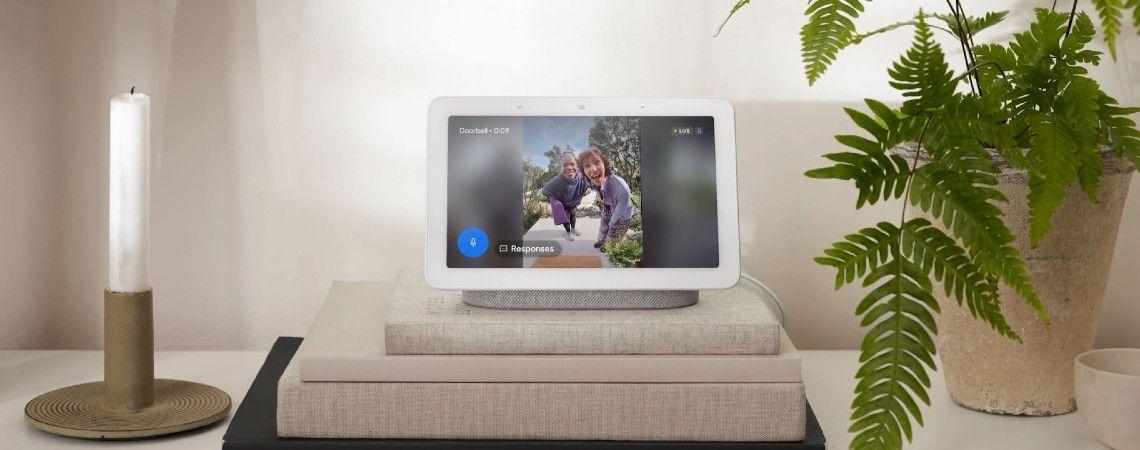
If you mostly use Google Assistant, Google Nest is an obvious choice. It’s quick to set up and easy to control with the app or your voice. And it connects with a huge range of smart devices, from lights to locks.
If you’re Team Apple, the HomePod is a no-brainer. It sounds fantastic for music, chats easily with Siri, and keeps your smart home running smoothly. From dimming the lights to locking up at night, it does the lot.
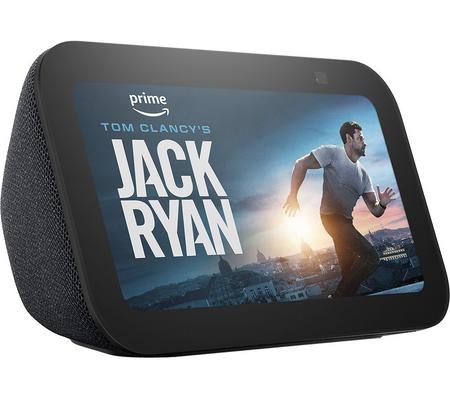
If Alexa’s more your style, the Amazon Echo Show gives you a screen to view routines and doorbell feeds, and instant compatibility with Amazon’s ecosystem.
Want something more flexible? The TP-Link Tapo Hub plays nicely with a mix of Wi-Fi and Zigbee devices, and supports Matter too. It’s a great hub if you’ve got devices from different brands.
Smart doorbells and entry security

Smart video doorbells have come a long way. It’s not just about seeing who’s at your door - it’s about keeping in touch with your home, even when you’re not there.
Most doorbells now offer sharp video footage (2K or more), night vision and two-way audio - so you can speak to visitors or delivery drivers from anywhere. Some models get even smarter with AI motion detection, which can tell the difference between people, parcels and pets. You can fine-tune alerts too, so you're not getting pinged every time someone walks past with a dog.
When it comes to brands, each one brings something a little different:
Eufy is a reliable smart doorbell with sharp video footage. There are no monthly cloud fees involved. It stores footage locally, so you stay in control of your data.
Ring works seamlessly with Alexa and has a real community feel. Through the app, you can share or view local safety alerts and clips with neighbours. This is handy if there’s been a delivery mix-up or suspicious activity nearby.
Arlo is another popular pick, with its ultra-clear 2K video, smart motion alerts, and a sleek design that fits in almost anywhere.
Looking for something simpler or more budget-friendly?
TP-Link is great for everyday use. It’s easy to set up, reliable, and integrates well with its Tapo smart home range.
Swann comes with strong infrared night vision, and options to link with existing camera systems.
Aqara is a good option if you’re already using Apple HomeKit or want automation - like lights turning on when the door opens.
Thinking of ringing in the changes? For more info you can read our round-up of the best video doorbells to secure your home, and browse our range of smart video doorbells.
Wired vs battery-powered doorbells. Battery-powered doorbells are a great option if you're renting or don’t have existing wiring. They’re quick to set up, and easy to take with you if you move. Wired doorbells give you consistent and reliable power, but they need an existing doorbell circuit already in place.
Smart lighting

Smart lights are a good way of giving your home a modern look and feel. You can automate smart bulbs to turn on at sunset, off at bedtime, or flash blue when your team scores. There are two main types to choose from:
Wi-Fi bulbs such as TP-Link smart bulbs and WiZ lighting connect directly to your router - so you don’t need a smart hub. They’re perfect for smaller homes and smart home beginners.
Zigbee or Thread-based bulbs include the likes of Philips Hue. Instead of connecting directly to your Wi-Fi, Zigbee and Thread bulbs talk to a dedicated hub that then connects to your home network. This makes them less likely to slow down your Wi-Fi or lose connection when your internet is busy.
Most bulbs today also support Matter. Just make sure the ones you choose work with your hub or voice assistant.
Smart thermostats and heating

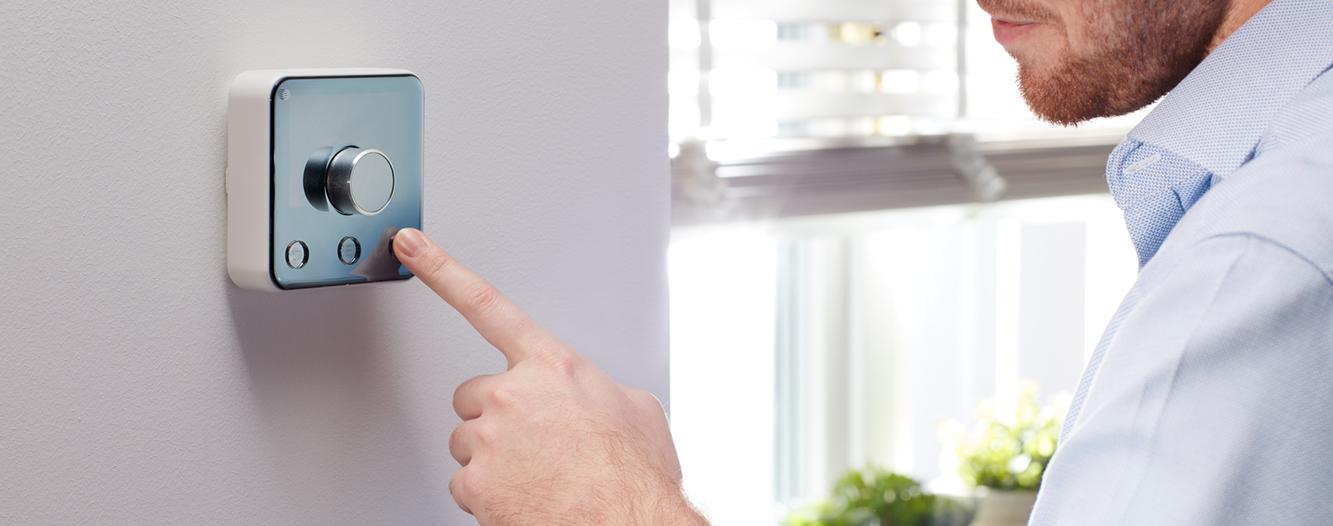
Smart home heating systems put you in control, letting you adjust the temperature through an app or hands-free with your voice. Heading out? Set the heat to turn down automatically, then time it to enjoy warm welcome when you return.
Once you’ve tried a smart thermostat, it’s hard to go back to traditional heating. With the power to manage your heating remotely, create schedules to suit your daily life, and save energy, it’s an upgrade that feels worth it. Take Tado smart thermostats, for example. They cleverly learn your habits, picking up on when you’re home and just how warm you like it.
If you pair a smart thermostat with smart radiator valves, you can fine-tune heating in each room. That way your bedroom won’t be roasting hot while everyone’s in the living room.
Indoor security and smart cameras
Smart home monitoring is a great way of checking in when you’re out and about. They help with home security, and you can also use them to keep an eye on pets and check if the kids have made it home okay.
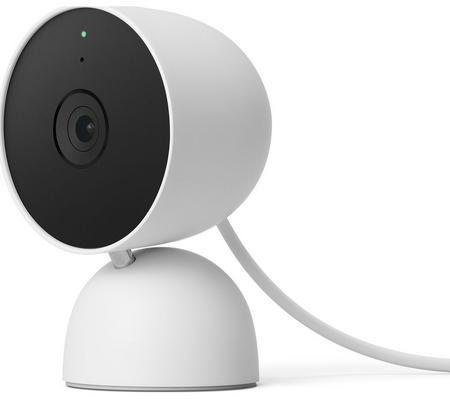
The Google Nest Cam (Indoor) has sharp HD video, motion detection, and instant phone alerts - all integrated with the Google Home app.
For something affordable and reliable, TP-Link Tapo cameras are hard to beat. They’re easy to set up and come with cloud or local storage options.
Yale indoor security solutions feature a built-in privacy mode. So you can turn off recording when you're home, and back on when you leave.
Getting more from your smart home
Once you’ve got a few devices up and running, the real magic happens when they start talking to each other. That’s the beauty of smart routines. You can set them up with just a few taps or use your voice assistant to help you out.
Most smart home apps now support location-based triggers too, so your devices can respond the moment you arrive or leave. Imagine this - as soon as you walk out the door your lights turn off, the thermostat adjusts to save energy, the coffee maker switches off, and your security cameras arm themselves.
Once you start automating, everyday tasks that used to eat up your time completely disappear. This leaves you with more time for things that matter, and fewer “oops, did I leave the lights on?” moments.
Not sure what connects to what? Our IFTTT smart home guide has more tips on bringing your smart gadgets together.
In with the new, out with the old - sustainability
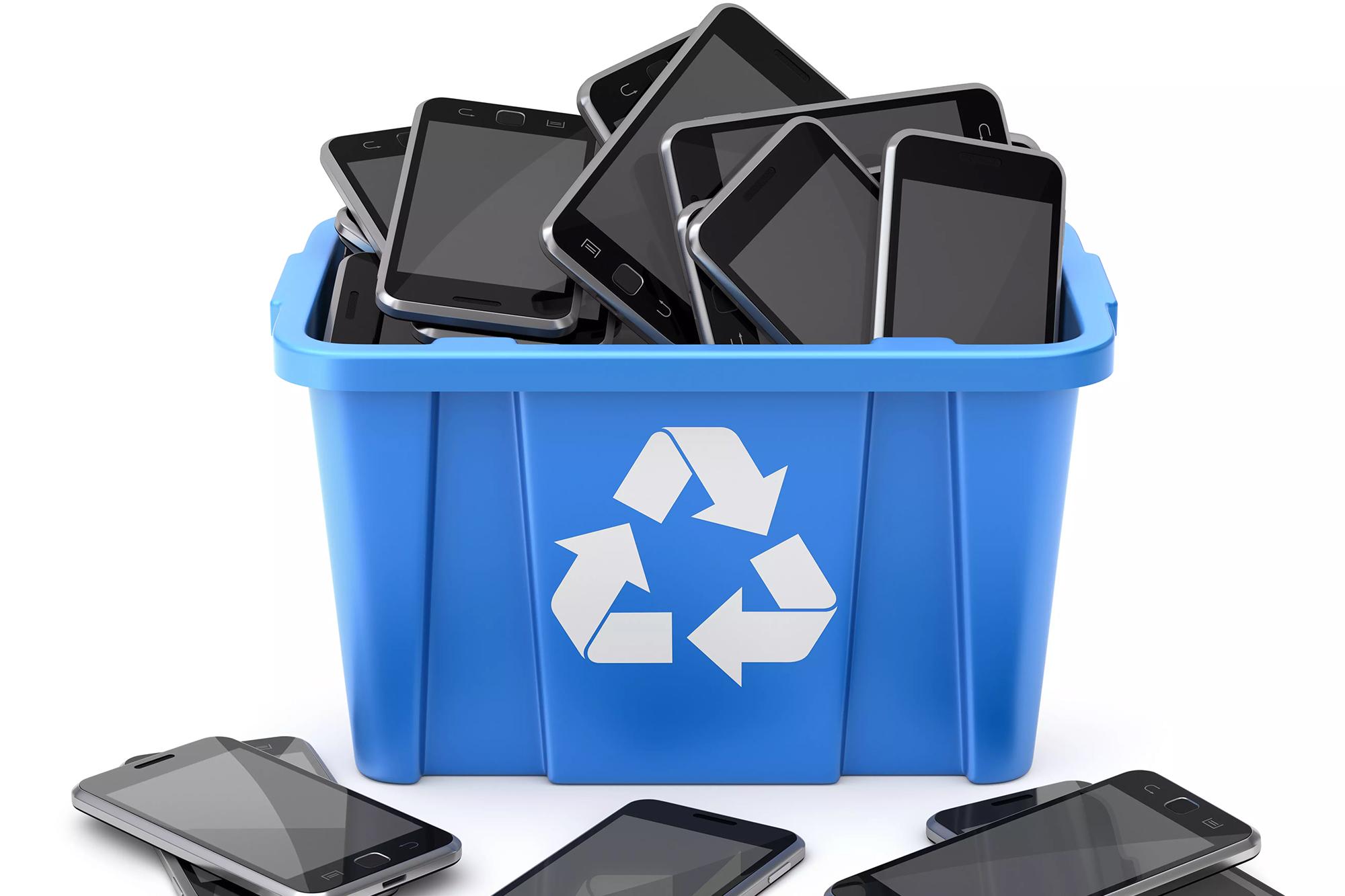
If you’re upgrading, don’t let your old tech go to waste. You can trade-in or recycle through the Currys recycling scheme. We offer free in-store recycling for your old gadgets, and a trade-in scheme for selected devices – which gives you instant credit or cash towards your next purchase. For more tips and advice, here’s how to get rid of your unwanted tech.
FAQs
What is Matter and why should I care?
Matter is a new standard in smart tech that helps gadgets work together.
Apple HomePod, Google Nest an Amazon Echo are hubs that support Matter. You can use them to mix and match smart products from loads of different brands without worrying about compatibility. Once your Matter-ready devices are set up, you can use your voice to control them. You don’t need to scroll through a bunch of different app, because everything’s managed in one place.
Can I use voice assistants without sending data to the cloud?
Most voice assistants usually send your commands off to their servers for processing - that’s how they understand you and get smarter. But some models can handle simple tasks locally (like switching on lights) without pinging the cloud. That gives you quicker responses and better privacy for everyday stuff. However, if you ask more complicated things, the voice assistant will still need to connect to the internet to answer you.
What’s the difference between Wi-Fi, Thread, and Zigbee?
Wi-Fi can handle lots of data, but when lots of different smart devices connect, it can get a bit overwhelmed. That’s where Thread or Zigbee come in handy. They’re great alternatives that keep your devices chatting smoothly, even when there’s a lot going on.
Unlike Wi-Fi, Thread and Zigbee make their own little mesh networks, so your devices can talk to each other and stay connected, even if one drops offline for a bit. You’ll still need a hub plugged into the internet to control everything, but you won’t have to rely on Wi-Fi for those device-to-device chats.
How can I future-proof my smart home setup?
Future-proofing your smart home means it keeps working as new tech rolls out. Here are some tips to help:
Choose devices that support Matter. Like we said above, it’s the new standard helping gadgets from different brands work together.
Use a smart hub or voice assistant ecosystem you like and understand. This makes adding new devices easier and keeps your setup neat.
Don’t rush to buy everything at once. Build your system gradually so you can test what works best for your home and lifestyle.
Keep your firmware and apps updated to protect against bugs and security risks.
Need more help?
Want to keep your smart home secure and up to date? Read our guides on how to keep your smart home safe and how to make your new home a smart home. And if you’ve got Nest products, check out how to keep your home secure with Google Nest.
You can also check out our full Smart Home range for more ideas. Prefer to chat in person? Pop into your local Currys store and speak to one of our experts.