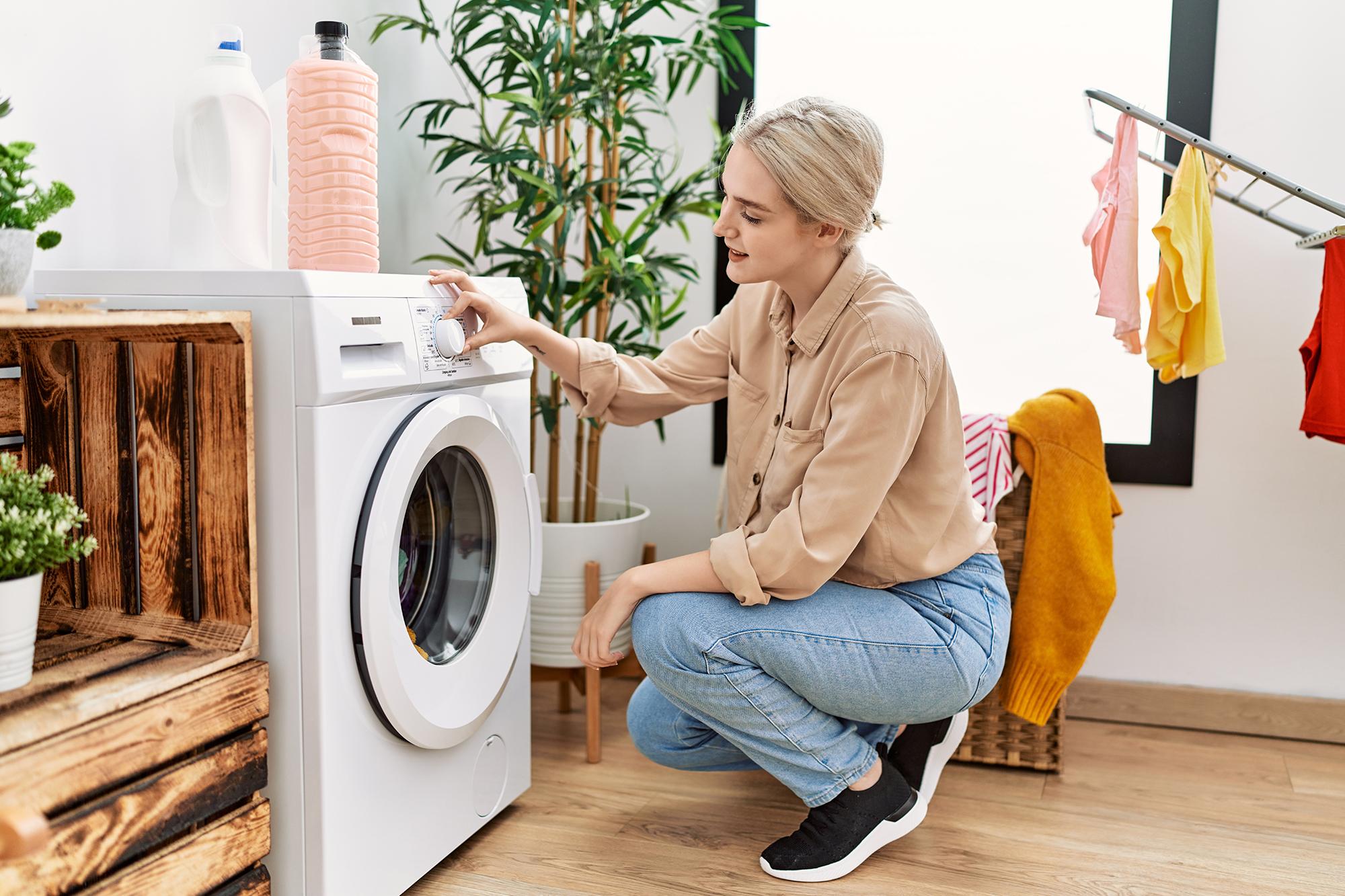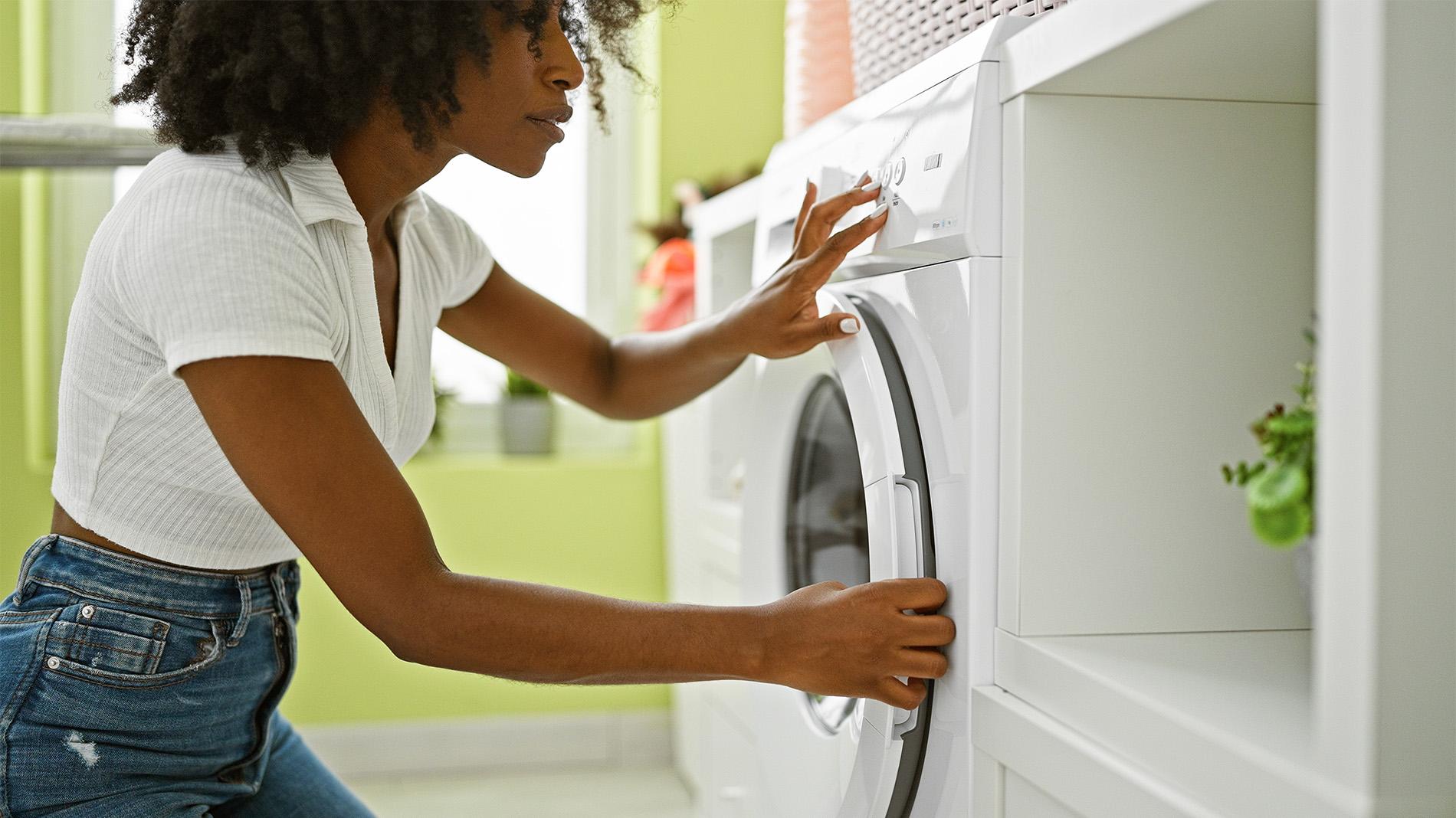


We’ve all been there. You’ve just finished a wash, the laundry’s waiting to be hung out - and the washing machine door won’t budge. If your Samsung washing machine door is locked and refusing to open, don’t panic. This guide walks you through why it happens, what you can do, and how to unlock it safely - step by step.
Why Samsung washing machine doors lock
First things first: the door lock is there for a reason. It’s a safety feature designed to prevent water spillage and protect you from opening the door mid-cycle. Most Samsung washing machines automatically unlock a few minutes after the cycle ends. But if yours is still stuck, there could be a few reasons why.
Common reasons the door won’t unlock
Here are the usual suspects. Check these off first and you might find your fix:
Cycle not finished – The machine won’t unlock until the full cycle is complete. Wait to see if the cycle finishes.
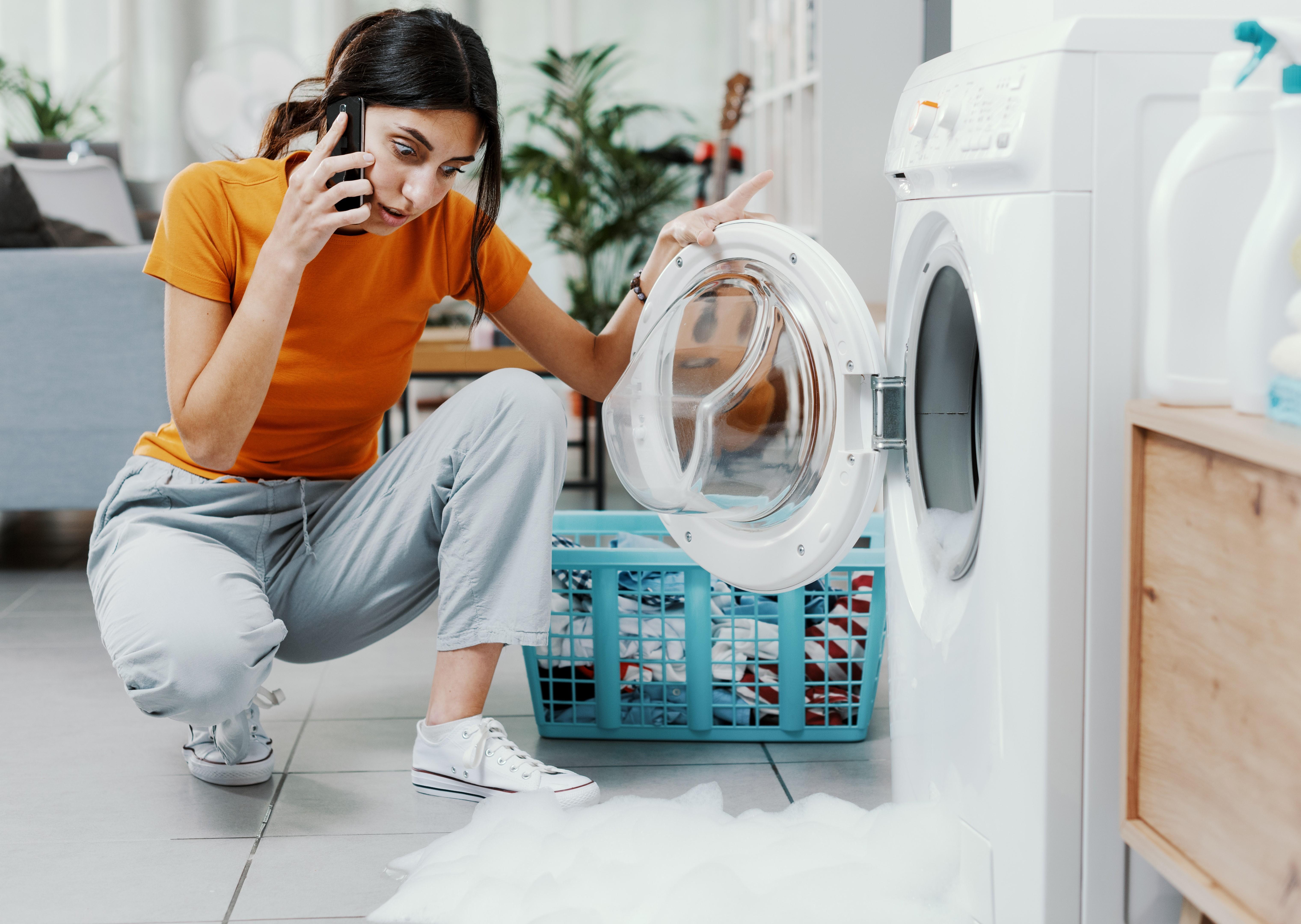
Water still inside – If the drum hasn’t drained properly, the door stays locked. Wait a few minutes once the cycle has ended. If water isn’t draining because of a blocked drain hose or pump filter, clean them out. A clogged hose will keep water inside and prevent unlocking.
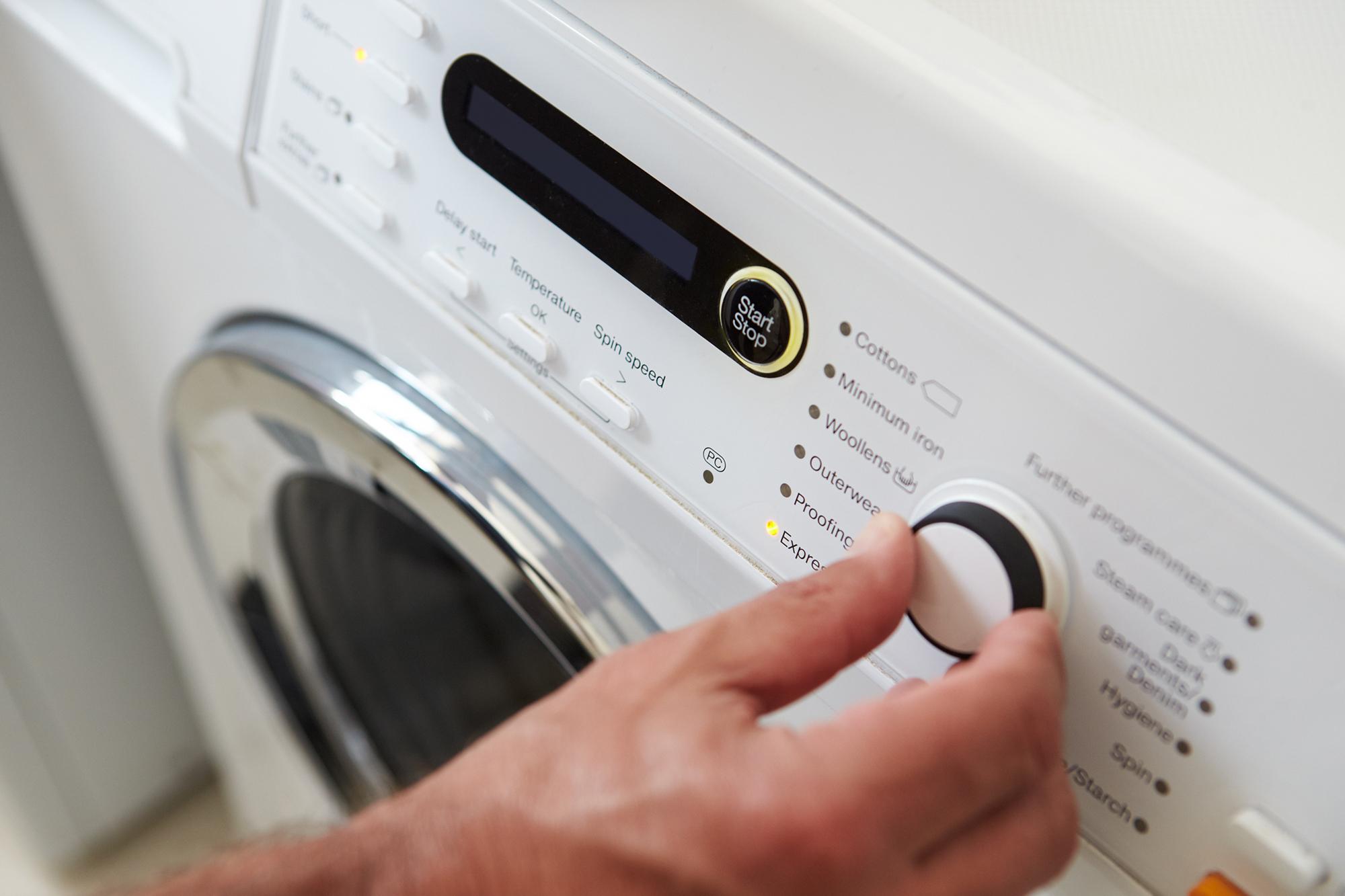
Child lock is on – A handy feature, but it can catch you out. To turn it off, press and hold the two buttons indicated in your model’s manual (often Temp + Rinse) until the light goes off.
Power failure – A sudden cut in power can freeze the lock. Check your fuse box.
Faulty lock mechanism – Sometimes, it’s a hardware issue. In which case, you’ll need to call in professional help.
Some Samsung models allow you to enter diagnostic mode to force a drain and unlock:
Hold the Delay End button until “17Hr” appears.
Press Start to enter diagnostic mode.
Navigate to the drain option and run it.
Once drained, select unlock mode

How to unlock a Samsung washing machine step by step
Let’s get into the fix. Try these steps in order:
Wait a few minutes – After the cycle ends, give it 2–5 minutes.
Check the cycle status – Make sure it’s actually finished.
Unplug and reset – Turn off the power for 60 seconds, then plug it back in. This often clears the lock signal.
Use the emergency release cord – If your model has one, it’s usually near the filter panel.
Drain the water manually
If the drum hasn’t drained, the door will stay locked for safety.
Use the emergency drain hose located near the pump filter (usually behind a small panel at the bottom front of the washer).
Place a shallow pan or towel underneath, pull out the hose, and let the water drain completely. Once empty, the door should unlock.
Using the emergency door release
Some Samsung models come with a manual release cord. You’ll find it behind the small panel at the bottom front of the machine (where the filter is). Gently pull the cord to unlock the door.
Important:
Always unplug the machine before doing this.
Don’t yank the cord—gentle pressure is key.
Have a towel ready in case water spills out.
What to do if the door still won’t open
If none of the above works, try these next steps:
Check the water level – If it’s high, manually drain it using the filter.
Reset the power – Unplug for a few minutes and try again.
Contact Samsung support – If it’s a mechanical fault, they’ll guide you through it.
You can also browse Samsung washing machines to see if your model has specific instructions.

Safety tips when unlocking your machine
A few dos and don’ts to keep things safe:
✅ Unplug before trying fixes – unless it involves buttons that need power
✅ Use towels to catch any water
❌ Don’t force the door open
❌ Avoid using tools to pry it open
❌ Don’t restart the machine while you’re mid-fix
When to call a technician
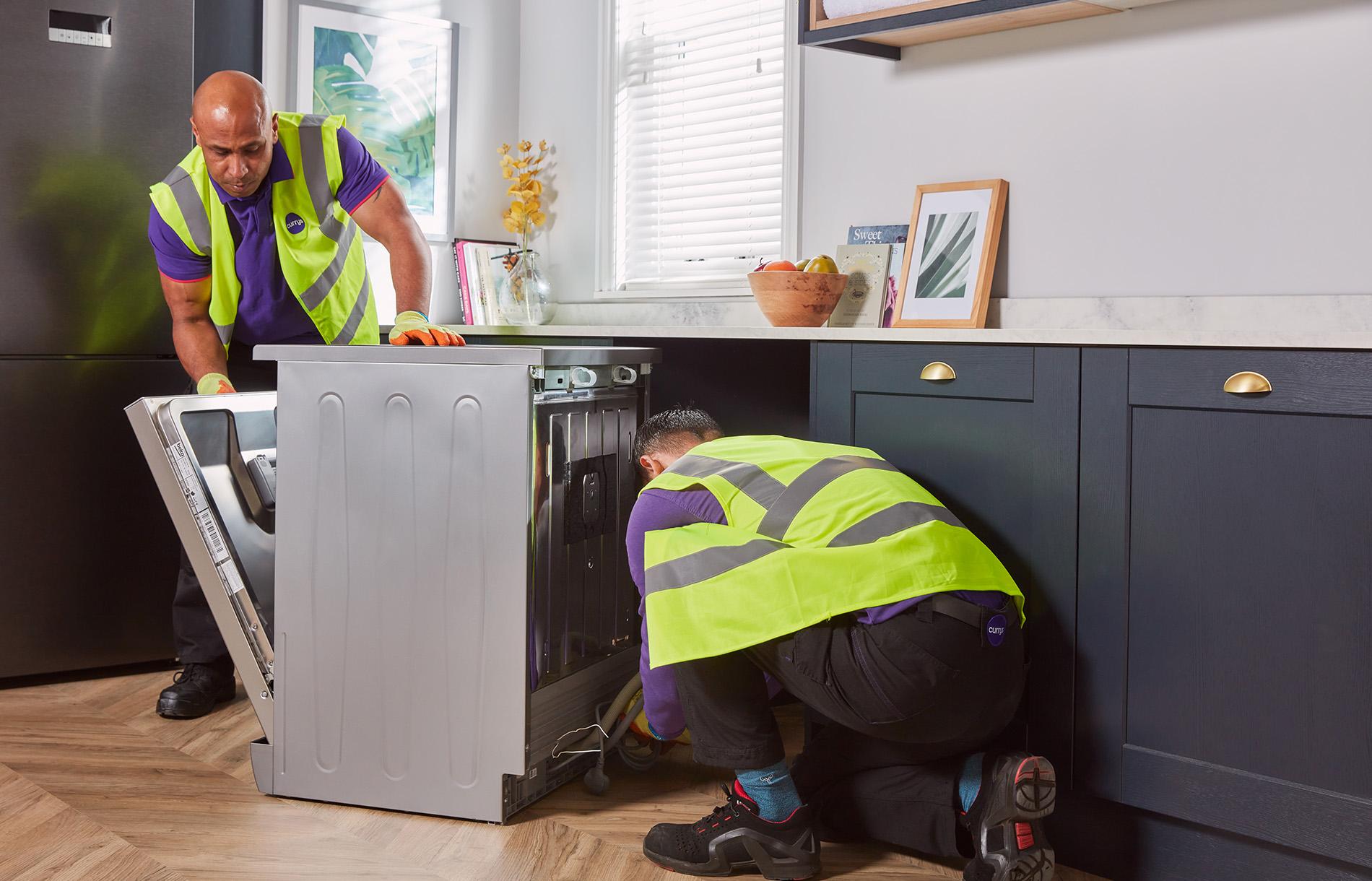
If the issue keeps happening, or if there’s an electrical fault, it’s time to call in the pros. Repeated lock failures or signs of damage (like a broken latch) are best handled by a qualified technician. Book an appointment with one of our Repair experts.
Want to know more?
If you’re curious about Samsung’s clever features, check out how Samsung AddWash™ works for a look at how you can add forgotten items mid-cycle - without unlocking the door.
Final thought:
A locked washing machine door can be frustrating, but with a calm approach and the right steps, you’ll have it open in no time. And if all else fails, help is just a call away.
What’s next?
Working through guides isn’t for everyone. If you’d rather talk to a helpful human being on our RepairLive service. They’ll help you eliminate common problems first and then arrange a Repair expert if you’re still stuck.