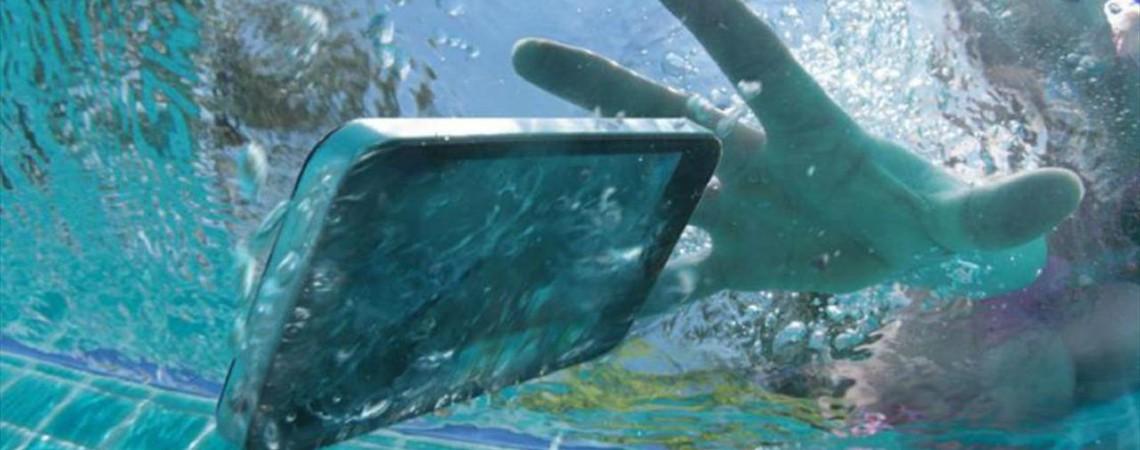
Dropped your phone in some water? Don’t panic. Whether it took a dive into the sink, got caught in the rain, or had a close call with a spilled cuppa, acting fast can make a huge difference. Water and electronics obviously don’t mix. But with the right steps, you might just save your device from permanent damage. With our top tips, we’ll get that water cleared out and your phone dried safely in no time.

Turn it off immediately
The moment your phone gets wet, switch it off. Even if it seems to be working fine, water inside the device can short circuit it. And that’ll have your phone gone for good. Don’t wait around to see if it glitches though. Just power it down straight away. It’s always better to be on the safe side.
Also, whatever you do, don’t plug it in to charge. Charging a wet phone is one of the quickest ways to fry the inner components (and give yourself a nasty electric shock). Keep it off and unplugged until you’re sure it’s completely dry.
Remove accessories and open ports
Next, you’re going to need to strip the phone down. You’ll need to remove any…
Cases or covers.
SIM cards.
MicroSD cards.
Headphones or cables.
If your phone has a removable battery (it’s rare these days, but still worth checking), take that out too. This’ll help air to circulate and gives moisture fewer places to hide.
Then use a SIM tool or a paperclip to gently eject the SIM tray. Be careful not to force anything though – the aim is to open up the phone as much as possible without damaging any of the important parts.

Gently remove surface moisture
Now it’s time to dry the outside. Grab a soft, absorbent cloth or paper towel and gently dab away any water you can see. But don’t rub. If you do, it can push moisture further into any cracks and crevices on your phone. When that happens, it’s even harder to get rid of.
And definitely don’t use a hair dryer, heat gun or a can of compressed air. These could force water deeper into the device or break the more delicate components. Instead, stick to gentle blotting and let gravity do the rest.

Use desiccants (silica gel), not rice
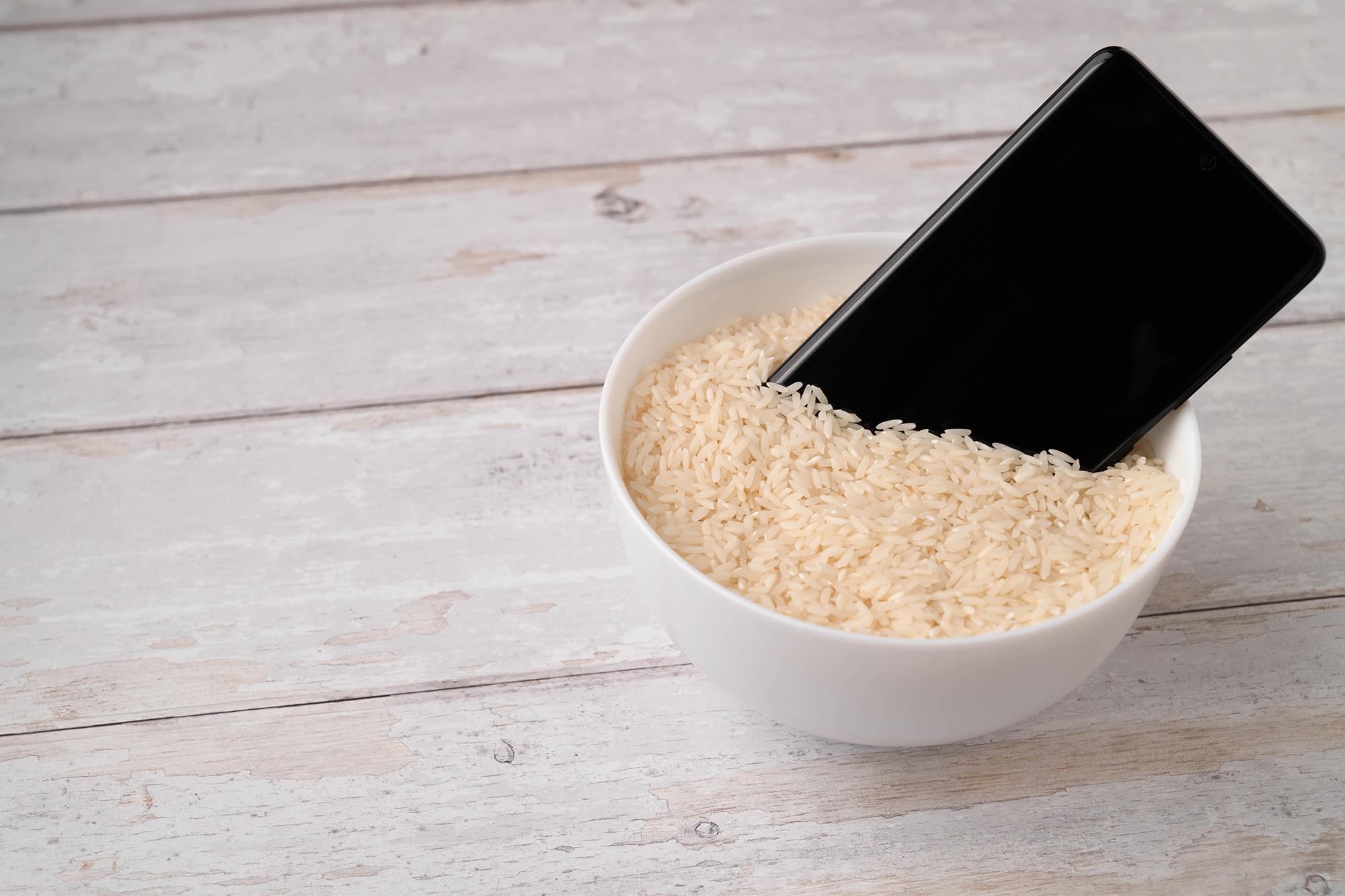
You’ve probably heard the old trick about putting your phone in rice, right? But here’s the truth – rice isn’t actually that reliable. It can leave dust inside your phone and doesn’t absorb moisture as well as you’d hope. So, you can keep your pack of Uncle Ben’s in the cupboard for now.
Instead, reach for the silica gel. If you don’t have a clue what that is, it’s those little packets you find in shoeboxes or electronic packaging. They’re designed to suck up moisture and work way better than rice does.
Just pop your phone in a sealed container – like a lunch box – with a few silica gel packets, leave it for at least 24-48 hours and let it work its magic. If you don’t have any silica gel lying around, you can always buy some online or down at your local DIY store.

Position and wait: let gravity and airflow do the work
While your phone is drying, position it so water can drain out naturally. Ideally, lay it upright with the charging port facing down. It’ll help gravity to pull moisture out of the inner components over the next few hours.
Leave it in a dry, well-ventilated area too. But avoid putting it in direct sunlight or near a heater – too much heat can quickly damage the screen or the battery.
Patience is the name of the game here. Even if your phone looks dry on the outside, moisture on the inside can stick around a lot longer. Give it a full 48 hours before you try to power it back on.
Clear water from speakers and ports
Water can get trapped in tiny places like the speakers, microphone and charging port. Here’s a few tricks that’ll help to clear it out:
Speaker vibration apps – These play specific tones that shake water loose from the speaker grill. You’ll find a few to download on the app store.
Tapping technique – Gently tap the phone against your palm with the port facing down. If you’re lucky, it might get a few drops out.
Cotton buds – Use dry cotton buds to carefully absorb moisture from the ports. But don’t push too hard or insert anything deep into the phone.
If your phone sounds muffled after drying, give it more time or try the vibration app again. Sometimes it takes a bit of extra work to get that pesky moisture cleaned up.

Power on and test safely
Once you’re confident the phone is dry, it’s time for the moment of truth. Power it on and keep an eye out for any odd behaviour:
Is the screen flickering?
Are the speakers working properly?
Can you charge it without issues?
If everything seems fine, back up your data immediately. Even if the phone works now, water damage could still cause problems further down the line. So, save your photos, contacts and any important files while you can.
When to seek professional help
If your phone won’t turn on, behaves weirdly or was exposed to non-clean liquids (like saltwater, fizzy drinks or soapy water), it’s time to call in the pros. Water that’s mixed with other substances can be more corrosive and a lot harder to clean. In these cases, a professional repair service can…
Clean the internal components.
Recover data.
Replace damaged parts.
Our main piece of advice? Don’t hang about. Waiting too long will only make things worse!
FAQs
Is it safe to vacuum water out of a phone?
Some experts suggest it’s ok to use a low-powered vacuum cleaner to gently draw water out of creases and ports. If you decide to do this, you’ll have to be super careful. If you aren’t, you could risk damaging any fragile parts.

Does phone insurance cover water damage?
That depends on your provider and policy. Manufacturer warranties usually don’t cover water damage, but phone insurance plans often do. If you’re covered, you can file a claim for repair or replacement.
How can I tell if my phone has water damage?
Most phones nowadays have a Liquid Damage Indicator (or LDI for short). It’s a small sticker inside the SIM tray or battery compartment that changes colour (usually red or maroon) when it’s exposed to moisture. You might also notice…
Fog or water marks under the screen.
Corrosion around ports.
Muffled sound from speakers.
Charging issues or random shutdowns.
How long does it take for water damage to show up?
Sometimes damage is immediate, and you’ll know there’s a problem right there and then. In other cases, it can take days or even weeks to spot. Corrosion and mineral deposits can build up slowly, causing issues like battery failure or screen glitches later on.

Will my phone still be waterproof after repair?
Probably not. Once a phone has been opened up or repaired, its original water resistance rating (like IP68) may no longer apply. If you’re worried about water, get yourself a waterproof case.
Need more advice?
So, that’s how to get water out of your phone. If you want to find out how well your mobile can handle a splash, check out our article, Is my phone waterproof? IP ratings explained. You might feel slightly more confident while you’re sat texting by the pool.