


For anyone with limited mobility, everyday tasks can sometimes take a bit more time and effort. That could be anything from changing the TV channel to switching on the lights. We might take them for granted, but for others, they’re a real challenge.
That’s where voice-controlled tech comes in. With a few words, smart devices can handle all of that (and more) for you! So, whether you’re living with a long-term condition or recovering from an injury, here’s how voice-controlled tech will make a big difference to your day-to-day.
What is voice-controlled technology and how does it work?
It’s exactly what it sounds like. Voice-controlled tech lets you control your devices with just your voice. There are no buttons involved. No switches. No nothing. You’ll feel like you’re in a sci-fi flick!
Most of these systems work using a voice assistant like Amazon Alexa or Apple Siri. Once a compatible device is set up, you simply say a wake word like “Alexa”, followed by a command. They’re that easy to use.
For example, you might say:
“Alexa, turn on the living room lights.”
“Hey Google, what’s the weather like today?”
“Siri, call mum.”
Under the hood, the voice assistant listens out for the wake word. It then processes your request and sends instructions to the connected device. And it’ll do it all in only a few seconds. So, there’s no waiting about whatsoever.
Most voice assistants need an internet connection to work properly. If you’ve got a dodgy Wi-Fi connection that drops in and out, you’ll want to get this sorted first. Once that’s ok, you’re good to go.
You’ll start setting things up by using a smartphone app. The good news is that they’re made to be beginner-friendly, and most people manage to get started in a few minutes.
Which system is right for me?
We put the big three head-to-head in our guide to Alexa vs Google Assistant vs Siri. And if you need more advice, check out our smart tech guides & explainers right here.

Key benefits of voice-controlled tech for limited mobility
Voice-controlled tech isn’t only about the convenience (although that’s obviously a big plus). It helps people with limited mobility to stay independent and do daily tasks with less physical effort.
Hands-free control – You don’t need to reach for switches or the remote. Just ask your voice assistant to do the job for you.
Less physical strain – Reducing repetitive moments can make life a bit more comfortable. Especially if you suffer from something like arthritis or chronic pain.
More independence – With voice control, you can complete tasks on your own and won’t need as much help from family and friends.
Helpful reminders – Get reminders for appointments and when to take medication. Or pretty much anything else you can think of!
Hand-free communication – Make calls and start video chats to stay connected with your mates and family.
Extra support in emergencies – Some voice assistants can contact trusted people and alert other people in the house if you need help. Others will even call the emergency services for you.
Best voice-controlled devices for an accessible home
When you’re building out a voice-controlled home, it’s usually best to start small. We’ve rounded up a few of the most useful devices for improving accessibility down below…
Smart speakers and displays
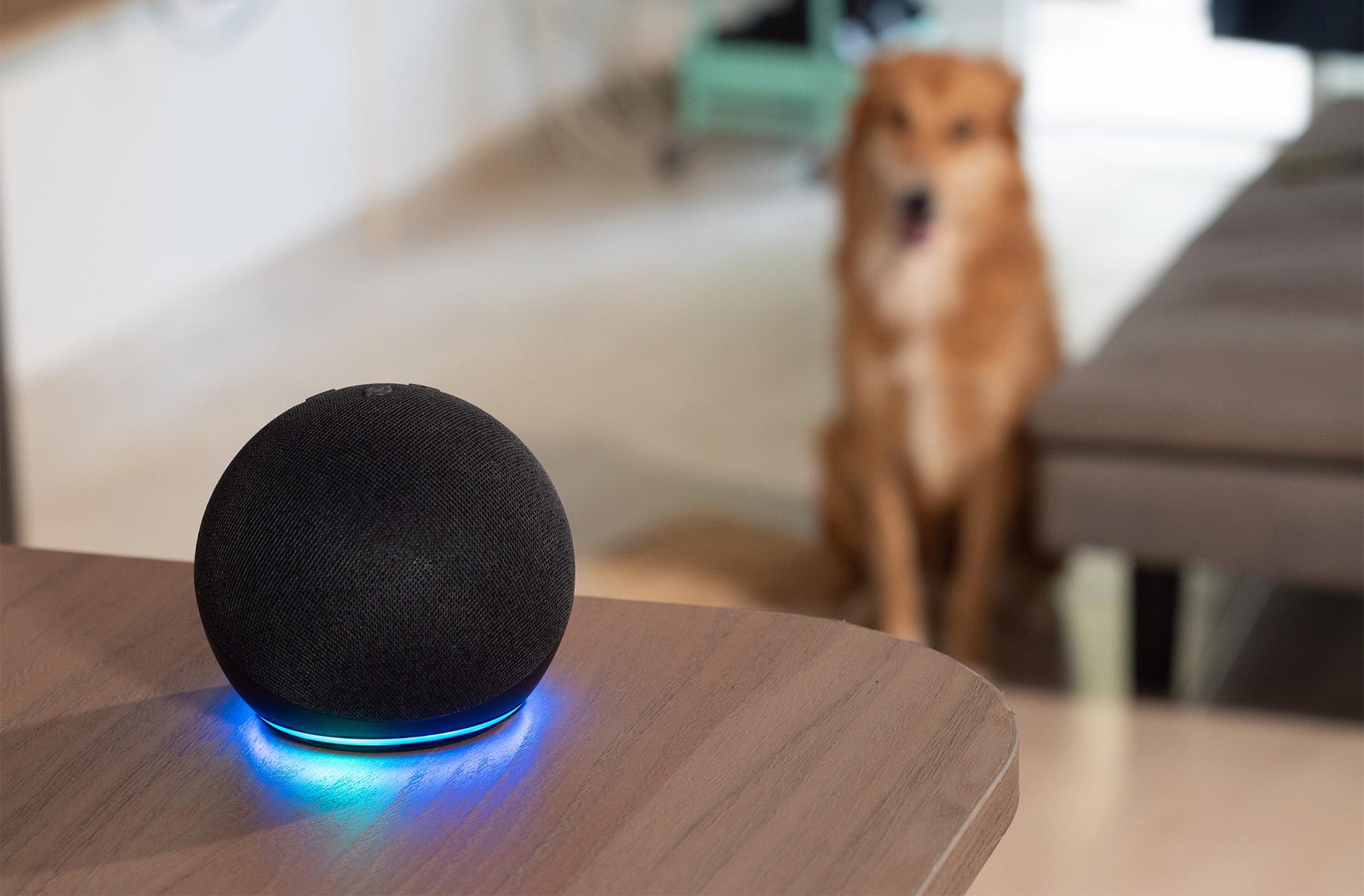
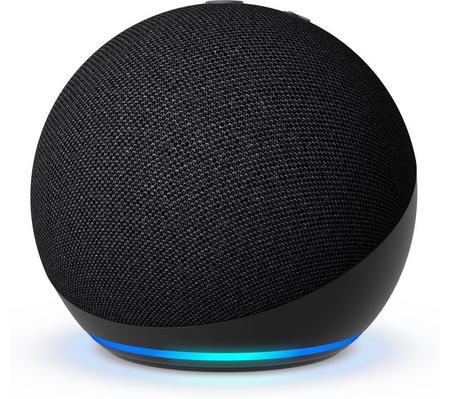
A smart speaker is the hub of any good voice-controlled house. With them, you can control all of your other smart tech. And they’ll help you to set reminders, play some tunes, ask questions and make hands-free calls too. Some also have a screen built-in – which is better for video calls and visual reminders, if that’s more your thing.


Smart lighting
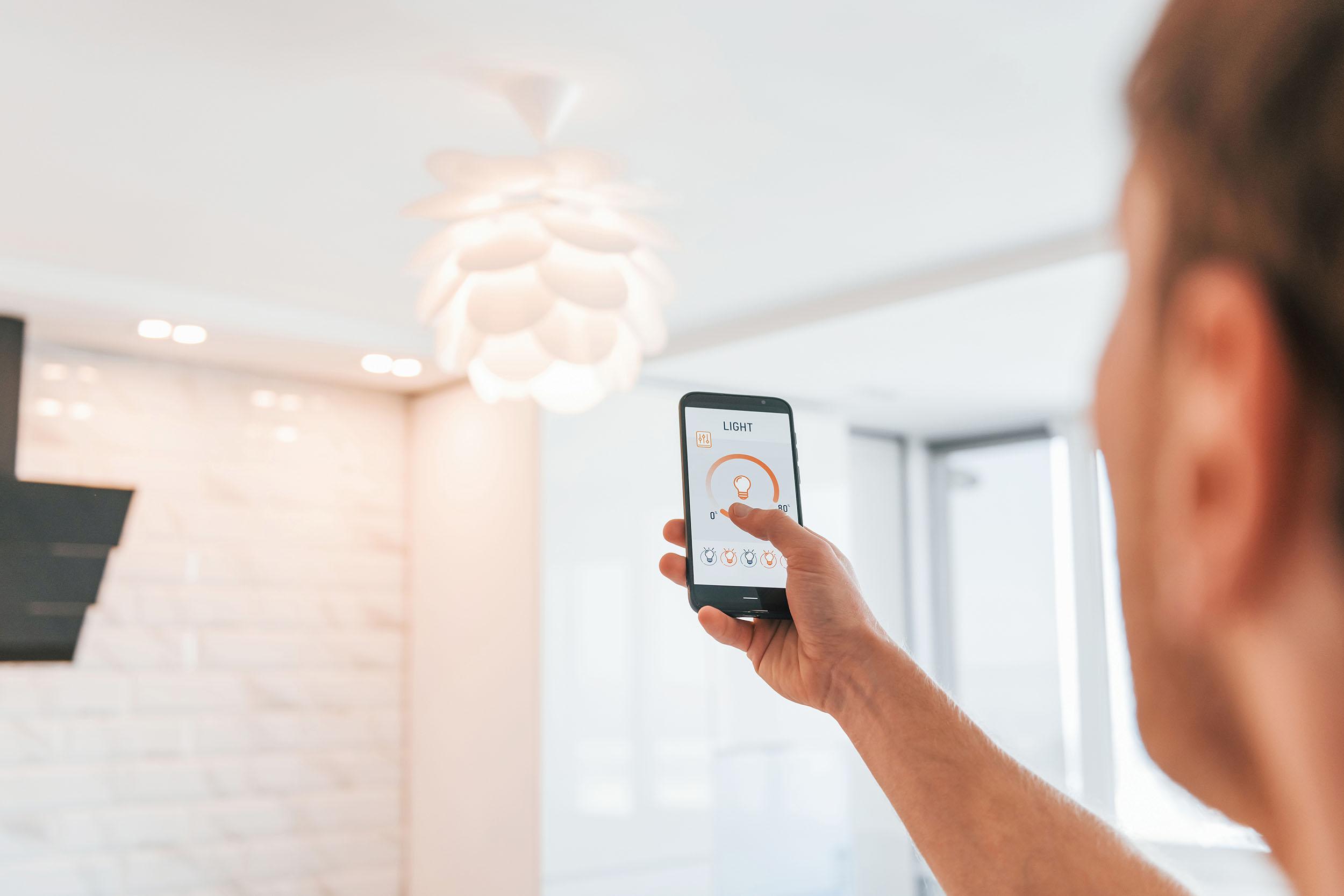
Getting up to turn lights on and off is pretty inconvenient. Especially at night when you need to pop to the bathroom. Smart lighting lets you control lights with some simple voice commands before you’re even out of bed. You’ll be able to switch lights on or change up the brightness without touching a switch.
If you like, it’s possible to create routines so that lights come on automatically at specific times. It’s great if you’re jetting off on holiday and want to make it look like someone’s home while you’re not there.


Smart plugs
Smart plugs are one of the easiest ways to add voice control to any gadgets already inside your house. Plug an appliance into a smart plug then hook it up to your smart home system. You’ll then be able to use voice commands to switch anything from a lamp to a kettle on or off.


Smart TVs and streaming devices
Using a remote is so last decade. Get yourself a streaming device or smart TV and do everything with your voice instead. Not sure what to watch? Ask your telly for some recommendations. Or, if you’ve got a specific flick in mind, say it out loud and you’ll be watching it in no time. It’s even possible to pause movie night with one word when it’s time to refill the snacks.


Smart thermostats
With smart thermostats, you can tweak your heating just by asking your voice assistant. Instead of heading over to a wall-mounted thermostat, a couple of words can make the room warmer when it’s chilly, or cooler if you’re getting too hot. We’ve got loads of hot smart heating tech to pick from!


Setting up voice-controlled tech: a simple beginner’s guide
Getting started is easier than you might think…
Pick an ecosystem – Decide whether you want to use Alexa, Google Assistant or Siri. It’s sensible to stick with one ecosystem around your house. That way, everything works together and doesn’t get complicated.
Connect to Wi-Fi – Follow the setup instructions in the companion app and connect your device to your Wi-Fi network.
Link compatible devices – Use the app to link other accessories like smart lights, plugs and thermostats.
Create routines – Routines let multiple actions happen from one command. So, saying “Good morning” might turn on the lights and start your radio. Then, when its’ time to wind down use “good night” to switch everything off and lower the heating.
Test voice commands – Try out a few simple requests. It’ll help you get comfortable with how the system works, and you’ll get a good idea of what you can do with it.
Here’s a few more top tips to get the most from your tech…
If your device offers it, train the voice recognition. The more it knows your voice, the better it’ll be.
Create custom routines for regular tasks. Everything will be faster and easier!
Ask a friend of family member to help with setting things up if you’re not the most tech savvy.
User clear room names like “bedroom light” or “hall lamp” for specific commands.
Accessibility features to look for in voice tech
Not all smart home devices come with the same accessibility features. These are some of the most useful things you’ll want to look out for before you buy…
Accurate voice recognition – The better a device understands speech, the less frustrating it’ll be to use. You don’t want to end up shouting the same instruction at your gadget over and over!
Multi-language support – Many voice assistants support multiple languages and regional accents. So, if you prefer speaking in say, Spanish, you can.
Custom routines – Automating the most common tasks speeds things up. And it’ll stop you repeating the same command throughout the day too.
Hands-free calling – Ring dad for a catchup without even having to touch a phone.
Emergency support options – Let’s say you have a fall. Use your voice assistant to call out a family member or an ambulance.
Tech integration – Some products will work alongside other accessibility tools you might already have in the house. Check the product specs first to see if that’s the case.
Safety, privacy and reliability: what you need to know
It’s fair to say that some modern tech collects a lot of information about us. So, it’s pretty normal to have questions about your privacy and security.
Voice assistants are designed to listen for a wake word before processing your command. And most of the major platforms store these voice recordings of you. Luckily, you can go into your account settings to review, manage and delete any if you want to.
When it comes to staying safe (and private) some devices even have…
Microphone mute buttons.
Two-factor authentication.
Regular security updates.
Privacy controls in the companion app.
In terms of reliability, it’s also worth remembering that lots of voice-controlled features rely on an internet connection. If your Wi-Fi goes down, you won’t be able to use your gadgets properly. That’s why it’s also worth keeping some regular, physical controls on standby if possible. Then you’ve got a good backup if you ever need one.

Building a fully voice-controlled smart home
One of the best things about smart home tech is that you don’t have to buy everything at once. Most people start with a smart speaker, then add more gadgets over time.
Here’s how we’d go about building a voice-controlled smart home…
Buy a smart speaker.
Add smart lighting and smart plugs.
Get a smart thermostat.
Connect TVs, streaming devices and any other smart appliances.
Start making your own custom routines (we spoke about these earlier).
Before long, you’ll be handling loads of everyday tasks using just your voice. It’s clever stuff.
FAQs
What is the best voice assistant for people with limited mobility?
There’s not really one single best choice. Google Assistant, Alexa and Siri are the most popular options, and each come with their own strong voice-control features. The right one comes down to which gadgets you already use – and which ones you plan to connect in the future.
Can voice-controlled devices work without internet?
It depends on the device. Some of their basic functions might work if your Wi-Fi goes down. Most voice assistants need a constant internet connection though. Without one, they won’t be able to process commands and control your smart home gadgets.
Are smart home devices easy to set up for beginners?
They’re made to be as easy as possible to get up and running. Most smart devices come with their own smartphone app. And this’ll guide you through how to get started with handy step-by-step instructions. Just make sure you actually read them!
How much does it cost to create a voice-controlled home?
It’s fairly cheap to get started with a smart speaker and a handful of smart plugs. Obviously, the more advanced setups – think smart lighting and heating – are going to cost more. But you can add these in later on, gradually expanding your setup over time.
Are voice assistants safe and private to use?
If you’re using the big voice assistant platforms, yes. They use beefed up privacy controls. And with regular security updates, you’ll always have the latest protection.
Can voice tech help in emergencies?
Yes, it can. A lot of voice assistants are able to make hands-free calls and contact trusted people if there’s an emergency. It’ll just depend on the device you have, and which services are connected to it.
Which devices should I start with for accessibility?
Go for a smart speaker first. From there, smart lighting and smart plugs will give you the biggest day-to-day accessibility boost for the lowest cost.
Need more advice?
Our accessibility tips don’t stop there. We’ve also covered the best tech for visually and hearing-impaired users as well.