


Technology moves fast. But, if you’re buying a new gadget for nan, grandad or mum and dad, the newest or most advanced tech isn’t necessarily the best choice. In fact, it’s the simple devices (that make life easier and safer) that’ll suit them more.
It could be that they want a way to stay in touch with the wider family. Or maybe they need a bit of help cleaning around the house. Whatever it is, our guide looks at the most helpful tech for seniors you can buy right now. Plus the features you’ll need to look out for and how to make any new device feel easy to use from day one.

What makes tech ‘senior friendly’?
Some gadgets are definitely harder to get to grips with than others. So, if you’re shopping for an older person, focus on the features that remove frustration, rather than ones that add extra bells and whistles. Which hey, they’d probably never use anyway!
Here’s a quick general checklist of things to look out for…
Big, clear displays with adjustable text sizes and high-contrast settings.
Loud, clear audio that’s easy to hear.
Simple navigation with fewer menus and steps.
Voice control for hands-free help.
Long battery life and easy charging.
Safety features like emergency contacts or alerts.
Straightforward setup and ongoing support if something goes wrong.
Before buying, think about what’s most important. Is it easier reading? Simpler communication? More safety at home? Answer these first, and you’ll be able to narrow things down a bit when you start your search.
It’s also worth considering how often the device will actually be used. A phone or a smartwatch might be needed every day, while a tablet may only get switched on here and there. Their Wi-Fi coverage – and the availability of someone to help with setting things up – are equally important too.
Tech tip: Introduce one feature at a time. Building confidence gradually is usually far more successful than trying to teach them everything at once.
Simple phones for calls and texts
If you’re buying an older person a phone, it doesn’t have to do absolutely everything. Realistically, it only needs to make calls, send texts and be reliable. After all, they probably won’t be spending loads of time browsing TikTok or posting on Instagram!
Basic phones are still popular because they keep things simple. Large buttons are easier to press. Menus are simpler and less cluttered. And most come with louder speakers and ringtones for anyone hard of hearing. Some even have special assistance buttons that’ll quickly contact a family member if there’s an emergency.
Which to choose?
Basic phones
Easy to use
Physical buttons
Fewer distractions
Landline phones
A handy home backup
Often includes nuisance call blocking
Doesn’t need charging
Smartphones
Best for WhatsApp, video calls and sharing photos
More features
May need a little guidance to set it up
Tech tip: When choosing, think about whether video calls are important, if touchscreens feel comfortable and if hearing-aid compatibility or extra volume is needed.
Tablets that make life easier
For a lot of seniors, a tablet hits the sweet spot between a phone and a laptop. The larger screen makes reading and watching videos easier than it is on a smartphone. And if you want to catch up with the family, it’s simple enough to organise and join a video call as well.
If the tablet’s mainly going to be used at home, go for a larger screen. It’ll make whatever they’re doing on it a lot more comfortable. If they’ll be taking it with them to the local coffee shop though, find one that’s compact and lightweight. Then it’ll be far easier to carry around.
Look for:
A bright display – If their eyesight’s not too sharp, they’ll still be able to see what’s going on.
Good speakers – Sound’s just as important as the picture. Especially if they’re a bit hard of hearing.
Long battery life – It’ll need charging less often and won’t run out of juice at the worst possible time – like in the middle of a video catchup.
Plenty of storage – Means more space for all of those pictures of the extended family.
A quality front facing camera – Perfect for crystal clear video calls and the odd Christmas group selfie.
Face unlock – Unlock the device using just your face. Now there’s no chance of forgetting a passcode.
A sturdy case or stand – It’ll protect it from bumps and scrapes. And you can use it propped up on a table too.

Smart speakers and voice assistants
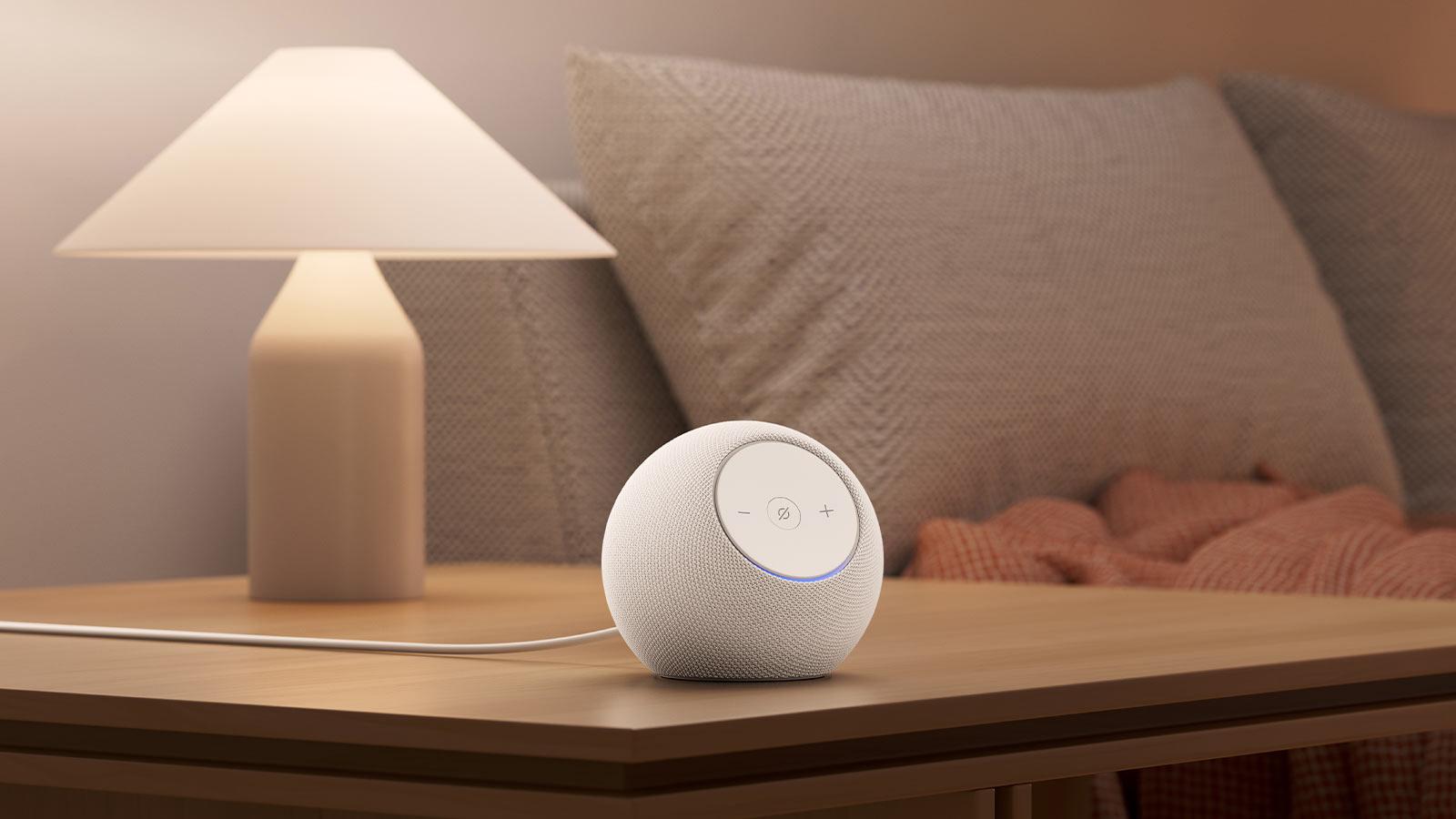
Smart speakers let you do loads with just your voice. Ask questions, get it to play music, set reminders, and hear the weather forecast without pressing a single button. They’re particularly useful for anyone who finds typing hard or struggles with small screens.
Some of the most popular voice assistants are…
Alexa – Found on most Amazon smart home devices. Just say ‘Hey Alexa!’
Google Assistant – Strong search features help you get answers in seconds.
Siri – Ideal for anyone who’s already using an Apple device.
You could always opt for a smart display too. These combine the voice control of a smart speaker with a screen similar to a tablet. Go for one if video calls and visual reminders are more important than ones that are purely audio based.
Safety and peace of mind
Technology can also improve an older person’s confidence and independence.
Start off with a smart doorbell. You can see who’s at the door on your phone before answering, whether you’re sat on the sofa or away on your hols. They’re great at lowering anxiety about unexpected visitors and missed deliveries too.
Wearable tech’s another useful option. Smartwatches and fitness trackers can provide…
Activity tracking – See if you’re doing enough steps each day.
Medication reminders – So they never miss a dose.
Phone notifications – From family text messages to calls from the hospital.
SOS and emergency features – For instant, automatic help during a serious fall etc.
Encouragement to stay active – Get regular reminders to stand up and start moving.
Everyday convenience at home
Robot vacuum cleaners are becoming really popular now. These little helpers take care of routine cleans while you barely lift a finger. Press a button, schedule a clean and let robo do the hard work. For anyone with mobility challenges, they’re a lifesaver, as they reduce the need for bending, reaching and carrying heavy bits of kit.
Lightweight cordless vacuum cleaners are a little more hands-on but are still a good shout. They’re easier to pick up and move around. And storing them is straightforward too, as they take up much less room.
When picking some cleaning tech, think about…
If there’s stairs in the house – Lugging a heavy vac up and down the stairs could be dangerous.
The mix of carpet and hard floors – Some vacuums are better at cleaning carpets, while others make tackling wood or tile floors easy.
Pet hair – Do they live with a furry friend? Some dogs and cats leave hair absolutely everywhere. Special pet vacuum cleaners are good at pulling it from rugs, flooring and furniture.

Simple joy: reading and photos
Not every gadget has to solve a problem. Some are just there to make life more fun!
E-readers (like the Amazon Kindle) are a great example. You can adjust the text size in a few seconds. So, if they’re normally sat squinting at a paperback, they’ll be able to read a few chapters without straining their eyes. Many also come with glare-free screens and adjustable lighting for comfy reading day or night.
Digital photo frames are more on the sentimental side. Family members can upload new photos from a phone, making fresh pictures appear automatically. It’s a genuinely lovely way for seniors to stay connected, especially when loved ones live far away.
Setup tips that actually help
Before you hand the device over, try spending ten minutes tweaking some settings. This way, you’ll remove any potential stress before they get their hands on it.
Increase the text size – To make everything from texts to articles easier to read.
Turn up the display contrast – The sharper and brighter the screen, the easier it’ll be to see.
Simplify the home screen – Delete any apps they’re unlikely to use and keep the ones they will.
Add emergency contacts – If it’s a phone or tablet, pop in a few family members’ numbers in case there’s an emergency.
Set up voice assistant shortcuts – Instead of trawling through menus, say a few words to get stuff done.
It’s also worth fitting tablets/phones with a sturdy case and stand. It’ll protect the gadget from any bumps and scrapes. And if their hands aren’t what they used to be, the stand lets you prop the device up instead of holding onto it.
Tech tip: Create a simple cheat sheet for them. A small card with basic instructions like ‘how to answer a call’ and ‘how do you change the volume’ will save a lot of frustration in the long run.
FAQs
What is the easiest tech gift for an older adult who isn’t confident with devices?
A digital photo frame is a great shout. It barely needs any hands-on interaction. And it’ll give them a constant stream of family photos and happy memories. Load it up with a few pics of past get togethers (and of course, a few of the grandkids) before you gift it to them. Then it’ll be good to go as soon as they’ve unwrapped it.
Are tablets better than smartphones for older adults?
For lots of people, yes. The bigger screen makes reading, browsing and video calling much easier. Saying that, smartphones are far more portable and are better for staying connected on the go. At the end of the day, it really comes down to their personal preference and what they’ll mainly use the device for.
Which gadgets help older adults stay connected with family?
Go for anything that’ll let you do a video call on it. Tablets, smartphones and smart displays all have apps that make it straightforward to have a weekly natter.
Do smart speakers work without a smartphone?
Yes. Once they’re set up and connected to Wi-Fi, a smart speaker can do loads independently, like playing music and setting handy reminders. Setting it up the first-time round is easier if you’ve got a smartphone though.
How can I make a new device easier to see and hear?
For starters, bump up the text size. Then switch on high-contrast settings, raise the volume levels and have a look at any built-in accessibility options. Most modern devices will have at least a few settings designed to improve visibility and clarity.
Are video doorbells worth it for older adults living alone?
They can be very useful. Being able to see who’s at the door before you answer it is convenient and reassuring. Especially so when unexpected visitors show up.

Need more advice?
We’ll show you how choosing a phone for an older person helps them stay in the loop. Plus, we’ve put together a deep dive on the best tech for visually and hearing-impaired users too.