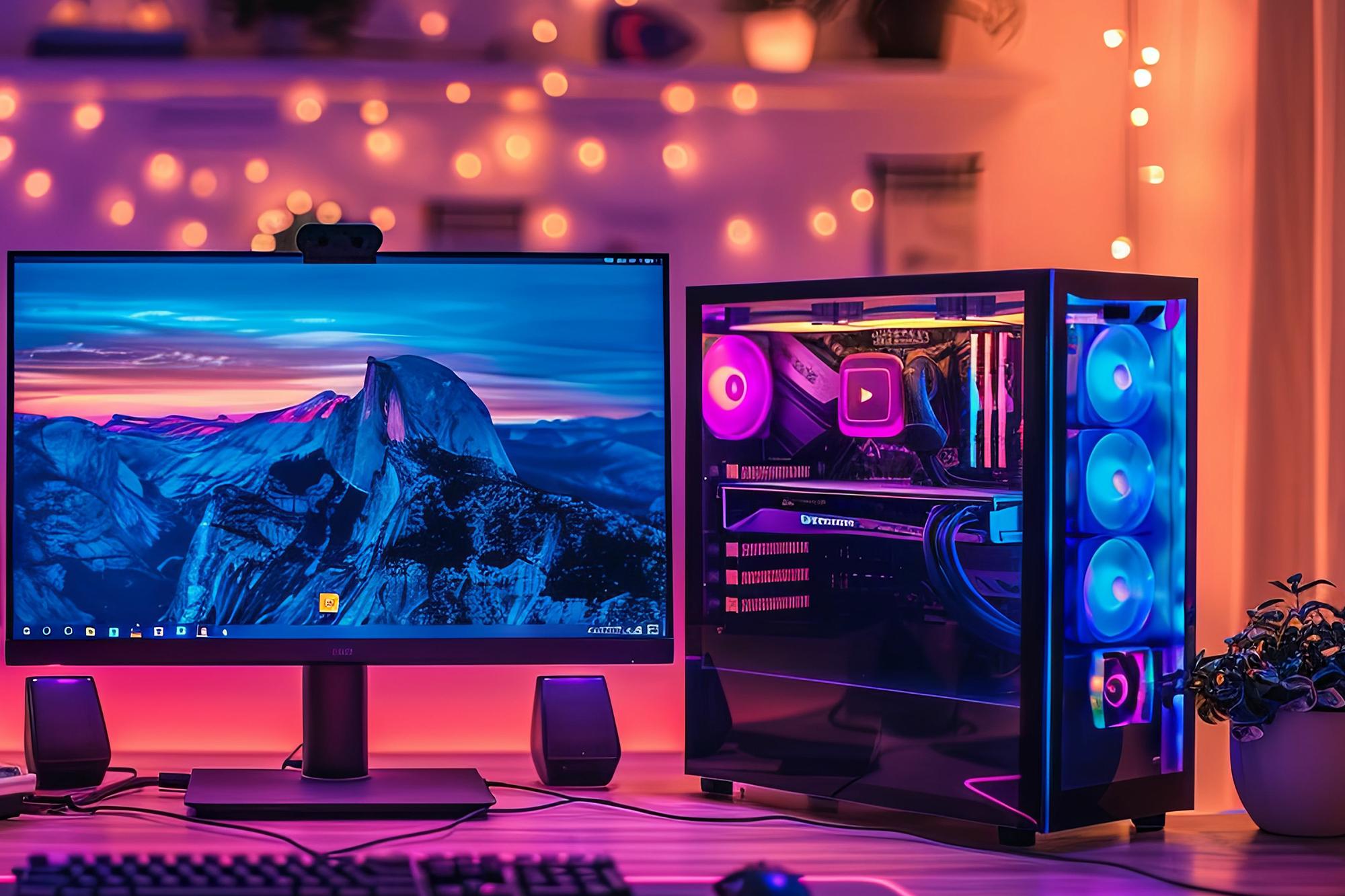


Samsung gaming monitors have always been next level. After all, they’ve been the no.1 OLED gaming brand going on 6 years now. How have they managed that? Well, they’re a major player when it comes to pushing display tech to the limits. So, it doesn’t come as a surprise to see that in 2025, they’ve raised the bar yet again.
Their new Odyssey monitors are built for every kind of gamer. From ultrawide immersion to glasses-free 3D, they’re packed with all sorts of snazzy features from top to toe. And we’re liking what we see.
Whether you’re chasing wins in your favourite FPS, exploring vast open worlds, or just want a monitor that doubles up for work and play, our guide has got you covered. Let’s get that gaming PC setup sorted…
Best Samsung gaming monitors of 2025: quick comparison table
Before we dig into the nitty gritty, here’s how the gaming monitors stack up…
| Model | Screen Size & Resolution | Panel Type | Refresh Rate | Response Time | Best For |
|---|---|---|---|---|---|
| Odyssey G9 (LS49DG912SUXXU) | 49” Dual Quad HD | Curved OLED | 144Hz | 0.03ms | Simulators, RPGs, Immersion |
| Odyssey G8 27” (LS27FG810SUXXU) | 27” 4K | QD-OLED | 240Hz | 0.03ms | Competitive FPS, Console |
| Odyssey G8 32” (LS32FG810SUXXU) | 32” 4K | QD-OLED | 240Hz | 0.03ms | Hybrid use, Competitive gaming |
| Odyssey 3D (LS27FG900XUXXU) | 27” 4K | IPS LCD | 165Hz | 1ms | Story-driven games, 3D content |
Best ultrawide gaming monitor: Samsung Odyssey G9
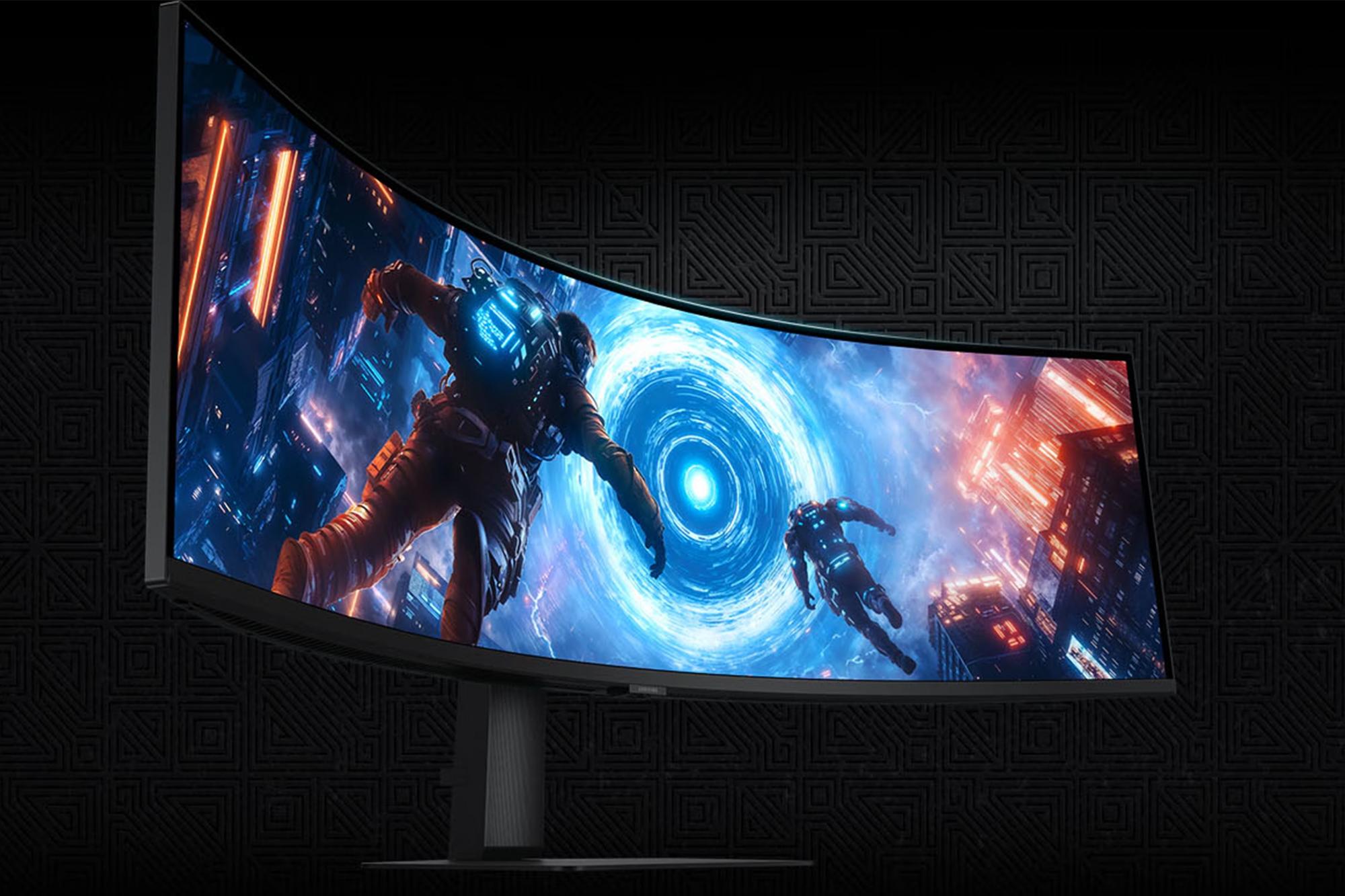
The Samsung Odyssey G9 Dual Quad HD 49” curved OLED gaming monitor is an absolute powerhouse. It’s made for gamers who want the most immersive experience possible. And we’re not kidding when we say that you’ll feel like you’re actually inside the game…
Why it stands out:
49” Dual QHD display – With a 32:9 aspect ratio, this ultrawide QHD monitor is like having two 27” monitors in one, but without the annoying bezel gap. That extra screen real estate makes it ace for gaming, obviously - but also brilliant for multitasking and large-scale projects.
1800R curve – This kind of curve matches the natural shape of your eyes, reducing strain and pulling you deeper into the action. Those explosions are going to seem danger close!
144Hz refresh rate and 0.03ms response time – Both guarantee smooth, responsive gameplay, even in fast-paced titles. It could be the difference between finishing top or propping up the leaderboard.
Display HDR True Black 400 and FreeSync Premium Pro – These features bump up your image quality and make colours look way more vibrant. Screen tearing is reduced massively too, giving you seriously polished visuals.
Who it’s for:
Sim racers and flight sim enthusiasts will get a lot out of it. For more on all of that, check out our sim racing setup guide and our flight sim setup walkthrough.
RPG adventurers looking for serious levels of cinematic immersion.
Gamers who want to replace a dual-monitor setup with one single, seamless display.
Best 27” 4K gaming monitor: Samsung Odyssey G8
If you’re a competitive player or console gamer, look no further than the Samsung Odyssey G8 27” QD-OLED Monitor. It’s smaller than the G9, but no less mighty – packing in plenty of speed, clarity and epic visuals.
Why it stands out:
4K QD-OLED panel – It combines the deep blacks of OLED with the brightness and colour accuracy of quantum dots. And that’s perfect for vibrant, lifelike gaming.
240Hz refresh rate – For the non-techy among you, this means that the screen updates 240 times per second, giving you ultra-smooth motion. And that’s a big competitive edge, especially in lightning quick action games.
0.03ms response time – Sounds quick, doesn’t it? And you’d be right – it’s almost immediate, reducing ghosting and motion blur to near-zero.
HDR10+ - You’ve heard of HDR. But HDR10+ turns things up a notch, boosting contrast and detail, with dark and bright scenes looking even better.
Ultra-low latency – This makes sure that all your button presses, keyboard taps, and mouse clicks are registered instantly. It’s crucial for head-to-head play.
Who it’s for:
Multiplayer battlers who need that extra speed and precision.
Console gamers using PS5 or Xbox Series X (due to the HDMI 2.1, 120Hz and VRR support).
Gamers searching for top-tier visuals in a desk-friendly size.
Best 32” 4K gaming monitor: Samsung Odyssey G8
If you want a bit more screen space without sacrificing performance, the Samsung Odyssey G8 32” QD-OLED Monitor is a seriously good sweet spot…
Why it stands out:
QD-OLED panel, 240Hz refresh rate and 0.03ms response time – This is all exactly the same as the 27” model. And if you’ve read through the section above, you’ll know already why that’s great.
Larger 32” screen – See way more of the action at once and make those blockbuster titles look bigger and better.
Hybrid-ready – It’s not just there for gaming. If you want a screen that’ll taking gaming, streaming and a whole work week in its stride, this is the one for you.
Who’s it for:
Gamers who want to go bigger!
Creatives and professionals who need accurate colours and crisp resolution for detailed design work.
Multiplayer gamers that don’t want to compromise on speed.

Best 3D gaming monitor: Samsung Odyssey 3D
The Samsung Odyssey 3D 27” 4K Gaming Monitor brings a whole new dimension to your gaming – quite literally…
Why it stands out:
Glasses-free 3D – It uses AI to convert 2D content into mind-bogglingly cool 3D visuals, adding depth to supported games and media. What’s more, you don’t need a pair of those naff 3D glasses you’d get at the cinema either!
27” 4K IPS LCD – The colour accuracy and resolution here are excellent, making battles and open-worlds really pop. Throw in wide viewing angles and sharper detail and it’s a really good-lookin’ option.
165Hz refresh rate and 1ms response time – These are both more than enough for silky smooth gameplay across most genres. You won’t be stuttering your way through your campaign, that’s for sure.
HDMI 2.1, HDR10+ and Spatial Audio – It’ll be compatible with all kinds of modern gaming consoles and delivers high-quality visuals and sound. And that last part’s particularly important – audio is 50% of the experience, so don’t forget about it.
Who’s it for:
Single-player gamers who want to get lost in their favourite titles.
Movie lovers and tech geeks looking for something a bit different.
Gamers who are after a standout monitor that’s as fun to watch as it is to play.
How to choose the right Samsung gaming monitor
If you’re like us, you’ve probably got a favourite genre of game you like to play. So, make sure you match your gaming style with the right monitor…
For immersive RPGs & simulators
Go for ultrawide monitors and curved displays like the G9 for proper panoramic immersion.
QD-OLED displays have rich contrast and vivid colours – ideal for cinematic storytelling.
Prefer regular layouts? The Odyssey G8 32” gives you extra immersive gameplay, without the ultrawide footprint.
While the Odyssey 3D might seem slightly more novel, it adds plenty of depth and realism to story-driven games.
For competitive FPS players
Speed is everything – a 240Hz and 0.03ms response time are your secret weapons.
QD-OLED and IPS panels offer better clarity and colour accuracy, helping you spot enemies quickly.
The Odyssey G8 27” is built for esports-level performance. On the other side of things, the G8 32” adds space without sacrificing speed.


For console gamers
Keep an eye out for HDMI 2.1, 4K and HDR support.
Thanks to the above, either Odyssey G8 model (or the G7) would go great with your PS5 or Xbox Series X. Just because they’re a PC monitor, it doesn’t mean you have to have a PC to use them either!
For hybrid gaming/work setups
Choose monitors with 4K resolution, USB-C and multitasking features like Picture-in-Picture or Picture-By-Picture. But more on that later.
The Odyssey G8 32” and G9 are balanced enough for a day of work and an evening of high-octane missions. And there’s always the Odyssey 3D with its 3D movies and unique content.

FAQs
Which Samsung gaming monitor should you buy? Our verdict
Still struggling to pick a monitor? Hopefully this will help:
Most immersive: Odyssey G9 - Perfect for sim racing, flight sims and open-world RPGs.
Best for competitive gaming: Odyssey G8 27” - ultra-fast fights and razor-sharp visuals.
Best hybrid option: Odyssey G8 32” - Great for gaming, your office job and pretty much everything in between.
Most unique: Odyssey 3D - A fresh take on cinematic gaming and entertainment.,
Final buying tips:
If you’re going for one, make sure your desk can actually fit a 49” ultrawide. It’ll be a bit awkward (and annoying) if you buy one, but you haven’t got the room for it. Crack out the tape measure and get measuring first.
Check for HDMI 2.1 support, especially if you’re going to be using a console.
Double check that your GPU will handle 4K at high refresh rates. If not, you’ll be chugging through each match.
What’s the difference between QD-OLED and OLED?
QD-OLED (Quantum Dot OLED) mashes the benefits of OLED together with quantum dot tech. While your traditional OLED screens offer high contrast and deep blacks, QD-OLED adds a wider colour gamut and brighter images. So, it’s amazing for gaming, where contrast and colour accuracy are super important. Those alien worlds are about to look epic.
Are Samsung gaming monitors good for PS5/Xbox?
In short, yes. Models like the Odyssey G7 are a great shout for console gaming. They support HDMI 2.1, which is essential for PS5 and Xbox Series X. With it, you’ll be able to enjoy 4K resolution at 120Hz and VRR (variable refresh rate).

Do these monitors support HDMI 2.1?
Yes – especially the Odyssey G8, G9 and Odyssey 3D. They’re HDMI 2.1 monitors that are built for current-gen consoles and high-performance PCs.
Can I use these monitors for work too?
Absolutely. The Samsung Odyssey G8 and G9 are both versatile enough to handle gaming and your 9 to 5. The G8, with its 27” 4K QD-OLED display is great for photo and video editing, while the G9’s 49” ultrawide screen makes light work of multitasking and big projects.
They’ve each got a neat little trick up their sleeve too. Flick on PBP (Picture-by-Picture) or PIP (Picture-in-Picture) mode, and you’ll get through that to-do list even faster. Your productivity is about to go through the roof!
Need more advice?
So, that’s everything you need to know about Samsung Odyssey gaming monitors. In our opinion, they’re essential gaming accessories. And you’ll be chuffed with whichever one you end up going for.
It’s pretty warm at the moment though. We’ve got some top tips on how to keep your gaming PC cool during a heatwave. And if you’re in the market for a new keyboard, here’s the best keyboards for gaming you can get your hands on right now.