


Virtual reality has gone from cool tech demo to everyday fun pretty darn fast. Whether you want to swing a lightsaber, drive an F1 car from your sofa, or try mixed reality apps that blend virtual elements with your living room, there’s now a VR headset (and price point) to match…


How to choose the right VR headset
Think of buying a VR headset like choosing a games console or a phone. There’s not necessarily a one size fits all ‘best VR headset’. It’s more about finding one to suit your budget, the games you like to play and the systems you might already have.
Here’s some of the big factors you’ll need to consider before you buy…
Platform: standalone, console or PC
Standalone – With a standalone headset, you don’t need a PC or console to get going. They’re super convenient and great for more casual play. And most are surprisingly powerful too.
Console – If you already own a PlayStation 5, the PS VR2 is a brilliant shout. You’ll get stunning visuals and sci-fi esq features like eye tracking. Alongside adaptive triggers that let you physically feel every action in-game.
PC VR – For sim racing, flight sims and high-end graphics, PC headsets really shine. They’ll usually be rocking beefier specs to handle all those extra graphical bells and whistles.
Tracking: inside-out vs external base stations
Inside-out – This type of tracking uses cameras built into the headset. It’s easy to set up and works really well for most games.
External base stations – They use sensors placed around your room to pick up your movements. They’re seriously precise, and perfect for fast-moving VR shooters. You won’t miss your shots now!
Resolution & refresh rate
Higher resolution – Better resolution means crisper text and less of the annoying ‘screen-door’ effect. But what’s that? It’s where you can see grid lines between pixels, making the image look like you’re viewing it through a mesh screen. This’ll really impact your immersion.
Higher refresh rate – When it’s higher, your gameplay will be a whole lot smoother. And the steadier action should mean zero (or less) nausea for you too.
Price & games
Cost – Do you plan to make VR your main way to play? Or will you just dive in every so often? You don’t want to spend loads on a headset you might not use much.
Game library – Each headset comes with its own set of games. Check out their libraries and see which sort of titles catch your eye.
Comfort & weight
- Lightweight design - You don’t want a headset that’ll leave your neck aching after half an hour. Go for something lightweight, with adjustable straps and lens inserts (key if you wear glasses). They’ll stop you from damaging your specs and make each sesh a lot comfier.
Top VR headsets available in the UK
We’ve put together a list of some of our favourite VR headsets you can get your hands on right now…
Best all-round VR experience
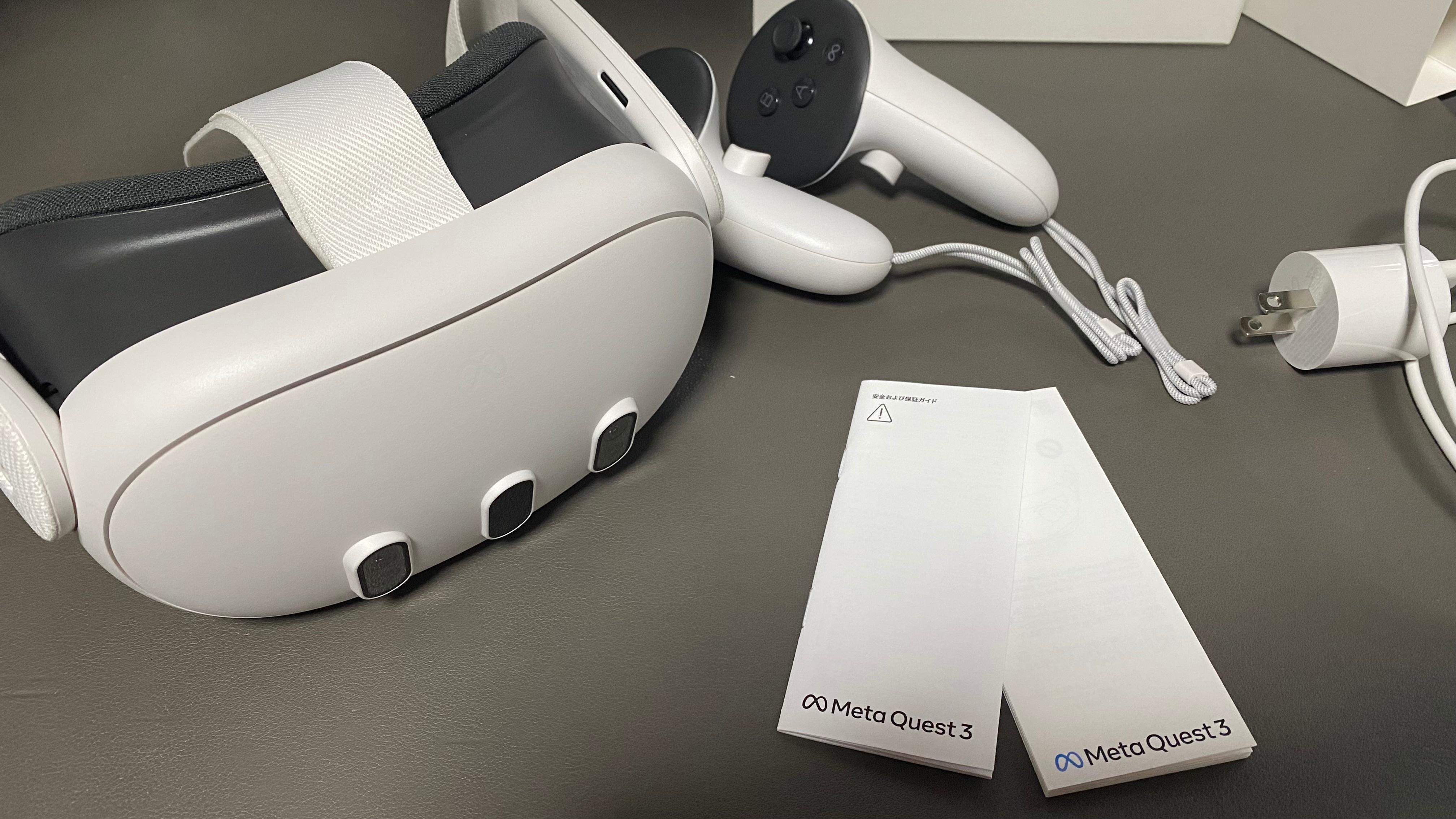
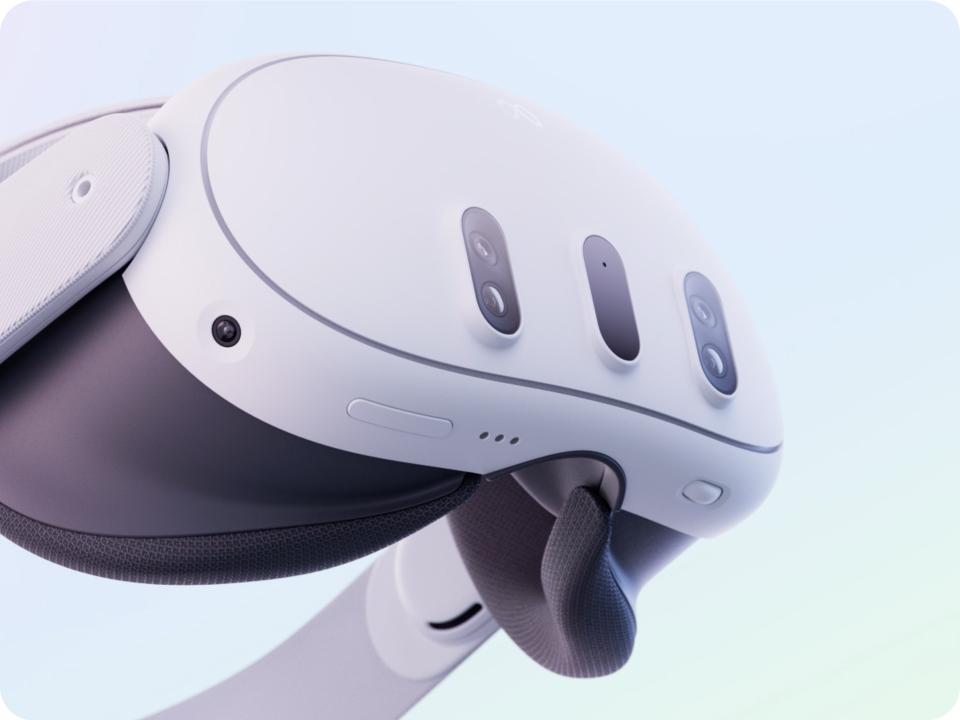
The Meta Quest 3 is an easy recommendation for most people. Especially if you’re new to VR. It’s an entirely standalone bit of kit. So, you haven’t got to plug it into a console or computer to play. And there’s one big standout feature – full-colour passthrough. This opens up a whole world of mixed-reality gameplay, where your front room gets transformed into a play space. Yes, it’s as neat as it sounds.
It’s got one of the biggest (and coolest) games libraries out there too. There are over 500 titles to explore in all, covering everything from first-person brawlers to mind-bending puzzlers. And it’s the only place to play superhero blockbusters like Batman: Arkham Shadow and Marvel’s Deadpool VR. Kapow!
If you’re tempted by the cheaper Meta Quest 3S, it uses a set of Fresnel lenses to keep the cost down. They’re slightly lower resolution - and not as sharp as the Quest 3 – but they’re still ace for more casual players.

Best VR for console gaming
If you like to play on PS5, there’s one clear winner here. And funnily enough, that’s PS VR2. Exclusive games like Horizon Call of the Mountain really show off the 4K OLED panels’ deeper blacks and sharper image. While eye tracking improves the detail of whatever you’re focusing on.
And you’ll get really hands on with your adventure too. Quite literally. The included Sense controllers add extra immersion through their clever adaptive triggers. You’ll feel the tension of a bow while you draw back its string. Or the resistance on a trigger as you blast away at an alien horde.
Plus, it’s incredibly easy to set up. It connects to your PS5 using a single USB-C cable. Just plug it in and off you go.

Best premium mixed reality headset
The Apple Vision Pro costs a fair chunk of change. But it’s definitely worth it. Especially if you want to try some of the latest mixed reality tech. Pop on the headset and project all sorts of elements right into your room. Films become way more immersive putting you in the middle of the action. And it all looks seriously crisp on the micro-OLED screen. No blurry picture here!
It’s not a pure gaming or entertainment machine either. You’ll get a lot of work done wearing one too. Fire up a few large screens, and you can use simple gestures to flip between emails and that big project. You’ll do it even faster than your run of the mill laptop. And without a mouse or keyboard in sight, it all feels incredibly futuristic. You might not go back to your trusty PC after using one…

Best VR for PC gaming
Valve are one of the biggest players in the PC world. So, it’s not really a surprise to see the Valve Index Headset lead the way when it comes PC VR. This headset’s rockin’ custom displays, giving you high resolution visuals with detailed, accurate colours. Pair that with a high frame rate, and the in-game action is going to be silky smooth. Even when there’s explosions going off left right and centre!
You even get a nice little freebie when you buy. The headset comes bundled with a copy of Half-Life: Alyx – one of the best reviewed VR games made so far. That’s not half bad, eh?

Best budget friendly alternative
We’d go for the Meta Quest 3S. You get a whole lot of VR bang for your buck with this entry-level headset. A single charge gives you up to 2.5 hours of solid gaming, which is more than enough time to set a few high scores. Throw in a snappy Qualcomm Snapdragon XR2 Gen 2 chipset and those loading times will fly by too. Which means more time playing. And less time watching the spinning wheel of doom.
What about slightly older models? Well, the Meta Quest 2 is still around, and you should be able to pick one up for a bargain price. Support is set to wind down within the next few years though. So, weigh up the cost – and think about how much gaming you’ll get out of it before it’s time for an upgrade.

Comparing headset features
Here’s a quick side-by-side of the key specs most people ask us about…
| Headset | Platform | Resolution (per eye) | Max Refresh | Tracking | Mixed Reality | Exclusive Games / Ecosystem |
|---|---|---|---|---|---|---|
| Meta Quest 3 | Standalone + PC VR | 2064×2208 (LCD, pancake lenses) | 120Hz | Inside‑out | Yes (full‑color passthrough) | Large Meta store; PC VR via Link/Air Link |
| PS VR2 | PS5 (PC adapter) | 2000×2040 (OLED) | 120Hz | Inside‑out + eye tracking | Limited MR (grayscale passthrough) | PlayStation exclusives (Horizon, Gran Turismo 7 VR, etc.) |
| Apple Vision Pro | visionOS (MR focus) | Dual micro‑OLED (≈23M pixels total) | Up to ~120Hz | Eye/hand tracking | Yes (best‑in‑class MR) | Apple ecosystem; productivity & MR apps |
| Valve Index | PC (SteamVR) | 1440×1600 (LCD, Fresnel lenses) | 144Hz | Lighthouse base stations | No | SteamVR library; top for sims & room‑scale |
| Meta Quest 3S | Standalone + PC VR | Lower than Quest 3 (Fresnel lenses) | 120Hz | Inside‑out | Yes (color passthrough) | Meta store; PC VR via Link/Air Link |
Need more advice?
You’ve got the headset. Now you’ll need something to play. We’ve rounded up the best Meta Quest 3 games released so far. And if you want to step into the boots of the merc with a mouth (who wouldn’t), check out Marvel’s Deadpool VR – release date, news & gameplay. It’s, well, marvellous!