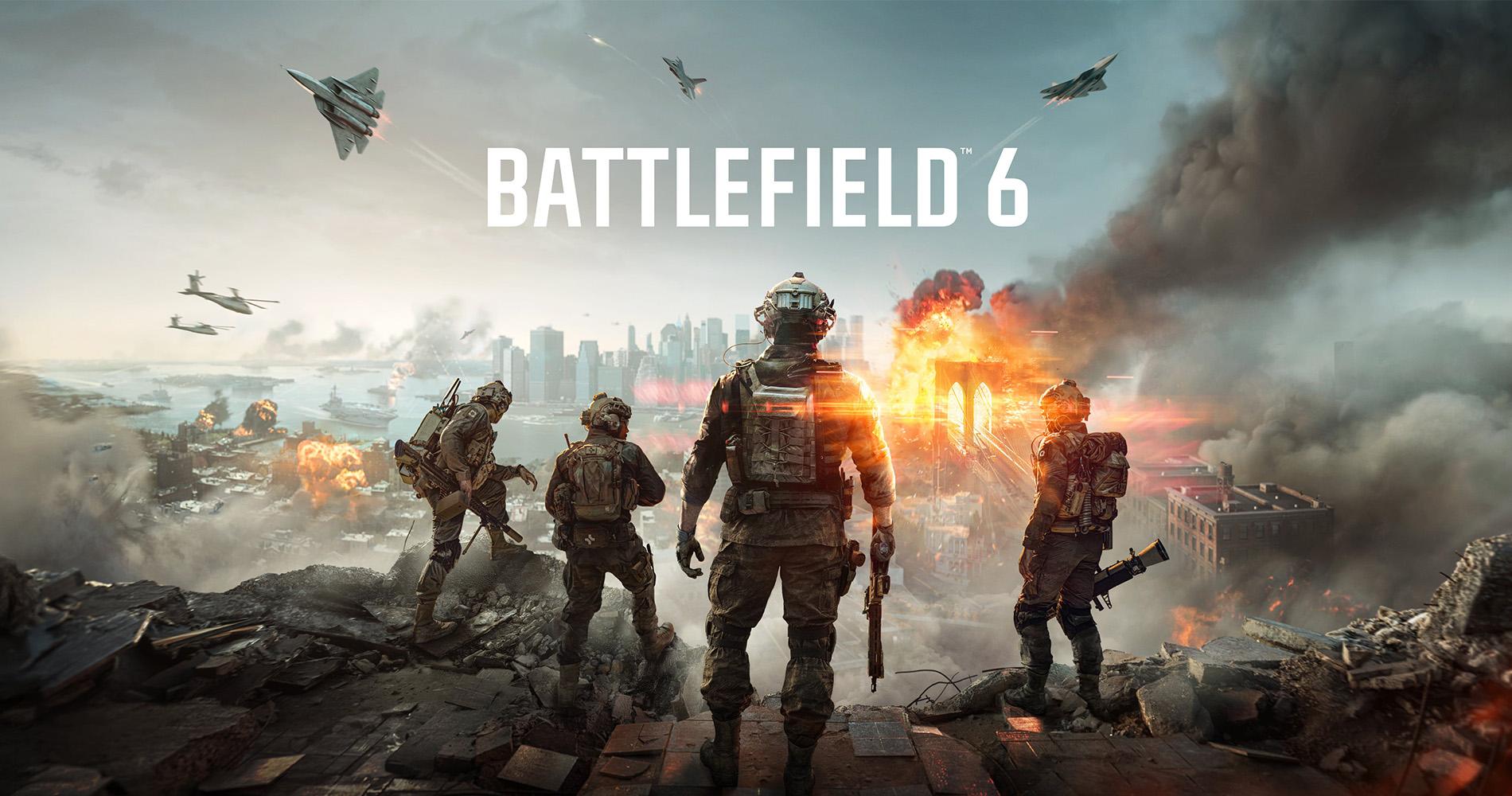
The first reveal trailer for Battlefield 6 dropped in late July. And it was everything we hoped for, packed with epic cinematic sequences and more explosions than a Michael Bay blockbuster. But with all that visual spectacle came one burning question: can your PC handle it?
Whether you're a Battlefield veteran or hitting the frontlines for the first time, now’s the perfect chance to check if your setup’s prepared for combat. Especially as official specs were unveiled alongside the multiplayer gameplay trailer a couple of weeks ago. Plus, the all-important release date, with BF6 landing on 10 October 2025.
In this guide, we’ll break down the PC system requirements, offer recommendations for Ultra settings, and share tips to help you upgrade your rig. Battlefield 6 will also be launching on PS5 and Xbox Series X|S. So, if you’re into console gaming, you’ll get to join the ranks too (just keep an eye on our upcoming games page to pre-order your copy).
But this article’s all about the PC version. And before we dig into those details, here’s that reveal trailer which almost broke the internet…
What are the Battlefield 6 system requirements?
EA didn’t announce the official system requirements with their reveal trailer on 24 July. All we knew was that your PC would need a 64-bit processor and OS. But what we believed were preliminary specs for BF6 could be found on an FAQ page for Battlefield Labs. Never heard of it? It’s basically EA’s playtesting platform where selected gamers can try early builds of new Battlefield titles and provide feedback.
And as it turned out, these specs gave us an accurate glimpse into what kind of hardware you’d need. That’s because they mostly match the official system requirements EA listed when their Battlefield 6 multiplayer trailer went live on 31 July. You can read them down below:
PC minimum specs:
Operating system (OS): Windows 10
Processor (CPU): Intel Core i5-8400, AMD Ryzen 5 2600
Graphics Card (GPU): Nvidia RTX 2060, AMD Radeon RX 5600 XT 6GB
Memory (RAM): 16GB
Direct X: DX12 (version 12)
Network: Broadband internet connection
Storage: HDD (with 55GB available space)
PC recommended specs:
Operating system (OS): Windows 11
Processor (CPU): Intel Core i7-10700, AMD Ryzen 7 3700X
Graphics Card (GPU): Nvidia RTX 3060Ti, AMD Radeon RX 6700 XT
Memory (RAM): 16GB
Direct X: DX12 (version 12)
Network: Broadband internet connection
Storage: SSD (with 80GB available space)
These details suggest that even older, mid-range systems could be able to run the new game well. But what if you want to crank everything up to Ultra?


Recommended specs to run Battlefield 6 on Ultra settings
Running Battlefield 6 on Ultra settings would mean maxing out everything for the best graphics possible. Advanced ray tracing, high-res textures, silky-smooth frame rates… you name it. It would be the most immersive way to play the game, especially if have a 4K gaming monitor.
While EA hasn’t released official Ultra specs yet, here’s what our Currys gaming experts recommend for a future-proof build that can handle Battlefield 6 and beyond:
CPU: Intel Core Ultra 9 285K or AMD Ryzen 9 9950X3D
GPU: NVIDIA RTX 5080 or AMD Radeon RX 9070 XT
RAM: 32GB DDR5 (6000MHz or higher)
Storage: 2TB NVMe Gen 4 SSD
Cooling: Liquid cooling for sustained performance
Motherboard: Z890 or X870 chipset with PCIe 5.0 and DDR5 support
Power supply: 850W+ 80 Plus Gold certified


What are the Battlefield 6 Open Beta system requirements?
You won’t have to wait until October to play BF6. Thanks to the Battlefield 6 Open Beta, you can jump in early and rack up some rewards before the big launch. It’ll have multiple maps, modes, and features for you to try. But it’s for two weekends only: 9-10 August and 14-17 August. Just make sure your PC meets these requirements to get in on the action:
How do you play the Battlefield 6 Open Beta?
You can access the Battlefield 6 Open Beta through the EA app on PC and PlayStation, Xbox or Steam. As long as those accounts are linked to your EA Account.
When can you play Battlefield 6 Open Beta in the UK?
Don't worry if you missed out on early access or the first Open Beta weekend. That's because Open Beta Weekend 2 is going on right now — kicking off at 9am (UK time) on 14 August, and ending at 9am on 17 August.
Here’s a sneak peek at some of the maps you could be battling on when you drop into the Open Beta:
How to optimise your PC for Battlefield 6
Battlefield 6 is shaping up to be primed for PC gaming, with early playtest specs showing solid performance on even average setups. And whether you just want to meet the minimum or go all-out for Ultra, there are plenty of ways to get more out of your rig:
Increase your RAM
Bumping up your PC’s RAM is both easy and affordable. It can really make a difference when playing on large multiplayer maps where memory usage spikes. And while 16GB is the minimum, 32GB of fast DDR5 RAM should be plenty for running even the most demanding games without hiccups.


Enable XMP in BIOS
If you’ve already got rapid RAM, you’ll want to make sure you’re using it to its full potential. Enabling XMP (Extreme Memory Profile) in your BIOS will unlock your RAM’s rated speed, improving responsiveness and load times.
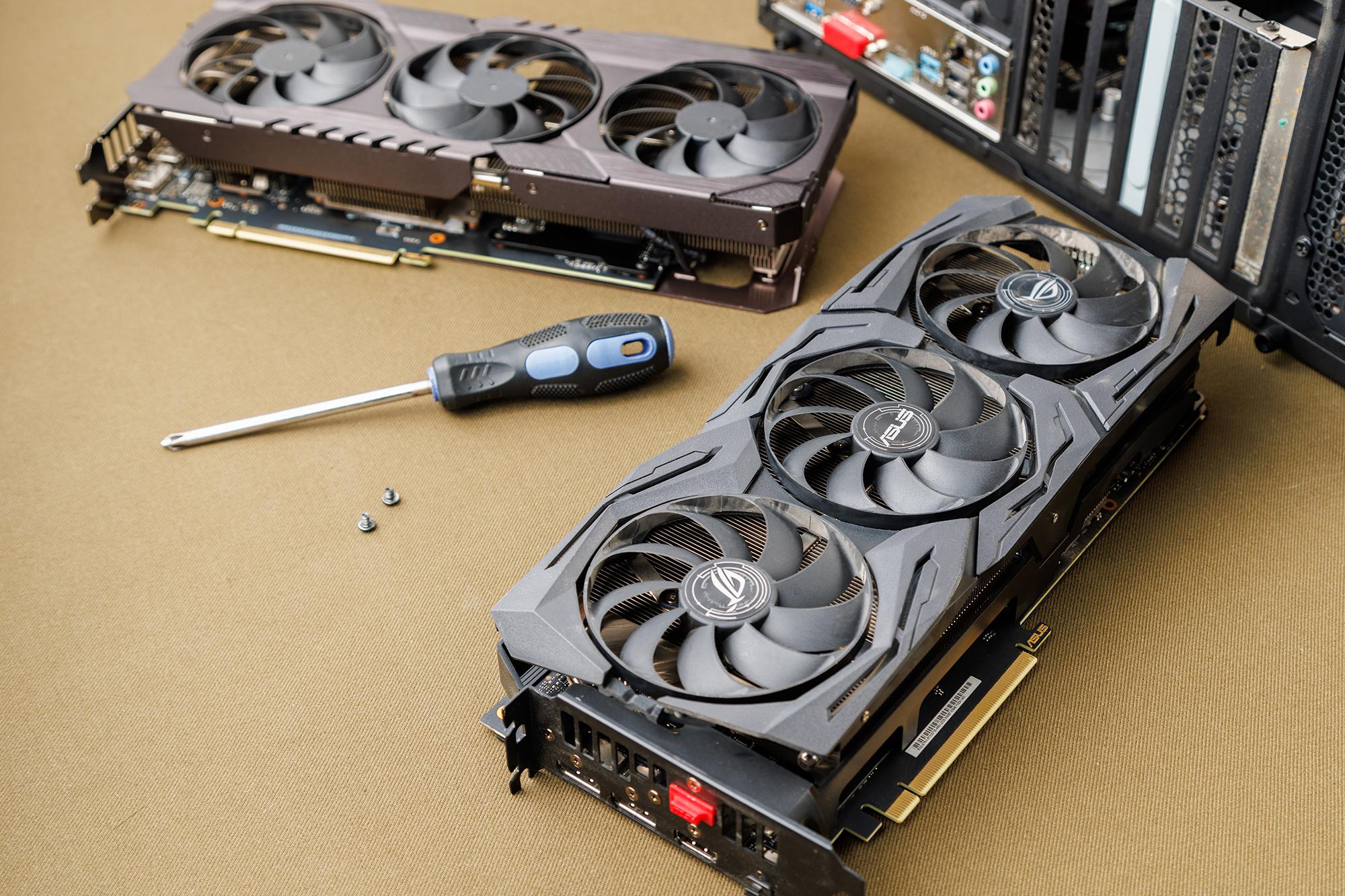
Upgrade your GPU
Your PC’s graphics card has the biggest impact on frame rates, visual quality, and ray tracing performance. Battlefield 6 is expected to support DLSS 4, FSR 4, and real-time ray tracing, which means that a modern GPU should be part of your loadout. We’d recommended the following:
NVIDIA GeForce RTX 50 Series (e.g. RTX 5070, RTX 5080): Best for future-proofing and full DLSS 4 support.
NVIDIA GeForce RTX 40 Series (e.g. 4070, 4080): Strong performance and great value.
AMD Radeon RX 7800 XT, RX 9060 XT, RX 9070 XT: Awesome alternatives with FSR 4 support.


Update your graphics drivers
Before launch day hits, make sure your graphics drivers are up to date too. Whether you're using an NVIDIA or AMD card, installing the latest drivers makes sure that your system is fully ready for Battlefield 6. They often include performance boosts, bug fixes, and support for new features.
Switch to an SSD
Battlefield 6 should benefit from fast storage, especially when it comes to loading big maps and assets. NVMe SSDs do the best job, so consider supercharging your setup with one.
Upgrade your CPU and motherboard
If your CPU’s bottlenecking your GPU, then getting a better one can improve performance all round. It’d not only make those large-scale multiplayer matches look even more epic, but also keep everything running nice and smooth. A new processor might give you a handy competitive edge too!
And why not treat yourself to a fancy, fresh motherboard while you’re at it? In fact, one of our bundles below will make it even easier (and quicker) to improve your rig — ensuring full compatibility, access to DDR5 RAM, and PCIe 5.0.


Check your PSU
If you’re upgrading your GPU or CPU, make sure your power supply can handle it. An underpowered or outdated PSU can lead to crashes, instability, or even hardware damage. So, aim for at least a 750W PSU with 80 Plus Gold certification to ensure reliable, efficient power delivery and peace of mind during those intense Battlefield 6 sessions.
Improve your cooling
Powerful gaming CPUs and GPUs can generate quite a lot of heat. That’s why we’d recommend liquid cooling, to maintain stable performance during marathon battles and prevent thermal throttling.


Close background apps
Before jumping into Battlefield 6 or any big game, it’d be a smart move to close any unnecessary background apps. Browsers or even music players can quietly eat up RAM and CPU power, which could lead to stutters or laggy gameplay.
Use ‘Game Mode’ in Windows
Turning on Game Mode is a quick win for smoother play. It tells your PC to prioritise gaming by minimising background tasks and focusing system resources where they matter most — your game! It’s built right into Windows, easy to enable, and can help Battlefield 6 run more consistently (especially if you’re playing on a mid-range system).
Adjust in-game settings
If your setup’s already struggling to keep up with modern titles — tweaking the in-game settings can improve things a little. Lowering shadows, post-processing, and ambient occlusion can boost your frame rate without drastically affecting how the game looks. It’s a great way to strike a balance between visuals and performance if you’re not using the latest and greatest hardware.
Or, buy a pre-built gaming PC!
Don’t want to mess with individual components and upgrades or create a system from scratch? A pre-built gaming PC is a hassle-free alternative that lets you plug in and play straight away. We stock a wide range of frontline gaming PCs that’ll run Battlefield 6 brilliantly.


Need more help?
Our top tips for upgrading your gaming PC in 2025 guide has loads more advice on sharpening up your rig. Or if your setup is struggling in the summer heat, our how to keep your gaming PC cool article will help you avoid a meltdown. Plus, stay tuned for Battlefield 6’s official multiplayer gameplay reveal event on 31 July!