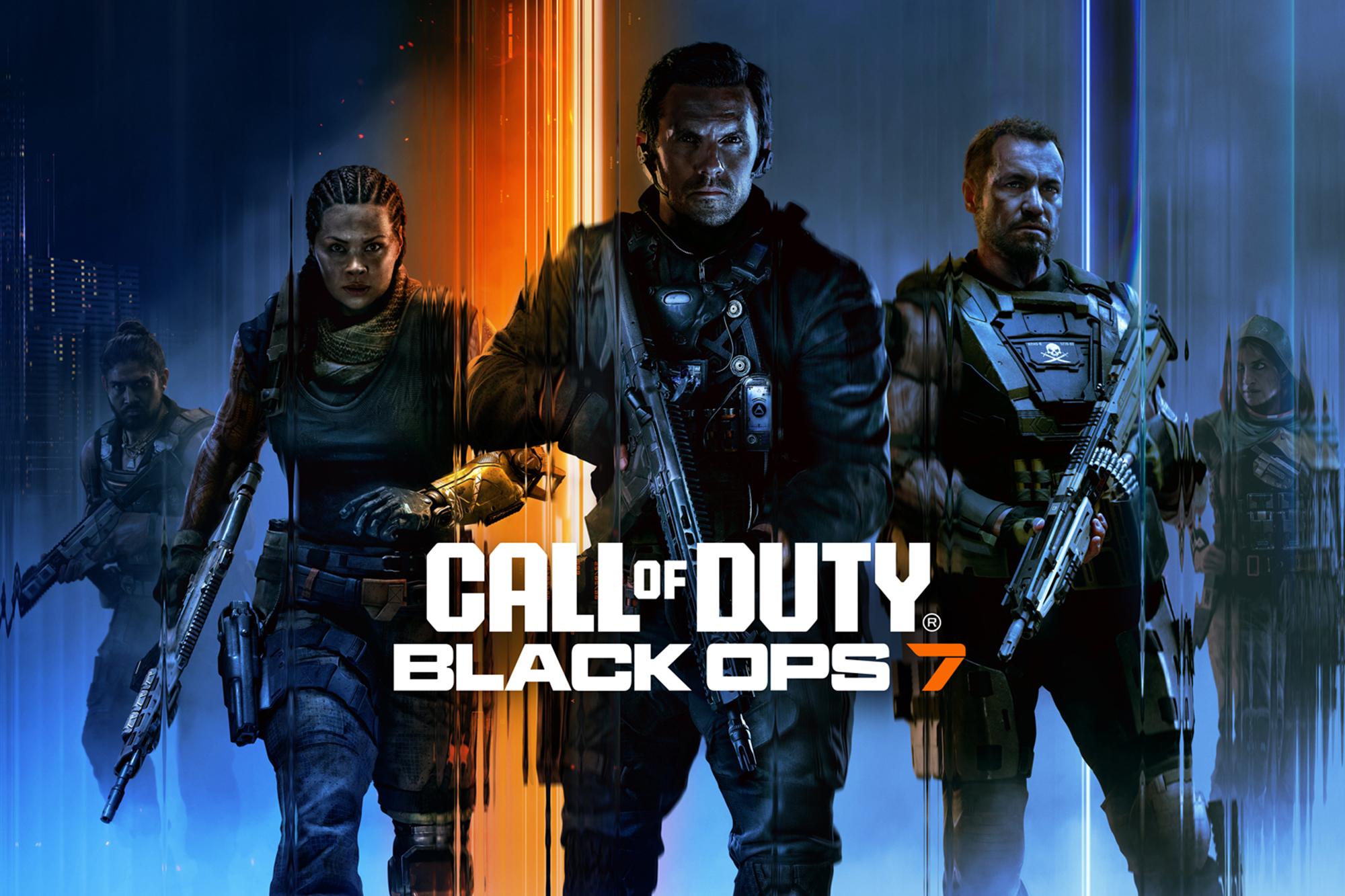
Call of Duty: Black Ops 7 is almost ready to deploy, and the fans are buzzing. Whether you’ve been there since the start – or are jumping into the franchise for the first time – the latest instalment is shaping up to be one of the biggest yet. And with the Black Ops 7 beta hitting consoles and PC, we’ve finally got a first look at the specs you’ll need to run it.
In this mini guide, we’ll run you through the system requirements for Black Ops 7, explain what they mean and help you figure out whether it’s time to upgrade. We’ll even highlight some top components to get your rig launch-day ready. Oh, and for you PS5 and Xbox players, don’t worry, we haven’t forgotten about you. We’ll still be selling the new Call of Duty game on console too!
Minimum system requirements
PC gaming isn’t like playing on a console. Every rig is different. And you need to make sure your setup is ready for those fast-paced, frantic firefights.
You can check out the official minimum specs down below. They’re only designed for basic gameplay at low settings though – so don’t expect ultra-smooth performance or the highest frame rates.
Operating system (OS) – Windows 10 64-bit
CPU – AMD Ryzen 5 1400 or Intel Core i5-6600
RAM – 8 GB
GPU – AMD RX 470, NVIDIA GTX 970 or Intel Arc A580
Video memory – 3 GB
Storage – SSD with 60 GB free
Security – TPM 2.0 & Secure Boot enabled
Important: TPM 2.0 & Secure Boot required
Just a heads up – to launch Call of Duty: Black Ops 7, your system must have TPM 2.0 and Secure Boot enabled. These are part of Windows 11’s security requirements and a lot of modern PC titles are starting to use them.
What does this mean?
TPM 2.0 is a hardware-based security feature found in a lot of newer motherboards. Whereas Secure Boot makes sure your PC boots only using trusted software.
If you’re running Windows 10 or 11 – and can’t launch the game – check your BIOS settings to switch on both. And if you’re still having trouble, learn how to enable TPM 2.0 and Secure Boot here.

Recommended system requirements
For smoother gameplay at the highest settings, here’s what Activision suggest for a rock-solid experience. You’ll get everything from 60 FPS to way better visuals…
Operating system (OS) – Windows 10/11 64-bit
CPU – AMD Ryzen 5 1600X or Intel Core i7-6700K
RAM – 12 GB
CPU – AMD RX 6600 XT, NVIDIA GeForce RTX 3060 or Intel Arc B580
Video memory – 8 GB
Storage – SSD with 60 GB free
Security – TPM 2.0 & Secure Boot enabled
Our recommended ultra specs for Black Ops 7
If you want to play the latest COD at its very best, here’s what our Currys gaming experts recommend. It’ll be genuinely game changing too, with 1440p/4K visuals, ray tracing and super high frame rates. And that’s essential for dominating the arena online…
Operating system (OS) – Windows 11 64-bit
CPU – Intel Core i7-14700K or AMD Ryzen 7 7800X3D
RAM – 16-32 GB DDR5
GPU – RTX 5070 or higher or RX 9070 XT
Storage – PCIe Gen 4 SSD (1 TB+)
Monitor – 1440p or 4K with 144Hz+ refresh rate
Security – TPM 2.0 & Secure Boot enabled
Important: Update your graphics drivers for the best performance
To get the best possible performance (and avoid any annoying graphical glitches) while you play, make sure your graphics drivers are up to date.
Activision recommend the following driver versions:
AMD – 25.5.1
NVIDIA – 580.97
Intel – 32.0.101.6790
You can update your drivers through your GPU’s control panel or by heading to the manufacturer's website. By keeping your drivers current, you’ll have smoother gameplay and fewer crashes.

How to upgrade your PC for Black Ops 7
Rig not up to scratch? If your current specs are falling short, it might be time for an upgrade. And that’s exactly where some new PC components come into play…
Best graphics cards for ultra settings
When it comes to the visuals, your graphics card is the real star player. Install a good one, and you can crank up the graphics settings to ultra. Or switch on ray tracing for extra realistic lighting and shadows. It’ll make each battleground seem incredibly realistic. And you won’t have to sacrifice performance either!
If you need a nudge in the right direction, these GPUs will give you stunning graphics and high frame rates. They’re all built for high-end gaming, so you won’t go wrong with either of them…
AMD Radeon RX 9070 XT (AMD’s flagship with FSR support)
Best SSDs for Black Ops 7
An SSD might not seem as exciting as a GPU, but it plays a massive role in how the game feels. Think about it like this – Black Ops 7 is a large, detailed title with lots of assets to load. That’s things like maps, textures and even the audio. A faster SSD helps to improve texture streaming, cut down on stuttering gameplay, and reduce annoying load times. Meaning you’ll spend more time actually playing, and less staring at a loading screen.
Here's a couple we’d fully recommend as part of your loadout:

Best CPUs for Black Ops 7
Your CPU handles everything from game logic and physics to AI and background processes. In Black Ops 7, a powerful processor will help your rig keep up with the action – especially in multiplayer matches where loads of stuff’s happening at once. With explosions going off, soldiers sprinting from cover and bullets flying, there’s going to be a lot of strain on your system.
Older CPUs can bottleneck performance, even if you’ve got a great GPU. That’s why grabbing a modern processor is key. Look out for CPUs with high core counts and fast clock speeds to avoid that pesky lag and keep your frame rates stable.


Best gaming monitors for Black Ops 7
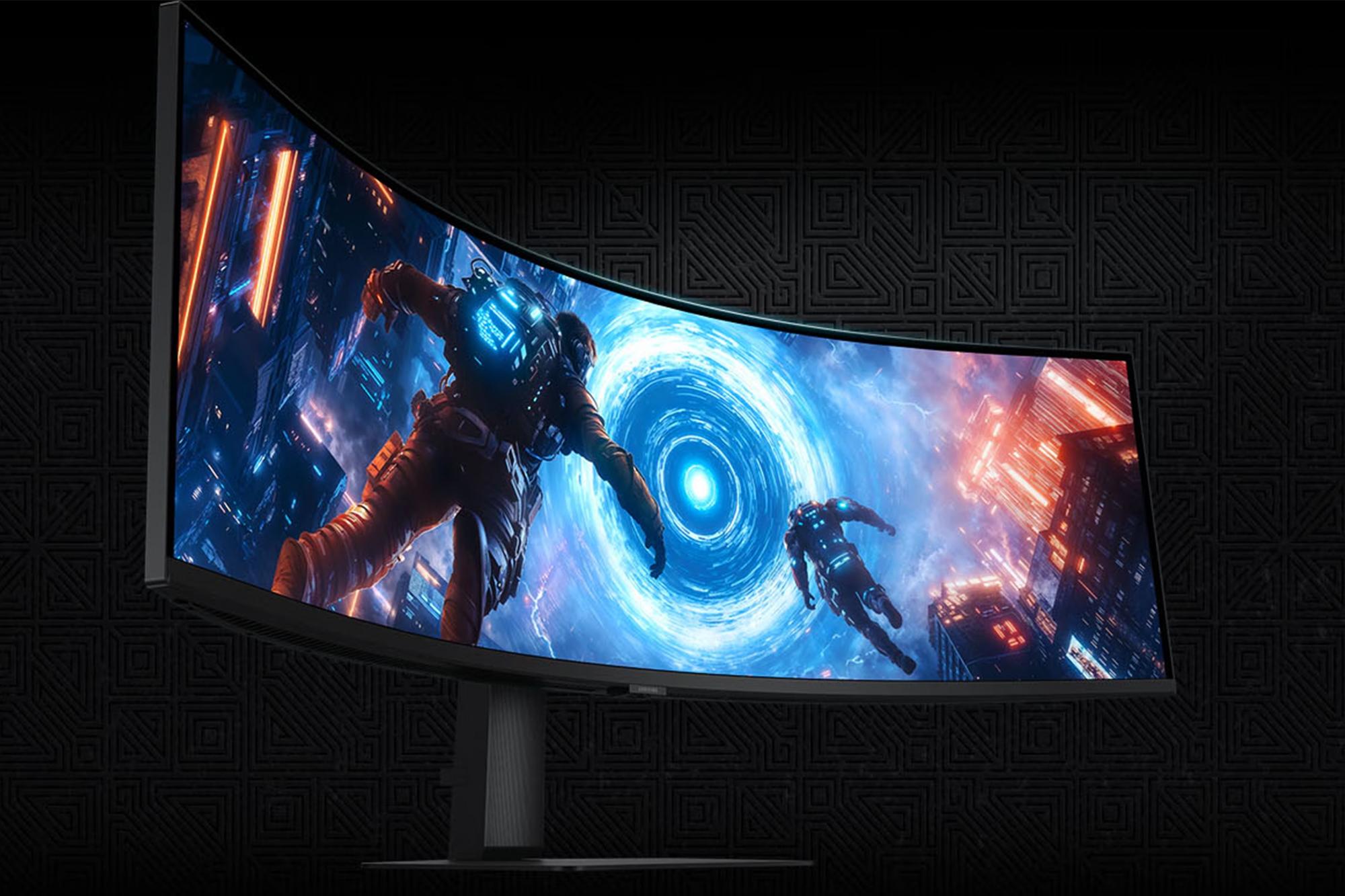
Don’t forget the gaming monitor. A great screen is going to make a big difference to your mission. High refresh rates (like 144Hz or 240Hz) mean much smoother motion and faster response times. And they’re both crucial for competitive play. Ghosting and blur get reduced, helping you spot enemies faster and react quicker.
If you’re playing at 1440p or 4K, you’ll want a monitor that can keep up with your GPU. So, we’d go for a model with adaptive sync (G-Sync or FreeSync) to eliminate any potential screen tearing.


Best prebuilt gaming PCs for Black Ops 7
If you don’t fancy tinkering around under the hood (or just want a full blown upgrade), get yourself a prebuilt gaming PC. These plug n’ play PCs work straight out of the box, letting you jump into the action with zero faff. Here’s a few of our faves right now…


Should you upgrade your PC for Call of Duty: Black Ops 7
In our opinion, upgrading is definitely worth it. Especially if you’re a serious gamer who always wants the highest quality experience. If you add the right components, you’ll have less stuttering and fewer crashes. Plus, every moment and mission becomes extra immersive.
And it’s not just about those big battles and hectic shootouts looking the part either. By upgrading your GPU, RAM, CPU, internal SSD or monitor, you can give yourself a competitive edge in multiplayer – which is where COD really shines. With clearer visuals and better responsiveness, you’ll be racking up those killstreaks in no time.
Need more advice?
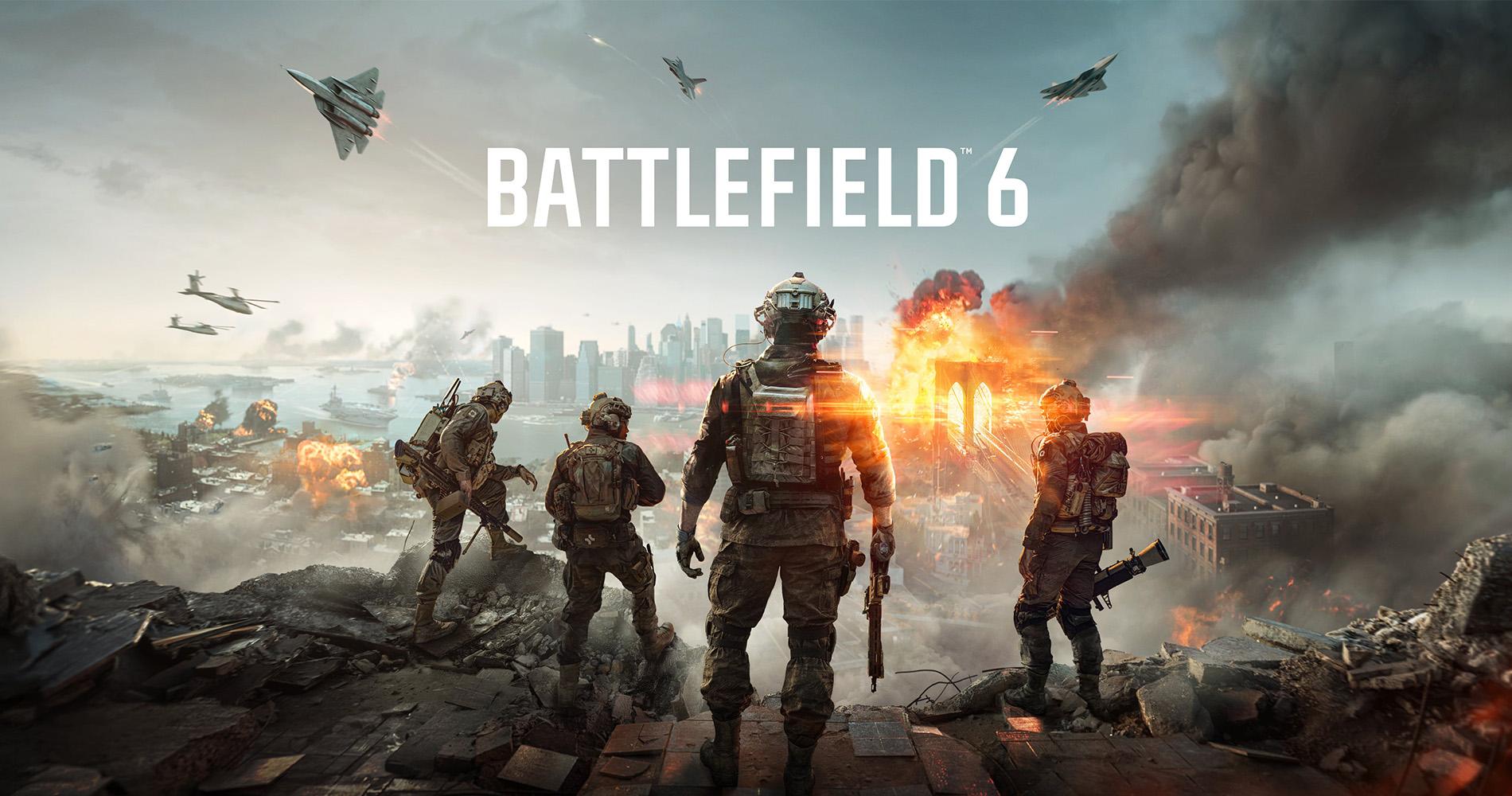
So, those are the Call of Duty: Black Ops 7 system requirements you’ll need. We aren’t just getting a new COD though. Battlefield is back too, bringing large scale warfare to your console or PC. Check out our article Battlefield 6 system requirements: can your PC run it? and see if your rig’s ready for war.
And 2025’s already been a great year for games. But there’s even more to come! For a full rundown, head to our upcoming games page for all the details on the latest launches.